- 目前版本2025
- 更新日期2025-04-24
- 作業系統macOS 10.15 Catalina or later
- 支援語系English
- 授權型式未分類
- 開發商 Vectorworks, Inc.
- 軟體分類Mac 軟體 / 影像設計
##
翻譯排程處理中,以下暫以英文原文呈現
軟體介紹
VectorWorks for Mac is currently the best selling CAD software on the Mac and an industry standard on Windows. With over 500,000 users in over 80 countries, it is one of the world's most popular CAD programs.
Engineered to meet the specific needs of smart-sized companies, VectorWorks for macOS has everything you need for precision 2D drafting, powerful 3D modeling and sophisticated client presentations.
Plus, it has built-in database and spreadsheet capabilities to track costs and materials, and flexible scripting language to automate routine drafting tasks.
Vectorworks Designer
Whether your specialty is architecture, landscape, or entertainment design, the software enables you to draft, model, and present in a single, intuitive interface.
Enhance your workflow and follow your inspiration. Explore your ideas, and discover new ways to simplify your process with the app Designer – the ultimate solution for the design professional who needs it all.
Vectorworks Architect
Designers choose the tool Architect software because it provides a solution that supports the creative process instead of replacing it. From 2D and 3D to BIM and beyond, the app Architect delivers a robust suite of capabilities that will enhance your workflows from concept to construction and improve your design process.
Vectorworks Landmark
Vectorworks® Landmark software gives landscape architects, designers, and urban planners a platform to design in their own way. Landmark offers creative solutions to streamline everyday tasks with industry-leading tools that enhance your workflow.
The software’s built-in objects, site information modeling capabilities, powerful databases, innovative irrigation tools, effective project sharing, and flexible documentation features will empower you to transform the built environment like never before.
Vectorworks Spotlight
Vectorworks® Spotlight is the industry-leading design software for the entertainment business. It works like you think, facilitating improvisation and creativity so you can transform your designs into award-winning productions.
Whether you work in lighting, scenic, event, TV, film, rigging, or exhibit design, Spotlight software balances your process with the need for coordinated, accurate information so you can create unmatched experiences.
Vectorworks Fundamentals
Vectorworks® Fundamentals software gives you the freedom to design in your own way. With a streamlined set of tools, you can capture and develop your ideas all in one place.
Intuitive, 2D/3D modeling capabilities, combined with best-in-industry, integrated rendering tools, will transform your design process and help you produce beautiful drawings and high-quality, professional documentation with ease. Explore what you can do with Vector works Fundamentals.
How to Use
macOS 12.0 or later
Apple Silicon or Intel Core i5 or better
16 GB RAM minimum (32 GB recommended)
4 GB VRAM GPU (Apple Metal support)
20 GB available storage
Display resolution: 1920x1080 or higher
PROS
Also Available: Download Vectorworks for Windows
Download VectorWorks for Mac Latest Version Why is this app published on FileHorse? (More info)
Engineered to meet the specific needs of smart-sized companies, VectorWorks for macOS has everything you need for precision 2D drafting, powerful 3D modeling and sophisticated client presentations.
Plus, it has built-in database and spreadsheet capabilities to track costs and materials, and flexible scripting language to automate routine drafting tasks.
Vectorworks Designer
Whether your specialty is architecture, landscape, or entertainment design, the software enables you to draft, model, and present in a single, intuitive interface.
Enhance your workflow and follow your inspiration. Explore your ideas, and discover new ways to simplify your process with the app Designer – the ultimate solution for the design professional who needs it all.
Vectorworks Architect
Designers choose the tool Architect software because it provides a solution that supports the creative process instead of replacing it. From 2D and 3D to BIM and beyond, the app Architect delivers a robust suite of capabilities that will enhance your workflows from concept to construction and improve your design process.
Vectorworks Landmark
Vectorworks® Landmark software gives landscape architects, designers, and urban planners a platform to design in their own way. Landmark offers creative solutions to streamline everyday tasks with industry-leading tools that enhance your workflow.
The software’s built-in objects, site information modeling capabilities, powerful databases, innovative irrigation tools, effective project sharing, and flexible documentation features will empower you to transform the built environment like never before.
Vectorworks Spotlight
Vectorworks® Spotlight is the industry-leading design software for the entertainment business. It works like you think, facilitating improvisation and creativity so you can transform your designs into award-winning productions.
Whether you work in lighting, scenic, event, TV, film, rigging, or exhibit design, Spotlight software balances your process with the need for coordinated, accurate information so you can create unmatched experiences.
Vectorworks Fundamentals
Vectorworks® Fundamentals software gives you the freedom to design in your own way. With a streamlined set of tools, you can capture and develop your ideas all in one place.
Intuitive, 2D/3D modeling capabilities, combined with best-in-industry, integrated rendering tools, will transform your design process and help you produce beautiful drawings and high-quality, professional documentation with ease. Explore what you can do with Vector works Fundamentals.
How to Use
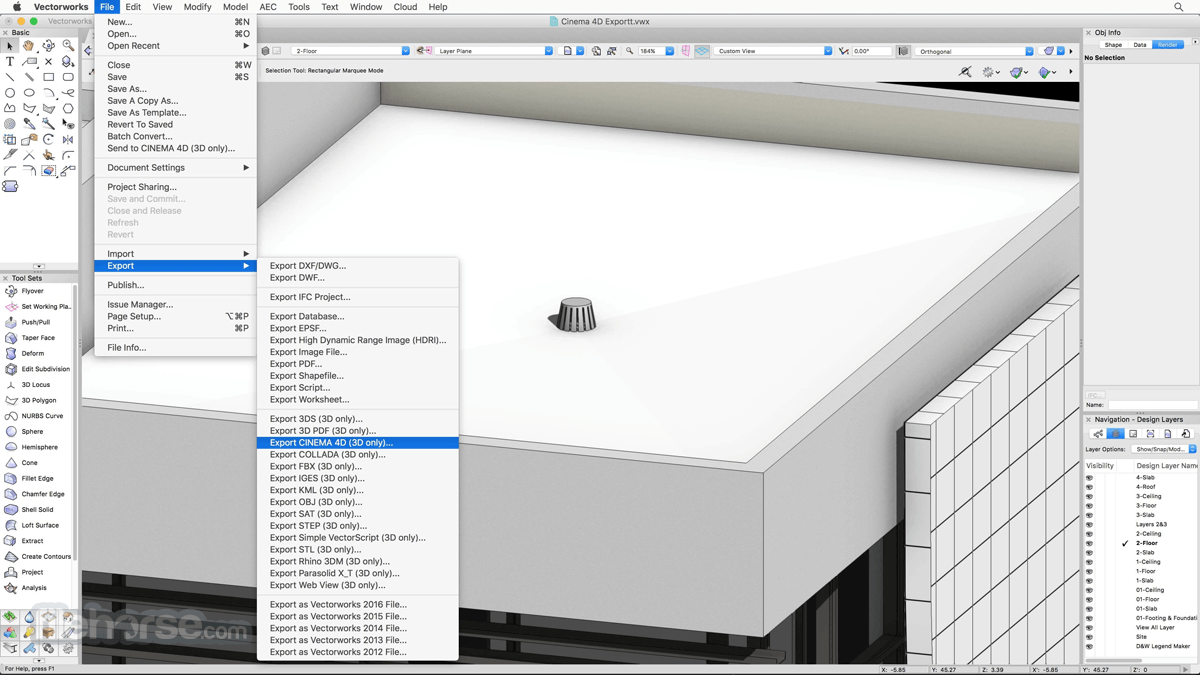
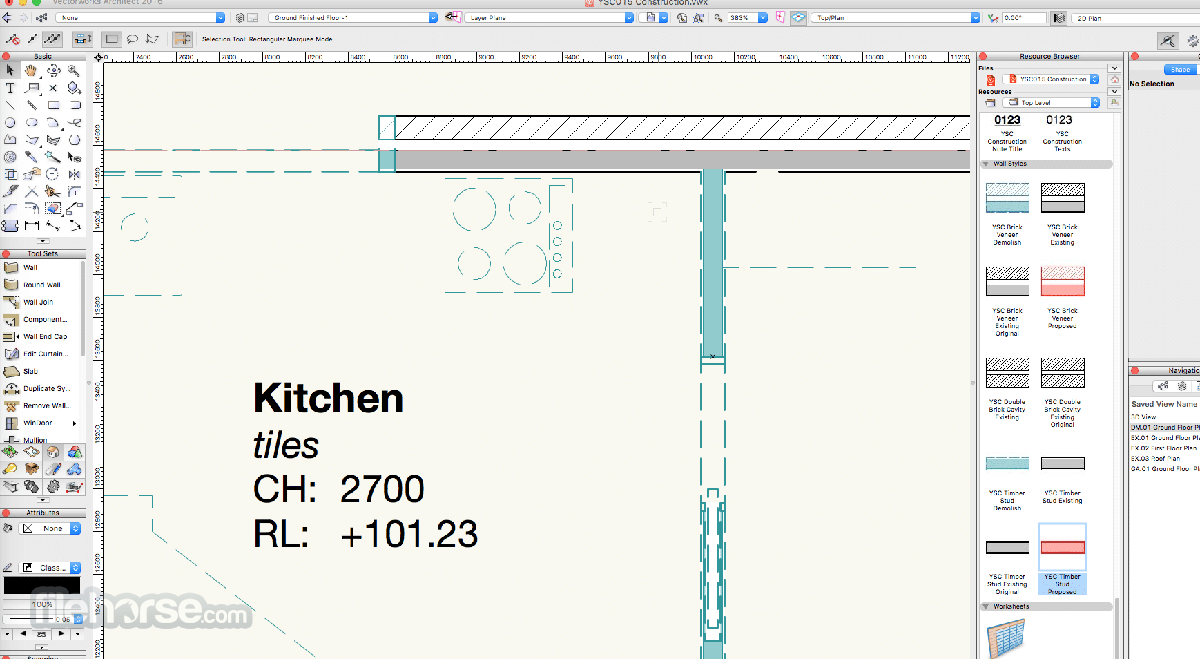
- Launch and choose a workspace (e.g., Architect, Landmark)
- Create a new file or open an existing project
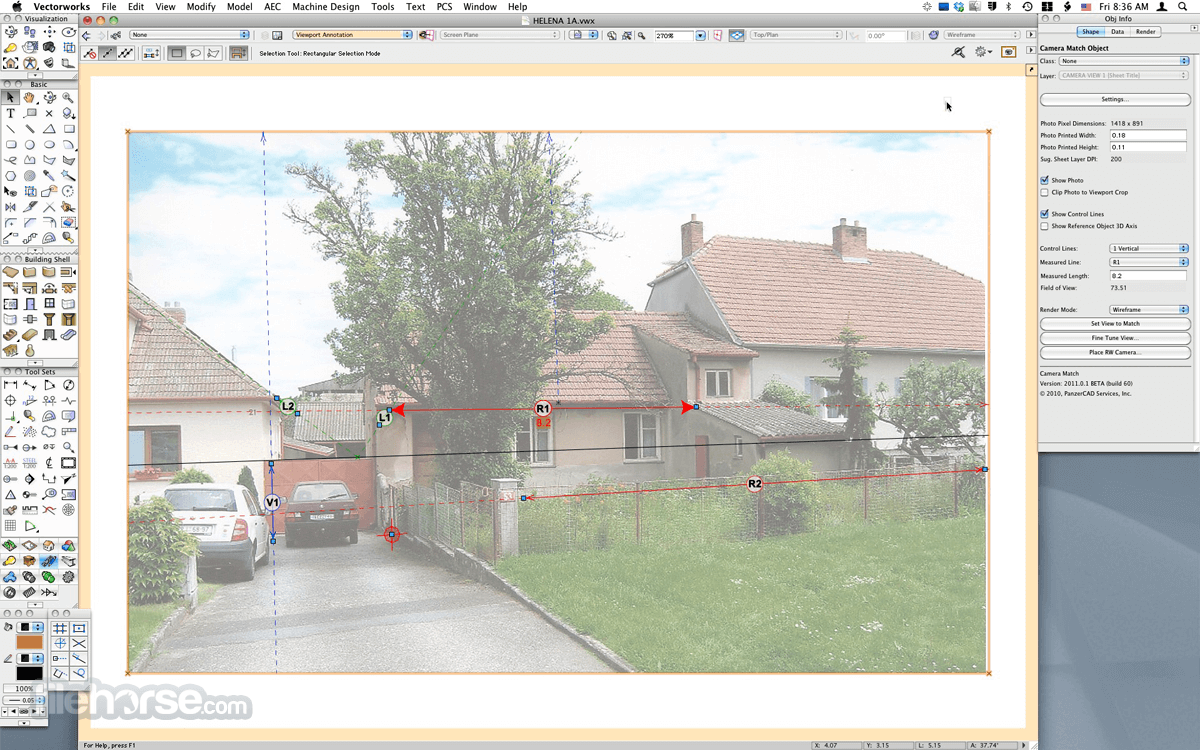
- Use the toolbar to draw, model, and annotate
- Apply layers and classes to organize your design
- Import external files like DWG, DXF, or PDFs
- Use the Resource Manager to access libraries
- Render scenes with Renderworks or OpenGL
- Collaborate using Project Sharing tools
- Export in formats like PDF, IFC, or 3D models
macOS 12.0 or later
Apple Silicon or Intel Core i5 or better
16 GB RAM minimum (32 GB recommended)
4 GB VRAM GPU (Apple Metal support)
20 GB available storage
Display resolution: 1920x1080 or higher
PROS
- Advanced 2D and 3D design tools
- BIM and CAD integration in one
- Extensive file format support
- Customizable user interface
- Robust rendering with Renderworks
- High hardware resource demands
- Expensive subscription pricing
- Occasional performance slowdowns
- Limited third-party plugin support
Also Available: Download Vectorworks for Windows
Download VectorWorks for Mac Latest Version Why is this app published on FileHorse? (More info)
##
影片介紹
##
畫面截圖