⚠ 這是歷史版本頁面 — 查看 WinZip Mac Edition 最新版本 →

- 目前版本6.2
- 更新日期2018-05-05
- 檔案大小17.99 MB
- 檔案名稱winzipmacedition62.dmg
- 作業系統macOS 10.15 Catalina or later
- 支援語系English
- 授權型式商業試用
- 開發商 WinZip Computing
- 軟體分類Mac 軟體 / 備份還原
##
編輯短評
WinZip Mac Edition 是壓縮工具老牌 WinZip 在 macOS 上的版本,除了基本的壓縮與解壓縮,還把檔案管理功能整合進來,讓你可以直接瀏覽本機、網路與雲端資料夾,並進行複製、移動、重新命名等操作。最有辨識度的特色是它把壓縮、加密、PDF 轉換與浮水印等功能集中在同一個介面,拖放檔案後就能快速選擇處理方式,再透過雲端、郵件或社群分享。這套軟體在備份還原分類中屬於熱門選擇,評價普遍不錯,目前仍持續維護,但更新頻率不算高。
如果你經常需要把檔案壓縮後加密寄送,或希望在同一個工具裡完成檔案整理與分享,這套會比單純的壓縮軟體更方便。與 RAR 或 Disk Drill 相比,WinZip Mac Edition 的優勢在於整合度較高,但代價是它採用試用版授權,且介面僅提供英文,沒有中文版。另外,它支援觸控操作,在 Mac 上使用時可以留意是否習慣它的檔案管理流程,若只是偶爾需要解壓縮,免費的替代工具可能更輕量。
##
翻譯排程處理中,以下暫以英文原文呈現
軟體介紹
Manage, protect, and share your files in an all-new modern interface with WinZip for Mac Edition.
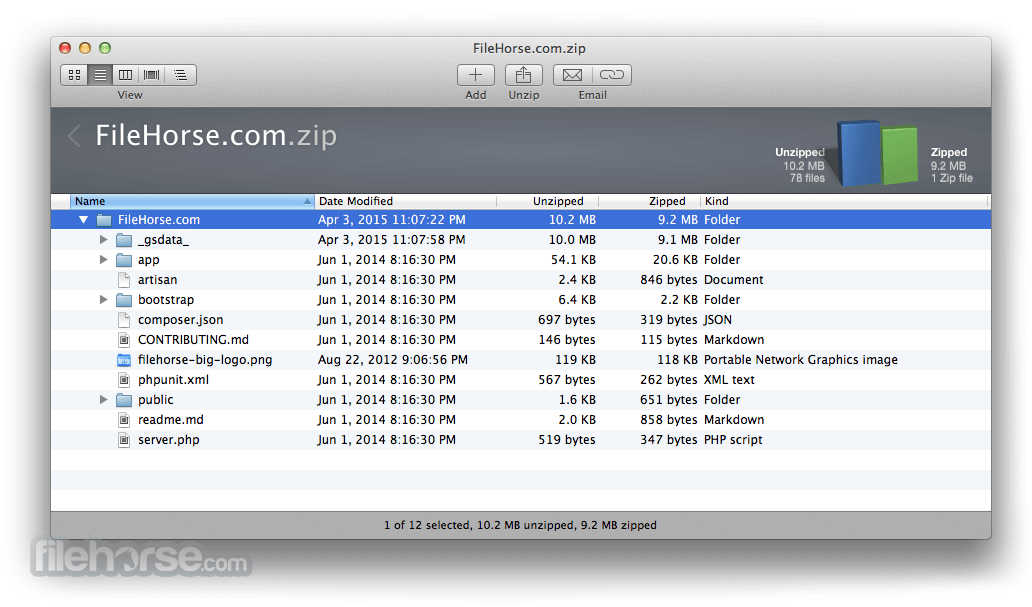
With rich new file management features, including browsing, copying, moving, renaming, and deleting, and trusted compression, encryption, and sharing, the tool offers a whole new way to work with your files. Quickly browse local, network, and cloud files.
Download, Install, or Update WinZip for Mac!
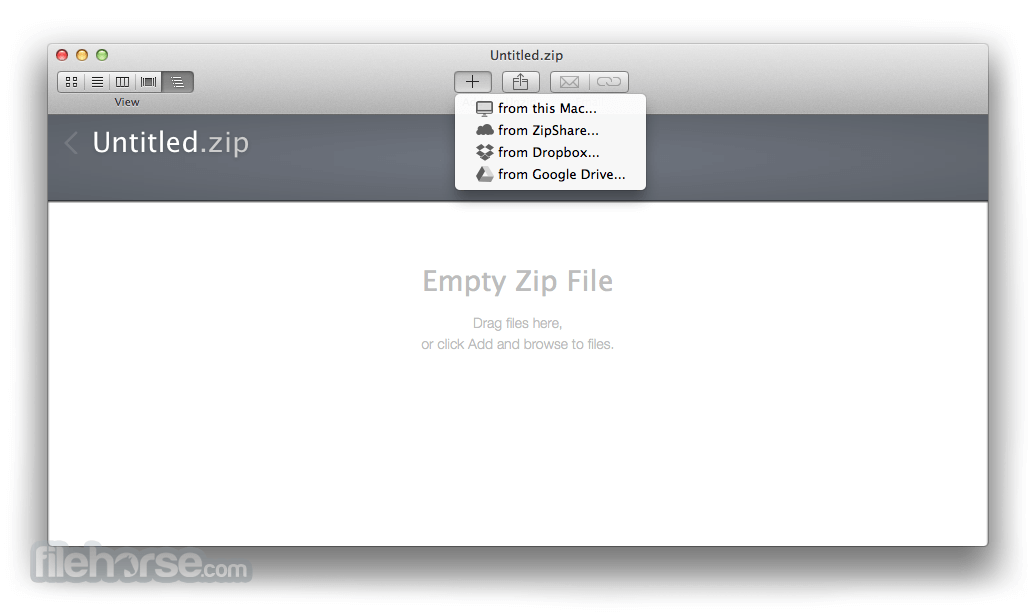
Drag and drop to add files to your zip. Easily choose options for encryption, PDF conversion, and watermarking. Then save or share via cloud services, email, instant messaging, and social media.
New touch screen support puts the power of WinZip at your fingertips on almost any screen or device. It's everything you want to do with your files - and it is all in WinZip for macOS.
Features and Highlights
Unzip all major formats
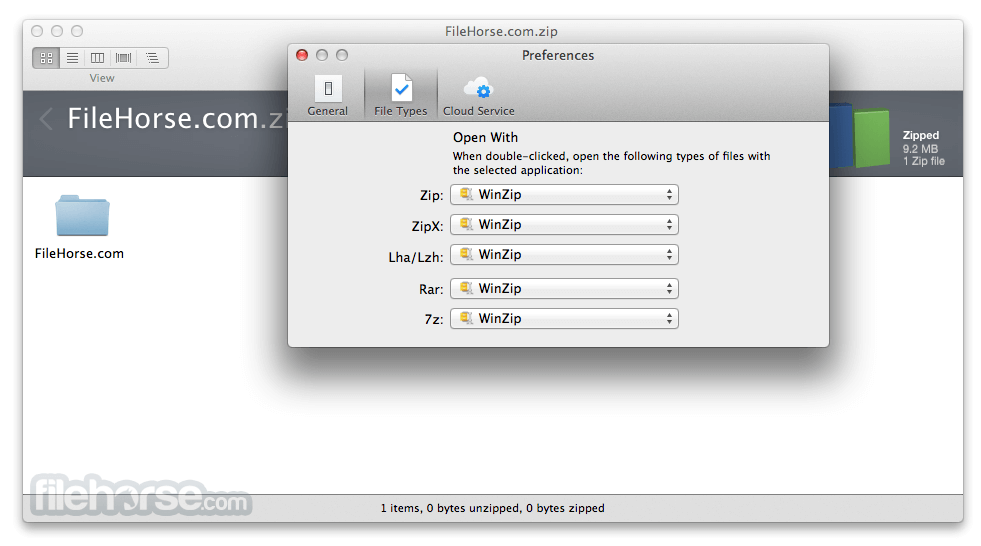
With just a click, open all major compression file types, including Zip, Zipx, RAR, 7Z, TAR, GZIP, VHD, XZ, and more.
Rich file management
Do more with your files, without leaving the tool, thanks to new file management features, including Copy to, Move to, Rename, and Delete.
Protect your privacy
Easily encrypt files as you zip to keep information and data secure. Add watermarks to deter unauthorized copying.
Simplify sharing
Share large files directly by email, cloud services, social media, and instant messaging services, manage your online files more easily, and quickly share links to your cloud files.
WinZip for Mac: Faster, Smarter File Compression
Pricing
WinZip Mac Standard Suite - €34.95 /year
Everything in Standard Suite, plus:
Also Available: Download WinZip for Windows
Download WinZip for Mac Latest Version Why is this app published on FileHorse? (More info)
With rich new file management features, including browsing, copying, moving, renaming, and deleting, and trusted compression, encryption, and sharing, the tool offers a whole new way to work with your files. Quickly browse local, network, and cloud files.
Download, Install, or Update WinZip for Mac!
Drag and drop to add files to your zip. Easily choose options for encryption, PDF conversion, and watermarking. Then save or share via cloud services, email, instant messaging, and social media.
New touch screen support puts the power of WinZip at your fingertips on almost any screen or device. It's everything you want to do with your files - and it is all in WinZip for macOS.
Features and Highlights
Unzip all major formats
With just a click, open all major compression file types, including Zip, Zipx, RAR, 7Z, TAR, GZIP, VHD, XZ, and more.
Rich file management
Do more with your files, without leaving the tool, thanks to new file management features, including Copy to, Move to, Rename, and Delete.
Protect your privacy
Easily encrypt files as you zip to keep information and data secure. Add watermarks to deter unauthorized copying.
Simplify sharing
Share large files directly by email, cloud services, social media, and instant messaging services, manage your online files more easily, and quickly share links to your cloud files.
WinZip for Mac: Faster, Smarter File Compression
- Enhanced Compression with ZSTD - Compress and decompress files faster.
- Optimized for macOS 10.15 - Reliable support for seamless operation.
- Dark Mode Support - Customize your WinZip experience for comfort.
- Improved File Add Methods - Boost workflow efficiency.
- Automated Backups (Pro Only) - Set up with just a few clicks.
- Easy Deployment for Business - Simplified roll-out and management.
- One-Click Unzipping - Extract files instantly with a single click.
- Enhanced File Security - Require a password to modify encrypted files.
- Quick Zip Replacement - Unzip, delete, and replace files effortlessly.
- Image Conversion Inside Zips - Modify images without unzipping.
- Streamlined File Management - Access, rename, and delete files directly.
- Recently Used Files at a Glance - Quick access to frequently used Zips.
- Smaller Files for Faster Sharing - Overcome email size limits easily.
- Supports Multiple Formats - Open and create Zip, Zipx, and more.
- Burn to Disc Feature - Backup projects to CDs/DVDs efficiently.
- Quick Look Integration - Preview Zip contents before extraction.
- On-the-Fly Encryption & Resizing - Modify files without extra steps.
Pricing
WinZip Mac Standard Suite - €34.95 /year
- Mac clipboard support, simply copy and paste files from your Mac to a Zip or Zipx file
- Instantly convert compression formats LZH, LHA, RAR, 7Z, TAR, Z, GZ, TAZ, TGZ, BZ, XZ, or Z file into a Zip or ZipX file
- Expanded efficiency with duplicate file detection. WinZip Mac detects and zips duplicate files using an internal link to save you space
- Full visibility of compression statistics
- Resize your WinZip file manager
- Review PDF files before unzipping them, and select which file to extract before extracting it
- Military grade encryption. Ensure safe storage with default AES-256 encryption of your most important files
- Experience better compression with the ZSTD method. Compress and decompress files faster
- WinZip is now updated to operate on Mac OS 10.15. You can count on our support team to solve issues quickly, so you can get back to projects faster
- Boost your workflow with additional file add methods
- Easy roll-outs of WinZip for Business users
- One-click Unzip - The zip file gets automatically unzipped to the folder where the zip file is located
- Protect encrypted files by requiring a password to modify the zip file
- Replace Zip files with Zip content: Unzip and then delete a file
- Mac Touch Bar is now supported. WinZip feature icons will now appear on the MacBook Touch bar when appropriate to simplify access to WinZip features
- Update WinZip Mac to support the latest changes to Dropbox
- Recently used Zip files stored in the cloud are not included in the Most Recently Used Zip file list
- New Zip files named Untitled.zip are now only placed in the most recently used Zip files list after the Zip file is saved
- Tool Tip text is now available for the WinZip toolbar buttons
- When checking for updates to WinZip Mac, the MAC operating system version is now included to ensure the offered update works with the users' currently installed OS
- Improved the display of the Zip file when using Quick Look
- Using a single click on the arrow next to the folder name now displays the path for the expanded folder
- A new progress meter displays when renaming a file that is contained in a large Zip file
- WinZip will prompt to save changes to modified cloud-based Zip files
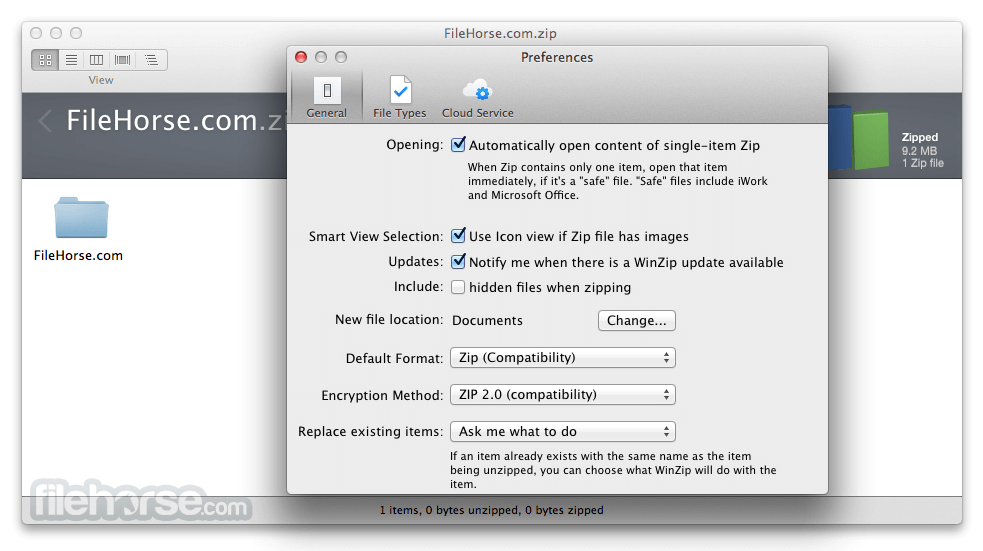
- Added retina-compatible support for the Preferences tab
Everything in Standard Suite, plus:
- Secure email sharing with WinZip SafeShare
- Watermark PDFs when adding to a Zip or Zipx file, providing an extra layer of security to your documents without complicated tasks
- WinZip Mac backs up only the files that have changed, resulting in a faster backup
- Automate Backup Tasks with a few simple clicks
- Support for OneDrive and OneDrive for Business
- A Zip file diagnostics feature is now available per requests from users who wanted a feature in the Mac version, like the Windows version provides
- Install from the Zip pane. An install option is now offered on the context menu when an ".app", ".pkg", or ".dmg" file contained in a zip file is selected
- From the WinZip Mac file pane, clicking on a file stored in the cloud now offers an option to get a link to the file from the cloud service and share/save the file link via email, social media, instant messages, notes, reminders, and more
- Images can now be watermarked for added security
- Convert images from one format to another. Makes it convenient to share images with others by converting the image to a format the recipient can view
- Zip filters: Control what types of files get added when adding files and folders to a zip file
- OS: Mac OS X 10.10 or higher
- CPU: Intel 64-bit processor
- RAM: 2 GB minimum memory
- Storage: Minimum disk space: 54 MB
- Supports Apple M1 processor
- Supports Apple Retina Displays
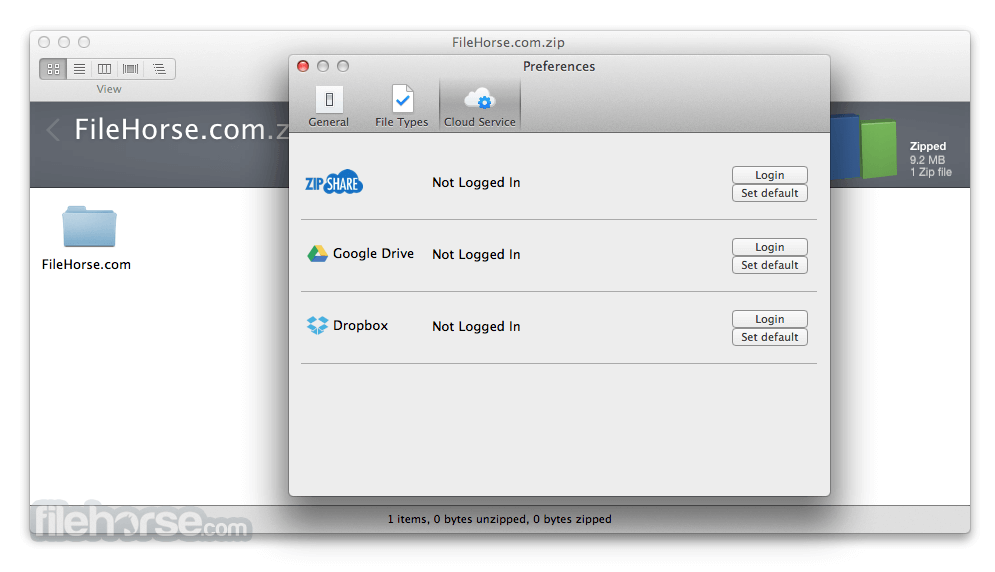
- Supports cloud services: iCloud Drive, ZipShare, Google Drive, Dropbox, OneDrive, OneDrive for Business
- Easy File Compression
- Strong Encryption Security
- Cloud Storage Integration
- Fast File Extraction
- User-Friendly Interface
- Limited Free Version
- No RAR Compression Support
- Subscription-Based Pricing
- Occasional Performance Lag
- Lacks Native macOS Look
Also Available: Download WinZip for Windows
Download WinZip for Mac Latest Version Why is this app published on FileHorse? (More info)
##
畫面截圖
- 2025-11-01 WinZip Mac Edition 12.0 34.89 MB
- 2023-11-08 WinZip Mac Edition 11.0 33.7 MB
- 2022-07-20 WinZip Mac Edition 10.0 34.24 MB
- 2021-06-16 WinZip Mac Edition 9.0 23.34 MB
- 2020-06-10 WinZip Mac Edition 8.0 20 MB
- 2019-10-23 WinZip Mac Edition 7.0 19.17 MB
- 2018-07-15 WinZip Mac Edition 6.5 18.93 MB
- 2018-05-05 WinZip Mac Edition 6.2 17.99 MB