⚠ 這是歷史版本頁面 — 查看 MathType 最新版本 →

- 目前版本7.7.0
- 更新日期2023-08-25
- 檔案大小42.1 MB
- 檔案名稱MathType-win-en-7.7.0.237.exe
- 作業系統Windows 10 / Windows 11
- 支援語系English
- 授權型式商業試用
- 開發商 WIRIS
- 軟體分類Windows 軟體 / 辦公商務
##
編輯短評
MathType 是長年專注在數學排版領域的方程式編輯器,主要解決在 Word、Google Docs 等文書軟體中輸入複雜數學符號與公式的痛點。它同時支援鍵盤輸入與手寫辨識,讓使用者不必費心記憶繁瑣的 LaTeX 語法,就能在報告、論文或簡報中插入品質一致的數學式。這套工具由 WIRIS 開發,近年仍維持穩定的更新節奏,在同類工具中屬於主流選擇,雖然不是最熱門的免費方案,但評價普遍不錯,累積了不少忠實使用者。
如果你經常需要撰寫理工科作業、學術論文、試卷或技術文件,MathType 會比 Word 內建的公式編輯器更順手,功能也更完整。它與 Microsoft Word 的整合歷史悠久,新版也順勢接上了 Google Docs 的線上流程,方便在不同平台間切換。不過要注意的是,它提供的是試用版,且介面目前只有英文,沒有中文版;若你只需要偶爾插入簡單公式,免費的替代工具或許就夠用,但若追求排版品質與輸入效率,MathType 仍是值得考慮的付費選項。
##
翻譯排程處理中,以下暫以英文原文呈現
軟體介紹
Use MathType for a unified quality experience with all your digital solutions... word processors, presentation software, LMS platforms, assessment tools, and more!
Type and handwrite mathematical notation with MathType. Easily include quality math equations in your documents and digital content. The popular equation editor for Microsoft Word has been updated. The new online version of Math Type is also seamlessly integrated into Google Docs.
When you’re ready to sit down and write a scientific or technical paper, a test, a slide presentation, or where ever you want to include math notation, you’re empowered with MathType.
Open the program on your computer or device and you have everything at your fingertips to do your work fast, easy and efficient. With Math Type you can: Point-and-click, handwrite, use keyboard shortcuts, insert equation numbers, use color, choose fonts, control spacing...
You can now have quality everywhere. Choose the classic look or the LaTeX look. Control spaces in your expressions down to the pixel. Mathematical notation is rich and changes among different cultures; It supports mathematical notation for different education levels and cultures. Accessibility is a must for any quality solution.
It helps readers access scientific content, and it helps authors create accessible scientific content.
Students can hand write equations on a tablet or mobile device and the program will immediately recognize and change them into perfectly-formatted equations.
Students and teachers can now easily interact in LMS forum discussions (such as Canvas, Moodle, or Schoology, for instance), without the distraction of typing code or using clunky math tools.
ChemType is a flavor designed to help you work with chemical notation. You’ll find a specific toolbar with the common chemical symbols and a user experience adapted to chemistry authors.
Math Type SDK allows you to integrated professional quality math typesetting in your web, desktop, and mobile applications. Handwriting recognition SDK makes a real difference for your mobile app.
Features and Highlights
Individual License: MathType for Office Tools available for $63.95 per user/year. Academics get a 20% discount.
Educational Institutions: Special pricing for schools and universities.
MathType for Office Tools: $1.09 per student/year (minimum purchase required).
MathType for LMS: $1.09 per student/year (minimum purchase required).
WirisQuizzes: Custom quotes available for digital STEM learning tools.
System Requirements
Also Available: Download MathType for Mac
Download MathType Latest Version Why is this app published on FileHorse? (More info)
Type and handwrite mathematical notation with MathType. Easily include quality math equations in your documents and digital content. The popular equation editor for Microsoft Word has been updated. The new online version of Math Type is also seamlessly integrated into Google Docs.
When you’re ready to sit down and write a scientific or technical paper, a test, a slide presentation, or where ever you want to include math notation, you’re empowered with MathType.
Open the program on your computer or device and you have everything at your fingertips to do your work fast, easy and efficient. With Math Type you can: Point-and-click, handwrite, use keyboard shortcuts, insert equation numbers, use color, choose fonts, control spacing...
You can now have quality everywhere. Choose the classic look or the LaTeX look. Control spaces in your expressions down to the pixel. Mathematical notation is rich and changes among different cultures; It supports mathematical notation for different education levels and cultures. Accessibility is a must for any quality solution.
It helps readers access scientific content, and it helps authors create accessible scientific content.
Students can hand write equations on a tablet or mobile device and the program will immediately recognize and change them into perfectly-formatted equations.
Students and teachers can now easily interact in LMS forum discussions (such as Canvas, Moodle, or Schoology, for instance), without the distraction of typing code or using clunky math tools.
ChemType is a flavor designed to help you work with chemical notation. You’ll find a specific toolbar with the common chemical symbols and a user experience adapted to chemistry authors.
Math Type SDK allows you to integrated professional quality math typesetting in your web, desktop, and mobile applications. Handwriting recognition SDK makes a real difference for your mobile app.
Features and Highlights
- Automatic formatting
- A comprehensive collection of symbols & templates
- Color
- Precise formatting ruler
- International character & keyboard support
- Insert Symbol dialog
- Add/delete rows & columns to a matrix
- Reset Size command
- Alignment options for parentheses, brackets, etc.
- Equation viewing features, Equation writer
- New spacing dimensions
- Powerful tools for PowerPoint & Microsoft Word
- Batch equation export (EPS, GIF, WMF, PICT) from Word
- Customizable equation toolbar
- Customizable keyboard shortcuts
- Customizable function recognition
- Drag & drop equation editing
- Unlimited undo & redo
- Batch equation export (EPS, GIF, WMF, PICT) from Word
- MathPage: From Word to the Web
- Built-in translators for TeX, LaTeX & MathML
- Automatic file numbering
- Color
- Extensive Unicode-based character database
- Install the software by running the setup file
- Launch MathType from your desktop or start menu
- Choose your preferred language and interface settings
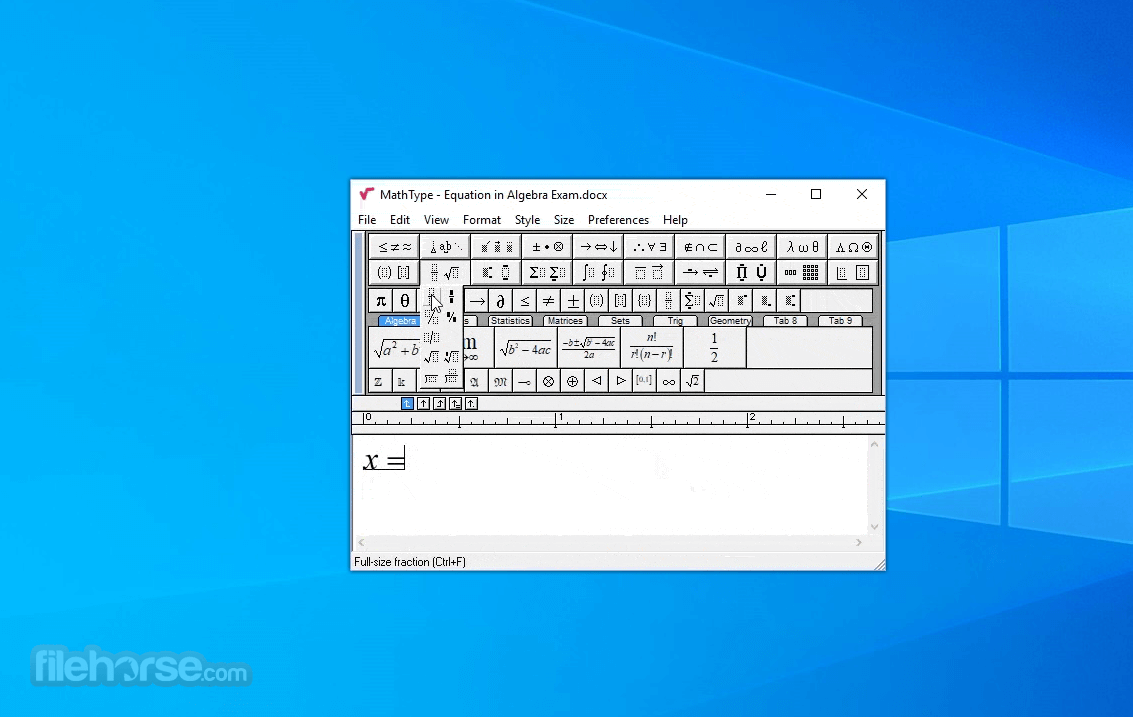
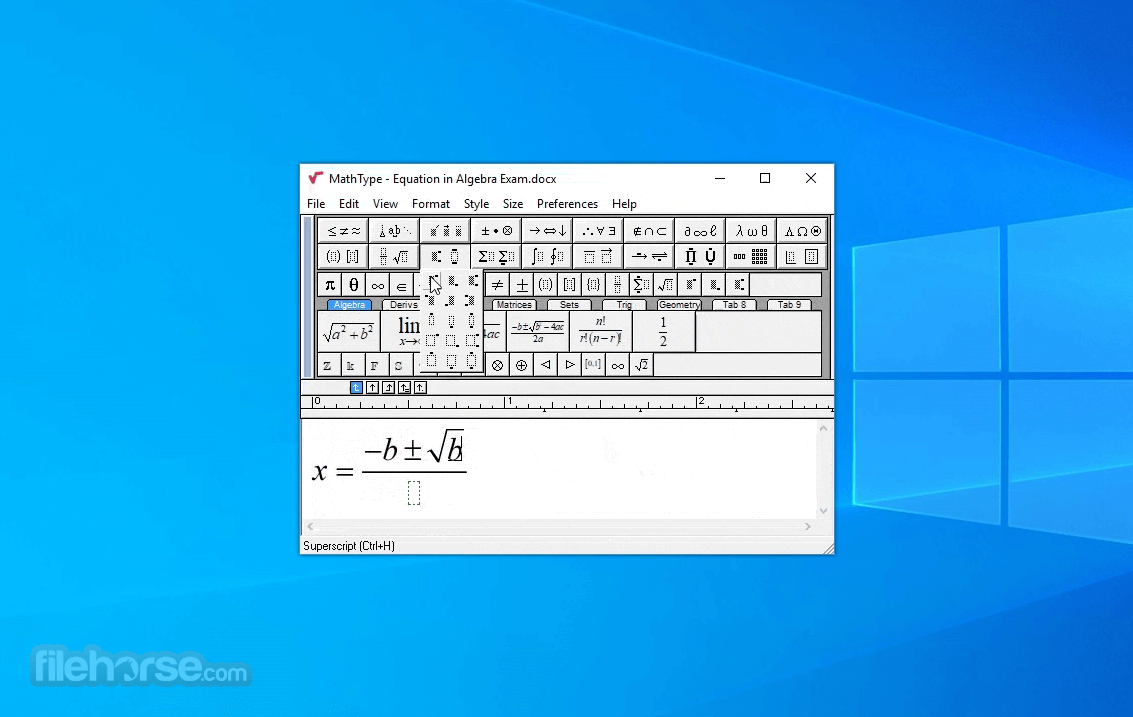
- Use the toolbar to insert mathematical symbols
- Type equations using the keyboard or point-and-click
- Copy equations into Word, PowerPoint, or other apps
- Save equations in MathType format or export as images
- Customize shortcuts and preferences for quicker access
- Use MathType with compatible web platforms and LMS
Individual License: MathType for Office Tools available for $63.95 per user/year. Academics get a 20% discount.
Educational Institutions: Special pricing for schools and universities.
MathType for Office Tools: $1.09 per student/year (minimum purchase required).
MathType for LMS: $1.09 per student/year (minimum purchase required).
WirisQuizzes: Custom quotes available for digital STEM learning tools.
System Requirements
- Operating System: Windows 10 or Windows 11
- RAM: Minimum 4 GB
- Processor: Intel or AMD 1.6 GHz or faster
- Disk Space: At least 500 MB of free space
- Internet: Required for installation and activation
- Microsoft Office: Office 2010 or later (for integration)
- Easy-to-use interface for all math levels
- Integrates with Microsoft Office and LMS
- Supports handwritten math input
- Compatible with multiple formats and tools
- Frequent updates and good customer support
- Requires subscription after trial ends
- Not available for older Windows versions
- Limited offline functionality
- Occasional lag with complex equations
- Handwriting recognition can be inconsistent
Also Available: Download MathType for Mac
Download MathType Latest Version Why is this app published on FileHorse? (More info)
##
畫面截圖
- 2026-07-24 MathType 7.12.2 43 MB
- 2026-02-09 MathType 7.11.1 43.1 MB
- 2025-11-26 MathType 7.10.1 43.3 MB
- 2025-09-19 MathType 7.9.1 43.3 MB
- 2025-01-24 MathType 7.8.2 43.3 MB
- 2024-02-29 MathType 7.8.0 43.4 MB
- 2023-11-15 MathType 7.7.1 42 MB
- 2023-08-25 MathType 7.7.0 42.1 MB