⚠ 這是歷史版本頁面 — 查看 MPV Player 0.41.0 (64-bit) 最新版本 →

MPV Player 0.35.1 (64-bit)
v 0.35.1 (64-bit)
Windows
開源軟體
8/10 (28)
- 目前版本0.35.1 (64-bit)
- 更新日期2023-01-29
- 檔案大小25.36 MB
- 檔案名稱mpv-0.35.1-x86_64.7z
- 作業系統Windows 7 64 / Windows 8 64 / Windows 10 64 / Windows 11
- 支援語系English
- 授權型式開源軟體
- 開發商 MPV Player Team
- 軟體分類Windows 軟體 / 影片軟體
##
編輯短評
MPV Player是一款轻量、开源的媒体播放器,源自MPlayer项目,以干净设计和强大性能著称。它几乎能播放任何音视频格式,无需额外安装编解码器,并支援OpenGL、Vulkan等高级渲染,包括HDR和色彩处理。更新不算频繁,但仍在维护中,属于小众但受好评的工具,评价普遍不错,但评分人数不多,在同分类中并非主流首选。
这款播放器适合追求高品质播放和深度自定义的进阶用户,尤其在处理特殊格式或精细画质调整时。与KMPlayer等热门替代相比,MPV更轻量、开源,但介面较简洁,学习曲线稍陡。授权为开源,免费使用,但仅支援英文介面,中文用户可能需要额外设定或依赖外部资源。
##
翻譯排程處理中,以下暫以英文原文呈現
軟體介紹
MPV Player 64bit is a lightweight, open-source, cross-platform media player for Windows known for its clean design and powerful performance.
Originally developed as a fork of the MPlayer project, MPV Player has since evolved into a feature-rich player that prioritizes simplicity and high-quality playback.
It caters to both casual users and power users who appreciate deep customization.
Features
Wide Format Support: MPV plays virtually any audio or video format without needing extra codecs.
High-Quality Output: Supports advanced video rendering through OpenGL, Vulkan, and D3D11, including HDR, color management, and interpolation.
Scripting Capabilities: Users can automate and extend the software using Lua scripts and integrations.
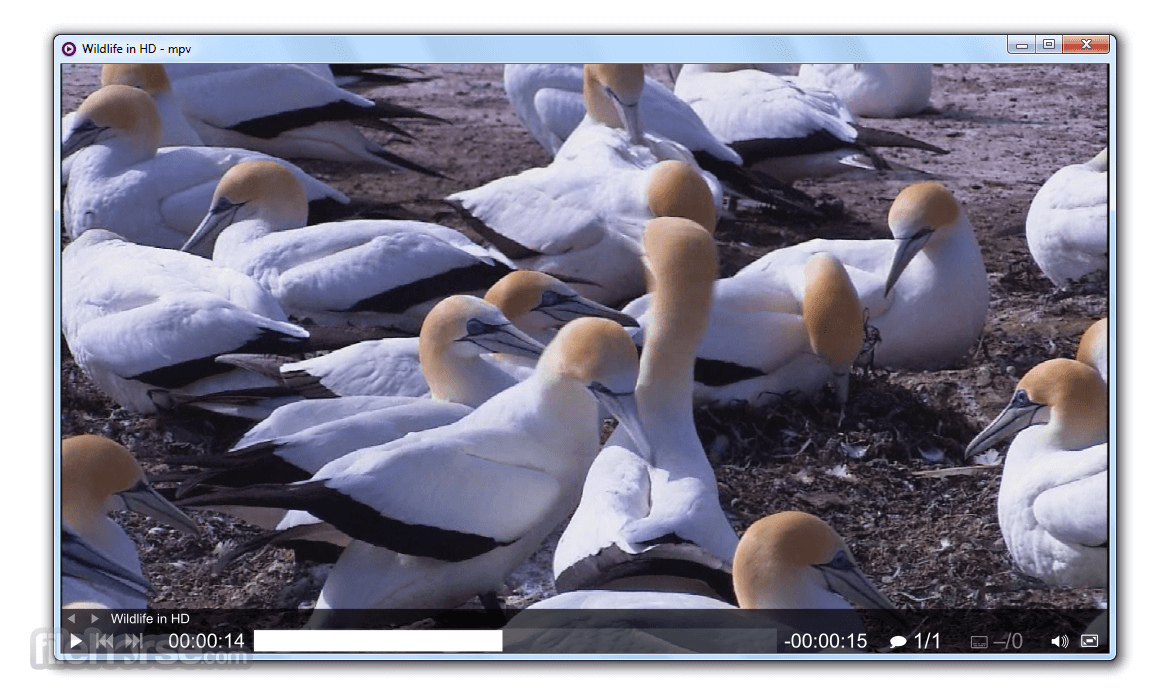
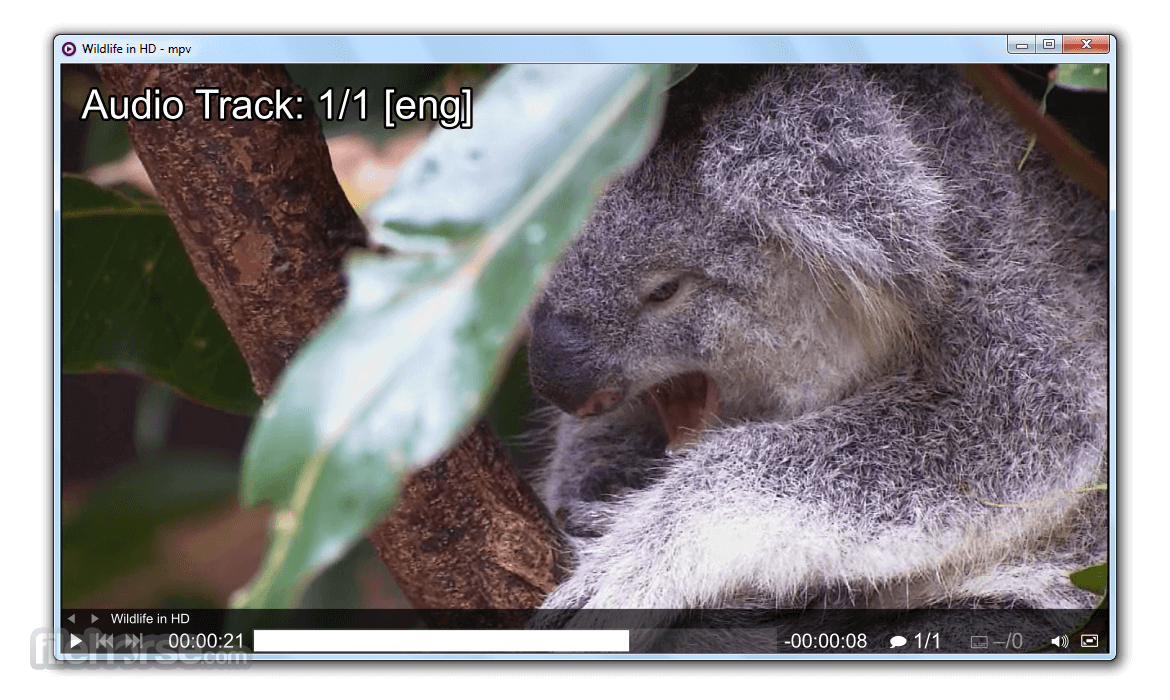
On-Screen Controller (OSC): Offers basic playback controls when interacting with the mouse.
Hardware Acceleration: Supports GPU decoding for smooth, resource-efficient playback.
User Interface
MPV Player takes a minimalistic approach to its UI. There are no menus or buttons crowding the screen—only the video is front and center.
An on-screen controller appears when you move the mouse, giving access to basic playback functions like play/pause, seek, and volume. Most operations rely on keyboard shortcuts or command-line input.
Installation and Setup
Drag and drop media files onto the MPV icon to start playback.
Use keyboard shortcuts like Space to play/pause, arrow keys to seek, and F to toggle fullscreen.
For advanced use, launch MPV from the command prompt and specify playback options.
FAQs
How do I add subtitles?
Place the subtitle file in the same folder as the video with the same name. MPV will auto-load it.
Can I stream online videos?
Yes, it supports streaming when combined with tools like yt-dlp.
Is there a GUI?
MPV is primarily keyboard and command-line driven, but it includes a minimal on-screen controller.
Can I customize settings?
Yes. Create or edit mpv.conf for playback tweaks, such as default volume or video renderer.
Does it support hardware acceleration?
Yes, it supports GPU decoding to reduce CPU load and enhance performance.
Alternatives
VLC Media Player: A full-featured, GUI-rich media player with broad format support.
PotPlayer: A Windows-focused player with a wide array of features and advanced settings.
KMPlayer: It offers advanced features like subtitle support, 3D playback, VR mode, and hardware acceleration.
System Requirements
OS: Windows 11, 10, 8 or 7
CPU: Modern processor
RAM: 512 MB minimum
Graphics: GPU with OpenGL, Vulkan, or D3D11 support
PROS
MPV Player 64bit is a no-frills media player that gets straight to the point. If you value clean design, high performance, and complete control over playback, MPV is an outstanding choice. While not ideal for users who prefer GUI-based interactions or built-in media libraries, it excels as a fast, reliable, and highly customizable player.
Note: MPV has no official GUI.
Also Available: MPV Player (32-bit) and MPV Player for Mac
Download MPV Player (64-bit) Latest Version Why is this app published on FileHorse? (More info)
Originally developed as a fork of the MPlayer project, MPV Player has since evolved into a feature-rich player that prioritizes simplicity and high-quality playback.
It caters to both casual users and power users who appreciate deep customization.
Features
Wide Format Support: MPV plays virtually any audio or video format without needing extra codecs.
High-Quality Output: Supports advanced video rendering through OpenGL, Vulkan, and D3D11, including HDR, color management, and interpolation.
Scripting Capabilities: Users can automate and extend the software using Lua scripts and integrations.
On-Screen Controller (OSC): Offers basic playback controls when interacting with the mouse.
Hardware Acceleration: Supports GPU decoding for smooth, resource-efficient playback.
User Interface
MPV Player takes a minimalistic approach to its UI. There are no menus or buttons crowding the screen—only the video is front and center.
An on-screen controller appears when you move the mouse, giving access to basic playback functions like play/pause, seek, and volume. Most operations rely on keyboard shortcuts or command-line input.
Installation and Setup
- Download the Windows build from MPV’s official site.
- Extract the files from the downloaded archive. No installation required.
- Run the executable directly to start watching media.
- Optional Configuration: You can tweak settings using a simple mpv.conf file for custom behavior.
Drag and drop media files onto the MPV icon to start playback.
Use keyboard shortcuts like Space to play/pause, arrow keys to seek, and F to toggle fullscreen.
For advanced use, launch MPV from the command prompt and specify playback options.
FAQs
How do I add subtitles?
Place the subtitle file in the same folder as the video with the same name. MPV will auto-load it.
Can I stream online videos?
Yes, it supports streaming when combined with tools like yt-dlp.
Is there a GUI?
MPV is primarily keyboard and command-line driven, but it includes a minimal on-screen controller.
Can I customize settings?
Yes. Create or edit mpv.conf for playback tweaks, such as default volume or video renderer.
Does it support hardware acceleration?
Yes, it supports GPU decoding to reduce CPU load and enhance performance.
Alternatives
VLC Media Player: A full-featured, GUI-rich media player with broad format support.
PotPlayer: A Windows-focused player with a wide array of features and advanced settings.
KMPlayer: It offers advanced features like subtitle support, 3D playback, VR mode, and hardware acceleration.
System Requirements
OS: Windows 11, 10, 8 or 7
CPU: Modern processor
RAM: 512 MB minimum
Graphics: GPU with OpenGL, Vulkan, or D3D11 support
PROS
- Lightweight and portable
- Broad codec and format support
- Excellent video output quality
- Customizable via config and scripts
- Hardware acceleration available
- Minimal user interface
- No media library or playlist manager
MPV Player 64bit is a no-frills media player that gets straight to the point. If you value clean design, high performance, and complete control over playback, MPV is an outstanding choice. While not ideal for users who prefer GUI-based interactions or built-in media libraries, it excels as a fast, reliable, and highly customizable player.
Note: MPV has no official GUI.
Also Available: MPV Player (32-bit) and MPV Player for Mac
Download MPV Player (64-bit) Latest Version Why is this app published on FileHorse? (More info)
##
畫面截圖
- 2025-12-22 MPV Player 0.41.0 (64-bit) 29.97 MB
- 2024-09-30 MPV Player 0.39.0 (64-bit) 30.66 MB
- 2024-04-17 MPV Player 0.38.0 (64-bit) 29.69 MB
- 2023-08-02 MPV Player 0.36.0 (64-bit) 27.7 MB
- 2023-01-29 MPV Player 0.35.1 (64-bit) 25.36 MB
- 2022-11-14 MPV Player 0.35.0 (64-bit) 25 MB
- 2021-11-16 MPV Player 0.34.0 (64-bit) 22.05 MB
- 2020-12-06 MPV Player 0.33.0 (64-bit) 29.56 MB