
- 目前版本Parsec (64-bit)
- 更新日期2026-02-20
- 作業系統Windows 7 64 / Windows 8 64 / Windows 10 64 / Windows 11
- 支援語系English
- 授權型式未分類
- 開發商 Parsec Cloud, Inc.
- 軟體分類Windows 軟體 / 遊戲
##
編輯短評
Parsec 是一款專為遠端遊戲打造的串流工具,主要解決跨地點遊玩本地多人遊戲、或從外部存取家中遊戲主機的需求。它最有辨識度的特色是低延遲串流技術,能讓操作幾乎同步,並支援 Windows 與 macOS 跨平台使用。開發商持續維護,但更新頻率不算高,屬於小眾但評價普遍不錯的工具,使用者不多卻口碑良好。
這套軟體適合需要與朋友線上同樂、或想在外地遠端操控遊戲電腦的玩家。與其他遠端桌面軟體相比,Parsec 更專注於遊戲場景的低延遲表現,但介面僅提供英文,且授權方式未明確分類,使用前需留意相關條款。若你同時需要 Android 模擬器功能,則可考慮 SmartGaGa 等替代方案,取捨在於 Parsec 的串流體驗更貼近遊戲需求。
##
軟體介紹
Parsec 是一款革命性的軟體,能帶來流暢無縫的遠端遊戲體驗。
無論你是想與世界各地的朋友一起玩你最愛的遊戲,還是從不同地點存取你的遊戲主機,Parsec 32位元或64位元都能提供低延遲、高品質的串流,帶來沉浸式的遊戲體驗。
主要特色
無論你是想與世界各地的朋友一起玩你最愛的遊戲,還是從不同地點存取你的遊戲主機,Parsec 32位元或64位元都能提供低延遲、高品質的串流,帶來沉浸式的遊戲體驗。
主要特色
- 低延遲串流:採用先進技術,確保你的輸入與螢幕上的動作之間延遲最小。
- 多人遊戲:與朋友線上進行本地多人遊戲,就像他們坐在你旁邊一樣。
- 跨平台支援:此應用程式相容於 Windows、macOS、Linux、Android 和 Raspberry Pi,在不同裝置間提供靈活性。
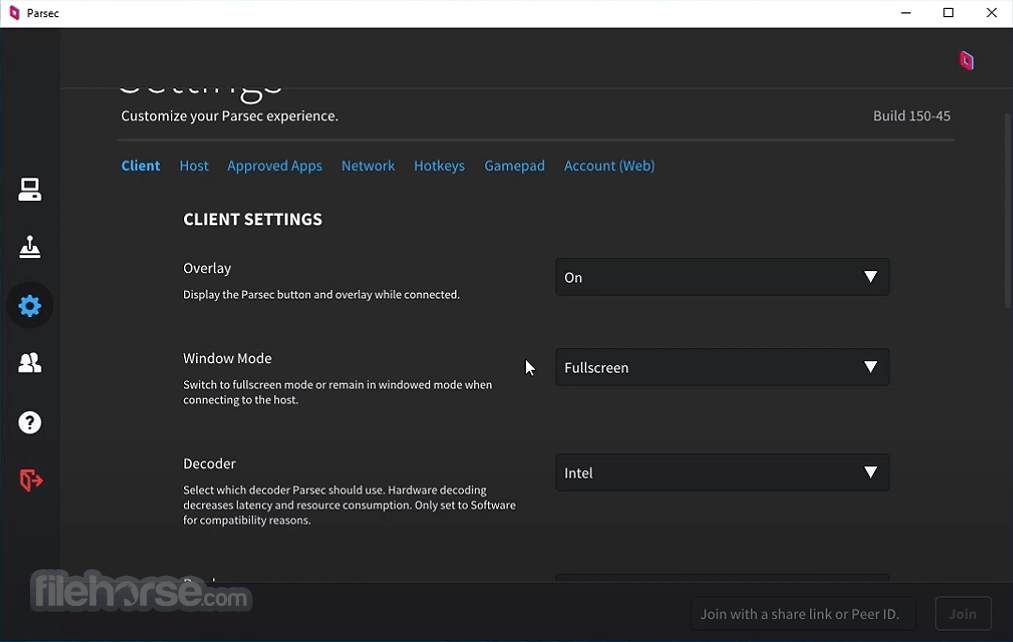
- 可自訂設定:調整串流品質、解析度和幀率,以符合你的偏好和網路條件。
- 遊戲手把與鍵盤/滑鼠支援:無論你偏好使用控制器還是鍵盤/滑鼠配置,都能以你喜歡的輸入方式享受遊戲。
##
畫面截圖
##
更新日誌
Parsec (64-bit)- Introduced Webcam Passthrough for Mac Clients, allowing client-side webcam streaming during sessions.
- Added Managed Team Machine session indicator, with active sessions now recorded in a dedicated JSON file for better team monitoring and management.
- Improved Teams administration for SCIM users, enabling admins to view inactive members (no longer consuming licenses) and fully remove them from teams.
- Replaced deprecated Intel Media SDK with Intel libVPL on Windows hosts for improved long-term compatibility and encoding reliability.
- Enhanced Windows Service component stability and update reliability.
- Added crash protection fallback, automatically reverting to a safe version if repeated crashes occur.
- Resolved hardware encoding issues on Windows hosts when using NVIDIA driver 591.
- Fixed missed mouse click issues on macOS hosts.
User Interface
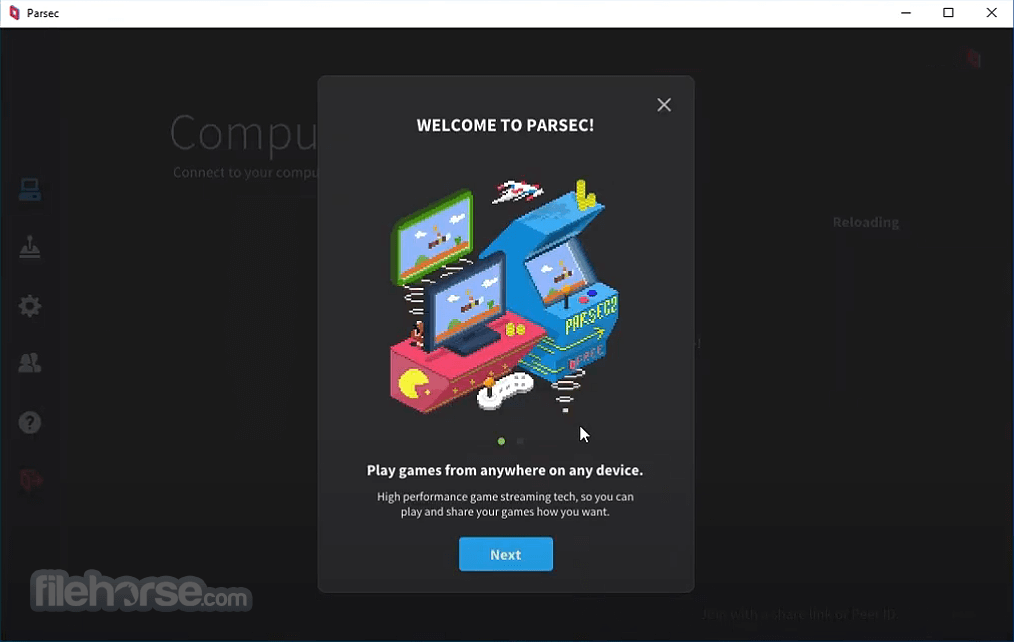
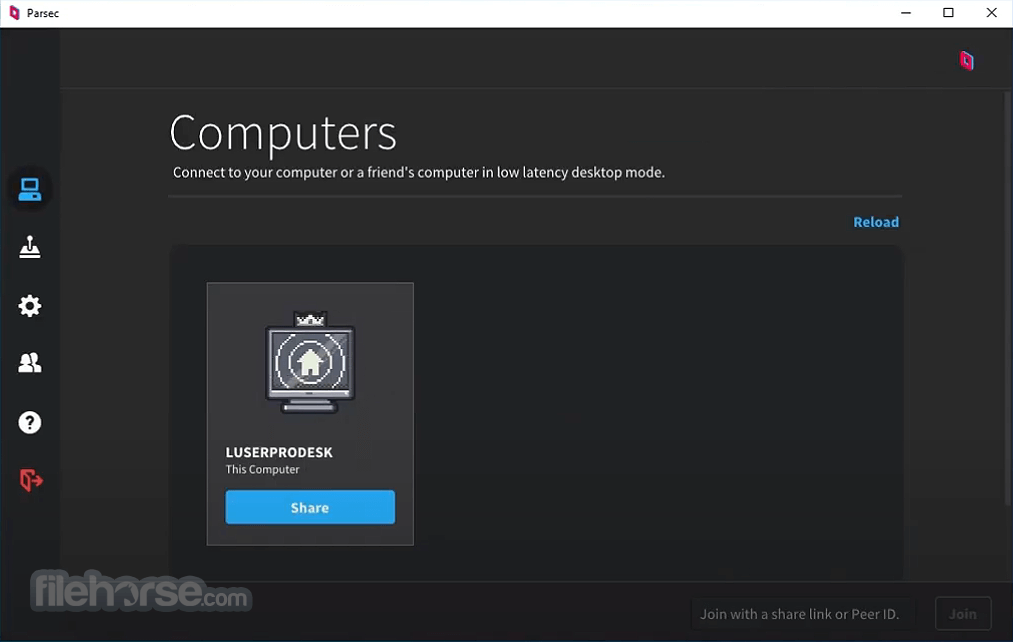
It boasts a clean, modern, and intuitive interface, making it easy for users to navigate and customize settings.
The dashboard provides access to essential features like hosting and joining gaming sessions, while the settings menu offers comprehensive options for optimizing the streaming experience.
Installation and Setup
Installing this program is a straightforward process. Simply download the software from the official website and follow the on-screen instructions.
Once installed, create an account or sign in with your existing credentials to start using this app.
Setting up gaming sessions involves minimal configuration, with options to invite friends or connect to a gaming rig remotely.
How to Use
- Using this program is as simple as launching the application and selecting your desired gaming mode: hosting or joining.
- To host a gaming session, choose the game you want to play and invite friends to join using their accounts.
- Alternatively, join an existing session by entering the host's invite code or browsing available games in the dashboard.
FAQs
Is Parsec 64bit for PC available for FREE?
Yes, anyone can utilize Parsec for gaming without any cost. However, utilizing this program for work requires a valid license. Additionally, enjoying features like multi-monitor support and secure computer connections can enhance your experience. You can now explore Parsec for Teams with a 14-day trial, granting access to features such as multiple monitor support, team computers, and enhanced color support.
What kind of internet connection do I need to use Parsec?
The app recommends a stable internet connection with a minimum upload speed of 10 Mbps for optimal performance. Higher upload speeds will result in smoother streaming and reduced latency.
Can I use Parsec to stream games from my gaming console?
Yes, it supports streaming from gaming consoles such as Xbox and PlayStation, allowing you to play console games remotely on your PC or other supported devices.
Is Parsec legal to use for remote gaming?
Yes, Parsec is legal to use for remote gaming, as it does not involve any unauthorized access or modifications to game files or software. However, users should ensure they comply with relevant copyright and licensing agreements when streaming games.
Alternatives
NVIDIA GeForce Now - NVIDIA's cloud gaming service provides access to a library of games for streaming on compatible devices, offering an alternative solution for remote gaming.
Moonlight Game Streaming - This open-source project allows users to stream games from their NVIDIA GameStream-enabled PC to other devices, including smartphones and tablets.
Steam Remote Play - Integrated within the Steam gaming platform, Steam Remote Play offers similar functionality for streaming games over the internet to other devices.
Pricing
Free Plan - Personal Use
- Low latency, 60 FPS desktop capture
- Single-link desktop sharing
- Keyboard, mouse, and gamepad support
- Encrypted peer-to-peer connections
- Hosting available for Windows 10+ and macOS 10.15+
- Multi-monitor displays
- Improved colors through 4:4:4 color mode
- Virtual monitors
- Privacy mode
- Full drawing tablet support with pressure + tilt
Enjoy all the features included for Individuals, plus:
- Secure access to your team’s computers
- Enforce single sign-on through SAML
- Granular permissions management
- Adjust app features and settings
- Team computer management
- Audit logs (last 7 days)
Everything in Parsec for Teams, plus:
- Leverage Parsec’s high-performance relay for added performance and security
- Get usage logs and team analytics
- Access Parsec's Teams API to automate Parsec deployment
- Create granular admin roles through role-based access
- Full audit logs
- Much, much more coming
- OS: Windows 11 or Windows 10
- Intel Core i5 3rd Gen
- AMD Radeon X1000 / Intel HD 4000 / NVIDIA 600 series
- 4GB DDR3
Download the Parsec Portable App for PC (no hosting, use it only if you need it...like at the library?)
It uses these great open source projects.
PROS
- Seamless remote gaming experience with low-latency streaming.
- Multiplatform support for Windows, macOS, Linux, Android, and Raspberry Pi.
- Customizable settings for optimizing streaming quality and performance.
- Free tier available with basic features.
- Intuitive user interface for easy navigation and setup.
- Premium features are locked behind a subscription model.
- Requires a stable internet connection for optimal performance.
- Compatibility issues may arise with certain games or hardware configurations.
- Dependency on third-party services for some features (e.g., hosting virtual LAN parties).
Overall, it delivers on its promise of providing a seamless remote gaming experience, allowing users to play their favorite games with friends or access their gaming rig from anywhere in the world. With low-latency streaming, multiplatform support, and customizable settings, Parsec caters to both casual gamers and enthusiasts alike.
While the subscription model may deter some users, the free tier offers a viable option for those looking to test the waters. Whether you're hosting a virtual LAN party or playing solo on the go, Parsec opens up new possibilities for remote gaming enthusiasts.
Also Available: Parsec for Mac
Download Parsec Latest Version Why is this app published on FileHorse? (More info)
- 2026-02-20 Parsec (64-bit)
- 2021-08-25 Parsec (32-bit)