Silhouette Studio 4.5.735 (32-bit)
v 4.5.735 (32-bit)
Windows
試用版
7.52/10 (54)
- 目前版本4.5.735 (32-bit)
- 更新日期2025-06-04
- 檔案大小318 MB
- 檔案名稱SS_V4.5.735.001_W3R.exe
- 作業系統Windows 7 / Windows 8 / Windows 10 / Windows 11
- 支援語系English
- 授權型式試用版
- 開發商 Silhouette America, Inc.
- 軟體分類Windows 軟體 / 影像設計
##
翻譯排程處理中,以下暫以英文原文呈現
軟體介紹
Silhouette Studio software gives you the ability to design projects to send to any Silhouette electronic cutting machine.
This is the free basic version of this software. Paid upgrades (Designer Edition, Designer Edition +, and Business Edition) can be applied onto to this version.
The Current Version of Silhouette Studio 32bit is always recommended for general use. Beta Versions may be offered to test new features or new bug fixes (as noted in the Release Notes). Beta versions are offered for optional testing only and are not supported.
Legacy Versions are offered to provide support and may be recommended by Silhouette Support in some select troubleshooting cases.
Alternatives
Adobe Illustrator: A professional design tool that, while more complex and expensive, offers unparalleled design capabilities and can be used in conjunction with cutting machines.
Cricut Design Space: The program is designed for use with Cricut cutting machines and offers comparable features such as design tools, a design library, and access to a design store.
CorelDRAW: Another professional design software that is widely used in the crafting community for its powerful design tools and compatibility with various cutting machines.
Main Features
Can I use Silhouette Studio without a Silhouette machine?
Yes, you can use Silhouette Studio for designing purposes without a cutting machine. However, to cut the designs, you will need a compatible Silhouette machine.
Does Silhouette Studio 64bit support importing SVG files?
Yes, it supports importing SVG files. This feature is available in the Designer Edition and above.
Is Silhouette Studio compatible with macOS?
Yes, the program is compatible with both Windows and macOS operating systems.
How do I update Silhouette Studio to the latest version?
You can update this software by downloading the latest version from the official website and following the installation instructions.
Are there any tutorials available for learning Silhouette Studio?
Yes, Silhouette America offers a range of tutorials on their website and YouTube channel to help users get started and master advanced features.
Pricing
Basic Edition: Free
Designer Edition Plus: $74.99 (one-time purchase)
Business Edition: $99.99 (one-time purchase)
Each edition offers additional features and functionalities to cater to different user needs.
System Requirements
Also Available: Silhouette Studio (64-bit) and Silhouette Studio for Mac
Download Silhouette Studio (32-bit) Latest Version Why is this app published on FileHorse? (More info)
This is the free basic version of this software. Paid upgrades (Designer Edition, Designer Edition +, and Business Edition) can be applied onto to this version.
The Current Version of Silhouette Studio 32bit is always recommended for general use. Beta Versions may be offered to test new features or new bug fixes (as noted in the Release Notes). Beta versions are offered for optional testing only and are not supported.
Legacy Versions are offered to provide support and may be recommended by Silhouette Support in some select troubleshooting cases.
Alternatives
Adobe Illustrator: A professional design tool that, while more complex and expensive, offers unparalleled design capabilities and can be used in conjunction with cutting machines.
Cricut Design Space: The program is designed for use with Cricut cutting machines and offers comparable features such as design tools, a design library, and access to a design store.
CorelDRAW: Another professional design software that is widely used in the crafting community for its powerful design tools and compatibility with various cutting machines.
Main Features
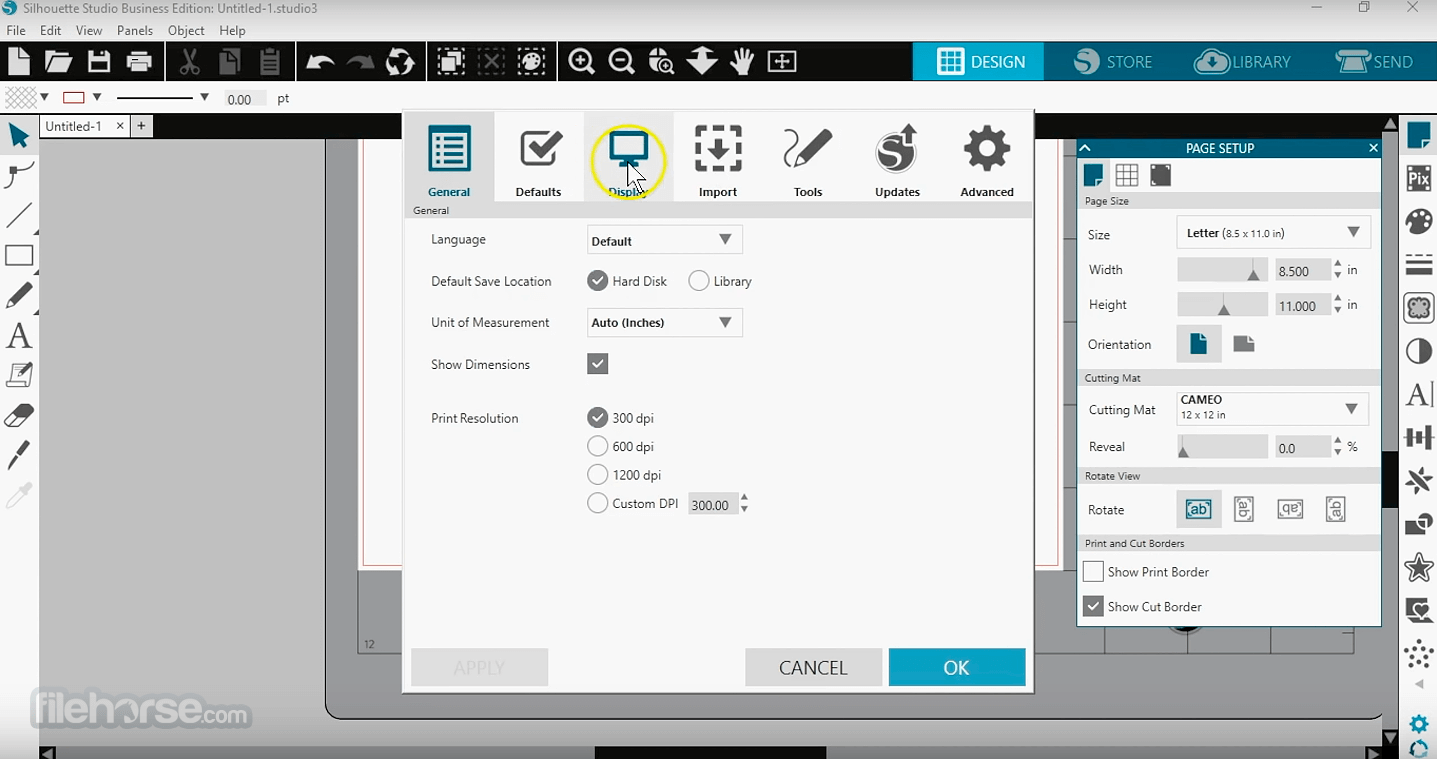
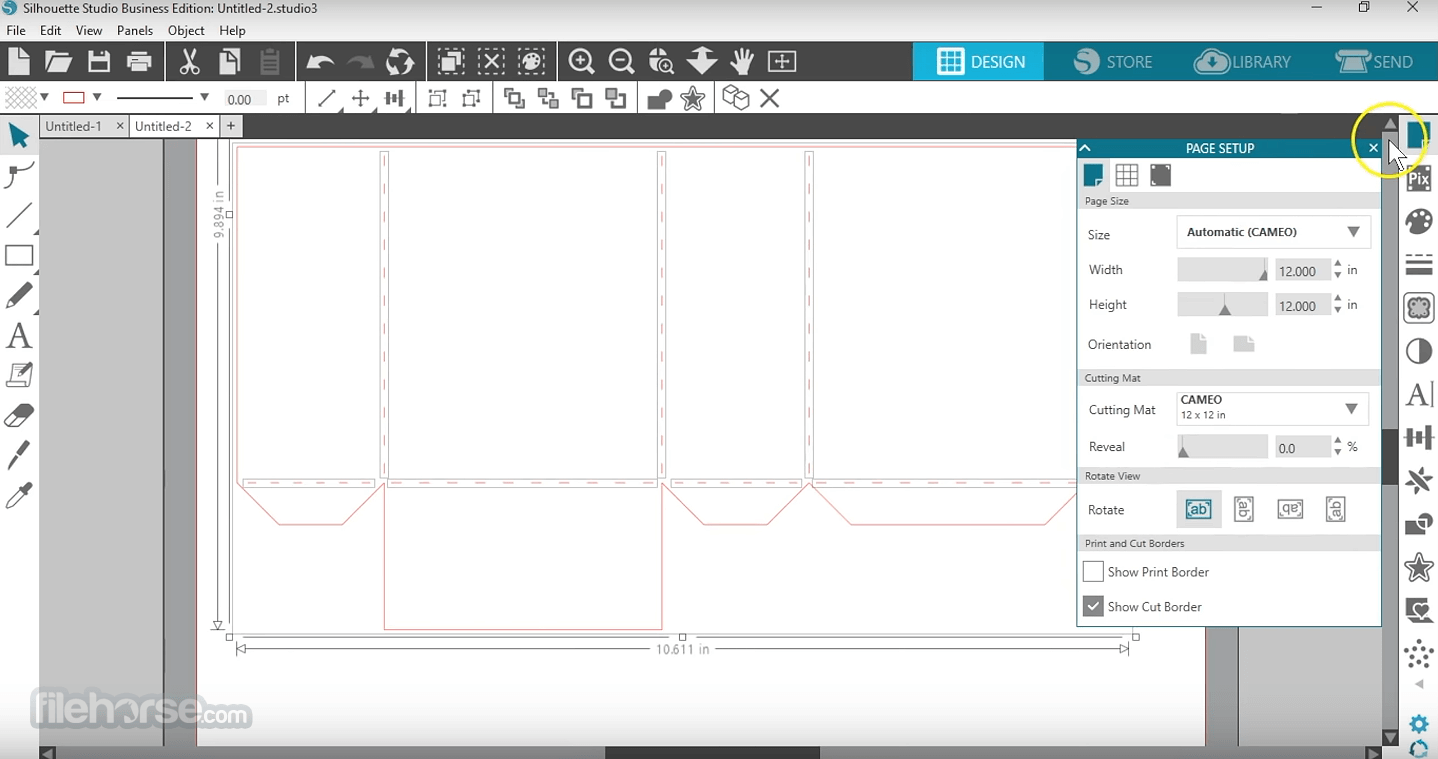
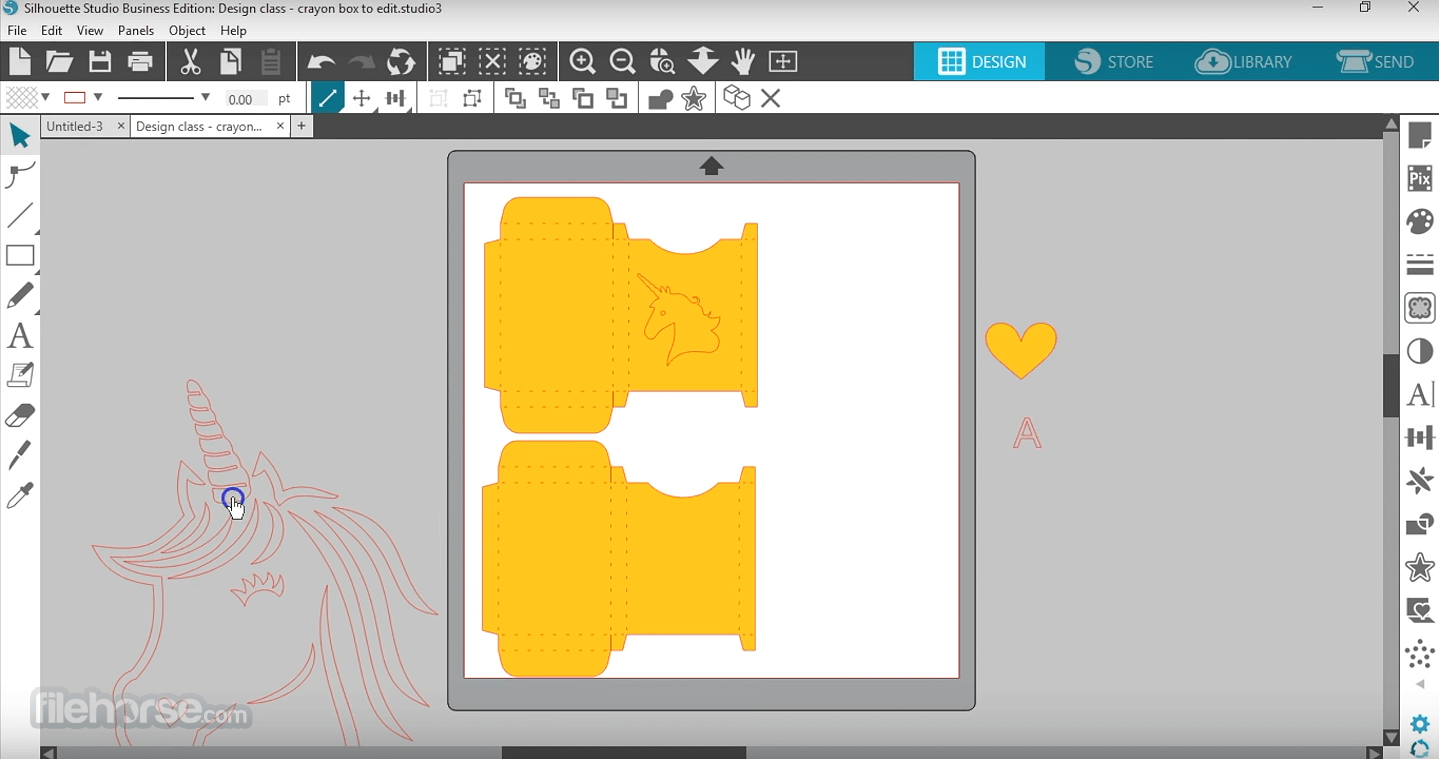
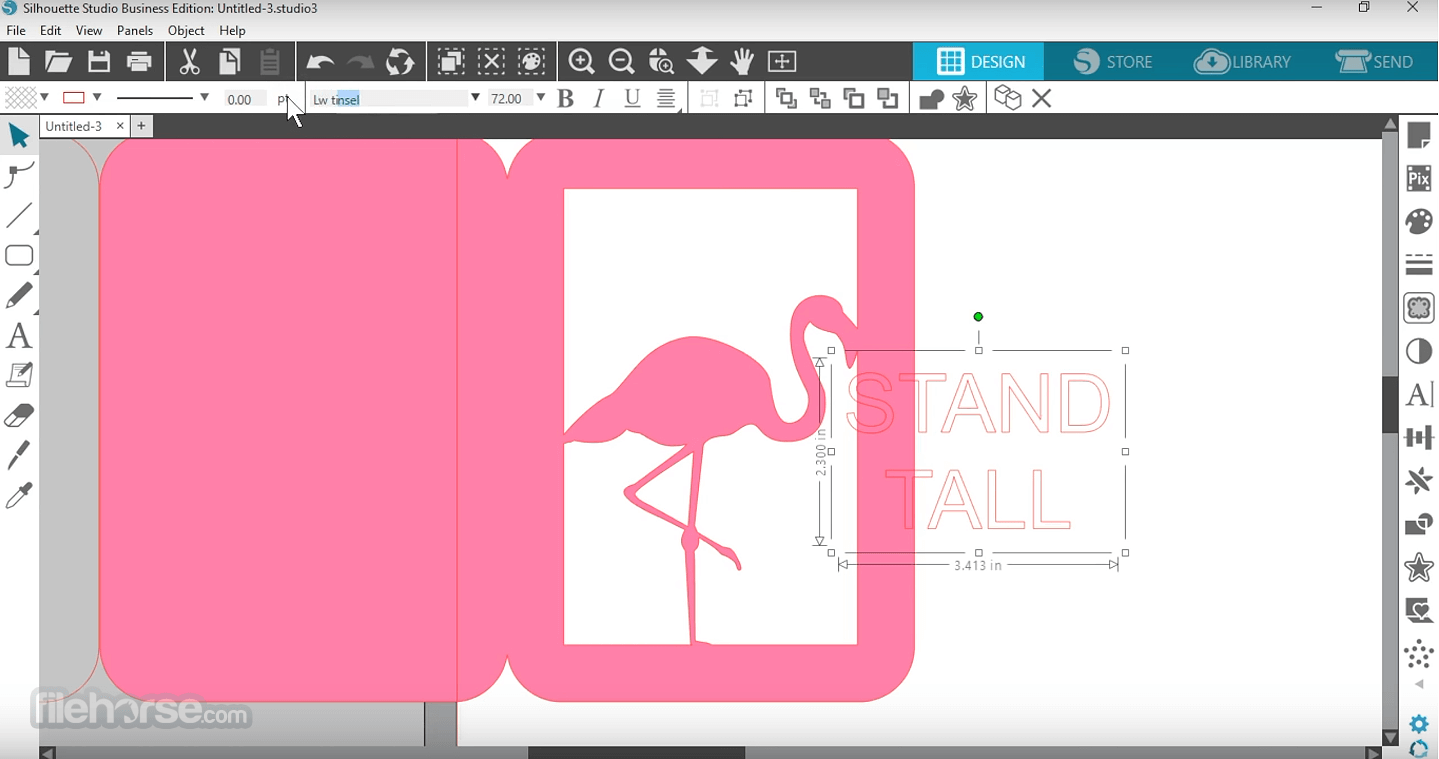
- Design Tools: It provides an extensive array of design tools, including drawing, editing, and text features. Users can create shapes, draw lines, and utilize bezier curves to make complex designs.
- Library: The software includes a built-in library to store and organize designs. It also allows importing of external files in formats such as SVG, DXF, and JPEG.
- Silhouette Design Store: Direct access to the Silhouette Design Store allows users to purchase and download thousands of designs directly into the software.
- Print & Cut: This feature allows users to print designs on a regular printer and then cut them with the Silhouette machine, perfectly aligning cuts with printed images.
- Tracing: The tracing tool lets users convert raster images into vector graphics, which can then be cut.
- Advanced Cutting: Features like layered cutting, custom material settings, and the ability to cut by color or line enable precise control over the cutting process.
- Font Management: It supports all system fonts and offers advanced text tools for creative typography.
Can I use Silhouette Studio without a Silhouette machine?
Yes, you can use Silhouette Studio for designing purposes without a cutting machine. However, to cut the designs, you will need a compatible Silhouette machine.
Does Silhouette Studio 64bit support importing SVG files?
Yes, it supports importing SVG files. This feature is available in the Designer Edition and above.
Is Silhouette Studio compatible with macOS?
Yes, the program is compatible with both Windows and macOS operating systems.
How do I update Silhouette Studio to the latest version?
You can update this software by downloading the latest version from the official website and following the installation instructions.
Are there any tutorials available for learning Silhouette Studio?
Yes, Silhouette America offers a range of tutorials on their website and YouTube channel to help users get started and master advanced features.
Pricing
Basic Edition: Free
- Create designs and send to silhouette
- Basic design and text tools
- Manipulation tools: move, rotate, scale, align, replicate
- Pop-up creator
Designer Edition Plus: $74.99 (one-time purchase)
Business Edition: $99.99 (one-time purchase)
Each edition offers additional features and functionalities to cater to different user needs.
System Requirements
- Windows: Windows 11/10 (64-bit recommended)
- macOS: macOS 12, 13, 14
- RAM: 4 GB minimum, 8 GB recommended
- CPU: 2.5GHz (Intel Quad Core or AMD Quad Core)
- Storage: 4 GB
- USB Port: USB 2.0 Port for wired connection
- Screen Resolution: 1280x768 minimum
- Internet: Required for software installation, activating, updating and accessing the design store
- Comprehensive design tools
- User-friendly interface
- Extensive library and design store
- Supports multiple file formats
- Free basic edition with powerful features
- 32-bit version is no longer maintained
- Learning curve for beginners
- Advanced features require paid editions
- Limited compatibility with non-Silhouette machines
- Occasional software updates may cause compatibility issues
- Requires a decent computer setup for optimal performance
Also Available: Silhouette Studio (64-bit) and Silhouette Studio for Mac
Download Silhouette Studio (32-bit) Latest Version Why is this app published on FileHorse? (More info)
##
影片介紹
##
畫面截圖