- 目前版本17.2.2555
- 更新日期2026-03-30
- 檔案大小148.02 MB
- 檔案名稱SketchUpMake-en-x64.exe
- 作業系統Windows XP64 / Vista64 / Windows 7 64 / Windows 8 64 / Windows 10 64
- 支援語系English
- 授權型式免費軟體
- 開發商 Trimble Navigation Limited
- 軟體分類Windows 軟體 / 影像設計
##
翻譯排程處理中,以下暫以英文原文呈現
軟體介紹
SketchUp Make 64-bit is a simple and easy-to-use 3D modeling tool that can be used on its own or as a Google Earth plug-in. With it, you can create 2D or 3D objects of any kind, and even change the color schemes or materials used in your models.
Note: SketchUp Make is now SketchUp Pro.
Finished models can be printed, published, stored in the 3D Warehouse, or even published directly to Google Earth, where user-created models of real structures can be seen by millions of visitors who daily use this service on all modern PCs and portable devices.
SketchUp Make is a powerful yet user-friendly 3D modeling software designed for architects, designers, engineers, and hobbyists. Developed by Trimble Inc., it offers a comprehensive suite of tools for creating, editing, and sharing 3D models with ease.
There are many great modeling tools currently on the market, but SketchUp Free was built from the ground up to be the first modeling program for novices, leaving enough advanced tools and services that those novices and advanced users alike have room to experiment, expand their knowledge, and learn countless new things about the world of 3D modeling.
SketchUp for Web
SketchUp’s core 3D modeler runs right in your web browser.
Cloud storage
10 GB of Trimble Connect cloud storage so you can share your projects and collaborate with your team.
Mobile model viewing
View 3D models on your mobile device with the SketchUp Viewer app.
Interoperability
Import SKP, JPG, and PNG file types, and export SKP, PNG, and STL file types.
3D Warehouse
Access user-generated and manufacturer-produced models to give your projects context and life.
Free!
All you need is an internet connection. No credit card required.
This approach to simplicity and easy access to advanced tools is perfectly showcased in its interface, which offers a wide variety of tools, documentation, and tutorials that can provide each novice with easy acclimation.
With SketchUp Make 64-bit, users can easily model and redecorate their living room, invent a new piece of furniture, model their city for Google Earth, use it as a tool for their school or university projects, introduce it into their work pipeline, and much more.
The Freeware version of this program can be used without limitations, but professionals will most likely be attracted to the paid “Pro” version that places a much higher focus on architecture and an easier ability to transfer your drawings into 3D objects.
Highlights
User Interface
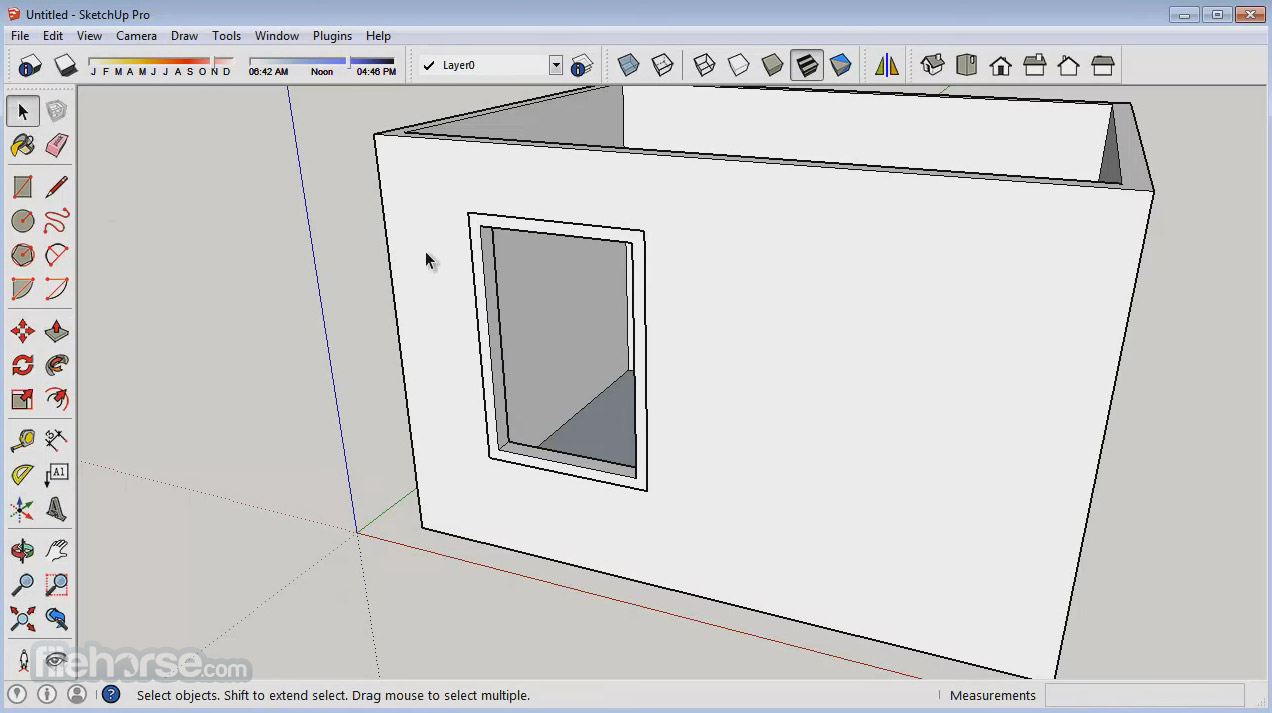
The user interface of the drawing tool is clean and intuitive, with a toolbar and menu system that are easy to navigate.
Users can customize the interface to suit their preferences, making it simple to access frequently used tools.
Installation and Setup
Installing this app is straightforward, with a step-by-step installation wizard guiding users through the process.
Once installed, the software prompts users to sign in or create a Trimble ID to access additional features such as cloud storage and collaboration tools.
How to Use
To create a new model, users can start by selecting a template or importing existing drawings.
From there, they can use the various drawing and editing tools to manipulate shapes and objects in 3D space.
The software provides helpful tooltips and tutorials to assist users in mastering its features.
FAQs
Is SketchUp Make for PC free to use?
Yes, the software is available as a free download for non-commercial use. However, Trimble also offers a paid version, SketchUp Pro, with additional features and capabilities.
Can I import/export files from other 3D modeling software?
Yes, it supports importing and exporting various file formats, including DWG, DXF, OBJ, and STL, making it compatible with other popular 3D modeling software.
Is SketchUp Make suitable for professional use?
While the software is primarily aimed at hobbyists and enthusiasts, many professionals also use it for conceptual design, architectural visualization, and prototyping.
Does SketchUp Make require a powerful computer to run?
No, the app is relatively lightweight and can run on most modern computers. However, complex models and large assemblies may require more powerful hardware.
Can I use SketchUp Make offline?
Yes, it can be used offline, but certain features, such as cloud storage and collaboration tools, may require an internet connection.
Alternatives
Blender - A free and open-source 3D modeling software with advanced features and extensive customization options.
Rhino - A versatile 3D modeling software known for its powerful surface modeling capabilities and support for parametric design.
FreeCAD - An Open Source parametric 3D CAD modeler for Windows.
Coohom - Powerful Interior Design Tools with the Fastest Photo-Realistic Rendering!
Pricing
The program is available as a FREE download for non-commercial use.
However, Trimble also offers SketchUp Pro, a paid version with additional features and support options.
Pricing for SketchUp Pro varies depending on the subscription plan chosen.
System Requirements
Also Available: SketchUp Make for Mac
Download SketchUp Make Latest Version Why is this app published on FileHorse? (More info)
Note: SketchUp Make is now SketchUp Pro.
Finished models can be printed, published, stored in the 3D Warehouse, or even published directly to Google Earth, where user-created models of real structures can be seen by millions of visitors who daily use this service on all modern PCs and portable devices.
SketchUp Make is a powerful yet user-friendly 3D modeling software designed for architects, designers, engineers, and hobbyists. Developed by Trimble Inc., it offers a comprehensive suite of tools for creating, editing, and sharing 3D models with ease.
There are many great modeling tools currently on the market, but SketchUp Free was built from the ground up to be the first modeling program for novices, leaving enough advanced tools and services that those novices and advanced users alike have room to experiment, expand their knowledge, and learn countless new things about the world of 3D modeling.
SketchUp for Web
SketchUp’s core 3D modeler runs right in your web browser.
Cloud storage
10 GB of Trimble Connect cloud storage so you can share your projects and collaborate with your team.
Mobile model viewing
View 3D models on your mobile device with the SketchUp Viewer app.
Interoperability
Import SKP, JPG, and PNG file types, and export SKP, PNG, and STL file types.
3D Warehouse
Access user-generated and manufacturer-produced models to give your projects context and life.
Free!
All you need is an internet connection. No credit card required.
This approach to simplicity and easy access to advanced tools is perfectly showcased in its interface, which offers a wide variety of tools, documentation, and tutorials that can provide each novice with easy acclimation.
With SketchUp Make 64-bit, users can easily model and redecorate their living room, invent a new piece of furniture, model their city for Google Earth, use it as a tool for their school or university projects, introduce it into their work pipeline, and much more.
The Freeware version of this program can be used without limitations, but professionals will most likely be attracted to the paid “Pro” version that places a much higher focus on architecture and an easier ability to transfer your drawings into 3D objects.
Highlights
- Edges and Faces: That's all there is to it
- Push/Pull: Quickly go from 2D to 3D
- Accurate measurements: Work with precision
- Follow Me: Create complex extrusions and lathed forms
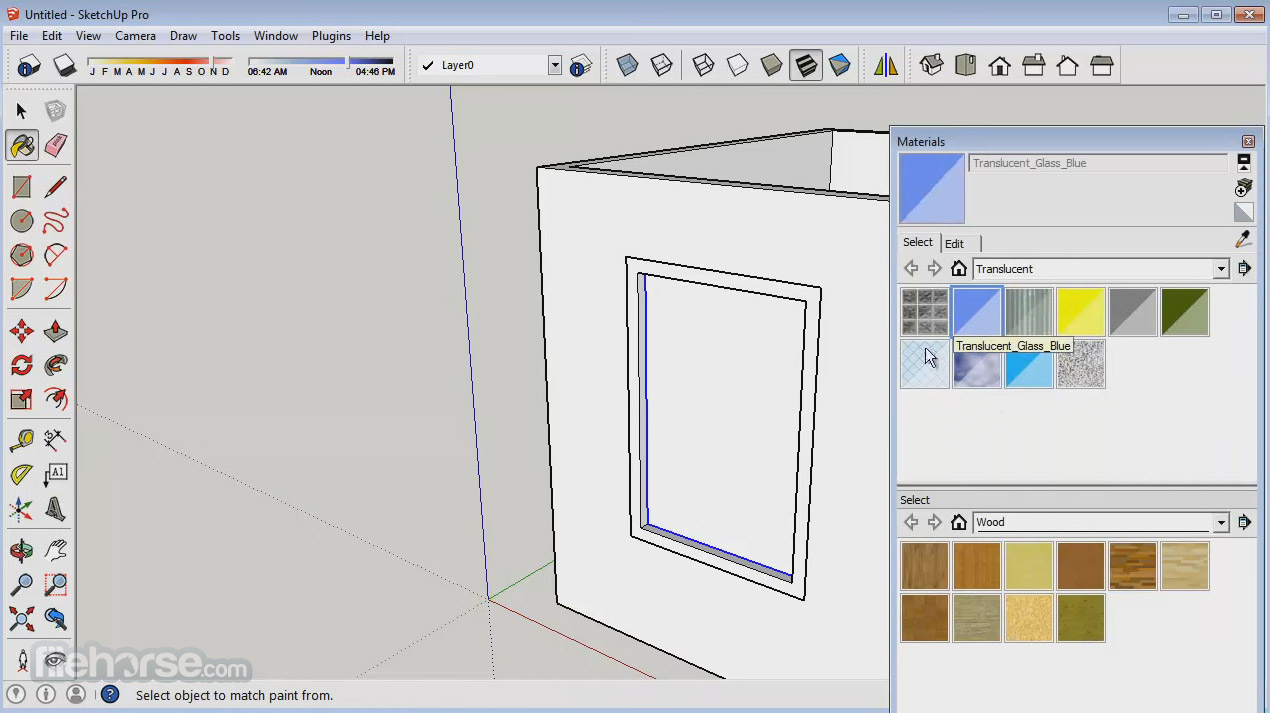
- Paint Bucket: Apply colors and textures
- Groups and Components: Build smarter models
- Shadows: Perform shade studies and add realism
- Sections: See inside your models
- Scenes: Save views and create animations
- Look Around and Walk: Explore your creations firsthand
- Dimensions and Labels: Add information to your designs
- The Instructor: Catch on quickly
- Layers and the Outliner: Stay organized
- Google Earth: See your models in the context
- Sandbox tools: Work on terrain
- 3D Warehouse: Find models of almost anything you need
- Import 3DS: Get a head start on your modeling
- Import images: Paint walls with photos
- Export TIFF, JPEG, and PNG
- Intuitive interface: It boasts a streamlined interface that allows users to navigate effortlessly through its various tools and features.
- Versatile modeling tools: From basic shapes to complex designs, it provides a wide range of tools for creating 3D models from scratch.
- Extensive library: Users can access a vast library of pre-built models, textures, and materials to enhance their designs.
- Collaboration options: The software supports collaboration through cloud-based sharing, allowing multiple users to work on projects simultaneously.
- Export options: It offers various export options, including 2D images, 3D models, and animations, making it easy to share work with clients and colleagues.
User Interface
The user interface of the drawing tool is clean and intuitive, with a toolbar and menu system that are easy to navigate.
Users can customize the interface to suit their preferences, making it simple to access frequently used tools.
Installation and Setup
Installing this app is straightforward, with a step-by-step installation wizard guiding users through the process.
Once installed, the software prompts users to sign in or create a Trimble ID to access additional features such as cloud storage and collaboration tools.
How to Use
To create a new model, users can start by selecting a template or importing existing drawings.
From there, they can use the various drawing and editing tools to manipulate shapes and objects in 3D space.
The software provides helpful tooltips and tutorials to assist users in mastering its features.
FAQs
Is SketchUp Make for PC free to use?
Yes, the software is available as a free download for non-commercial use. However, Trimble also offers a paid version, SketchUp Pro, with additional features and capabilities.
Can I import/export files from other 3D modeling software?
Yes, it supports importing and exporting various file formats, including DWG, DXF, OBJ, and STL, making it compatible with other popular 3D modeling software.
Is SketchUp Make suitable for professional use?
While the software is primarily aimed at hobbyists and enthusiasts, many professionals also use it for conceptual design, architectural visualization, and prototyping.
Does SketchUp Make require a powerful computer to run?
No, the app is relatively lightweight and can run on most modern computers. However, complex models and large assemblies may require more powerful hardware.
Can I use SketchUp Make offline?
Yes, it can be used offline, but certain features, such as cloud storage and collaboration tools, may require an internet connection.
Alternatives
Blender - A free and open-source 3D modeling software with advanced features and extensive customization options.
Rhino - A versatile 3D modeling software known for its powerful surface modeling capabilities and support for parametric design.
FreeCAD - An Open Source parametric 3D CAD modeler for Windows.
Coohom - Powerful Interior Design Tools with the Fastest Photo-Realistic Rendering!
Pricing
The program is available as a FREE download for non-commercial use.
However, Trimble also offers SketchUp Pro, a paid version with additional features and support options.
Pricing for SketchUp Pro varies depending on the subscription plan chosen.
System Requirements
- Operating System: Windows 11, 10, 8, or 7
- Processor: 2.1+ GHz Intel processor
- RAM: 4GB minimum, 8GB recommended
- Graphics Card: 1GB VRAM minimum, 4GB VRAM recommended
- Disk Space: 700MB available space
- Intuitive interface
- Versatile modeling tools
- Extensive library of pre-built models and materials
- Collaboration options
- Free for non-commercial use
- This product is not being developed actively anymore
- Limited features compared to SketchUp Pro
- Some advanced tools may require additional plugins
- Steeper learning curve for complex designs
Also Available: SketchUp Make for Mac
Download SketchUp Make Latest Version Why is this app published on FileHorse? (More info)
##
影片介紹
##
畫面截圖