⚠ 這是歷史版本頁面 — 查看 SmartDraw 最新版本 →

SmartDraw 27.0.0.2
v 27.0.0.2
Windows
商業試用
7.82/10 (78)
- 目前版本27.0.0.2
- 更新日期2020-09-17
- 檔案大小512.48 KB
- 檔案名稱smartdraw_11E_1ASB3C_setup.exe
- 作業系統Windows 10 / Windows 11
- 支援語系English
- 授權型式商業試用
- 開發商 SmartDraw, LLC
- 軟體分類Windows 軟體 / 辦公商務
##
編輯短評
SmartDraw 是一套專業的圖表繪製工具,主打快速產出流程圖、組織圖、示意圖等視覺化內容。它最特別的地方在於,桌面版可安裝在企業防火牆後,同時也提供 Mac 與線上版本,且線上版與 Windows 版完全相容,能無縫切換。目前產品已轉型為 SmartDraw Cloud,整合圖表、白板與數據功能。軟體更新活躍,近期仍有維護,使用者評價普遍不錯,在同類工具中屬於熱門選擇。
這套軟體適合需要頻繁繪製商務圖表的專案經理、工程師或行政人員,特別是在企業內部網路環境中作業,或需要跨平台協作的使用者。與 Microsoft Office 等替代方案相比,SmartDraw 專注於圖表繪製,並提供豐富的第三方整合,但介面僅支援英文,且為試用版授權,長期使用需購買。若你重視圖表專業度與跨平台彈性,可以考慮下載試用;若只需基本繪圖,Office 內建功能可能更省成本。
##
翻譯排程處理中,以下暫以英文原文呈現
軟體介紹
With SmartDraw, you can create professional-looking visuals of all kinds quickly and easily.
SmartDraw for Desktop is the only diagramming solution that you can install behind a firewall on a Windows desktop and also run on a Mac and online with all of the third-party integrations you'd expect.
And better yet, the powerful online version is fully integrated and compatible with the Windows version. You can move seamlessly between them. SmartDraw helps you draw a diagram to illustrate your work!
Note: SmartDraw is now SmartDraw Cloud (WebApp). It combines diagramming, whiteboarding and data into one enterprise-friendly online solution.
Features and Highlights
SmartDraw is Leading the Way to the Future
Microsoft Visio® has been the standard app for diagramming for over twenty years but does not appear to be on a path to sustain this. Microsoft only moved Visio® to the browser recently in an extremely limited form and the tool remains the only powerful alternative for anyone needing a full-featured diagramming program on a Mac, PC, or any other device.
SmartDraw is Fully Compatible with the Old Standard
To replace an old standard, the new standard needs to make the transition easy. this software can both import and export diagrams and stencils in Visio format (VSD and VSDX) with the best results in the industry.
Rich and Deep Content
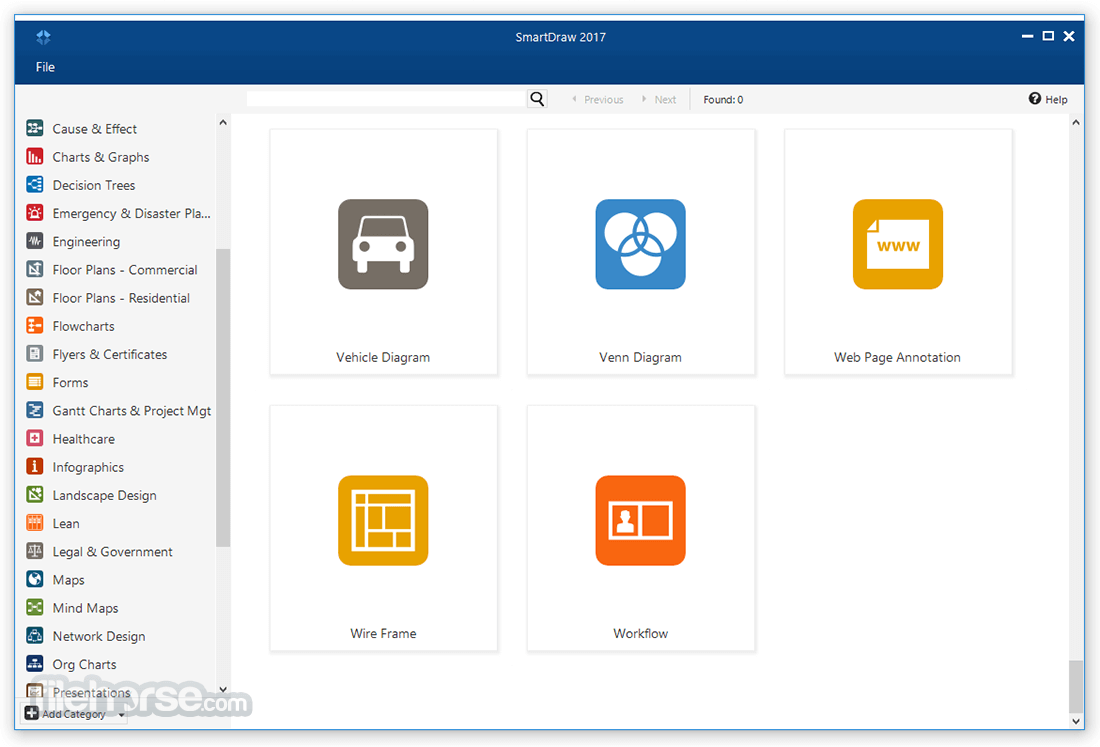
This product includes over 4,500 templates for more than 70 different diagram types and over 34,000 symbols for every discipline including engineering, software design, healthcare as well as the standard shapes used for flowcharts, organization charts, and many other diagrams. No product has more.
Easy to Use
The software help you make diagrams with powerful automation. Add, delete or move shapes and your diagram will automatically adjust and maintain its formatting. Choose from several attractive design themes and add your own photos and images for a professional finish.
SmartDraw is Powerful
The program allows you to draw and print architectural and engineering diagrams to scale. The software even provides an AutoCAD-like annotation layer that automatically resizes to match a diagram. Simple online-only apps don't do this at all.
Effortless Collaboration
You and your team can work on the same flowchart using the Cloud, or your favorite file sharing apps like Dropbox®, Google Drive™ or OneDrive®. You can also share files with non the users by simply emailing them a link.
Integrations to Make Collaboration Easy
This tool integrates easily with tools you already use. With just a click, you can send your diagram directly to Microsoft Word®, Excel®, PowerPoint®, or Outlook®. The Cloud also has plugins for G Suite. You can also get the app for Atlassian® Confluence, Jira, and Trello.
World-Class Support
If you ever need help, SmartDraw's expert in-house support team is only an email or phone call away for free - even for trial users.
SmartDraw is Mature and Secure
The tool has over twenty years of experience serving customers both large and small including 80% of the Fortune 500. This tool provides enterprise-quality license administration tools and support. The Cloud is fully secure and the software is SOC 2 certified.
Available in Multiple Languages
Smart Draw Cloud is available in 100 languages to make creating diagrams easy in any language in a globally distributed workforce.
Products
SmartDraw for Desktop is the only diagramming solution that you can install behind a firewall on a Windows desktop and also run on a Mac and online with all of the third-party integrations you'd expect.
And better yet, the powerful online version is fully integrated and compatible with the Windows version. You can move seamlessly between them. SmartDraw helps you draw a diagram to illustrate your work!
Note: SmartDraw is now SmartDraw Cloud (WebApp). It combines diagramming, whiteboarding and data into one enterprise-friendly online solution.
Features and Highlights
SmartDraw is Leading the Way to the Future
Microsoft Visio® has been the standard app for diagramming for over twenty years but does not appear to be on a path to sustain this. Microsoft only moved Visio® to the browser recently in an extremely limited form and the tool remains the only powerful alternative for anyone needing a full-featured diagramming program on a Mac, PC, or any other device.
SmartDraw is Fully Compatible with the Old Standard
To replace an old standard, the new standard needs to make the transition easy. this software can both import and export diagrams and stencils in Visio format (VSD and VSDX) with the best results in the industry.
Rich and Deep Content
This product includes over 4,500 templates for more than 70 different diagram types and over 34,000 symbols for every discipline including engineering, software design, healthcare as well as the standard shapes used for flowcharts, organization charts, and many other diagrams. No product has more.
Easy to Use
The software help you make diagrams with powerful automation. Add, delete or move shapes and your diagram will automatically adjust and maintain its formatting. Choose from several attractive design themes and add your own photos and images for a professional finish.
SmartDraw is Powerful
The program allows you to draw and print architectural and engineering diagrams to scale. The software even provides an AutoCAD-like annotation layer that automatically resizes to match a diagram. Simple online-only apps don't do this at all.
Effortless Collaboration
You and your team can work on the same flowchart using the Cloud, or your favorite file sharing apps like Dropbox®, Google Drive™ or OneDrive®. You can also share files with non the users by simply emailing them a link.
Integrations to Make Collaboration Easy
This tool integrates easily with tools you already use. With just a click, you can send your diagram directly to Microsoft Word®, Excel®, PowerPoint®, or Outlook®. The Cloud also has plugins for G Suite. You can also get the app for Atlassian® Confluence, Jira, and Trello.
World-Class Support
If you ever need help, SmartDraw's expert in-house support team is only an email or phone call away for free - even for trial users.
SmartDraw is Mature and Secure
The tool has over twenty years of experience serving customers both large and small including 80% of the Fortune 500. This tool provides enterprise-quality license administration tools and support. The Cloud is fully secure and the software is SOC 2 certified.
Available in Multiple Languages
Smart Draw Cloud is available in 100 languages to make creating diagrams easy in any language in a globally distributed workforce.
Products
- Diagramming
- Whiteboard
- Data Integration
- Apps & Integrations
##
畫面截圖
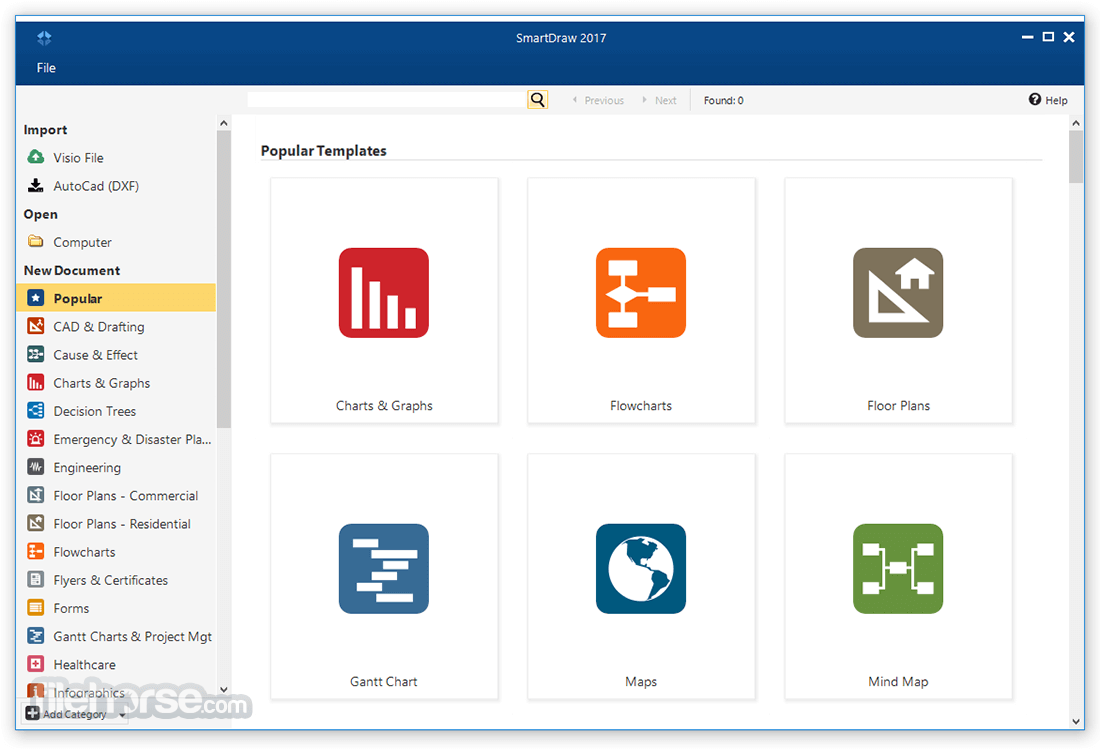
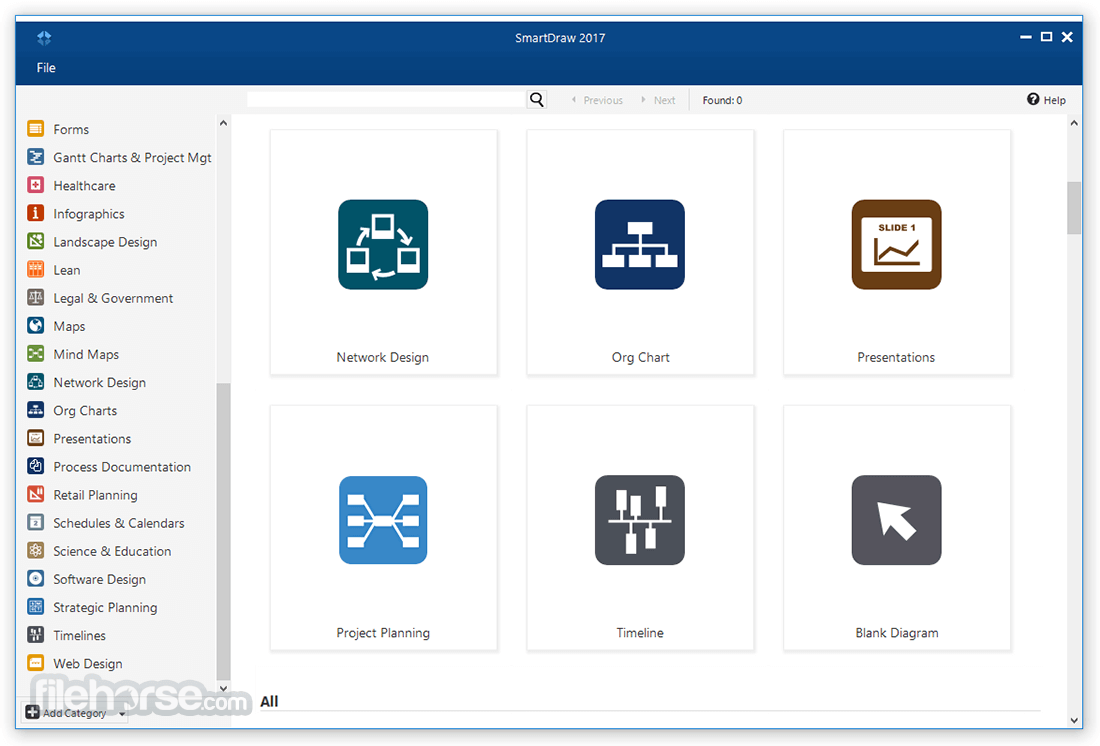
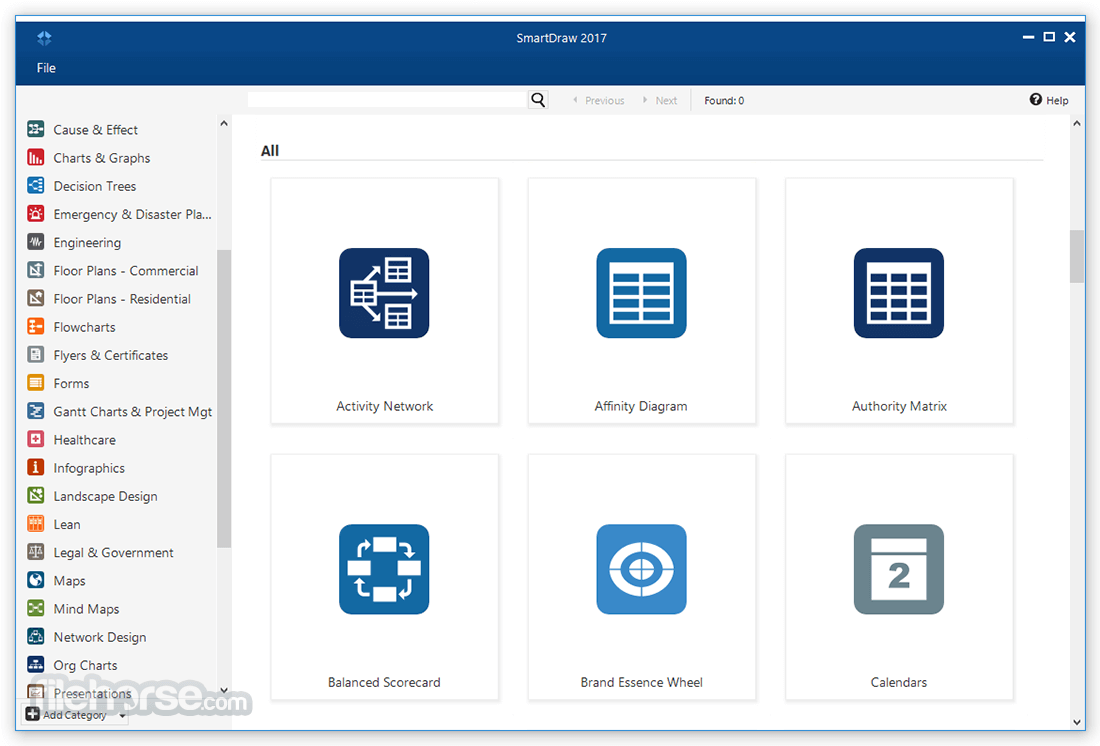
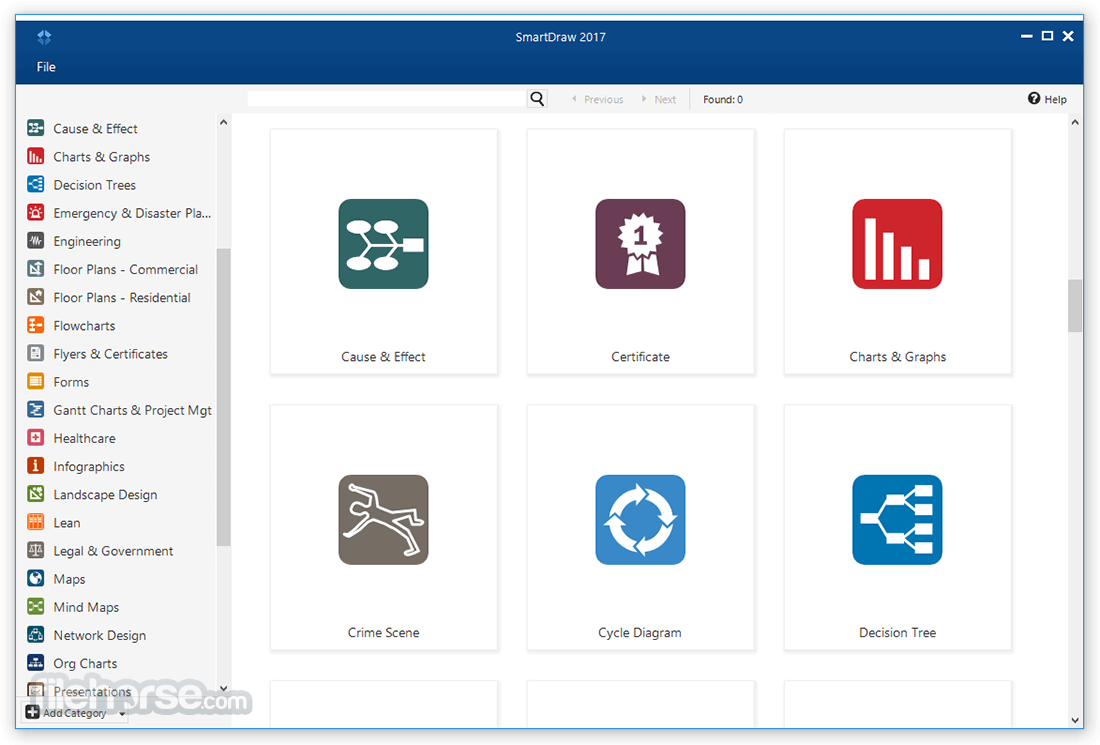
- 2025-09-16 SmartDraw 24.4.17.0 75.37 MB
- 2024-05-21 SmartDraw 24.3.5.0 59.86 MB
- 2023-10-12 SmartDraw 23.7.25.0 59.86 MB
- 2020-09-17 SmartDraw 27.0.0.2 512.48 KB
- 2019-12-16 SmartDraw 26.0.0.3 512.98 KB
- 2019-07-09 SmartDraw 26.0.0.2 512.98 KB
- 2019-04-30 SmartDraw 26.0.0.0 512.98 KB
- 2018-05-26 SmartDraw 25.0.0.0 510.99 KB