⚠ 這是歷史版本頁面 — 查看 SmartGaGa 1.1.646.1 (Android 7.1.2 Nougat) 最新版本 →

- 目前版本1.1.541.1
- 更新日期2019-04-18
- 檔案大小197.13 MB
- 檔案名稱Setup_1.1.541.1.exe
- 作業系統Windows 7 / Windows 7 64 / Windows 8 / Windows 8 64 / Windows 10 / Windows 10 64
- 支援語系English
- 授權型式免費軟體
- 開發商 SmartGaGa Team
- 軟體分類Windows 軟體 / 遊戲
##
編輯短評
SmartGaGa 是一款專為手機遊戲設計的 Android 模擬器,特別針對 FPS 類型如 Free Fire、PUBG Mobile 等最佳化,讓玩家在電腦大螢幕上用鍵盤滑鼠操作。它最大的特色是採用自家開發的 Titan 引擎,不需虛擬化技術就能在低配備的電腦上流暢運行,搭配 Turbo GPU 技術充分發揮顯示卡效能,帶來高幀率的遊戲體驗。這款軟體自推出以來持續更新,在同類模擬器中是主流首選,評價普遍不錯。
SmartGaGa 適合想用電腦玩手機 FPS 遊戲的玩家,尤其是硬體規格較舊、記憶體不足的使用者,能有效降低主機負載。與 BlueStacks 等替代軟體相比,它更強調低資源消耗與遊戲效能,但介面僅提供英文,對不熟悉英文的用戶可能稍有門檻。軟體本身免費,僅支援 Windows 平台,下載時需留意版本更新頻率,目前仍維持活躍維護。
##
軟體介紹
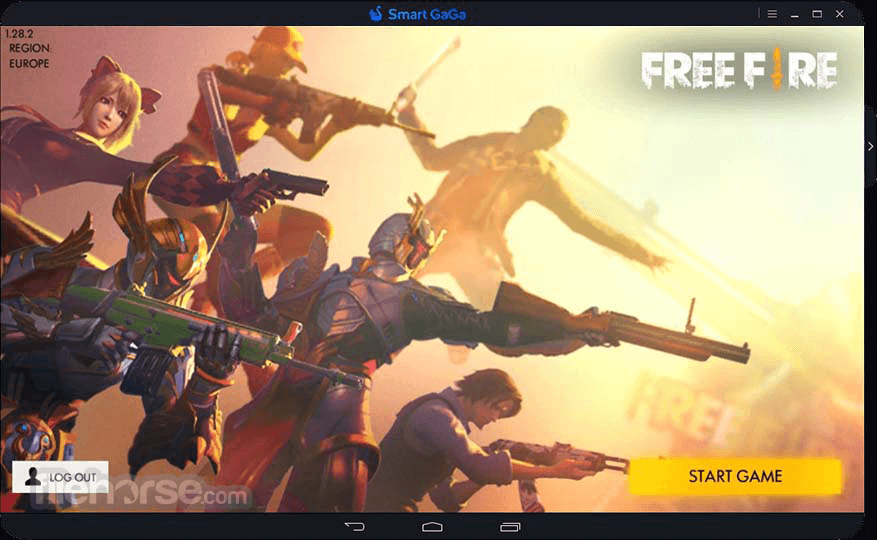
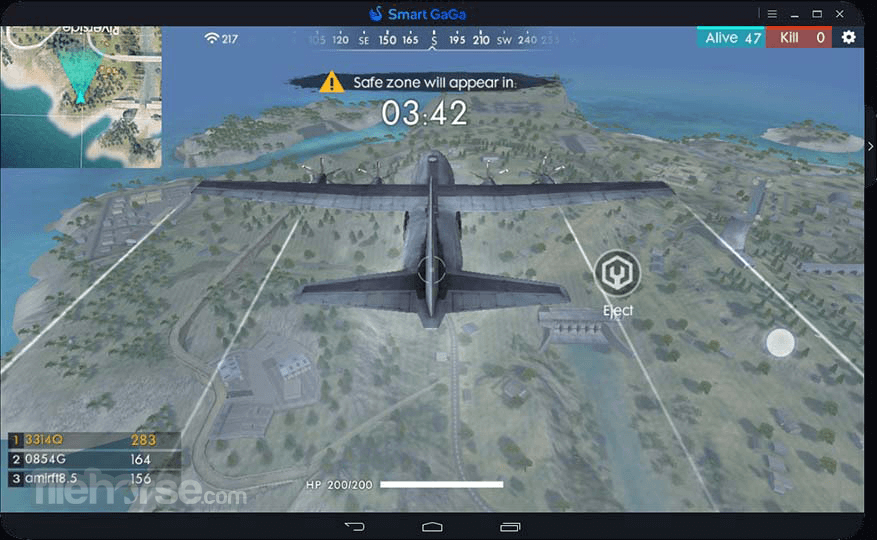
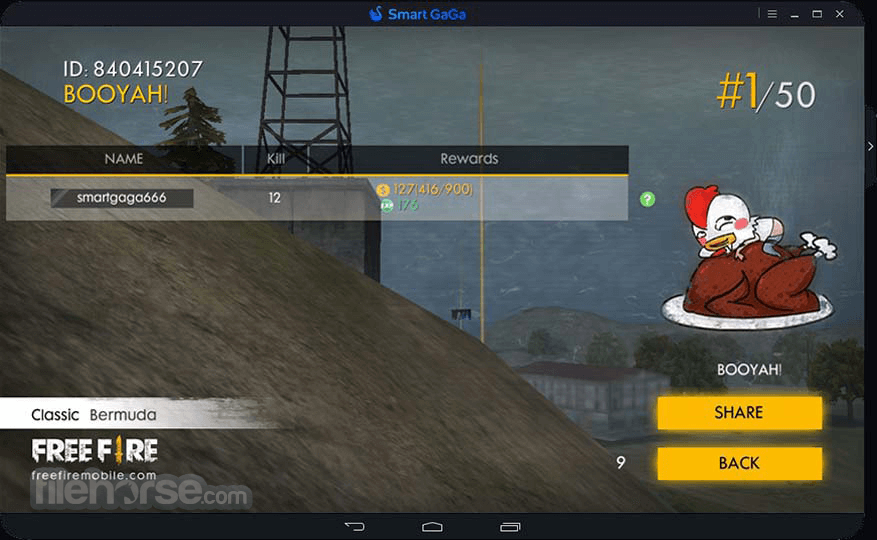
SmartGaGa 是最適合 Free Fire, PUBG Mobile, Clash of Clans, Clash Royale, Cyber Hunter 等遊戲的 best Android Emulator software for FPS games。
讓您在電腦大螢幕上使用鍵盤玩遊戲、跑 App!透過 Smart GaGa emulator,您可以在桌上型電腦或筆電上享受極高的高效能體驗!
SmartGaGa 的 Titan engine 採用了 world's leading Android Emulator technology,無需 virtualization 即可在任何僅有 2GB 記憶體的裝置上流暢運行。
它採用 Turbo GPU technology 以充分發揮 GPU 的性能,實現最佳的遊戲幀率。其智慧模式讓 mobile game experience on PC 能達到與 Windows PC 遊戲相媲美的體驗。
即使是新手玩家也能在 PC 上輕鬆遊玩 PUBG Mobile 和 Free Fire 等 FPS games。
SmartGaGa 獨立開發的 Titan engine 是世界領先的 non-virtualized emulator technology,大幅降低了主機負載與運行記憶體的消耗。
即使是在僅有 2GB RAM 的低階電腦上,使用者依然可以在 PC 上流暢地遊玩 PUBG Mobile 和 Free Fire 等大型 games。
Overview
SmartGaGa Emulator 是一款頂尖的 PC 專用 Android emulator,旨在滿足熱衷於行動遊戲玩家的需求。這款由 SmartGaGa Co., Ltd. 開發的軟體,讓使用者能在桌上型電腦或筆記型電腦上 play popular mobile games。
透過建立一個虛擬 Android 環境,它在複製行動裝置 gaming 體驗的同時,還提供了額外的功能與優化。
Main Features
High Performance
該 App 利用先進的 virtualization 技術,確保即使是資源密集型遊戲也能流暢且無延遲地運行。
Multi-Instance Manager
玩家可以同時運行多個 app 實例,讓他們能遊玩多款遊戲或創建多個帳號以獲取競爭優勢。
Customizable Controls
此 emulator 提供靈活的控制選項,允許使用者將遊戲控制項映射到鍵盤和滑鼠輸入,或使用 gamepad 以獲得類似主機的體驗。
Macros and Scripts
它支持創建與執行 macros and scripts,讓使用者能自動化重複性任務並提升遊戲效率。
Game Compatibility
此 emulator 相容於海量的 Android 遊戲庫,包括 PUBG Mobile, Garena Free Fire 和 Mobile Legends 等熱門作品。
How to Use
FAQs
Is SmartGaGa Emulator Safe?
Yes, but it is questionable。雖然官方網站 no longer active,但仍可從各種儲存庫下載。然而,重要的是要意識到這些來源可能無法保證沒有病毒、malware 和 spyware。建議下載後運行系統分析,以確保 Emulator 不含任何有害元素。請小心,目前已出現多個偽造的官方網站。
Is SmartGaGa Emulator FREE to use?
是的,它提供具有 premium features 的免費版本。
Can I use SmartGaGa to play games requiring high-end specifications?
絕對可以!SmartGaGa Emulator 旨在優化性能,讓使用者即使在低階或中階 PC 上也能遊玩資源密集型遊戲。
Can I transfer game progress from my mobile device to SmartGaGa Emulator?
可以,您只需在行動裝置和 emulator 上登入同一個帳號即可同步遊戲進度。
Does SmartGaGa for PC support gamepads?
是的,此 emulator 支持多款 gamepad 型號,提供類似主機的遊戲體驗。
Is SmartGaGa compatible with Mac computers?
目前該 App 僅提供 Windows PC 版本,暫時沒有官方的 Mac 版本。
Which version should I choose? Nougat or KitKat
我們建議在下載 emulator 時選擇您偏好的配置。SmartGaGa Android 7.1.2 (Nougat) 通常更受使用者歡迎,因為它對更多遊戲和 App 具有更好的相容性。然而,如果 Nougat 與您的裝置不相容,或您遇到延遲、運行緩慢等問題,可以考慮嘗試 SmartGaGa Android 4.4.2 (KitKat)。KitKat 是更輕量且運行速度更快的選項。
Alternatives
BlueStacks - 知名的 Android emulator,以使用者友好的界面和極廣的遊戲相容性著稱。
LDPlayer - 專注於遊戲的 emulator,提供高性能與眾多的自定義選項。
NoxPlayer - 另一款評價極高的 Android emulator,提供豐富的功能集與卓越的性能。
MEmu - 強大的 Android emulator,適合休閒及競技類遊戲。
GameLoop - 專門為 Tencent 遊戲(如 PUBG Mobile 和 Call of Duty Mobile)提供優化體驗的 App。
Recommended System Requirements
SmartGaGa Emulator 是一款強大的軟體,能將 Android 遊戲世界帶到您的桌上型或筆記型電腦中。
憑藉其高性能的 Android emulation、可自定義的控制項以及廣泛的遊戲相容性,它提供了沉浸且便捷的遊戲體驗。雖然缺乏 Mac 版本且部分功能僅限於 premium version,但其整體功能與性能使其成為行動遊戲愛好者的絕佳選擇。
無論您是休閒玩家還是競技選手,SmartGaGa Emulator 都是一個值得嘗試的選項,能讓您在大螢幕上提升遊戲體驗。
Download SmartGaGa Emulator Latest Version Why is this app published on FileHorse? (More info)
讓您在電腦大螢幕上使用鍵盤玩遊戲、跑 App!透過 Smart GaGa emulator,您可以在桌上型電腦或筆電上享受極高的高效能體驗!
SmartGaGa 的 Titan engine 採用了 world's leading Android Emulator technology,無需 virtualization 即可在任何僅有 2GB 記憶體的裝置上流暢運行。
它採用 Turbo GPU technology 以充分發揮 GPU 的性能,實現最佳的遊戲幀率。其智慧模式讓 mobile game experience on PC 能達到與 Windows PC 遊戲相媲美的體驗。
即使是新手玩家也能在 PC 上輕鬆遊玩 PUBG Mobile 和 Free Fire 等 FPS games。
SmartGaGa 獨立開發的 Titan engine 是世界領先的 non-virtualized emulator technology,大幅降低了主機負載與運行記憶體的消耗。
即使是在僅有 2GB RAM 的低階電腦上,使用者依然可以在 PC 上流暢地遊玩 PUBG Mobile 和 Free Fire 等大型 games。
Overview
SmartGaGa Emulator 是一款頂尖的 PC 專用 Android emulator,旨在滿足熱衷於行動遊戲玩家的需求。這款由 SmartGaGa Co., Ltd. 開發的軟體,讓使用者能在桌上型電腦或筆記型電腦上 play popular mobile games。
透過建立一個虛擬 Android 環境,它在複製行動裝置 gaming 體驗的同時,還提供了額外的功能與優化。
Main Features
High Performance
該 App 利用先進的 virtualization 技術,確保即使是資源密集型遊戲也能流暢且無延遲地運行。
Multi-Instance Manager
玩家可以同時運行多個 app 實例,讓他們能遊玩多款遊戲或創建多個帳號以獲取競爭優勢。
Customizable Controls
此 emulator 提供靈活的控制選項,允許使用者將遊戲控制項映射到鍵盤和滑鼠輸入,或使用 gamepad 以獲得類似主機的體驗。
Macros and Scripts
它支持創建與執行 macros and scripts,讓使用者能自動化重複性任務並提升遊戲效率。
Game Compatibility
此 emulator 相容於海量的 Android 遊戲庫,包括 PUBG Mobile, Garena Free Fire 和 Mobile Legends 等熱門作品。
How to Use
- 前往該程式的官方網站(如果還存在的話)或 FileHorse 並 download the latest version 安裝至您的 PC。
- 下載完成後,double-click on the installer 檔案以開始安裝程序。
- 按照螢幕上的指示 complete the installation。這可能包括同意服務條款以及選擇軟體的安裝路徑。
- 安裝完成後,從開始功能表或桌面快捷方式 launch the PC Emulator。
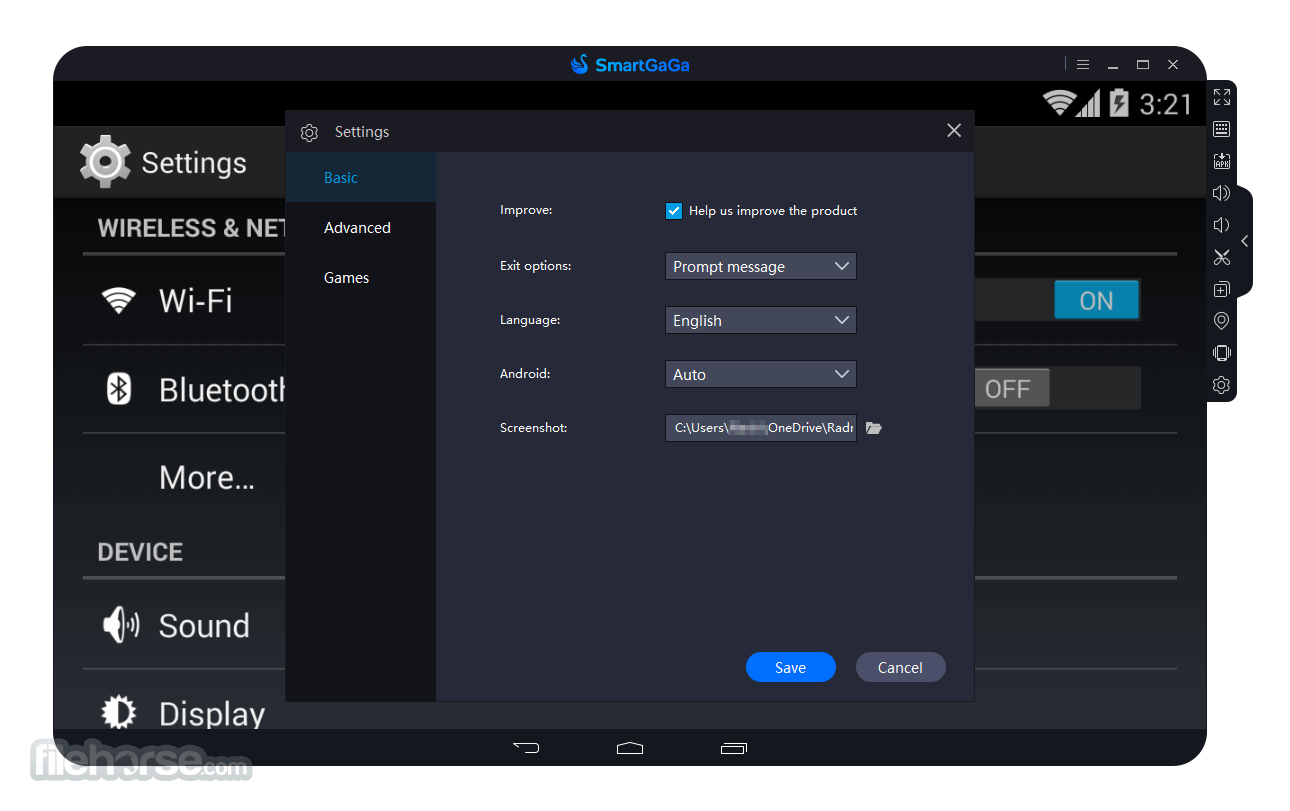
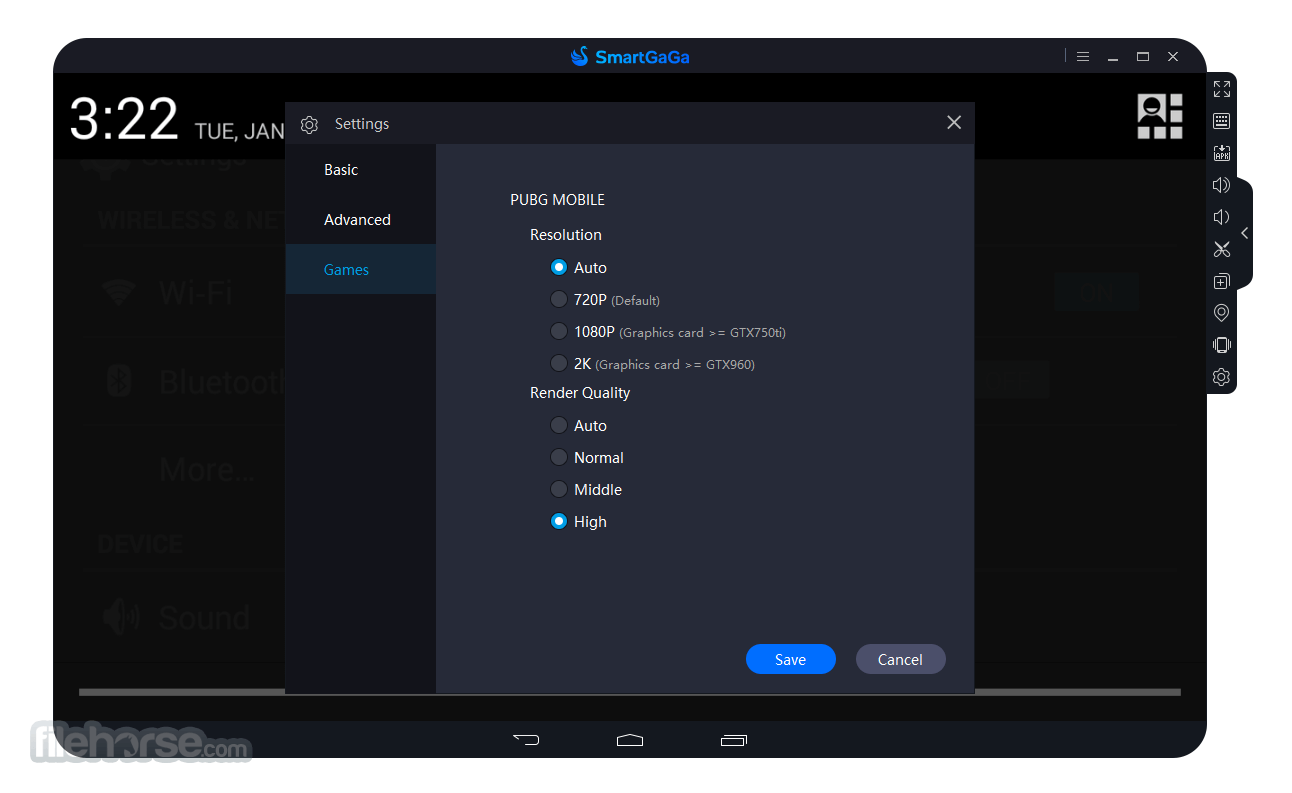
- 開啟 emulator 後,您可以根據喜好 configure the settings to your liking,例如解析度與 performance settings。
- 若要在 Emulator 上運行 Android App 或遊戲,您可以使用 built-in Google Play Store,或使用 APK files 進行安裝。
- Once you have installed an app or game,您可以從 emulator 的主畫面啟動它,並像在 regular Android device 上一樣開始使用。
- 此 Emulator 同時 supports keyboard and mouse input,因此您可以使用它們來控制遊戲和 App。
FAQs
Is SmartGaGa Emulator Safe?
Yes, but it is questionable。雖然官方網站 no longer active,但仍可從各種儲存庫下載。然而,重要的是要意識到這些來源可能無法保證沒有病毒、malware 和 spyware。建議下載後運行系統分析,以確保 Emulator 不含任何有害元素。請小心,目前已出現多個偽造的官方網站。
Is SmartGaGa Emulator FREE to use?
是的,它提供具有 premium features 的免費版本。
Can I use SmartGaGa to play games requiring high-end specifications?
絕對可以!SmartGaGa Emulator 旨在優化性能,讓使用者即使在低階或中階 PC 上也能遊玩資源密集型遊戲。
Can I transfer game progress from my mobile device to SmartGaGa Emulator?
可以,您只需在行動裝置和 emulator 上登入同一個帳號即可同步遊戲進度。
Does SmartGaGa for PC support gamepads?
是的,此 emulator 支持多款 gamepad 型號,提供類似主機的遊戲體驗。
Is SmartGaGa compatible with Mac computers?
目前該 App 僅提供 Windows PC 版本,暫時沒有官方的 Mac 版本。
Which version should I choose? Nougat or KitKat
我們建議在下載 emulator 時選擇您偏好的配置。SmartGaGa Android 7.1.2 (Nougat) 通常更受使用者歡迎,因為它對更多遊戲和 App 具有更好的相容性。然而,如果 Nougat 與您的裝置不相容,或您遇到延遲、運行緩慢等問題,可以考慮嘗試 SmartGaGa Android 4.4.2 (KitKat)。KitKat 是更輕量且運行速度更快的選項。
Alternatives
BlueStacks - 知名的 Android emulator,以使用者友好的界面和極廣的遊戲相容性著稱。
LDPlayer - 專注於遊戲的 emulator,提供高性能與眾多的自定義選項。
NoxPlayer - 另一款評價極高的 Android emulator,提供豐富的功能集與卓越的性能。
MEmu - 強大的 Android emulator,適合休閒及競技類遊戲。
GameLoop - 專門為 Tencent 遊戲(如 PUBG Mobile 和 Call of Duty Mobile)提供優化體驗的 App。
Recommended System Requirements
- OS: Windows 11, Windows 10, Windows 8, or Windows 7
- Processor: Dual-core Intel or AMD (Intel Core i5 or higher recommended)
- Graphics Card: Nvidia or Radeon 64 MB onwards
- DirectX 11 or higher
- RAM: 4 GB
- Storage: 4 GB Free Disk Space
- Internet connection for initial setup and game downloads
- 高性能模擬,提供流暢的遊戲體驗
- Multi-Instance Manager 方便多工處理
- 可自定義控制項並支持 gamepad
- 支持 Macros and scripts 以提升自動化效率
- 相容於廣泛的 Android 遊戲
- 此軟體已不再積極開發
- 僅提供 Windows PC 版本(無官方 Mac 版)
- 免費版本的功能較受限
- 若要達到最佳性能,可能需要相對強大的 PC
- 偶爾會與特定遊戲出現輕微的相容性問題
SmartGaGa Emulator 是一款強大的軟體,能將 Android 遊戲世界帶到您的桌上型或筆記型電腦中。
憑藉其高性能的 Android emulation、可自定義的控制項以及廣泛的遊戲相容性,它提供了沉浸且便捷的遊戲體驗。雖然缺乏 Mac 版本且部分功能僅限於 premium version,但其整體功能與性能使其成為行動遊戲愛好者的絕佳選擇。
無論您是休閒玩家還是競技選手,SmartGaGa Emulator 都是一個值得嘗試的選項,能讓您在大螢幕上提升遊戲體驗。
Download SmartGaGa Emulator Latest Version Why is this app published on FileHorse? (More info)
##
影片介紹
##
畫面截圖
- 2025-12-13 SmartGaGa 1.1.646.1 (Android 7.1.2 Nougat) 286.84 MB
- 2019-08-19 SmartGaGa 1.1.601.1 201.8 MB
- 2019-07-17 SmartGaGa 1.1.560.1 197.13 MB
- 2019-06-29 SmartGaGa 1.1.502.1 194.74 MB
- 2019-04-18 SmartGaGa 1.1.541.1 197.13 MB
- 2019-02-13 SmartGaGa 1.1.458.1 194.58 MB
- 2018-12-05 SmartGaGa 1.1.401.1 194.58 MB