- 目前版本2.1.3 (64-bit)
- 更新日期2026-08-06
- 檔案大小11.5 MB
- 檔案名稱syncthing-windows-amd64-v2.1.3.zip
- 作業系統Windows 7 64 / Windows 8 64 / Windows 10 64 / Windows 11
- 支援語系English
- 授權型式開源軟體
- 開發商 Syncthing Team
- 軟體分類Windows 軟體 / 備份還原
##
翻譯排程處理中,以下暫以英文原文呈現
軟體介紹
Syncthing is a free and open-source peer-to-peer file-synchronization software for Windows PC! Syncthing replaces proprietary sync and cloud services with something open, trustworthy, and decentralized.
Your data is your data alone and you deserve to choose where it is stored if it is shared with some third party and how it's transmitted over the Internet.
Syncthing is still in development, although a large number of features have already been implemented.
Features and Highlights
Private
None of your data is ever stored anywhere else other than on your computers. There is no central server that might be compromised, legally, or illegally.
Encrypted
All communication is secured using TLS. The encryption used includes perfect forward secrecy to prevent any eavesdropper from ever gaining access to your data.
Authenticated
Every node is identified by a strong cryptographic certificate. Only nodes you have explicitly allowed can connect to your cluster.
Web GUI
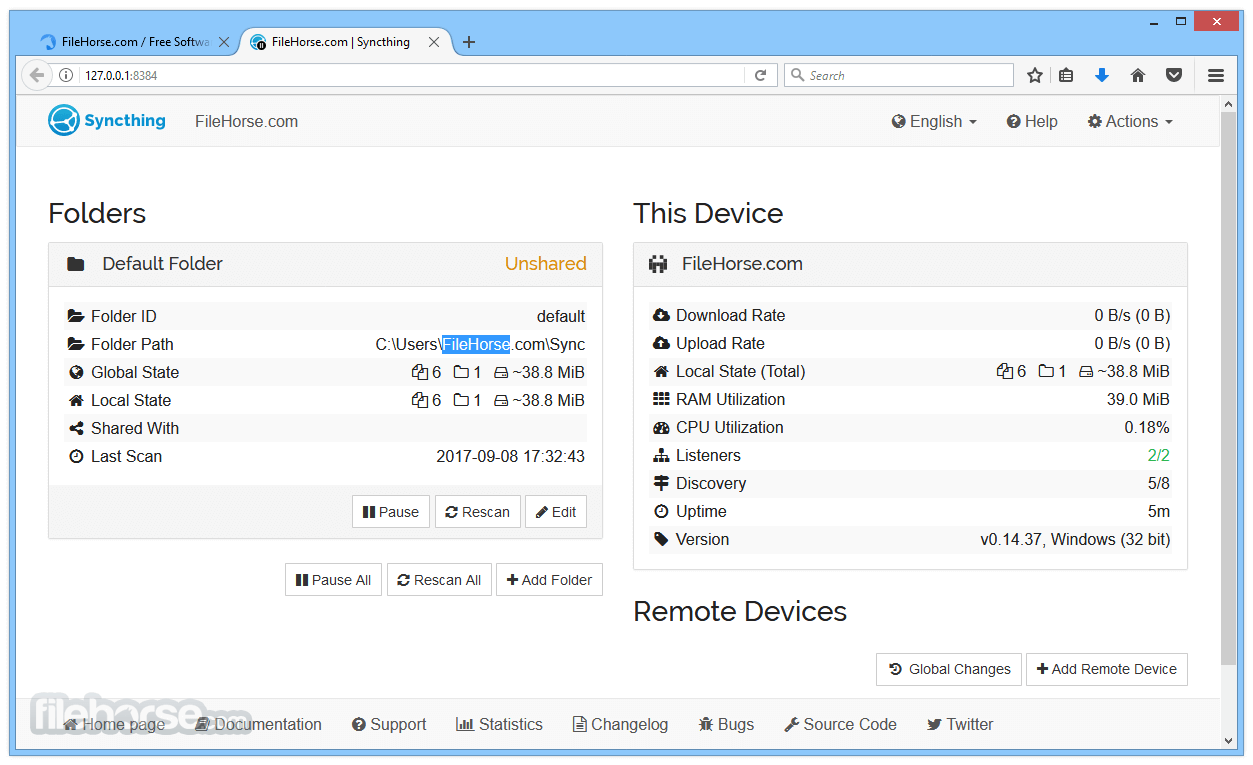
Configure and monitor the tool via a responsive and powerful interface accessible via your internet browser.
Portable
Works on macOS, Windows, Linux, FreeBSD, Solaris, and OpenBSD. Run it on your desktop computers and synchronize them with your server for backup.
Simple
The app doesn't need IP addresses or advanced configuration: it just works, over LAN and over the Internet. Every machine is identified by an ID. Just give your ID to your friends, share a folder and watch: UPnP will do if you don't want to port forward or you don't know-how.
Powerful
Synchronize as many folders as you need with different people.
How to Use
Alternatives
Resilio Sync: Focuses on peer-to-peer synchronization with high-speed transfers.
SyncBack: A versatile backup and synchronization tool with a user-friendly interface.
FreeFileSync: A free and open-source alternative with basic synchronization features.
Acronis True Image: Combines backup, recovery, and cybersecurity features in one package.
System Requirements
Download Syncthing Latest Version Why is this app published on FileHorse? (More info)
Your data is your data alone and you deserve to choose where it is stored if it is shared with some third party and how it's transmitted over the Internet.
Syncthing is still in development, although a large number of features have already been implemented.
Features and Highlights
Private
None of your data is ever stored anywhere else other than on your computers. There is no central server that might be compromised, legally, or illegally.
Encrypted
All communication is secured using TLS. The encryption used includes perfect forward secrecy to prevent any eavesdropper from ever gaining access to your data.
Authenticated
Every node is identified by a strong cryptographic certificate. Only nodes you have explicitly allowed can connect to your cluster.
Web GUI
Configure and monitor the tool via a responsive and powerful interface accessible via your internet browser.
Portable
Works on macOS, Windows, Linux, FreeBSD, Solaris, and OpenBSD. Run it on your desktop computers and synchronize them with your server for backup.
Simple
The app doesn't need IP addresses or advanced configuration: it just works, over LAN and over the Internet. Every machine is identified by an ID. Just give your ID to your friends, share a folder and watch: UPnP will do if you don't want to port forward or you don't know-how.
Powerful
Synchronize as many folders as you need with different people.
How to Use
- Launch Syncthing and access the web-based interface
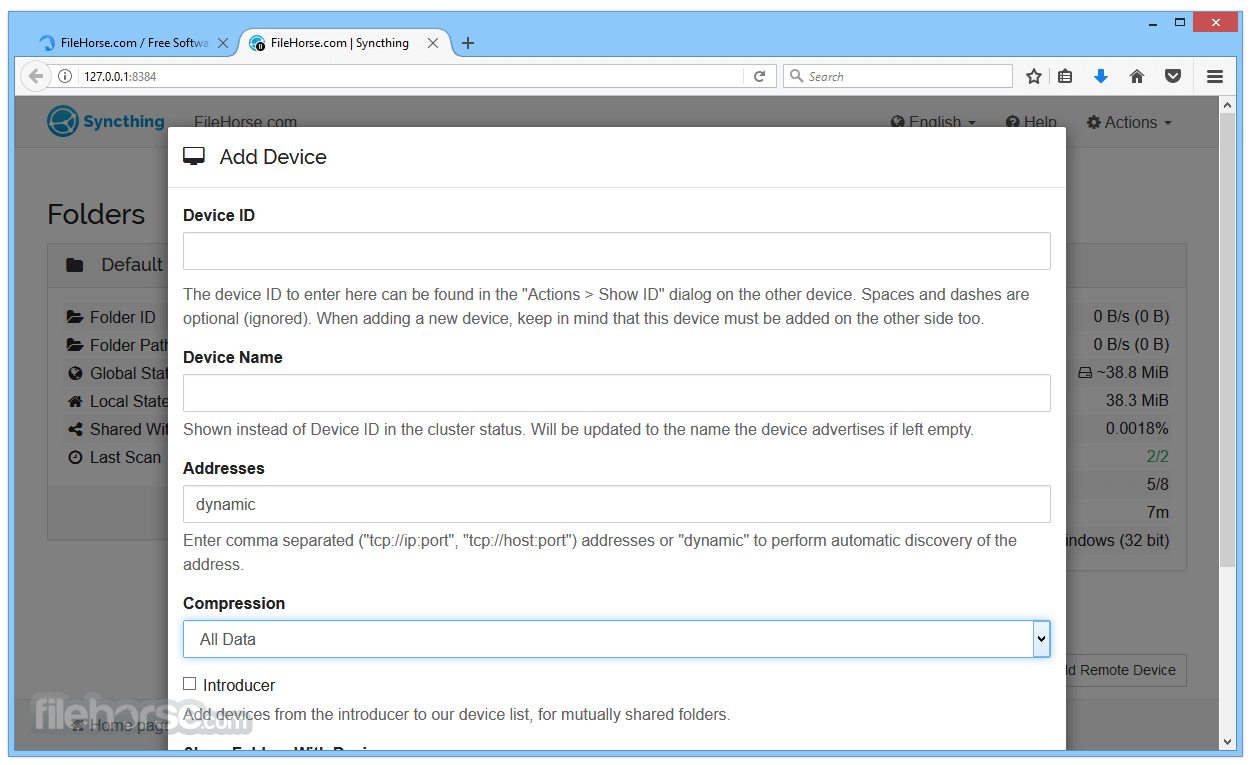
- Add devices by sharing unique device IDs
- Create folders and select paths for syncing
- Adjust folder settings and permissions
- Start synchronization between connected devices
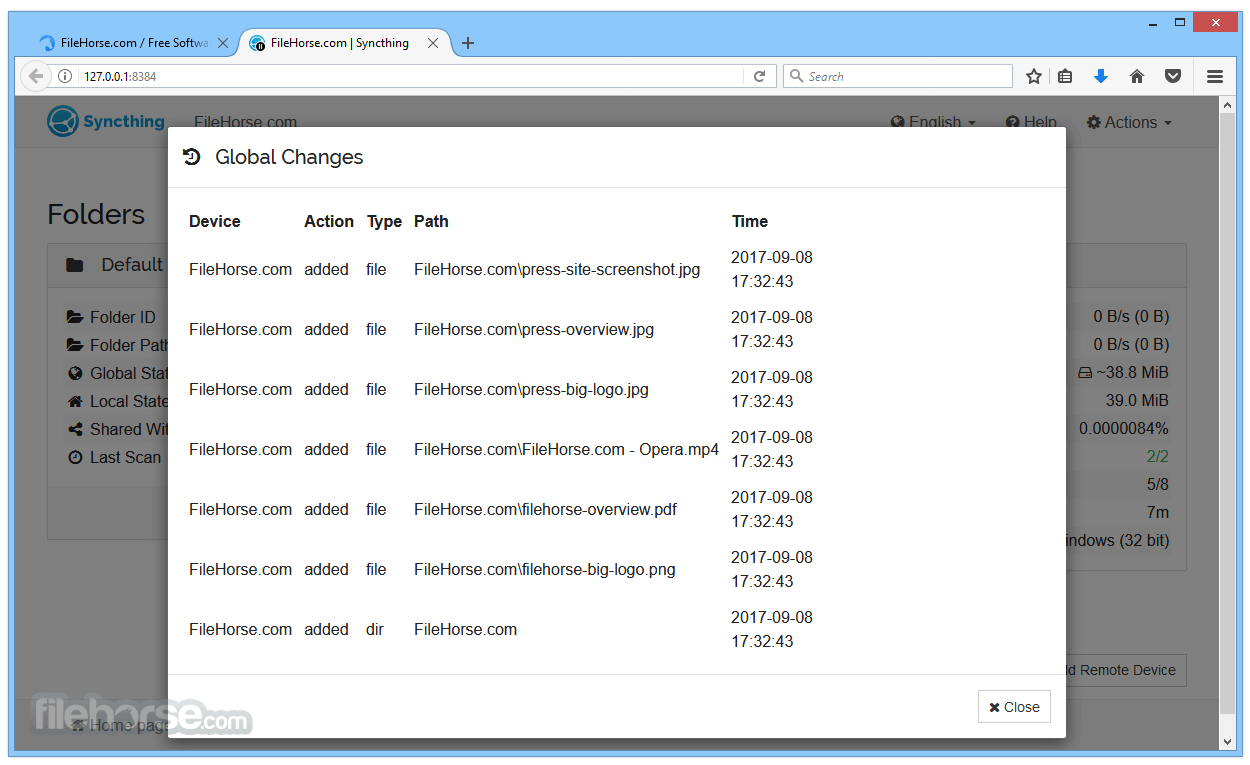
- Monitor sync status and logs in the interface
- Configure advanced options for security and performance
- Set up versioning to keep file history
- Troubleshoot sync issues using logs and community support
Alternatives
Resilio Sync: Focuses on peer-to-peer synchronization with high-speed transfers.
SyncBack: A versatile backup and synchronization tool with a user-friendly interface.
FreeFileSync: A free and open-source alternative with basic synchronization features.
Acronis True Image: Combines backup, recovery, and cybersecurity features in one package.
System Requirements
- Windows 7, 8, 10, or 11 (64-bit recommended)
- 1 GHz or faster processor
- 512 MB RAM (1 GB or more recommended)
- 50 MB available disk space
- Active internet or local network connection
- Secure end-to-end encrypted sync
- No cloud storage required
- Open-source and free to use
- Cross-platform compatibility
- Automatic file versioning
- No built-in cloud backup
- Requires manual setup
- Limited mobile app features
- Can be resource-intensive
Download Syncthing Latest Version Why is this app published on FileHorse? (More info)
##
畫面截圖