The Bat! Professional 12.3 (64-bit)
v 12.3 (64-bit)
Windows
商業試用
7/10 (28)
- 目前版本12.3 (64-bit)
- 更新日期2026-07-29
- 檔案大小213 MB
- 檔案名稱thebat_64_12-3.msi
- 作業系統Windows 7 64 / Windows 8 64 / Windows 10 64 / Windows 11
- 支援語系English
- 授權型式商業試用
- 開發商 RITLabs
- 軟體分類Windows 軟體 / 社群通訊
##
翻譯排程處理中,以下暫以英文原文呈現
軟體介紹
The Bat! Professional is a powerful desktop email client for Windows developed by Ritlabs, designed primarily for PC/Laptop users who prioritize security, flexibility, and productivity.
Known for its robust performance in handling multiple accounts, complex filters, and advanced encryption, The Bat! has become a staple for professionals and organizations with serious email communication needs.
Unlike many modern email clients that rely on cloud integration, The Bat! emphasizes privacy and local data control.
Main Features
Multiple Email Account Support – Easily manage unlimited POP3, IMAP, and MAPI accounts.
Message Templates – Custom templates for new messages, replies, and forwards.
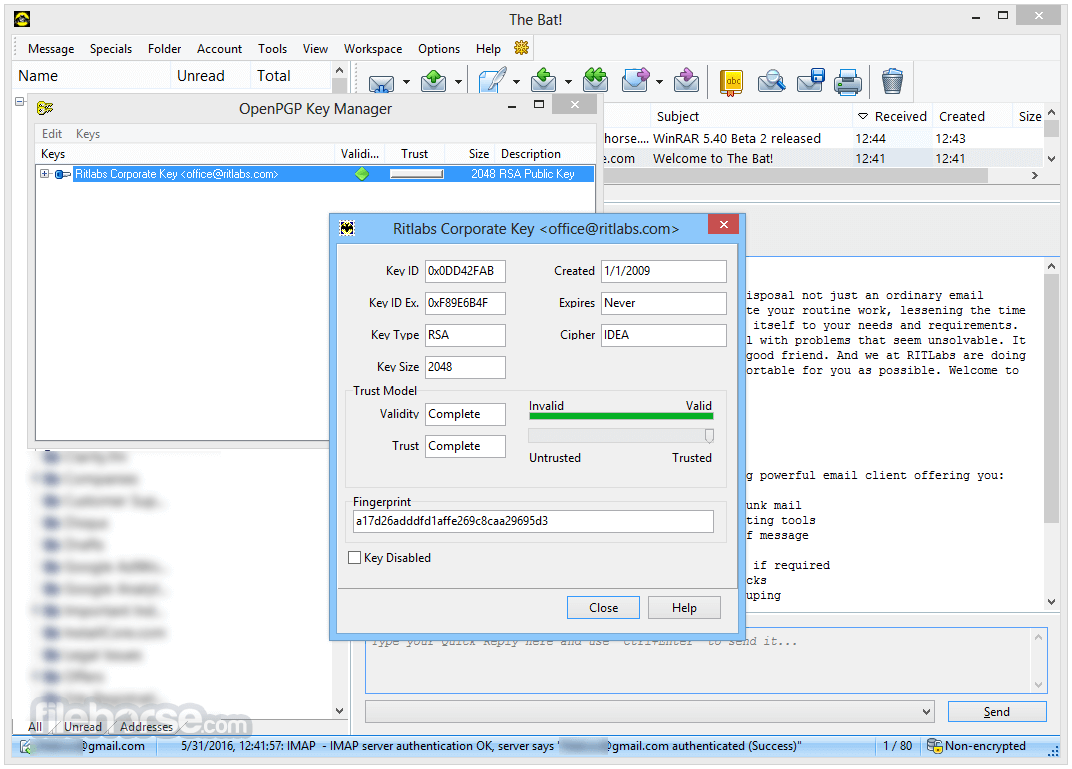
End-to-End Encryption – PGP and S/MIME support to secure email communication.
Smart Sorting and Filtering – Automate message sorting and categorization using complex filtering rules.
Built-in Backup and Restore – Protect email data with automatic or manual backup tools.
Anti-virus Integration – Seamless compatibility with Windows security solutions.
Scheduler and Mail Dispatcher – Automate sending and manage large volumes of emails.
Portable Mode – Run from a USB drive without full installation.
User Interface
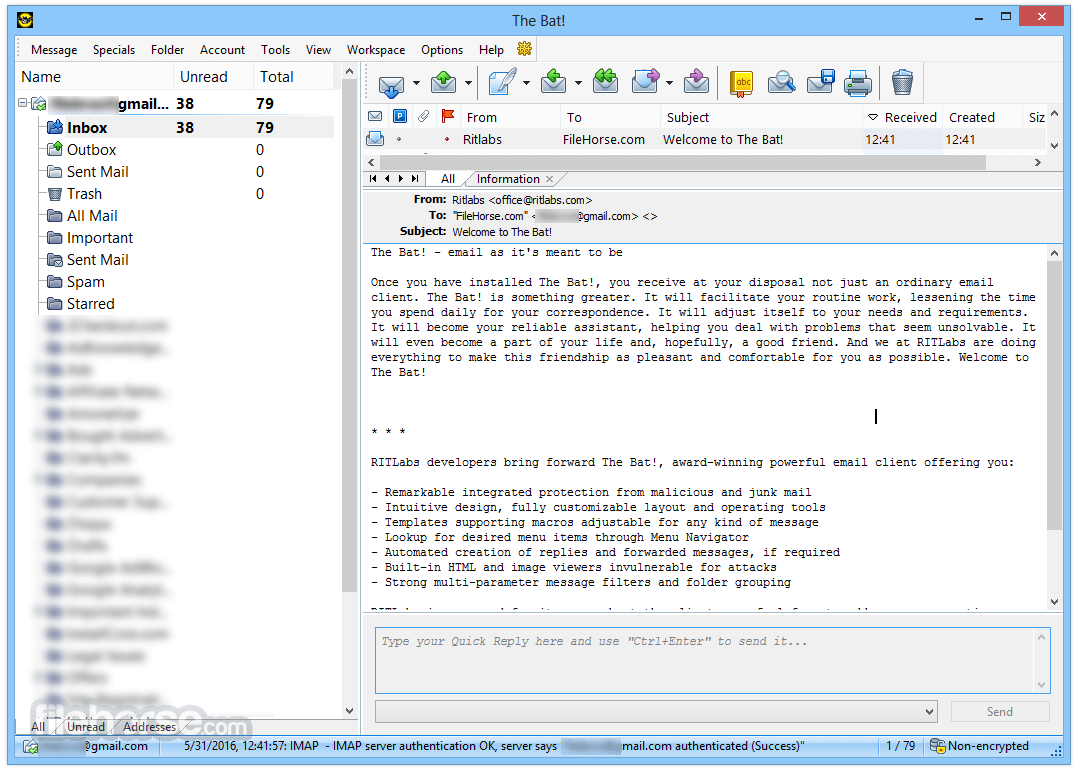
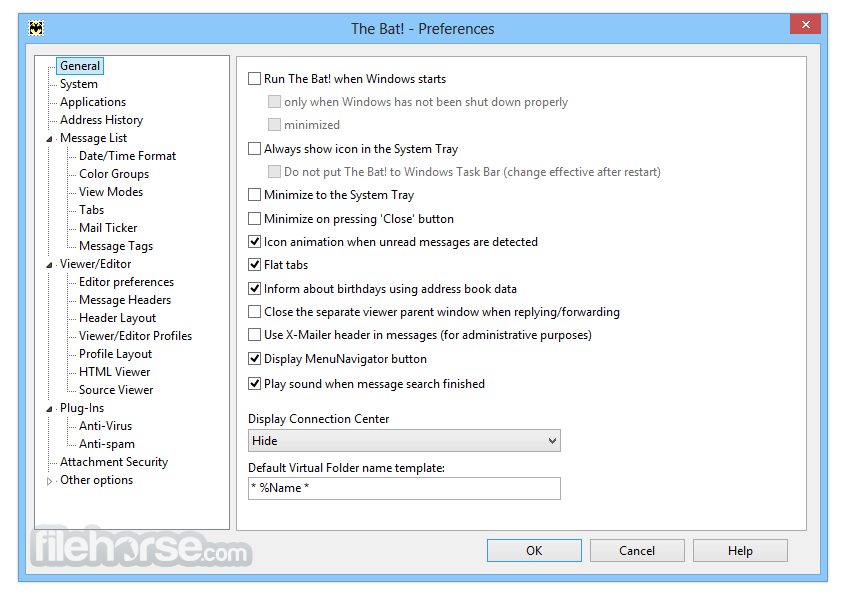
The app features a classic Windows-style interface with a focus on functionality over design flair. Users familiar with older versions of Microsoft Outlook or Thunderbird will find the layout intuitive, though newcomers may find the interface slightly dated.
Customization options for toolbars, themes, and viewing panes enhance usability for power users.
Installation and Setup
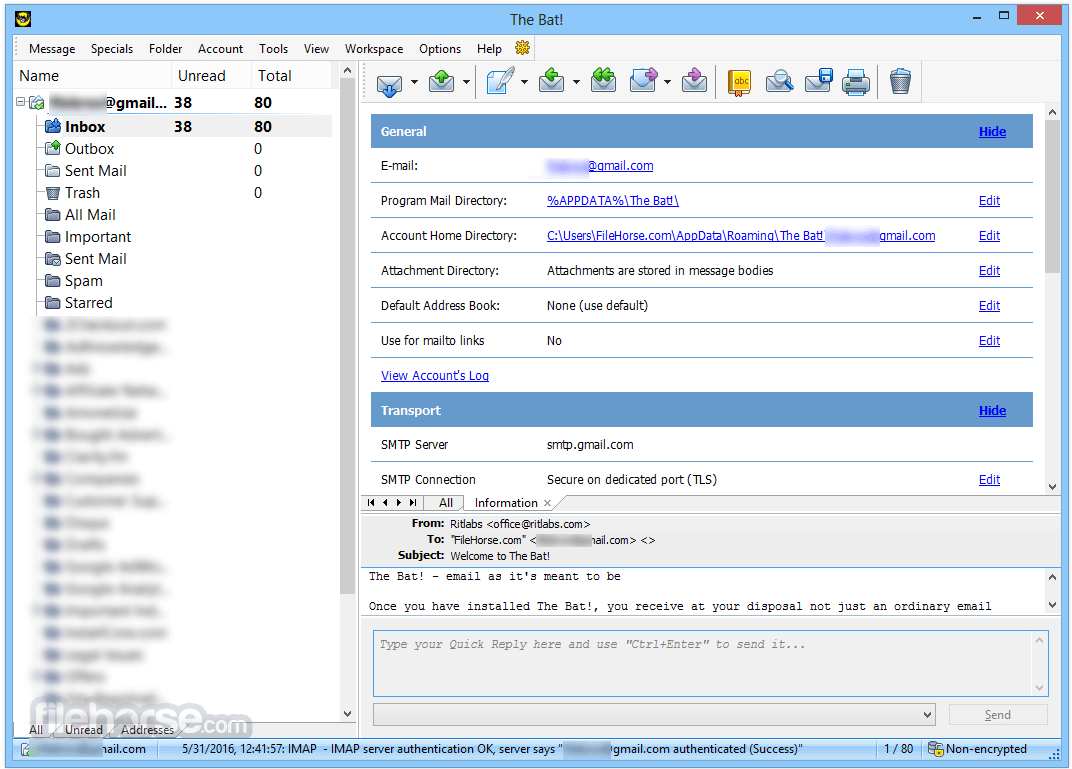
Installing The Bat! Professional is straightforward, with a lightweight installer that completes in under two minutes. During setup, users are guided through email account configuration, including server settings and encryption options.
The app also supports import from other clients like Outlook, Thunderbird, and Eudora.
How to Use
After setup, users can begin managing their inbox through the main dashboard. Features like folders, filters, and templates are easily accessible.
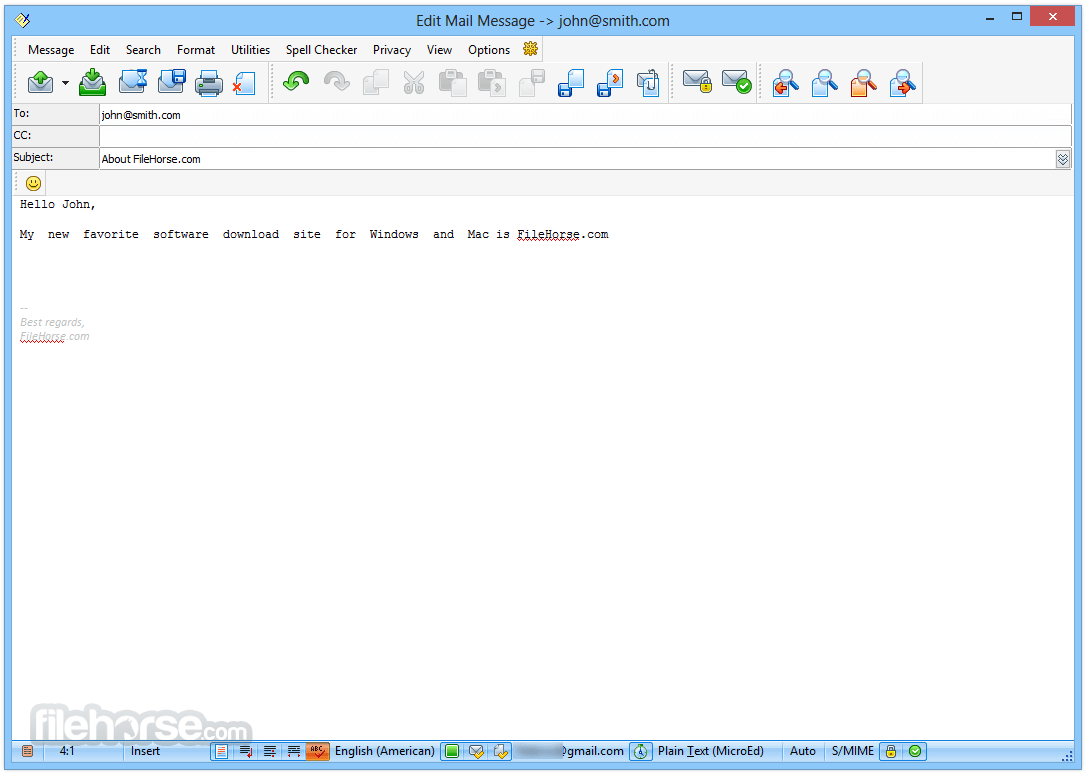
Writing and replying to messages are enhanced by powerful formatting tools and macros.
It also allows users to schedule messages, manage signatures, and use secure mail certificates efficiently.
FAQ
Does The Bat! support Gmail or Outlook accounts?
Yes, it supports any email provider using IMAP, POP3, or MAPI, including Gmail, Outlook, and Yahoo.
Can I use The Bat! on multiple computers?
Yes, with a Professional license and portable mode, you can run The Bat! from a USB stick.
Is my email data stored in the cloud?
No. The software stores all data locally unless you manually configure it to sync or back up online.
Does it work with antivirus software?
Yes, it integrates smoothly with most Windows antivirus software.
How secure is The Bat!?
It offers PGP and S/MIME encryption, secure data storage, and advanced authentication mechanisms.
Alternatives
Microsoft Outlook – Popular with Office users, integrates with Exchange.
Mozilla Thunderbird – Free and open-source, with extensive plugin support.
ProtonMail – Modern design, calendar integration, and Gmail-friendly features.
Mailbird – Focuses on unified inbox and app integrations.
Foxmail – Lightweight and free, popular among minimalists.
Pricing
The Bat! Professional license costs approximately $59.99 (one-time payment).
Includes free minor updates; major version upgrades may require additional fees.
Business licenses available for larger teams or enterprises.
System Requirements
Download The Bat! Professional Latest Version Why is this app published on FileHorse? (More info)
Known for its robust performance in handling multiple accounts, complex filters, and advanced encryption, The Bat! has become a staple for professionals and organizations with serious email communication needs.
Unlike many modern email clients that rely on cloud integration, The Bat! emphasizes privacy and local data control.
Main Features
Multiple Email Account Support – Easily manage unlimited POP3, IMAP, and MAPI accounts.
Message Templates – Custom templates for new messages, replies, and forwards.
End-to-End Encryption – PGP and S/MIME support to secure email communication.
Smart Sorting and Filtering – Automate message sorting and categorization using complex filtering rules.
Built-in Backup and Restore – Protect email data with automatic or manual backup tools.
Anti-virus Integration – Seamless compatibility with Windows security solutions.
Scheduler and Mail Dispatcher – Automate sending and manage large volumes of emails.
Portable Mode – Run from a USB drive without full installation.
User Interface
The app features a classic Windows-style interface with a focus on functionality over design flair. Users familiar with older versions of Microsoft Outlook or Thunderbird will find the layout intuitive, though newcomers may find the interface slightly dated.
Customization options for toolbars, themes, and viewing panes enhance usability for power users.
Installation and Setup
Installing The Bat! Professional is straightforward, with a lightweight installer that completes in under two minutes. During setup, users are guided through email account configuration, including server settings and encryption options.
The app also supports import from other clients like Outlook, Thunderbird, and Eudora.
How to Use
After setup, users can begin managing their inbox through the main dashboard. Features like folders, filters, and templates are easily accessible.
Writing and replying to messages are enhanced by powerful formatting tools and macros.
It also allows users to schedule messages, manage signatures, and use secure mail certificates efficiently.
FAQ
Does The Bat! support Gmail or Outlook accounts?
Yes, it supports any email provider using IMAP, POP3, or MAPI, including Gmail, Outlook, and Yahoo.
Can I use The Bat! on multiple computers?
Yes, with a Professional license and portable mode, you can run The Bat! from a USB stick.
Is my email data stored in the cloud?
No. The software stores all data locally unless you manually configure it to sync or back up online.
Does it work with antivirus software?
Yes, it integrates smoothly with most Windows antivirus software.
How secure is The Bat!?
It offers PGP and S/MIME encryption, secure data storage, and advanced authentication mechanisms.
Alternatives
Microsoft Outlook – Popular with Office users, integrates with Exchange.
Mozilla Thunderbird – Free and open-source, with extensive plugin support.
ProtonMail – Modern design, calendar integration, and Gmail-friendly features.
Mailbird – Focuses on unified inbox and app integrations.
Foxmail – Lightweight and free, popular among minimalists.
Pricing
The Bat! Professional license costs approximately $59.99 (one-time payment).
Includes free minor updates; major version upgrades may require additional fees.
Business licenses available for larger teams or enterprises.
System Requirements
- Windows 11, 10, 8 or 7 (32-bit and 64-bit)
- Minimum 1 GHz CPU
- 1 GB RAM
- 200 MB of disk space
- Internet connection for updates and IMAP/SMTP access
- Highly secure with robust encryption
- Efficient management of multiple accounts
- Flexible message templates and filters
- Portable and lightweight
- Fast performance even with large inboxes
- Outdated user interface design
- Lacks cloud-based features
- Fewer third-party integrations
- Paid license may deter casual users
Download The Bat! Professional Latest Version Why is this app published on FileHorse? (More info)
##
畫面截圖