⚠ 這是歷史版本頁面 — 查看 Topaz Gigapixel AI 最新版本 →

- 目前版本8.4.0
- 更新日期2025-05-22
- 檔案大小357 MB
- 檔案名稱TopazGigapixelAI-8.4.0.msi
- 作業系統Windows 10 (64-bit) / Windows 11
- 支援語系English
- 授權型式商業試用
- 開發商 Topaz Labs
- 軟體分類Windows 軟體 / 影像設計
##
編輯短評
Topaz Gigapixel AI 是一款專注於影像放大的 AI 工具,核心訴求是讓使用者能將照片放大到六倍之譜,同時盡可能保留細節、避免傳統放大常見的鋸齒、像素塊與模糊感。它利用機器學習補足放大後缺失的紋理,例如羽毛、皮膚質感等,讓輸出結果更接近真實拍攝的樣貌。這套軟體由 Topaz Labs 開發,近年更新相當活躍,在同類工具中屬於主流首選之一,使用者評價普遍不錯,尤其對需要高倍率輸出的攝影工作者來說,辨識度很高。
它適合攝影師、設計師或任何需要將舊照片、小圖檔放大用於列印或專業專案的人。與 Photoshop 這類綜合編輯軟體相比,Gigapixel 專注在單一任務上,操作門檻較低,但功能也相對單純,無法取代完整的影像處理流程。目前提供試用版,支援 Windows 與 macOS,但介面僅有英文,使用前需留意語系習慣。若你常處理低解析度素材,又不想手動修補放大後的瑕疵,這套工具會是值得嘗試的選擇。
##
翻譯排程處理中,以下暫以英文原文呈現
軟體介紹
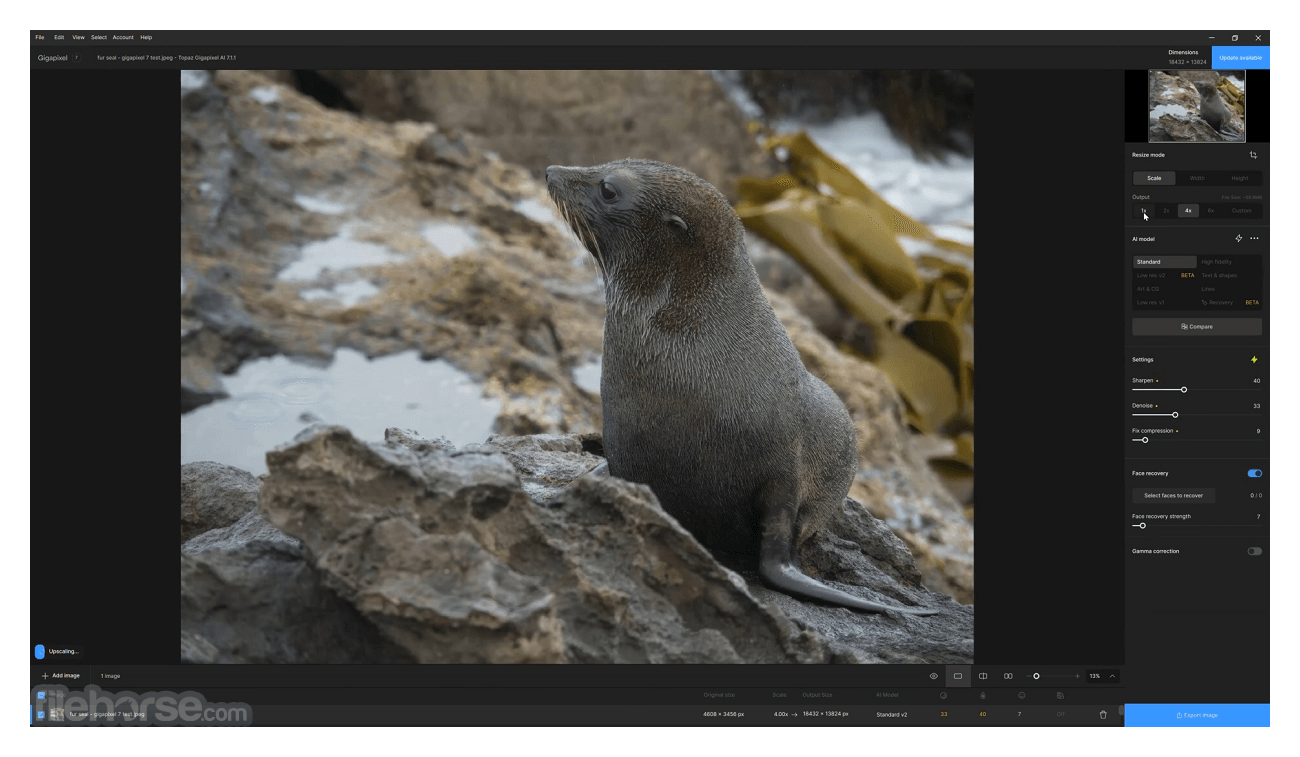
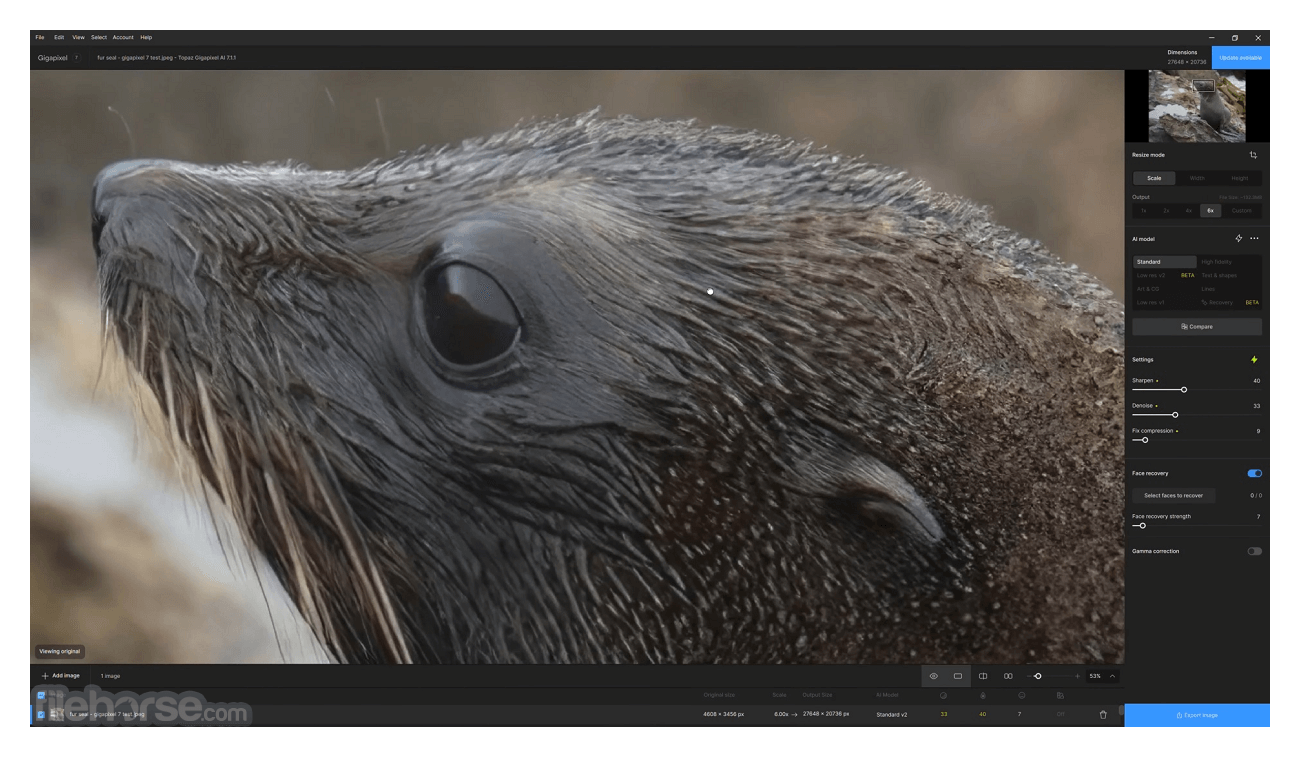
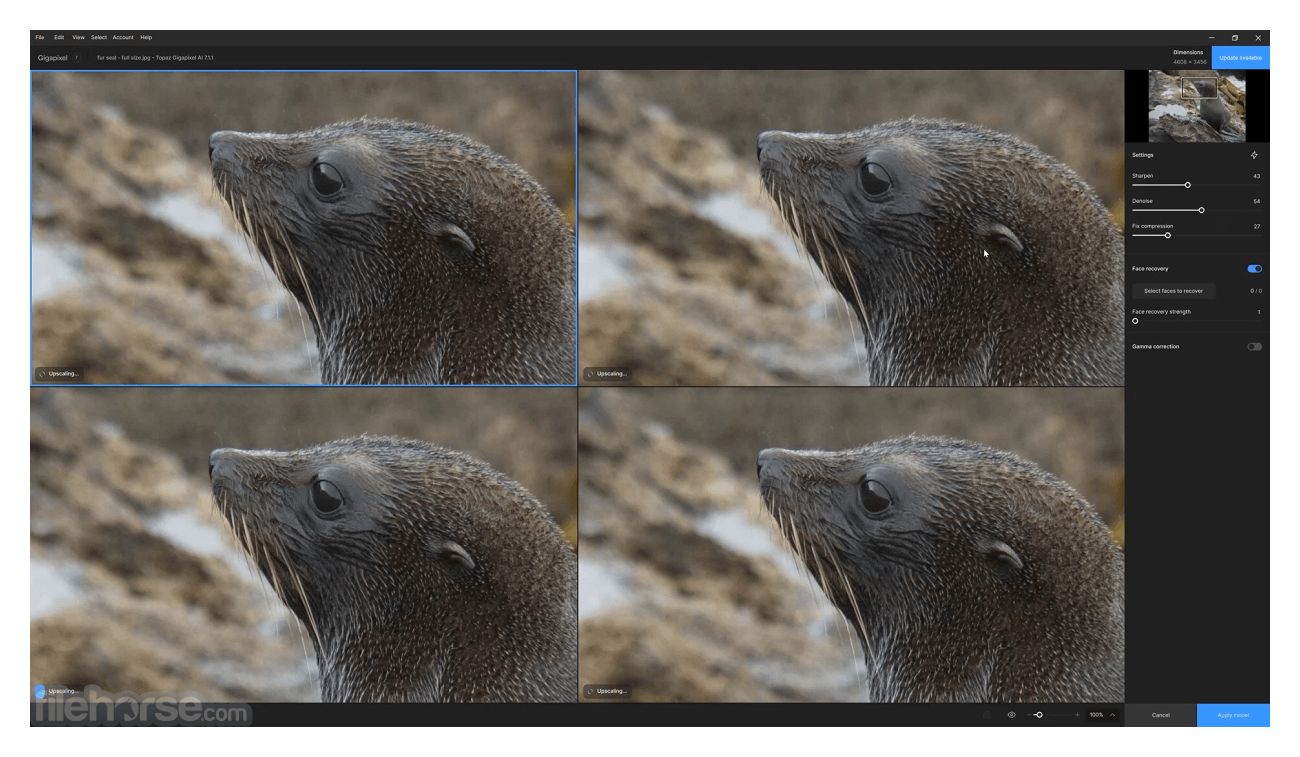
Topaz Gigapixel AI is an incredibly useful tool that deploys the power of AI computing and machine learning to enable users of all knowledge levels to easily upscale their digital photos by 600% without the loss of image quality.
Until now enlarging of your digital photos always introduced strong visual artifacts, large blocks of pixels, loss of data, and generally unappealing pictures that could not be easily used for online sharing, use in professional projects, or even long-term storing.
Large background elements such as skies and clouds are smoothed for all irregularities, small individual elements such as grass are sharpened and reconstructed to be crisp and sharp, and all your subjects (objects or people) are redrawn to showcase brand new hidden detail that was lost in original upscales. It’s AI-powered upscale removes blur, unrealistic painterly look, and restores lost detail that that resembles as it has just come from a high-resolution professional camera.
The app can handle enlargement of pictures of all sizes, including those captured from your professional camera, mobile phone, drone footage, and other sources. The end-result image can be immediately be exported for use in professional photo editing apps.
Topaz AI Gigapixel is not a plugin. It is a fully standalone app that can be used without the need for the purchase of some other photo editing suites.
To start using it today, you can either purchase a lifetime license for unrestricted personal and commercial use or test the app thoroughly via the available FREE TRIAL.
Installation and Use
Even though the Gigapixel AI app is only focused on extracting most of the available data and implementing additional image elements from your digital images, the installation package of the app is surprisingly large. It surpasses the size of 1 GB! This means that download and installation could last a while, but thankfully the stunning effectiveness of the app makes the wait worth it.
While the app can run on the minimally recommended PC configuration of 8GB of RAM and 2 GB of video memory, developers recommend giving the app the most hardware resources you have so that its algorithms can do their work as fast as possible. Topaz AI Gigapixel is optimized for work on Windows 7, 8, 10 or 11.
Features and Highlights
Windows Operating System
10 or 11 (most updated version recommended)
CPU
Intel or AMD, with AVX instructions, released after 2013
System Memory (RAM)
16GB
Graphics Card (NVIDIA)
NVIDIA GTX 900 or higher, 4 GB VRAM
Graphics Card (AMD)
AMD Radeon 400 or higher, 4GB VRAM
Graphics Card (Intel)
Intel UHD 600 Graphics or higher, 16GB system RAM
PROS
Also Available: Download Topaz Gigapixel AI for Mac
Download Topaz Gigapixel AI Latest Version Why is this app published on FileHorse? (More info)
Until now enlarging of your digital photos always introduced strong visual artifacts, large blocks of pixels, loss of data, and generally unappealing pictures that could not be easily used for online sharing, use in professional projects, or even long-term storing.
- Enhance the texture of feathers
- Improve skin texture and sharpness
- Add image detail that looks completely natural
- Increase image resolution instead of just enlarging pixels
- Higher-resolution landscapes
- Crystal-clear upscaling with no blocky artifacts
- Fix extreme pixellation in low-resolution images
Large background elements such as skies and clouds are smoothed for all irregularities, small individual elements such as grass are sharpened and reconstructed to be crisp and sharp, and all your subjects (objects or people) are redrawn to showcase brand new hidden detail that was lost in original upscales. It’s AI-powered upscale removes blur, unrealistic painterly look, and restores lost detail that that resembles as it has just come from a high-resolution professional camera.
The app can handle enlargement of pictures of all sizes, including those captured from your professional camera, mobile phone, drone footage, and other sources. The end-result image can be immediately be exported for use in professional photo editing apps.
Topaz AI Gigapixel is not a plugin. It is a fully standalone app that can be used without the need for the purchase of some other photo editing suites.
To start using it today, you can either purchase a lifetime license for unrestricted personal and commercial use or test the app thoroughly via the available FREE TRIAL.
Installation and Use
Even though the Gigapixel AI app is only focused on extracting most of the available data and implementing additional image elements from your digital images, the installation package of the app is surprisingly large. It surpasses the size of 1 GB! This means that download and installation could last a while, but thankfully the stunning effectiveness of the app makes the wait worth it.
While the app can run on the minimally recommended PC configuration of 8GB of RAM and 2 GB of video memory, developers recommend giving the app the most hardware resources you have so that its algorithms can do their work as fast as possible. Topaz AI Gigapixel is optimized for work on Windows 7, 8, 10 or 11.
Features and Highlights
- Scale your digital images to 600% without losing object details!
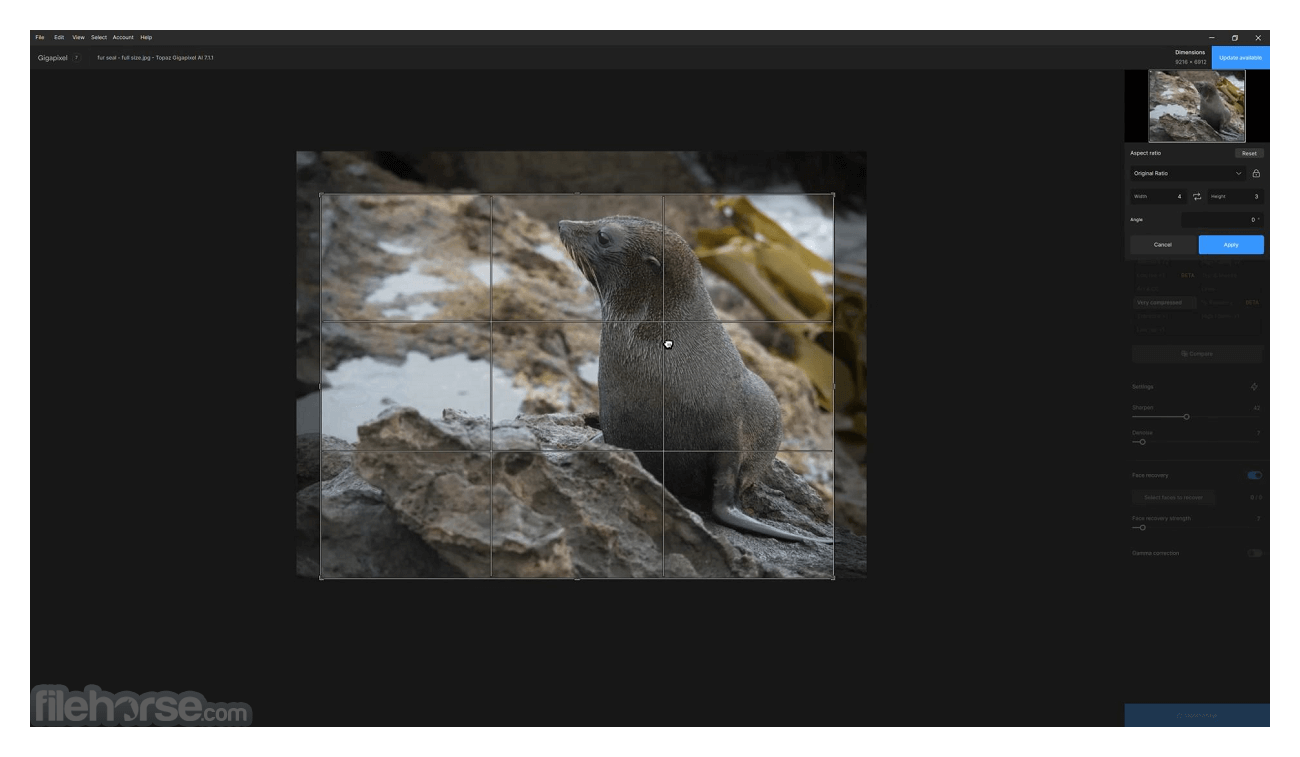
- Resize images to new preferred sizes.
- Image scaling powered by the newest AI and machine learning algorithms.
- Give new life to your old digital photos! Make them presentable for online sharing or use in your work projects.
- Transform the images taken from your professional camera, mobile phone, drone, or any other source.
- Built-in support for batch image scaling.
- Optimized for Windows 7, 8, 10 and 11.
- Modest system requirements.
- Available for FREE via TRIAL download.
Windows Operating System
10 or 11 (most updated version recommended)
CPU
Intel or AMD, with AVX instructions, released after 2013
System Memory (RAM)
16GB
Graphics Card (NVIDIA)
NVIDIA GTX 900 or higher, 4 GB VRAM
Graphics Card (AMD)
AMD Radeon 400 or higher, 4GB VRAM
Graphics Card (Intel)
Intel UHD 600 Graphics or higher, 16GB system RAM
PROS
- High-Quality Upscaling: It can upscale images by up to 600% without losing much detail, making it useful for enlarging images for printing or display purposes.
- AI-Powered Algorithms: The use of artificial intelligence allows Gigapixel AI to analyze and understand image content, resulting in better upscaling compared to traditional methods.
- Preservation of Details: Unlike traditional upscaling methods that often result in blurry or pixelated images, the app maintains sharpness and detail, enhancing the overall quality of the upscaled image.
- Batch Processing: It supports batch processing, allowing users to upscale multiple images simultaneously, saving time and effort.
- User-Friendly Interface: The software features a user-friendly interface that makes it easy to navigate and use, even for those without extensive technical knowledge.
- Processing Time: Upscaling images with the app can be time-consuming, especially for large or high-resolution images, as the AI algorithms require significant computational resources.
- Resource Intensive: The program is resource-intensive, requiring a powerful computer with sufficient RAM and processing power to run smoothly, especially when upscaling large images or processing multiple images simultaneously.
- Cost: While Gigapixel AI offers a free trial, the full version of the software is paid, which may be a barrier for some users, especially those who only need to upscale images occasionally.
- Limited Editing Features: While the app excels at upscaling images, it lacks advanced editing features found in dedicated photo editing software, such as Adobe Photoshop, limiting its usefulness for extensive image manipulation.
- Artifacting: In some cases, it may introduce artifacts or unwanted effects, particularly when upscaling images with complex textures or patterns. Users may need to fine-tune settings to minimize these artifacts.
Also Available: Download Topaz Gigapixel AI for Mac
Download Topaz Gigapixel AI Latest Version Why is this app published on FileHorse? (More info)
##
影片介紹
##
畫面截圖
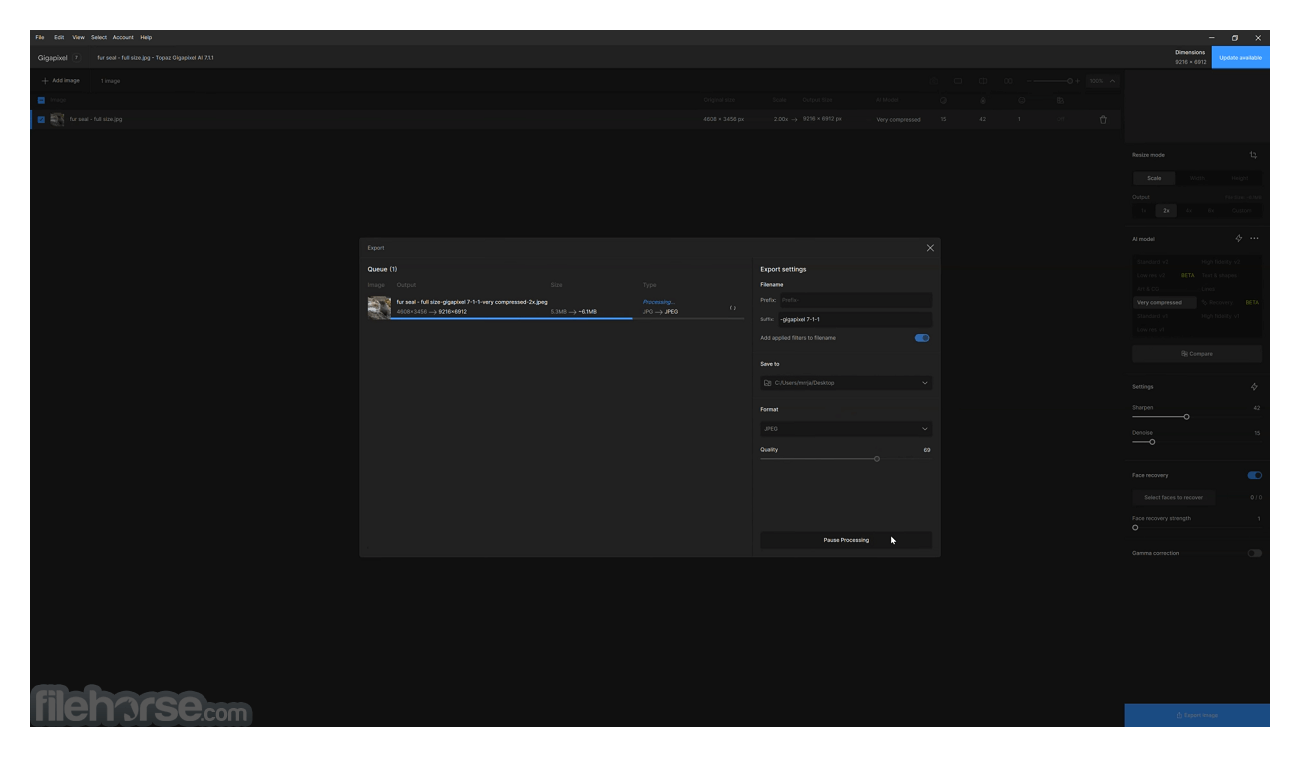
- 2026-07-28 Topaz Gigapixel AI 1.3.3 413 MB
- 2026-07-18 Topaz Gigapixel AI 1.3.2 413 MB
- 2026-06-12 Topaz Gigapixel AI 1.3.1 370 MB
- 2026-05-14 Topaz Gigapixel AI 1.3.0 469 MB
- 2026-05-08 Topaz Gigapixel AI 1.2.0 469 MB
- 2026-03-07 Topaz Gigapixel AI 1.1.3 464 MB
- 2026-02-14 Topaz Gigapixel AI 1.1.2 462 MB
- 2026-01-24 Topaz Gigapixel AI 1.1.1 438 MB