
- 目前版本1.16
- 更新日期2015-10-08
- 檔案大小10.69MB
- 檔案名稱VeraCryptSetup1.16.exe
- 作業系統Windows 10 / Windows 11
- 支援語系English
- 授權型式開源軟體
- 開發商 IDRIX
- 軟體分類Windows 軟體 / 安全工具
軟體介紹
VeraCrypt is a great application to establish and maintain an on-the-fly-encrypted volume. On-the-fly encryption means that data is automatically encrypted right before it is saved and decrypted right after it is loaded, without any user intervention. This is a very secure method of data encryption as any data that is stored on an encrypted volume cannot be read (decrypted) without using the correct password/keyfile(s) or correct encryption keys. The entire file system is encrypted (e.g. file names, folder names, contents of every file, free space, meta data, etc) to give you as much security as possible.
Key features include:
- Easy to use interface.
- Lightweight.
- Enhanced security.
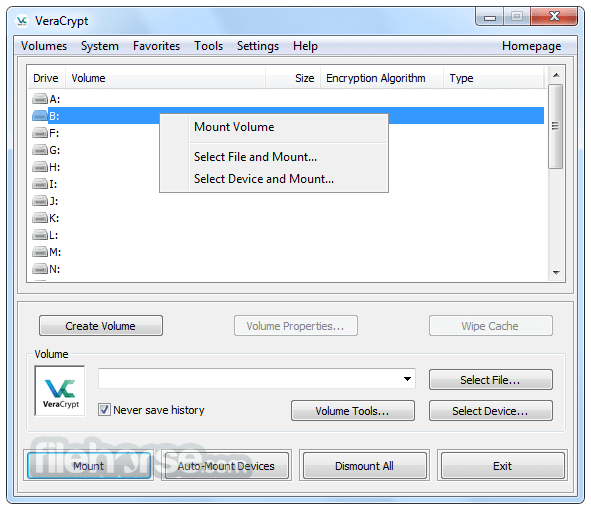
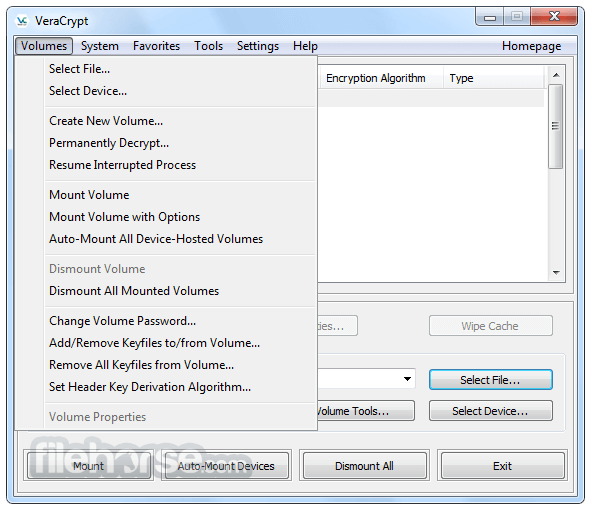
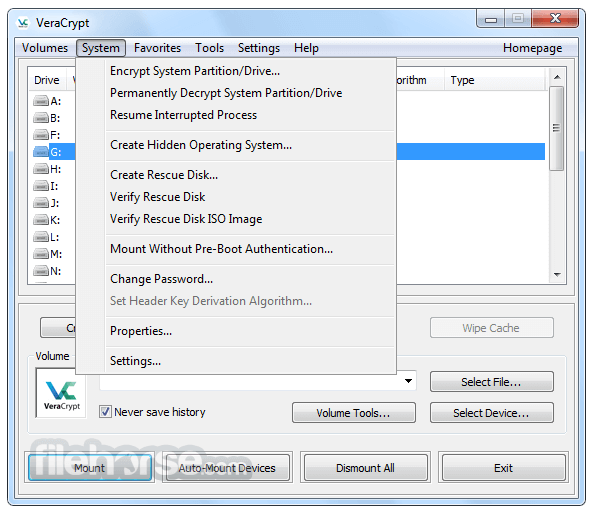
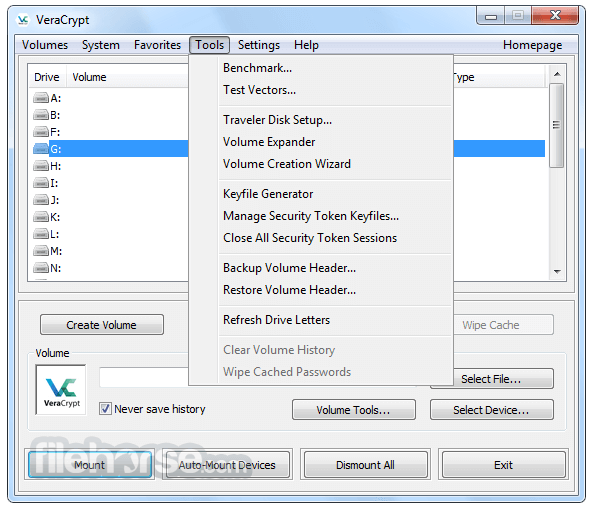
VeraCrypt is a free disk encryption software based on TrueCrypt 7.1a. It adds enhanced security to the algorithms used for system and partitions encryption making it immune to new developments in brute-force attacks. VeraCrypt has been specifically designed to give you better security with the data you want to encrypt. It is relatively lightweight, and has an easy to use interface.
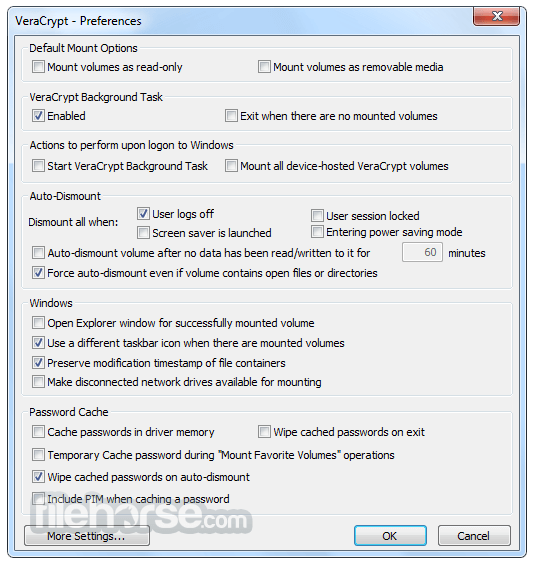
畫面截圖
更新日誌
1.16 - Modify patch for CVE-2015-7358 vulnerability to solve side effects on Windows while still making it very hard to abuse drive letter handling.
- Fix failure to restore volume header from an external file in some configurations.
- Add option to disable “Evil Maid” attack detection for those encountering false positive cases (e.g. FLEXnet/Adobe issue).
- By default, don’t try to mount using empty password when default keyfile configured or keyfile specified in command line. Add option to restore the old behavior.
- If mounting using empty password is needed, explicitly specify so in the command line using: /p ""
- 2026-06-11 VeraCrypt 1.26 Update 24 38.76 MB
- 2025-02-05 VeraCrypt 1.26 Update 20 31.9 MB
- 2025-01-22 VeraCrypt 1.26 Update 18 31.86 MB
- 2024-09-03 VeraCrypt 1.26 Update 15 34.42 MB
- 2024-08-28 VeraCrypt 1.26 Update 14 34.43 MB
- 2023-10-02 VeraCrypt 1.26 Update 7 33.65 MB
- 2022-02-21 VeraCrypt 1.25 Update 9 21.14 MB
- 2022-01-09 VeraCrypt 1.25 Update 7 38.46 MB