
- 目前版本3.9.6
- 更新日期2025-08-20
- 檔案大小126.88 MB
- 檔案名稱weka-3-9-6-azul-zulu-windows.exe
- 作業系統Windows XP64 / Vista64 / Windows 7 64 / Windows 8 64 / Windows 10 64
- 支援語系English
- 授權型式開源軟體
- 開發商 Weka Team
- 軟體分類Windows 軟體 / 開發者工具
##
編輯短評
Weka(Waikato Environment for Knowledge Analysis)是紐西蘭懷卡托大學開發的開源機器學習套件,專為資料探勘設計,內建豐富的演算法,涵蓋資料前處理、分類、迴歸、分群、關聯規則與視覺化等功能。它以 Java 撰寫,因此跨平台性佳,在學術與研究領域廣為使用,評價普遍不錯。此軟體長期持續更新,但更新頻率不算高,屬於穩定成熟的工具。
Weka 適合需要快速嘗試各種機器學習演算法的研究者、學生或資料分析入門者,常用於教學實驗或初步建模。相較於同分類的其他熱門工具,Weka 專注於資料探勘,功能更為專門,但介面較為傳統,且僅提供英文介面。它採用開源授權,提供 Windows 與 macOS 版本,使用前需留意語系支援。
##
翻譯排程處理中,以下暫以英文原文呈現
軟體介紹
Weka, short for Waikato Environment for Knowledge Analysis, is a powerful suite of machine learning software developed at the University of Waikato, New Zealand.
Primarily designed for data mining tasks, Weka for PC offers an extensive collection of machine learning algorithms and tools that facilitate data preprocessing, classification, regression, clustering, association rules, and visualization. Weka is an open-source project, and it is written in Java, making it highly portable across different platforms.
The software is widely used in academic and research settings but is equally beneficial for industry professionals who need to perform data analysis and predictive modeling.
Its user-friendly graphical interface, combined with its command-line interface, makes this app accessible to both beginners and advanced users.
Key Features
Comprehensive Machine Learning Algorithms
It provides a wide range of machine learning algorithms, including decision trees, support vector machines, neural networks, and Bayesian classifiers. These algorithms can be applied directly to a dataset or used within a larger data processing framework.
Data Preprocessing Tools
It offers numerous tools for data preprocessing, such as data cleaning, normalization, and transformation. These tools help prepare raw data for analysis, ensuring that the models built are accurate and reliable.
Visualization Tools
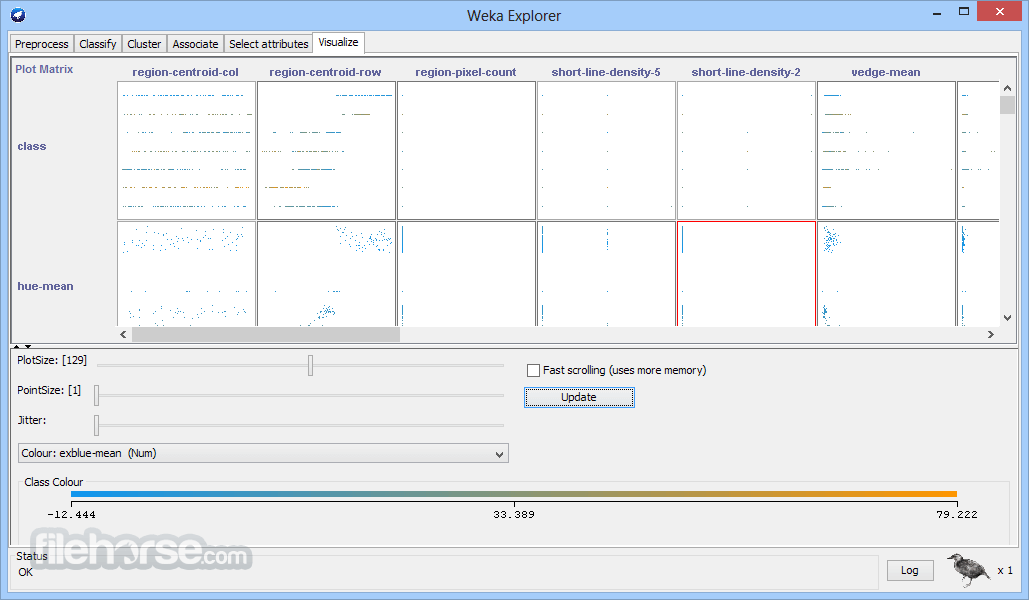
It includes powerful visualization tools that allow users to explore their data and the results of their analyses visually. Scatter plots, histograms, and other graphical representations help in understanding the data’s structure and the performance of models.
Extensible Architecture
Weka's modular design allows users to add new functionality through plugins or by integrating with other software tools. This flexibility is particularly useful for advanced users who need customized solutions.
Cross-Platform Support
Being written in Java, this program is compatible with all major operating systems, including Windows, macOS, and Linux. This ensures that users can work in their preferred environment without compatibility issues.
User Interface
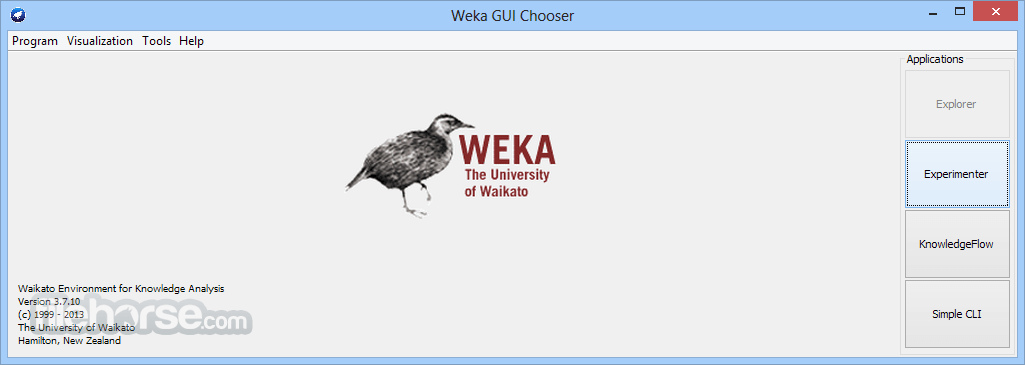
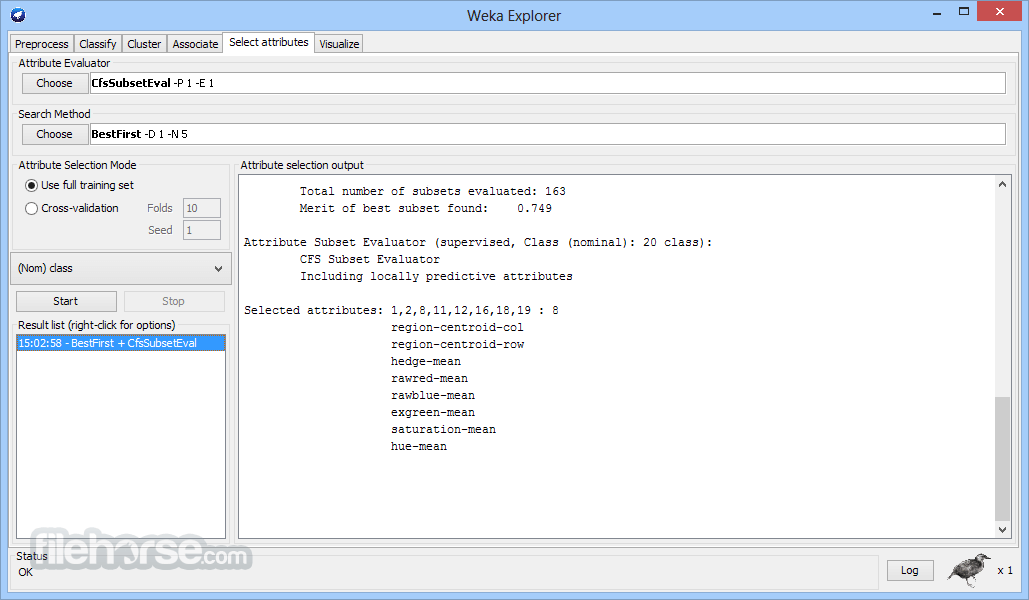
Explorer: The primary interface for exploring and analyzing data. It provides access to all the major functionalities like data preprocessing, classification, clustering, and more.
Experimenter: A platform for conducting systematic experiments and comparisons between different machine learning algorithms.
KnowledgeFlow: A more visual way of interacting with this app, allowing users to design machine learning workflows using a drag-and-drop interface.
Simple CLI: A command-line interface for advanced users who prefer scripting over the GUI.
The GUI is designed with usability in mind, making it accessible to users with varying levels of expertise in machine learning.
Installation and Setup
Load Data: Start by loading your dataset into the app. Supported formats include ARFF (Attribute-Relation File Format), CSV, and others. Use the Explorer interface to import data.
Preprocess Data: Use the Preprocess tab to clean and prepare your data. This might involve removing missing values, normalizing attributes, or converting categorical data into a numeric format.
Apply Algorithms: Choose from Weka’s vast library of algorithms to apply to your dataset. This could be a classification, clustering, or regression algorithm, depending on your analysis goals.
Evaluate Results: After running an algorithm, it provides a detailed summary of the results, including performance metrics like accuracy, precision, recall, and more. Visualize the results using Weka’s built-in tools.
Save Models: Once satisfied with your model, you can save it for future use or further analysis.
FAQ
What types of datasets are supported by Weka?
It supports a variety of formats, including ARFF, CSV, and databases accessed through JDBC.
Can Weka for PC handle large datasets?
This tool is primarily designed for smaller datasets, but it can handle larger datasets with some limitations, particularly memory constraints. For very large datasets, other tools like Apache Spark might be more suitable.
Is programming knowledge required to use Weka?
No programming knowledge is necessary for basic use of Weka, thanks to its user-friendly GUI. However, advanced users can benefit from scripting capabilities via the Simple CLI.
How does Weka compare to other machine learning tools?
The program is favored for its ease of use and comprehensive algorithm library. However, for deep learning tasks, tools like TensorFlow or PyTorch might be more appropriate.
Can I use Weka in conjunction with other software?
Yes, Weka’s extensible architecture allows integration with other tools and languages like R and Python.
Alternatives
KNIME - It offers a similar modular design to Weka but with a more extensive range of extensions and integrations, making it suitable for more complex workflows.
Pricing
This program is completely FREE and open-source, making it accessible to anyone with a need for machine learning tools.
There are no hidden costs or premium versions, which is a significant advantage for both educational and professional use.
System Requirements
Weka is an excellent tool for anyone starting in data mining or machine learning, offering a comprehensive suite of algorithms and tools in a user-friendly package.
Its open-source nature, combined with a strong community and extensive documentation, makes it a valuable asset for both educational purposes and professional projects.
While it may not be the best choice for handling very large datasets or deep learning tasks, Weka’s versatility and ease of use make it a standout option for traditional machine learning workflows.
Note: Requires Java Runtime Environment.
Also Available: Download Weka for Mac
Download Weka for PC Latest Version Why is this app published on FileHorse? (More info)
Primarily designed for data mining tasks, Weka for PC offers an extensive collection of machine learning algorithms and tools that facilitate data preprocessing, classification, regression, clustering, association rules, and visualization. Weka is an open-source project, and it is written in Java, making it highly portable across different platforms.
The software is widely used in academic and research settings but is equally beneficial for industry professionals who need to perform data analysis and predictive modeling.
Its user-friendly graphical interface, combined with its command-line interface, makes this app accessible to both beginners and advanced users.
Key Features
Comprehensive Machine Learning Algorithms
It provides a wide range of machine learning algorithms, including decision trees, support vector machines, neural networks, and Bayesian classifiers. These algorithms can be applied directly to a dataset or used within a larger data processing framework.
Data Preprocessing Tools
It offers numerous tools for data preprocessing, such as data cleaning, normalization, and transformation. These tools help prepare raw data for analysis, ensuring that the models built are accurate and reliable.
Visualization Tools
It includes powerful visualization tools that allow users to explore their data and the results of their analyses visually. Scatter plots, histograms, and other graphical representations help in understanding the data’s structure and the performance of models.
Extensible Architecture
Weka's modular design allows users to add new functionality through plugins or by integrating with other software tools. This flexibility is particularly useful for advanced users who need customized solutions.
Cross-Platform Support
Being written in Java, this program is compatible with all major operating systems, including Windows, macOS, and Linux. This ensures that users can work in their preferred environment without compatibility issues.
User Interface
Explorer: The primary interface for exploring and analyzing data. It provides access to all the major functionalities like data preprocessing, classification, clustering, and more.
Experimenter: A platform for conducting systematic experiments and comparisons between different machine learning algorithms.
KnowledgeFlow: A more visual way of interacting with this app, allowing users to design machine learning workflows using a drag-and-drop interface.
Simple CLI: A command-line interface for advanced users who prefer scripting over the GUI.
The GUI is designed with usability in mind, making it accessible to users with varying levels of expertise in machine learning.
Installation and Setup
- Download: Visit the official website or FileHorse.com and download the appropriate version for your operating system.
- Installation: Follow the installation instructions specific to your OS. For Windows and macOS, this typically involves running an installer. Linux users can install this software through a package manager or by downloading and unpacking the tar.gz file.
- Setup: Once installed, launch the app, and you’ll be greeted with the main interface. No additional setup is required for basic usage, although advanced users might want to configure Java settings or install additional plugins.
Load Data: Start by loading your dataset into the app. Supported formats include ARFF (Attribute-Relation File Format), CSV, and others. Use the Explorer interface to import data.
Preprocess Data: Use the Preprocess tab to clean and prepare your data. This might involve removing missing values, normalizing attributes, or converting categorical data into a numeric format.
Apply Algorithms: Choose from Weka’s vast library of algorithms to apply to your dataset. This could be a classification, clustering, or regression algorithm, depending on your analysis goals.
Evaluate Results: After running an algorithm, it provides a detailed summary of the results, including performance metrics like accuracy, precision, recall, and more. Visualize the results using Weka’s built-in tools.
Save Models: Once satisfied with your model, you can save it for future use or further analysis.
FAQ
What types of datasets are supported by Weka?
It supports a variety of formats, including ARFF, CSV, and databases accessed through JDBC.
Can Weka for PC handle large datasets?
This tool is primarily designed for smaller datasets, but it can handle larger datasets with some limitations, particularly memory constraints. For very large datasets, other tools like Apache Spark might be more suitable.
Is programming knowledge required to use Weka?
No programming knowledge is necessary for basic use of Weka, thanks to its user-friendly GUI. However, advanced users can benefit from scripting capabilities via the Simple CLI.
How does Weka compare to other machine learning tools?
The program is favored for its ease of use and comprehensive algorithm library. However, for deep learning tasks, tools like TensorFlow or PyTorch might be more appropriate.
Can I use Weka in conjunction with other software?
Yes, Weka’s extensible architecture allows integration with other tools and languages like R and Python.
Alternatives
KNIME - It offers a similar modular design to Weka but with a more extensive range of extensions and integrations, making it suitable for more complex workflows.
Pricing
This program is completely FREE and open-source, making it accessible to anyone with a need for machine learning tools.
There are no hidden costs or premium versions, which is a significant advantage for both educational and professional use.
System Requirements
- Operating System: Windows 11, 10, 8, or 7
- Java Runtime Environment: It requires Java 8 or later
- Memory: Minimum 512 MB, but 2 GB or more is recommended for larger datasets
- Disk Space: Around 200 MB for installation
- An extensive collection of machine learning algorithms
- User-friendly interface with both GUI and CLI options
- Open-source and free
- Cross-platform compatibility
- Lack of regular updates
- Limited handling of very large datasets
- Java-based, which may be less preferred by some users
- Less suitable for deep learning tasks
- Lack of official support and updates
Weka is an excellent tool for anyone starting in data mining or machine learning, offering a comprehensive suite of algorithms and tools in a user-friendly package.
Its open-source nature, combined with a strong community and extensive documentation, makes it a valuable asset for both educational purposes and professional projects.
While it may not be the best choice for handling very large datasets or deep learning tasks, Weka’s versatility and ease of use make it a standout option for traditional machine learning workflows.
Note: Requires Java Runtime Environment.
Also Available: Download Weka for Mac
Download Weka for PC Latest Version Why is this app published on FileHorse? (More info)
##
影片介紹
##
畫面截圖
- 2025-08-20 Weka 3.9.6 126.88 MB
- 2022-02-12 Weka 3.8.6 (64-bit) 127.05 MB
- 2020-12-21 Weka 3.8.5 (64-bit) 118.85 MB
- 2020-12-21 Weka 3.9.5 118.68 MB
- 2019-12-20 Weka 3.8.4 (64-bit) 118.22 MB
- 2019-12-20 Weka 3.9.4 118.05 MB
- 2018-12-13 Weka 3.9.3 (32-bit) 48.5 MB
- 2018-12-13 Weka 3.9.3 (64-bit) 48.5 MB