
- 目前版本4.3.5
- 更新日期2011-09-19
- 檔案大小2.89MB
- 檔案名稱winscp435setup.exe
- 作業系統Windows XP / Vista / Windows 7 / Windows 8 / Windows 10 / Windows 11
- 支援語系English
- 授權型式開源軟體
- 開發商 WinSCP Team
- 軟體分類Windows 軟體 / 檔案傳輸與網路
軟體介紹
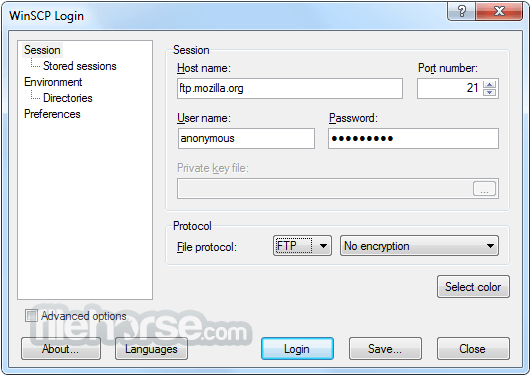
- WinSCP支援SFTP與FTP,甚至還有SCP等等。SFTP是SSH-2標準的一部份,SCP是SSH-1所支援,主要是幫下載或上傳的資料增密。
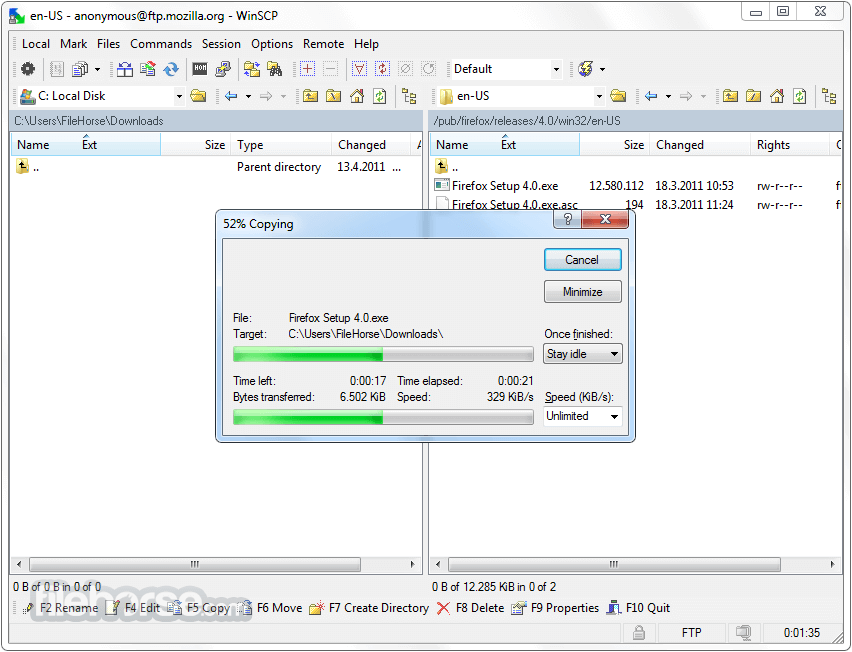
- 多線下載可以充份使用您的網路連線頻寬,不至因為來源網站的速度而影響。
- 保證沒有惱人的廣告軟體、間諜軟體與惡意程式。
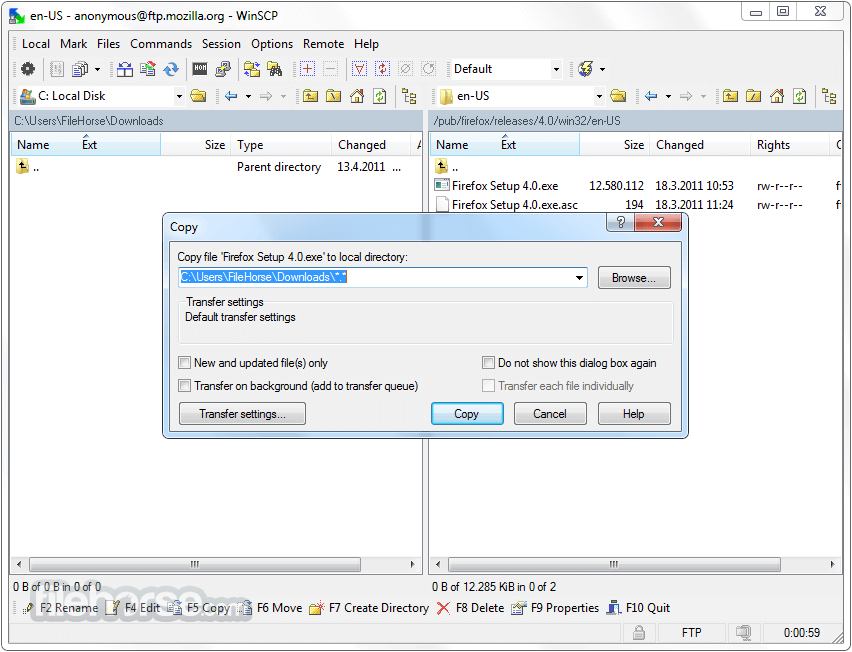
- 當然還有一般FTP工具所具有的,如續傳、暫停、拖拉等功能。
- 提供檔案總管管理介面與諾頓指揮官管理介面兩種介面使用者可以輕鬆地下載網際網路上的檔案。
- 開放原始碼,當然是免費的
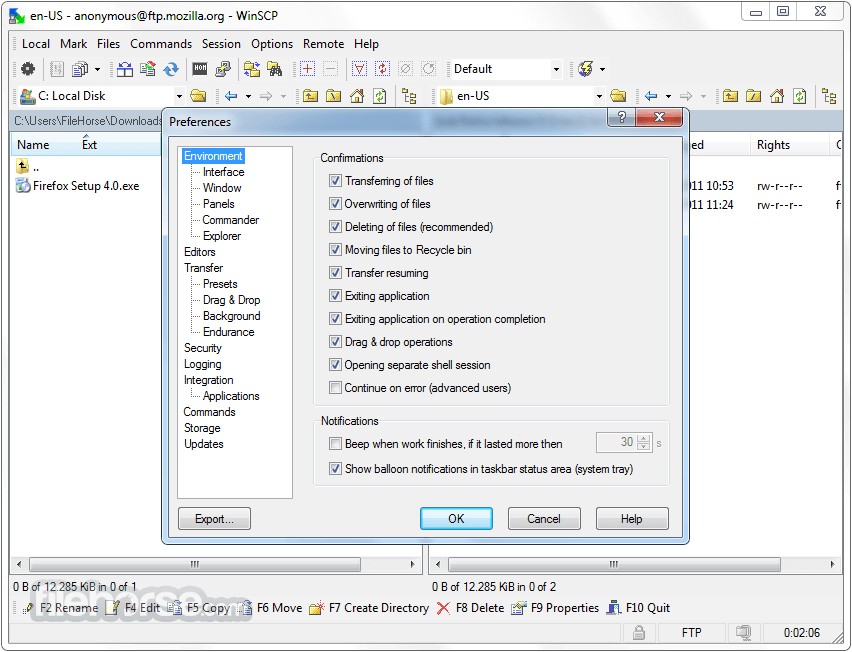
畫面截圖
更新日誌
4.3.5 * Bug fix: Translations were not included in setup.
* Bug fix: Versions of 3rd party components were not updated in translations.
* Back-propagates some improvements and fixes from 5.0 - 5.0.2 beta releases:
- SSL core upgraded to OpenSSL 1.0.0e.
- Explorer-style file selection with mouse is enabled by default in Commander interface.
- Starting renaming the next file after confirming rename with Tab key.
- Logging local account into session log.
- F10 key closes an internal editor.
- Installer without OpenCandy does not include OpenCandy licence anymore.
- Bug fix: Directory listing was shown as part of the file transfer error message with FTP protocol.
- Bug fix: Internal editor window is not restored when minimized when editing the already file again.
- Bug fix: Link to a parent directory is not read in an empty remote root folder.
- Bug fix: Failure when session is closed unexpectedly in scripting.
- Bug fix: Duplicate shortcut key in local Open directory window.
- 2026-03-26 WinSCP 6.5.6 11.75 MB
- 2019-03-27 WinSCP 5.15.0 Open Source Free SFTP Client and FTP Client for PC Windows 9.38MB
- 2019-03-21 WinSCP 5.13.9 Open Source Free SFTP Client and FTP Client for PC Windows
- 2019-02-27 WinSCP 5.13.8 Open Source Free SFTP Client and FTP Client for PC Windows 9.14MB
- 2019-02-27 WinSCP 5.13.8 Download for PC Windows 9.14MB
- 2019-01-09 WinSCP 5.13.7 Download for PC Windows 9.14MB
- 2019-01-09 WinSCP 5.13.7 9.14MB
- 2018-12-12 WinSCP 5.13.6 9.14MB