
- 目前版本4.3.8
- 更新日期2012-06-08
- 檔案大小2.95MB
- 檔案名稱winscp438setup.exe
- 作業系統Windows XP / Vista / Windows 7 / Windows 8 / Windows 10 / Windows 11
- 支援語系English
- 授權型式開源軟體
- 開發商 WinSCP Team
- 軟體分類Windows 軟體 / 檔案傳輸與網路
軟體介紹
- WinSCP支援SFTP與FTP,甚至還有SCP等等。SFTP是SSH-2標準的一部份,SCP是SSH-1所支援,主要是幫下載或上傳的資料增密。
- 多線下載可以充份使用您的網路連線頻寬,不至因為來源網站的速度而影響。
- 保證沒有惱人的廣告軟體、間諜軟體與惡意程式。
- 當然還有一般FTP工具所具有的,如續傳、暫停、拖拉等功能。
- 提供檔案總管管理介面與諾頓指揮官管理介面兩種介面使用者可以輕鬆地下載網際網路上的檔案。
- 開放原始碼,當然是免費的
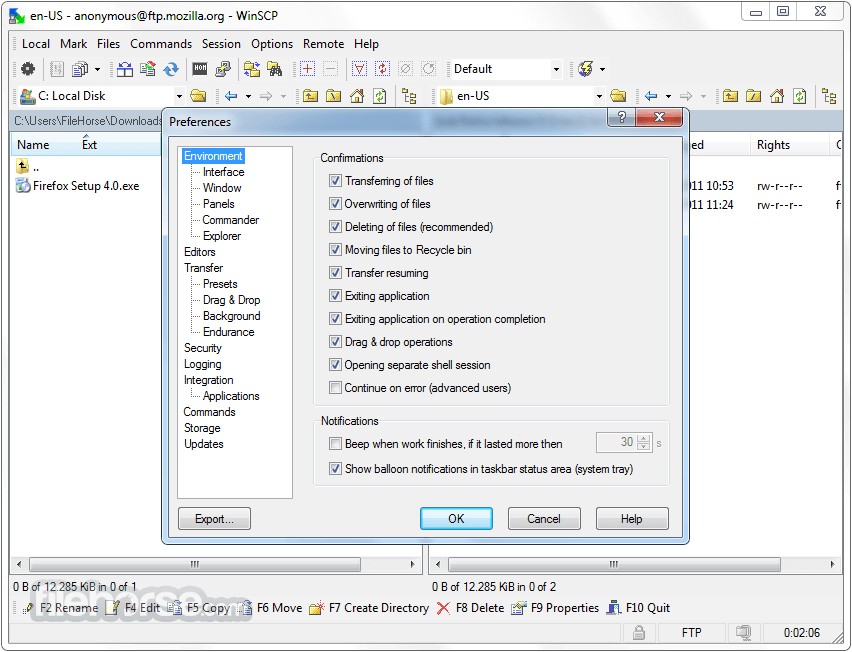
畫面截圖
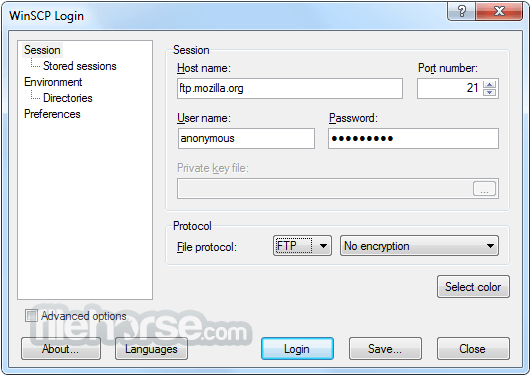
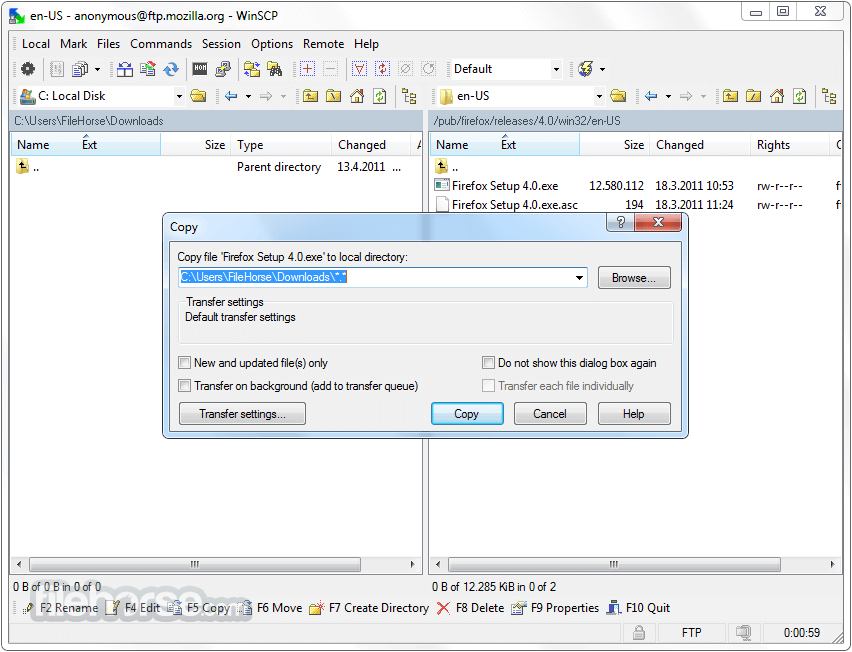
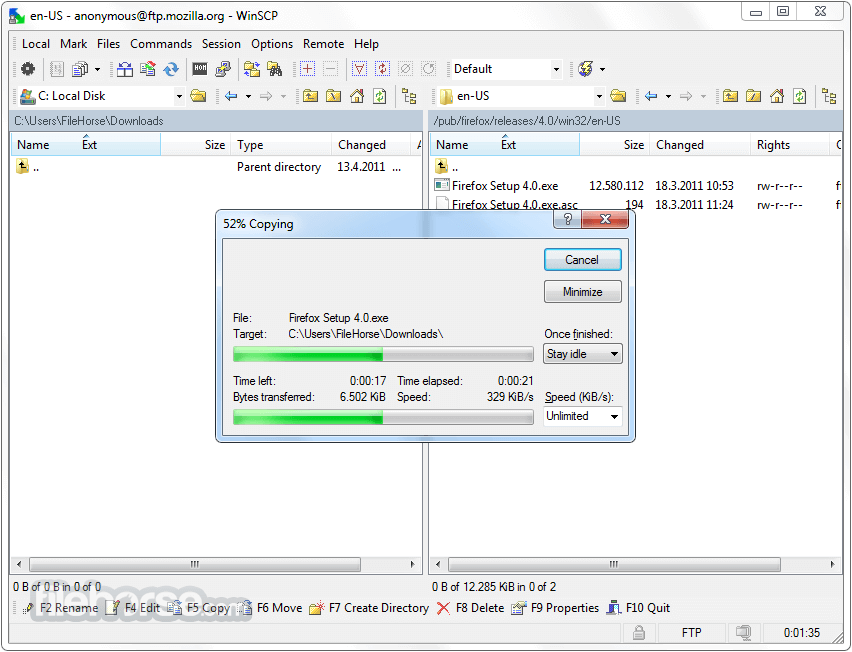
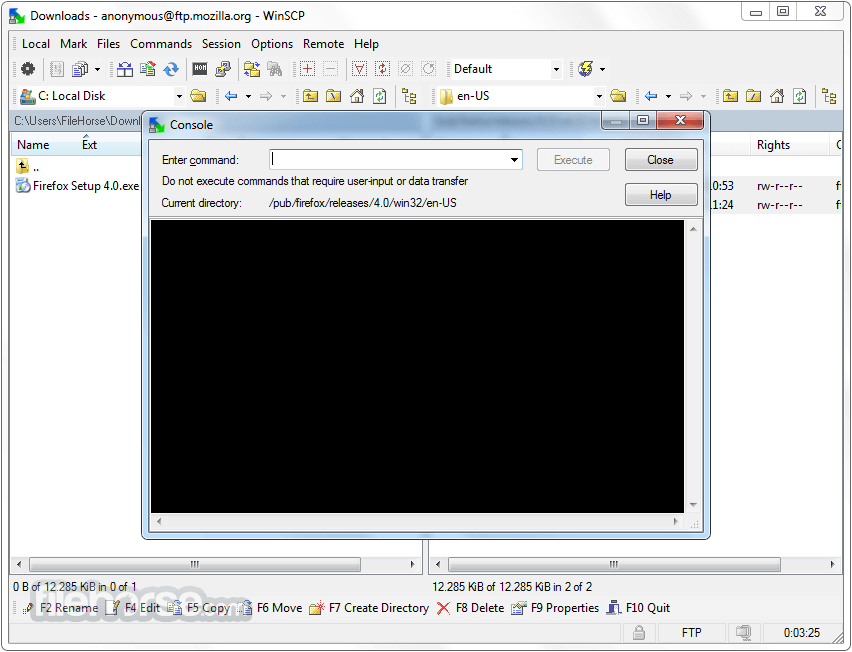
更新日誌
4.3.8 - SSL core upgraded to OpenSSL 1.0.1c.
- Embedded GPL licence text did not contain instructions for how to use GPL on your own programs.
- Full row select is by default turned ‘off’ to allow easier selection of files by mouse.
- Support for directory listing with timestamp format yyyy-mm-dd hh:mm with SCP protocol.
- With scripting exit code is recorded in the session log file.
- Bug fix: Fallback to registry storage, when implicit INI file storage was not writable, was not working.
- Bug fix: Incorrect Base64 encoding in HTTP Basic authentication with FTP protocol.
- Bug fix: Could not select files by dragging selection marquee.
- Bug fix: Shut down once operation completes was blocked by confirmation prompt.
- Bug fix: Failure on SSL session resuming. Thanks to Michael Lukashov.
- Bug fix: Command lls showed incorrect size for files over 2 GiB.
- Bug fix: Failure when generating valid local file name from name containing more than one invalid character.
- Bug fix: Authentication prompts with no actual prompt were always failed in scripting.
- Bug fix: Default session settings were not preserved, when set based on loaded stored session.
- Bug fix: Keepalives cause timeouts with FTP protocol.
- Bug fix: Incorrect timestamp timezone in XML log and .NET assembly.
- Bug fix: Failure when changing active session while background transfer queue list was being updated.
- 2026-03-26 WinSCP 6.5.6 11.75 MB
- 2019-03-27 WinSCP 5.15.0 Open Source Free SFTP Client and FTP Client for PC Windows 9.38MB
- 2019-03-21 WinSCP 5.13.9 Open Source Free SFTP Client and FTP Client for PC Windows
- 2019-02-27 WinSCP 5.13.8 Open Source Free SFTP Client and FTP Client for PC Windows 9.14MB
- 2019-02-27 WinSCP 5.13.8 Download for PC Windows 9.14MB
- 2019-01-09 WinSCP 5.13.7 Download for PC Windows 9.14MB
- 2019-01-09 WinSCP 5.13.7 9.14MB
- 2018-12-12 WinSCP 5.13.6 9.14MB