
- 目前版本5.5.0
- 更新日期2013-12-21
- 檔案大小4.89MB
- 檔案名稱winscp550setup.exe
- 作業系統Windows XP / Vista / Windows 7 / Windows 8 / Windows 10 / Windows 11
- 支援語系English
- 授權型式開源軟體
- 開發商 WinSCP Team
- 軟體分類Windows 軟體 / 檔案傳輸與網路
軟體介紹
- WinSCP支援SFTP與FTP,甚至還有SCP等等。SFTP是SSH-2標準的一部份,SCP是SSH-1所支援,主要是幫下載或上傳的資料增密。
- 多線下載可以充份使用您的網路連線頻寬,不至因為來源網站的速度而影響。
- 保證沒有惱人的廣告軟體、間諜軟體與惡意程式。
- 當然還有一般FTP工具所具有的,如續傳、暫停、拖拉等功能。
- 提供檔案總管管理介面與諾頓指揮官管理介面兩種介面使用者可以輕鬆地下載網際網路上的檔案。
- 開放原始碼,當然是免費的
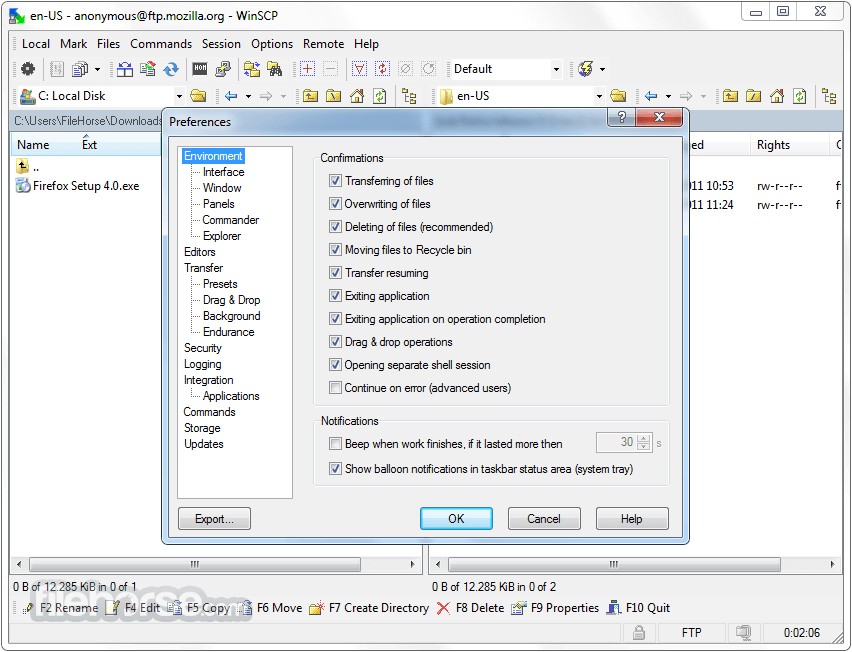
畫面截圖
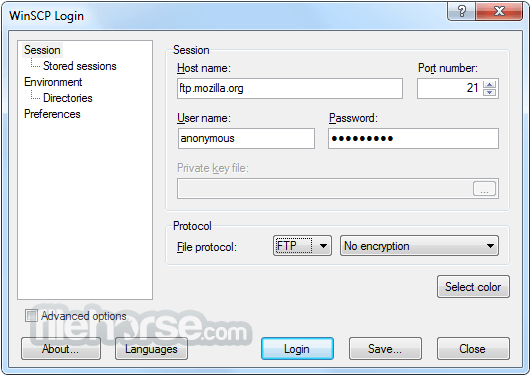
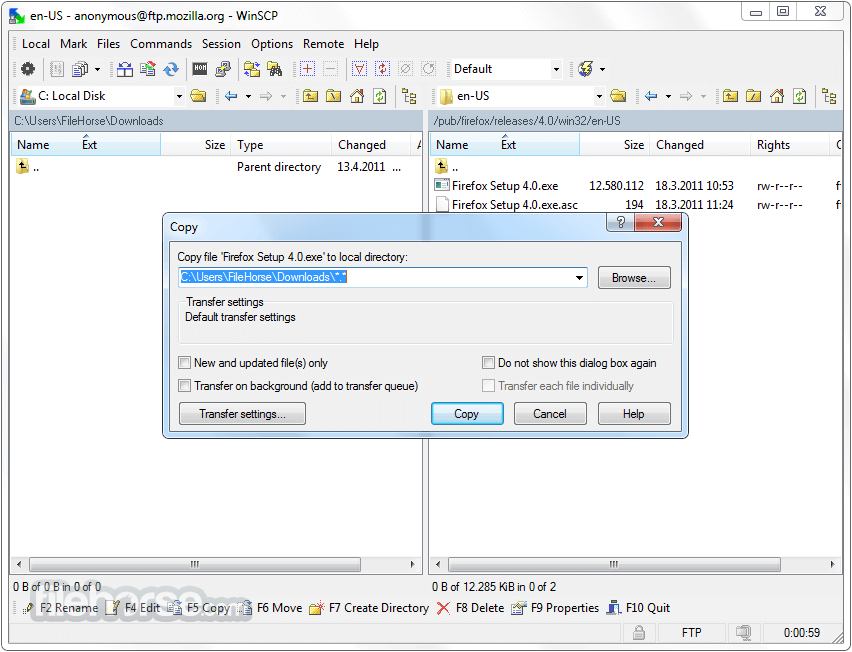
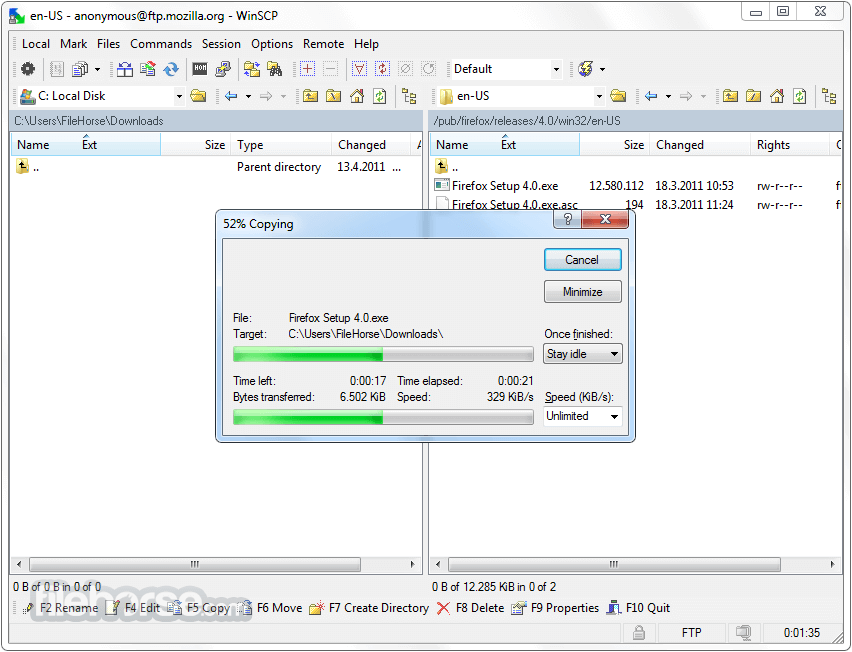
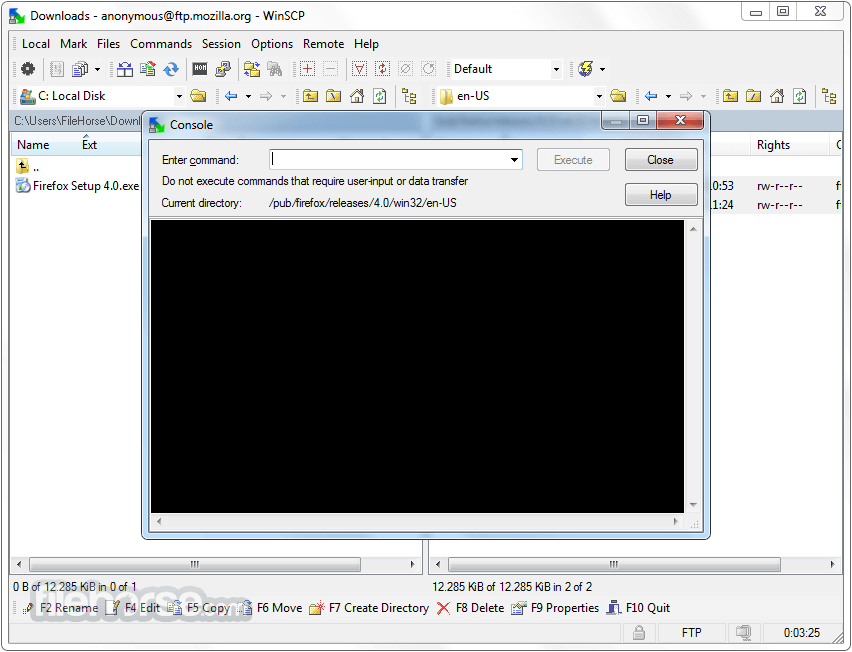
更新日誌
5.5.0 # Distinguishing main question/information of even more messages.
# Detecting symbolic link loops when finding files. 1093
# Remembering Synchronized browsing state with site only when Remember last used directory is enabled. 963
# New installer icon.
# Visualizing instant operations (such as copying data to clipboard or creating a desktop shortcut) with hourglass mouse cursor.
# Showing full path to an INI file on Preferences dialog.
# Not allowing to switch from /ini=nul configuration storage to avoid data loss.
# Improved display of lists on Server and protocol information dialog.
# Bug fix: During reconnect user was prompted with password even when password was remembered already.
# Bug fix: Option to remember password for session was not working for authentication of background transfers and separate shell sessions.
# Bug fix: Removing BOM on text mode FTP uploads was unconditional
- 2026-03-26 WinSCP 6.5.6 11.75 MB
- 2019-03-27 WinSCP 5.15.0 Open Source Free SFTP Client and FTP Client for PC Windows 9.38MB
- 2019-03-21 WinSCP 5.13.9 Open Source Free SFTP Client and FTP Client for PC Windows
- 2019-02-27 WinSCP 5.13.8 Open Source Free SFTP Client and FTP Client for PC Windows 9.14MB
- 2019-02-27 WinSCP 5.13.8 Download for PC Windows 9.14MB
- 2019-01-09 WinSCP 5.13.7 Download for PC Windows 9.14MB
- 2019-01-09 WinSCP 5.13.7 9.14MB
- 2018-12-12 WinSCP 5.13.6 9.14MB