
- 目前版本5.5.2
- 更新日期2014-03-21
- 檔案大小5.18MB
- 檔案名稱winscp552setup.exe
- 作業系統Windows XP / Vista / Windows 7 / Windows 8 / Windows 10 / Windows 11
- 支援語系English
- 授權型式開源軟體
- 開發商 WinSCP Team
- 軟體分類Windows 軟體 / 檔案傳輸與網路
軟體介紹
- WinSCP支援SFTP與FTP,甚至還有SCP等等。SFTP是SSH-2標準的一部份,SCP是SSH-1所支援,主要是幫下載或上傳的資料增密。
- 多線下載可以充份使用您的網路連線頻寬,不至因為來源網站的速度而影響。
- 保證沒有惱人的廣告軟體、間諜軟體與惡意程式。
- 當然還有一般FTP工具所具有的,如續傳、暫停、拖拉等功能。
- 提供檔案總管管理介面與諾頓指揮官管理介面兩種介面使用者可以輕鬆地下載網際網路上的檔案。
- 開放原始碼,當然是免費的
畫面截圖
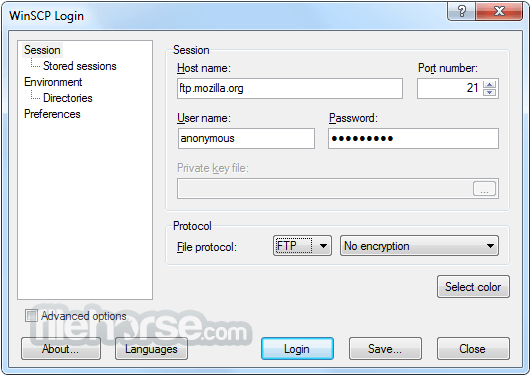
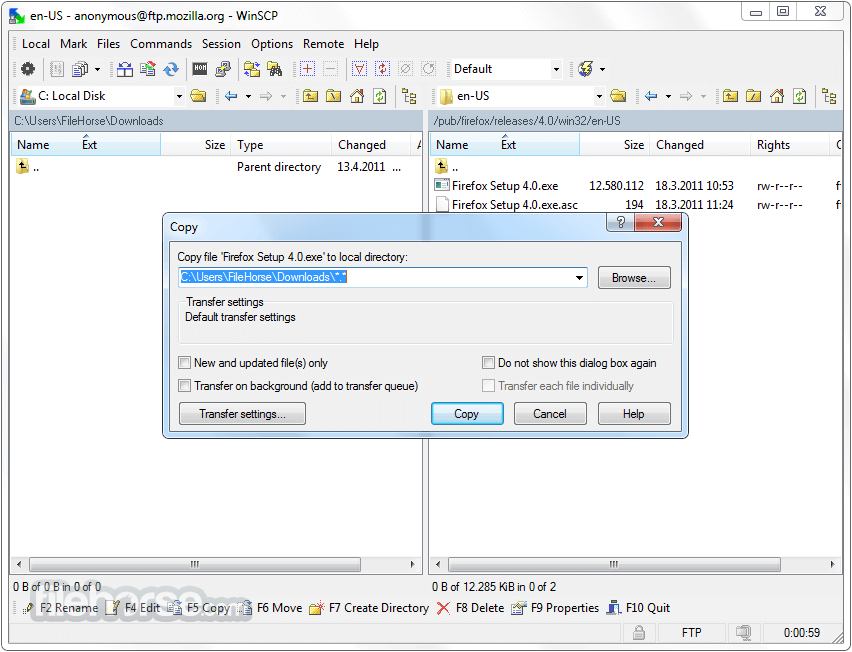
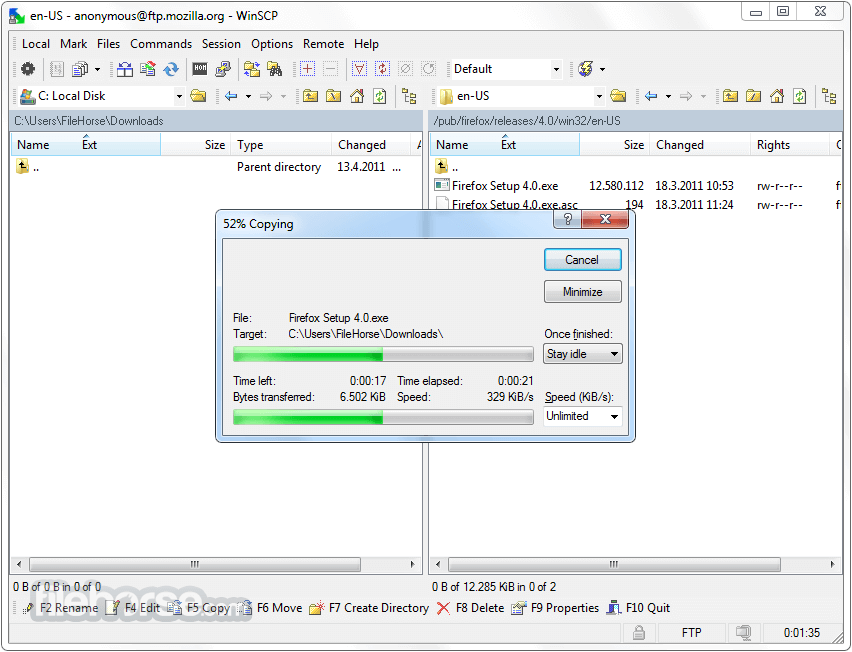
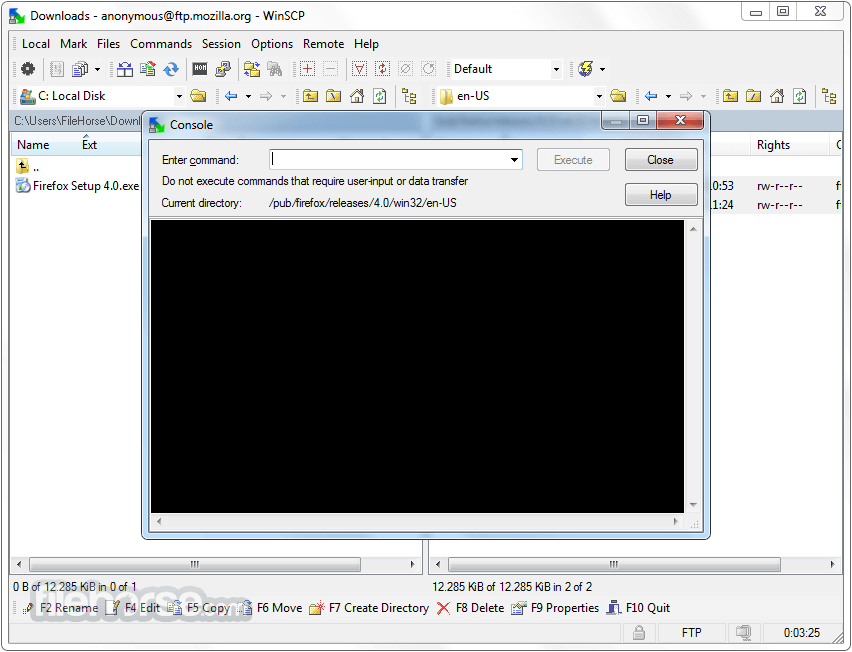
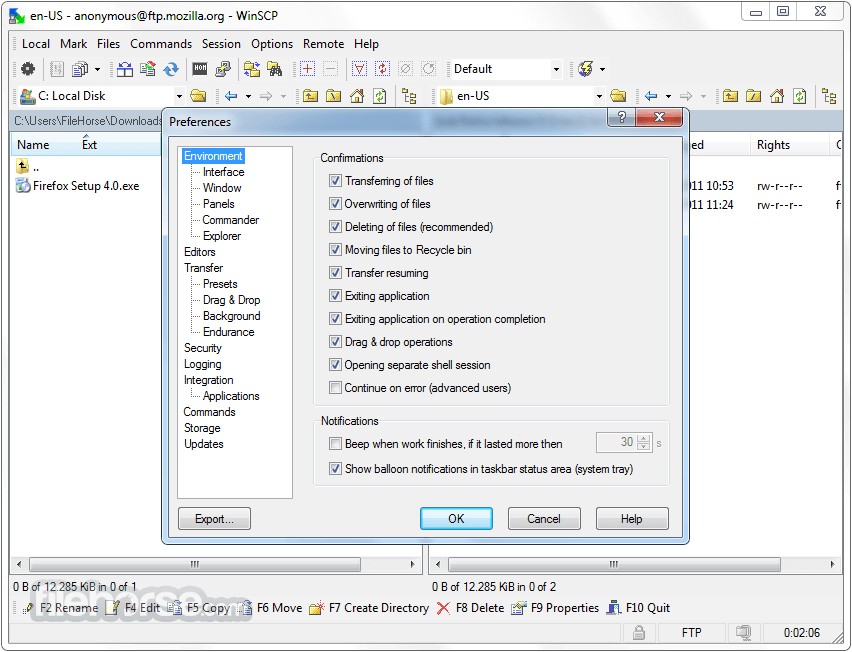
更新日誌
5.5.2 - Cloning site without hostname when Enter key is pressed.
- Preventing “Message too long to send to external console” error.
- When listing local files during operation fails, including path into error message.
- NuGet package for .NET assembly.
- Bug fix: Prompt to import sites was not skipped during silent install.
- Bug fix: Transfer settings speed limit does not apply.
- Bug fix: Edited file is reloaded from active session, not from original session.
- Bug fix: Caption of New Site node on Login dialog is not translated when language is changed.
- Bug fix: Error on every even opening/editing of remote file while having New and updated files only option set as default.
- Bug fix: Incorrect Login dialog placement when application was closed on non-primary monitor above or to the left of primary monitor.
- Bug fix: In countries that changed timezone, file times before the change were set wrong for downloaded files.
- Bug fix: Incorrect handling of remote files ending with dot with FTP protocol.
- Bug fix: Speed limit of waiting background transfer shows incorrect value and cannot be changed.
- Bug fix: Selecting private key file with space in path yields error message when submitting Advanced Site Settings dialog.
- Bug fix: .NET assembly Session.FileTransferProgress is not included in COM event sink.
- Bug fix: When main window was restored from notification area while message box was displayed, main window could receive focus.
- Bug fix: Notification balloons showing transfer configuration/error were showing ** markup.
- Bug fix: When minimized, message boxes were popping up on foreground.
- Bug fix: Main menu accelerators are not working.
- Bug fix: Scaled-down version of 32×32 icon was used in task bar notification area instead of 16×16 icon.
- Bug fix: Failure when ending Windows session when main window is minimized.
- Bug fix: Occasional failure when run from Session 0.
- Bug fix: Timeout while trying to resume upload with FTP protocol.
- Bug fix: With FTP protocol Set permissions transfer setting was incorrectly enabled for synchronization in Both mode.
- 2026-03-26 WinSCP 6.5.6 11.75 MB
- 2019-03-27 WinSCP 5.15.0 Open Source Free SFTP Client and FTP Client for PC Windows 9.38MB
- 2019-03-21 WinSCP 5.13.9 Open Source Free SFTP Client and FTP Client for PC Windows
- 2019-02-27 WinSCP 5.13.8 Open Source Free SFTP Client and FTP Client for PC Windows 9.14MB
- 2019-02-27 WinSCP 5.13.8 Download for PC Windows 9.14MB
- 2019-01-09 WinSCP 5.13.7 Download for PC Windows 9.14MB
- 2019-01-09 WinSCP 5.13.7 9.14MB
- 2018-12-12 WinSCP 5.13.6 9.14MB