
- 目前版本5.7.0
- 更新日期2015-02-23
- 檔案大小5.30MB
- 檔案名稱winscp570setup.exe
- 作業系統Windows XP / Vista / Windows 7 / Windows 8 / Windows 10 / Windows 11
- 支援語系English
- 授權型式開源軟體
- 開發商 WinSCP Team
- 軟體分類Windows 軟體 / 檔案傳輸與網路
軟體介紹
- WinSCP支援SFTP與FTP,甚至還有SCP等等。SFTP是SSH-2標準的一部份,SCP是SSH-1所支援,主要是幫下載或上傳的資料增密。
- 多線下載可以充份使用您的網路連線頻寬,不至因為來源網站的速度而影響。
- 保證沒有惱人的廣告軟體、間諜軟體與惡意程式。
- 當然還有一般FTP工具所具有的,如續傳、暫停、拖拉等功能。
- 提供檔案總管管理介面與諾頓指揮官管理介面兩種介面使用者可以輕鬆地下載網際網路上的檔案。
- 開放原始碼,當然是免費的
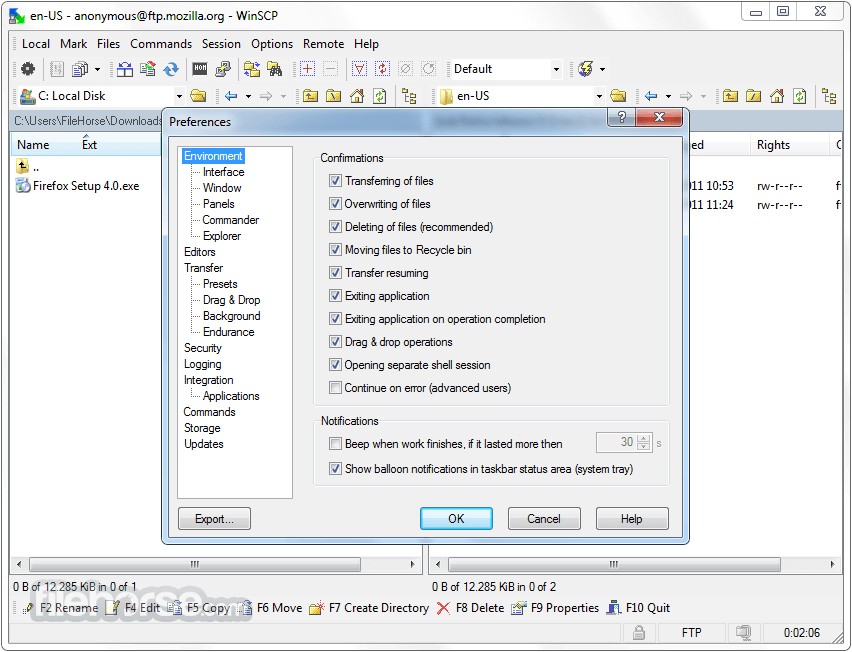
畫面截圖
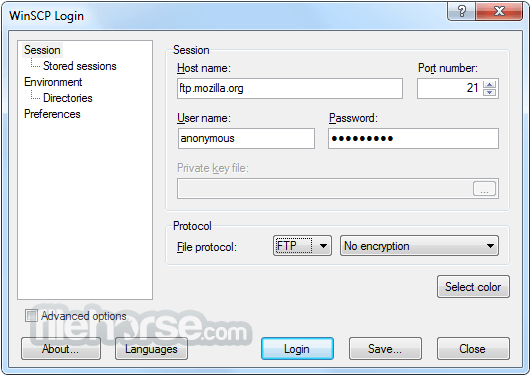
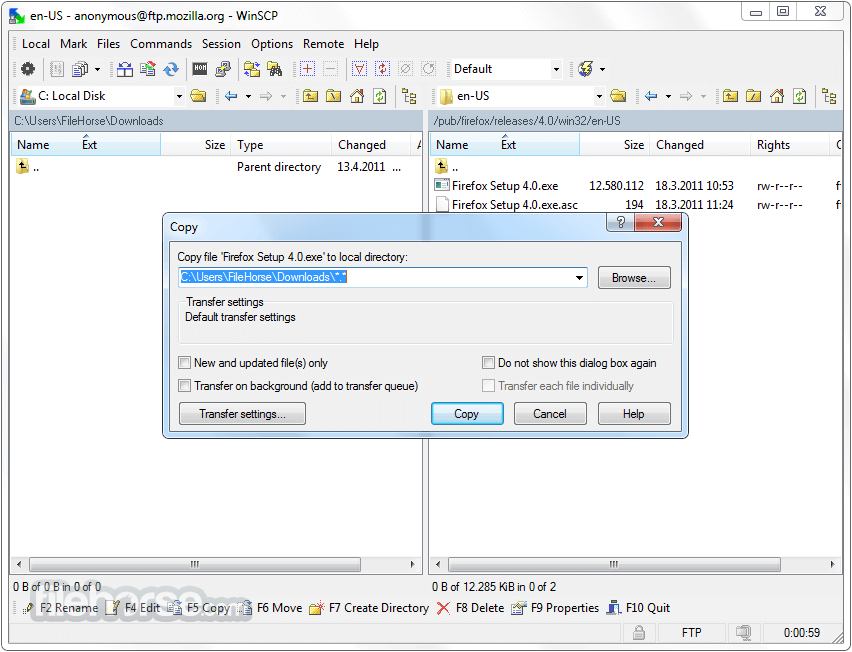
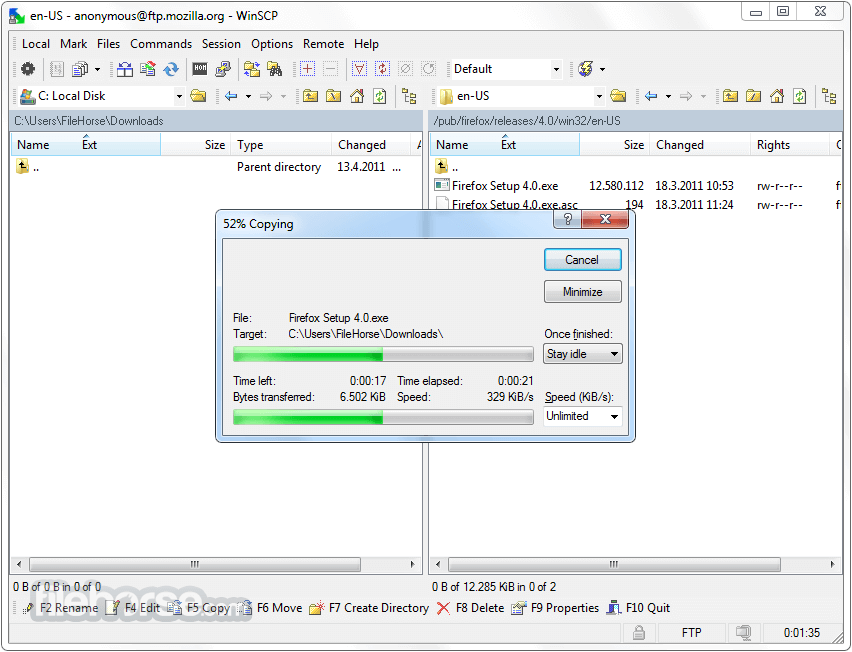
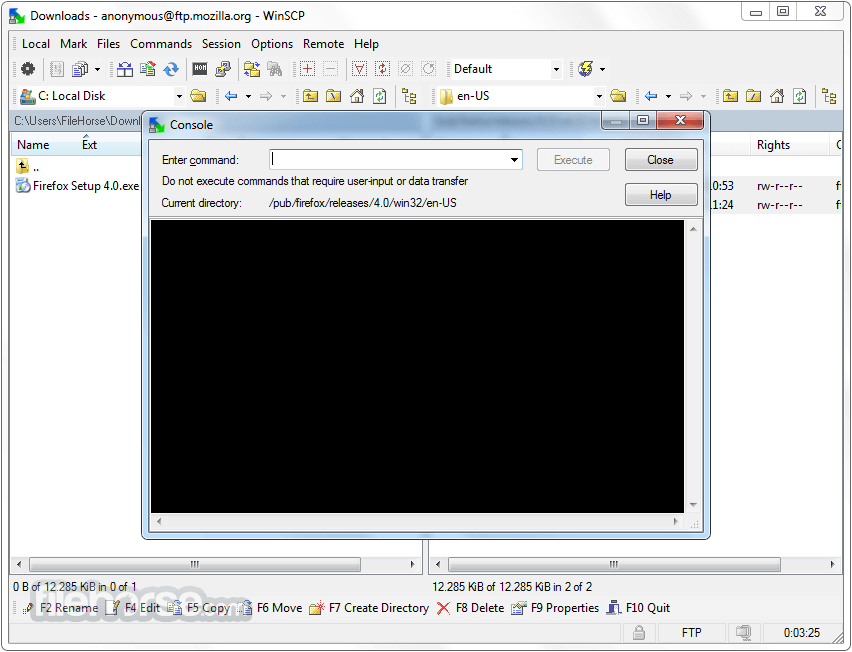
更新日誌
5.7.0 * Requesting FTP directory listing fields using OPTS MLST, if the server does not provide all needed fields by default.
* Support for MD5 FTP command.
* Executable winscp.exe is included in .NET assembly package.
* Logging level and password logging can be set on command-line using /loglevel switch.
* Logging parsed command-line and script command parameters on Debug 1 level.
* Size of connection receiving buffer increased.
* TLS/SSL core upgraded to OpenSSL 1.0.1l.
* Reducing amount of detailed information shown on Authentication Progress window for FTP sessions.
* Adjusting message box size for icons scaled on Windows 8.1 and newer.
* Not using drag images.
* Logging processes and performance counters in .NET assembly debug log, only when Session.DebugLogLevel is 1.
* Not logging value of -passphrase switch of open command.
* Bug fix: After several unsuccessful reconnects a resumed FTP file download starts from an initial remote folder, instead of correct source folder.
* Bug fix: When sorting local files modified at the same time by modification time, sort direction is not considered when falling back to sorting by filename.
* Bug fix: Command could be invoked in the middle of creating directory or navigating. 1272
* Bug fix: It was possible to drop on a file with drop handler in local panel with enabled drag&drop shell extension, although it cannot work with drop handlers.
* Bug fix: Failure when dropping on a file with drop handler in local panel with disabled drag&drop shell extension.
* Bug fix: Failure when running in a restricted environment.
* Bug fix: Confirmation button on Read to Install and Finished installing installer screens was incorrectly labeled Next.
* Bug fix: Order of sessions in workspace with more than 10 sessions is not preserved.
- 2026-03-26 WinSCP 6.5.6 11.75 MB
- 2019-03-27 WinSCP 5.15.0 Open Source Free SFTP Client and FTP Client for PC Windows 9.38MB
- 2019-03-21 WinSCP 5.13.9 Open Source Free SFTP Client and FTP Client for PC Windows
- 2019-02-27 WinSCP 5.13.8 Open Source Free SFTP Client and FTP Client for PC Windows 9.14MB
- 2019-02-27 WinSCP 5.13.8 Download for PC Windows 9.14MB
- 2019-01-09 WinSCP 5.13.7 Download for PC Windows 9.14MB
- 2019-01-09 WinSCP 5.13.7 9.14MB
- 2018-12-12 WinSCP 5.13.6 9.14MB