
- 目前版本5.9.3
- 更新日期2016-12-01
- 檔案大小8.62MB
- 檔案名稱WinSCP-5.9.3-Setup.exe
- 作業系統Windows XP / Vista / Windows 7 / Windows 8 / Windows 10 / Windows 11
- 支援語系English
- 授權型式開源軟體
- 開發商 WinSCP Team
- 軟體分類Windows 軟體 / 檔案傳輸與網路
軟體介紹
- WinSCP支援SFTP與FTP,甚至還有SCP等等。SFTP是SSH-2標準的一部份,SCP是SSH-1所支援,主要是幫下載或上傳的資料增密。
- 多線下載可以充份使用您的網路連線頻寬,不至因為來源網站的速度而影響。
- 保證沒有惱人的廣告軟體、間諜軟體與惡意程式。
- 當然還有一般FTP工具所具有的,如續傳、暫停、拖拉等功能。
- 提供檔案總管管理介面與諾頓指揮官管理介面兩種介面使用者可以輕鬆地下載網際網路上的檔案。
- 開放原始碼,當然是免費的
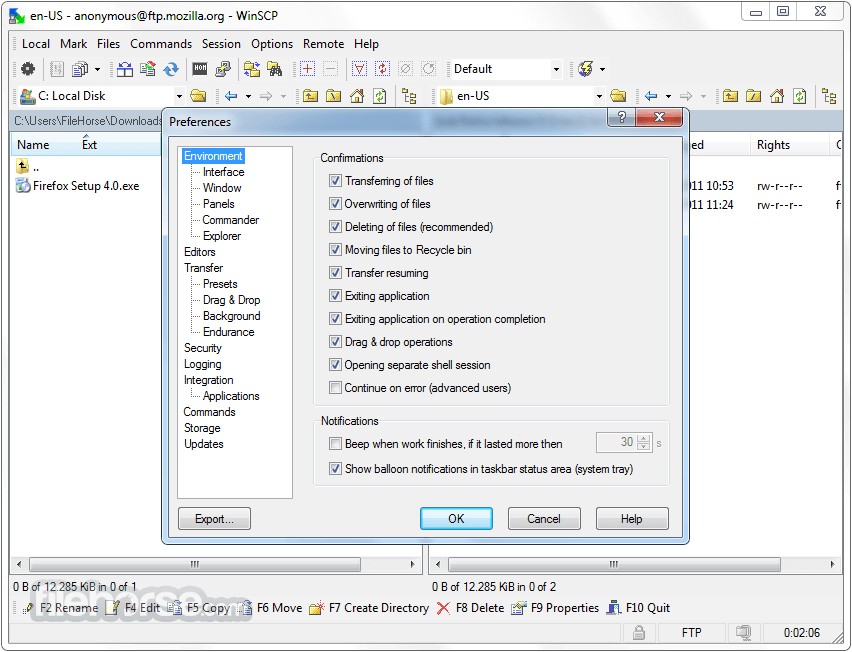
畫面截圖
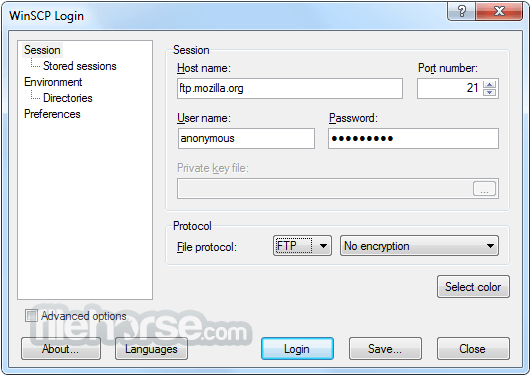
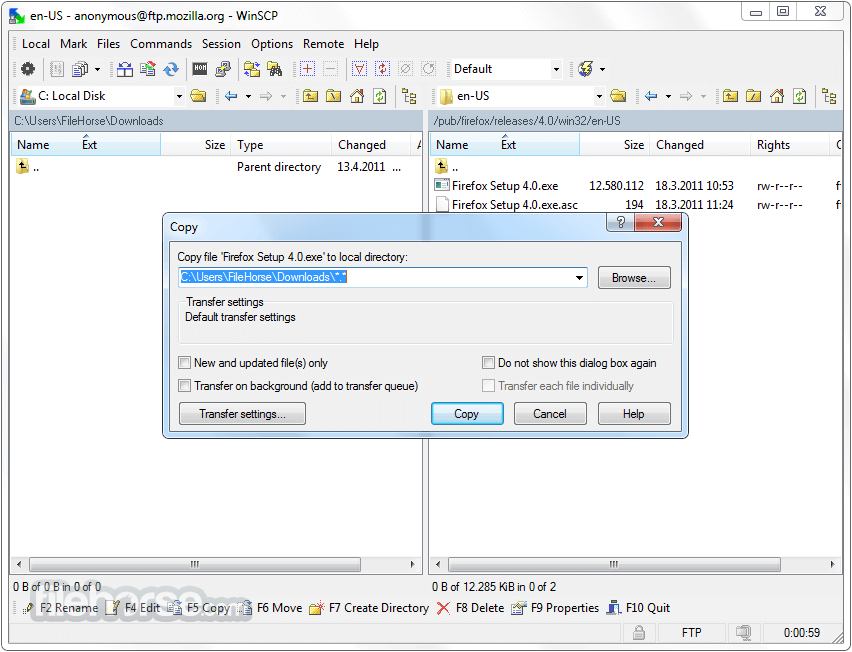
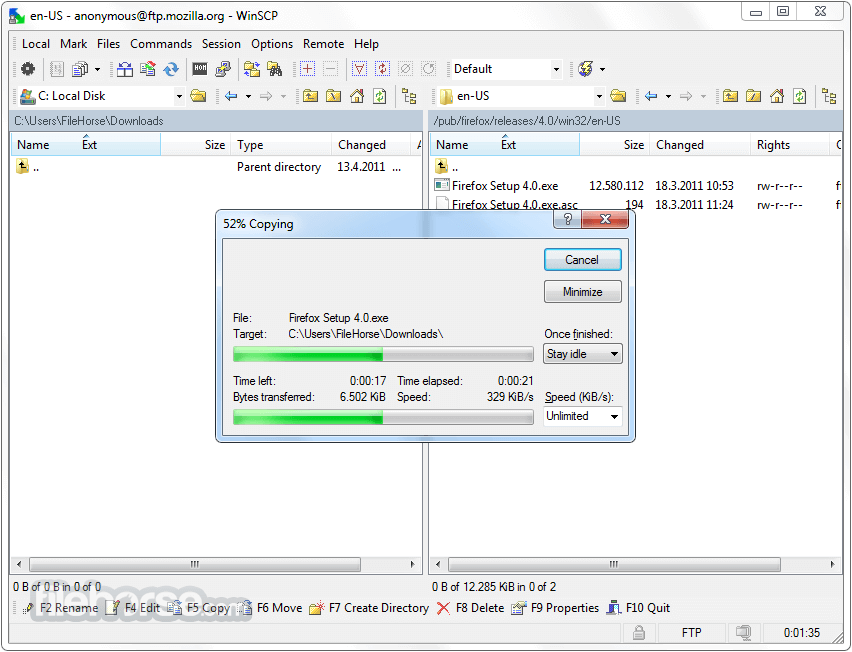
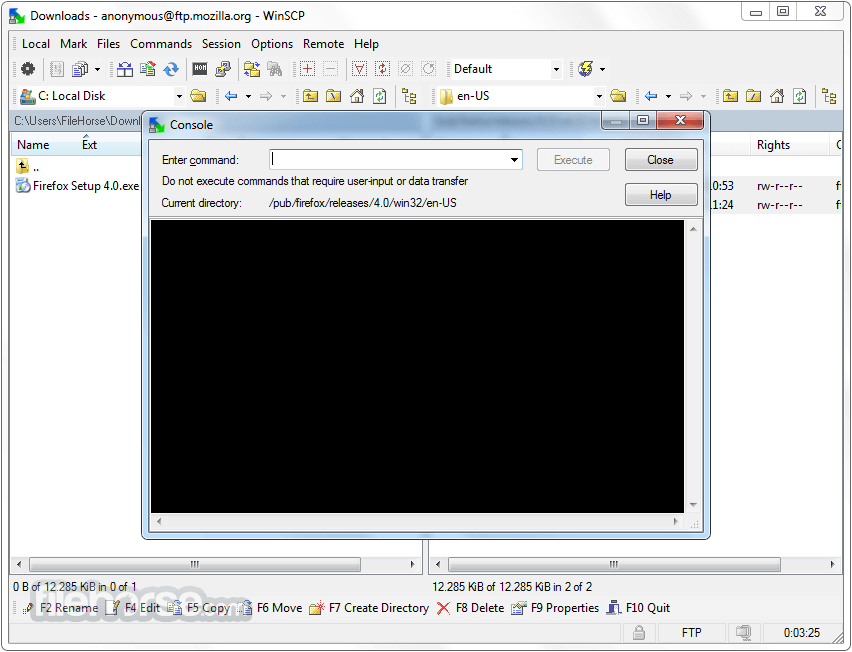
更新日誌
5.9.3 * Translation completed: Croatian.
* Support for non-ASCII passphrases to client certificate files (.pfx/.p12 format).
* TLS/SSL core upgraded to OpenSSL 1.0.2j.
* Improvements to custom commands/extensions:
- New official extensions “Generate HTTP URL” and “Batch Rename”.
- The official extensions are compatible with PowerShell 2.0.
- The official extension “Find Duplicates” re-implemented using the Session.EnumerateRemoteFiles and the RemoteFileInfo.FullName.
- Site-specific extension options.
- Increased length limit for custom command and console.
- Allowing tabs in addition to spaces in extension file.
- Specific error messages about extensions are presented without irrelevant HTTP status code.
- Bug fix: Tab order on extension options dialog was broken, if the extension mixed options in and out of group box.
- Progress windows can be controlled using keyboard again.
- Scaling combo box drop down menu.
- Change: Not updating last access time of uploaded files with SFTP protocol to avoid problems with servers that do not support it.
- Bug fix: Failure when moving Download and Delete operation to background.
- Bug fix: Found folders were focusing incorrectly.
- Bug fix: Command-line toolbar command can be executed while another command was executing already.
- Bug fix: Wrong layout of Login dialog on monitors with low vertical resolution.
- Bug fix: Session instance could not be reused for multiple ScanFingerprint calls.
- Bug fix: Custom commands submenu with the other custom command type was not disabled when there was no such custom command.
- Bug fix: It was possible to load again the first extension in an extension folder.
- Bug fix: Failure when logging fails for background session or during log in.
- Bug fix: Failure when pressing Calculate button on Properties dialog, while another calculation is already in progress.
- 2026-03-26 WinSCP 6.5.6 11.75 MB
- 2019-03-27 WinSCP 5.15.0 Open Source Free SFTP Client and FTP Client for PC Windows 9.38MB
- 2019-03-21 WinSCP 5.13.9 Open Source Free SFTP Client and FTP Client for PC Windows
- 2019-02-27 WinSCP 5.13.8 Open Source Free SFTP Client and FTP Client for PC Windows 9.14MB
- 2019-02-27 WinSCP 5.13.8 Download for PC Windows 9.14MB
- 2019-01-09 WinSCP 5.13.7 Download for PC Windows 9.14MB
- 2019-01-09 WinSCP 5.13.7 9.14MB
- 2018-12-12 WinSCP 5.13.6 9.14MB