
- 目前版本3.25.1
- 更新日期2026-02-22
- 檔案大小145.61 MB
- 檔案名稱yEd-3.25.1_with-JRE23_64-bit_setup.exe
- 作業系統Windows 7 / Windows 8 / Windows 10 / Windows 11
- 支援語系English
- 授權型式免費軟體
- 開發商 yWorks
- 軟體分類Windows 軟體 / 辦公商務
##
編輯短評
yEd Graph Editor 是一款免費的圖表繪製工具,主要用來快速建立流程圖、組織圖、網路圖等專業圖表。它最突出的特色是內建多種自動化版面配置演算法,只要按一下按鈕,就能將大量節點與連線整理成清晰易讀的結構,也支援匯入外部資料進行分析。這套軟體由 yWorks 開發,長期持續維護,但更新頻率不算高;使用者評價普遍不錯,不過評分人數不多,屬於穩定但相對小眾的選擇。
如果你經常需要處理複雜的圖表,例如工程師畫系統架構、專案經理規劃流程、研究者整理資料關聯,yEd 的自動佈局功能會比手動排版省下不少時間。與 Microsoft Office 內建的 SmartArt 相比,yEd 更專注於圖表本身,提供更多進階佈局選項,但缺少與文書軟體的整合性。它完全免費,支援 Windows、macOS 與 Linux 平台,不過僅提供英文介面,沒有中文版,使用前需要稍微熟悉英文操作環境。
##
軟體介紹
yEd 是一款功能強大的桌面應用程式,可快速且有效地生成高品質圖表。您可以手動建立圖表,或匯入外部資料進行分析。
自動佈局演算法只需按一下按鈕,就能排列大型資料集。yEd Graph Editor 免費提供,並可在所有主要平台上運行:Windows、Unix/Linux 和 macOS。
功能與特色
自動佈局演算法只需按一下按鈕,就能排列大型資料集。yEd Graph Editor 免費提供,並可在所有主要平台上運行:Windows、Unix/Linux 和 macOS。
功能與特色
- 互動式階層佈局可用於互動式排列階層或偽階層情境。
- 階層佈局可用於完美視覺化階層或偽階層情境。
- 正交佈局能清晰呈現複雜網路。
- 有機佈局和智慧有機佈局能清晰呈現複雜圖表,如 ER 圖、UML 圖等。
- 有機邊緣路由器能有機地重新路由現有圖形中的邊緣。
- 正交邊緣路由器能以正交方式重新路由現有圖形中的邊緣。
- 圓形佈局能完美呈現互連的環狀和星狀拓撲。
- 樹狀佈局可用多種方式視覺化樹狀結構。
- 樹狀佈局演算法也可用於近似樹狀的圖形。
- 可自訂的工作區讓您依需求排列工具視窗。
- 表格化屬性編輯器讓您輕鬆設定圖形屬性。
- 國際化:yEd 已在地化為英文、德文,以及部分日文。
- 精密的列印預覽功能讓您預覽列印結果(特別適用於海報列印)。
- 工作階段管理:yEd 會記住並管理您的設定。
- 支援復原功能。
- 剪貼簿功能。
- 大部分功能都有鍵盤快捷鍵。
- 整合式說明系統。
- 完整支援 YGF 檔案格式,這是原生檔案格式。
- 完整支援基於 XML 的 GraphML 檔案格式。
- 完整支援 GML 圖形檔案格式。GML 是常見的文字型圖形檔案格式。
- 完整支援基於 XML 的 GML 圖形檔案格式。這是使用 XML 語法的 GML 語言變體。
- 匯入任意 XML 檔案。必須提供 XSLT 樣式表,將 XML 輸入轉換為有效的 GraphML。內含針對 Ant 建置腳本、OWL 網頁本體語言等的預定義樣式表。
- 匯出為 SVG 向量圖形檔案格式。
- 匯出為 Windows 中繼檔(WMF)檔案格式,這是幾乎所有 Windows 應用程式使用的向量圖形格式。
- 匯出為 JPG 和 GIF 檔案格式。可將大型影像匯出為多個影像,也支援 HTML 表格!
- 匯出為 BMP(在 Windows 機器上)和 PNG 檔案格式。
##
畫面截圖
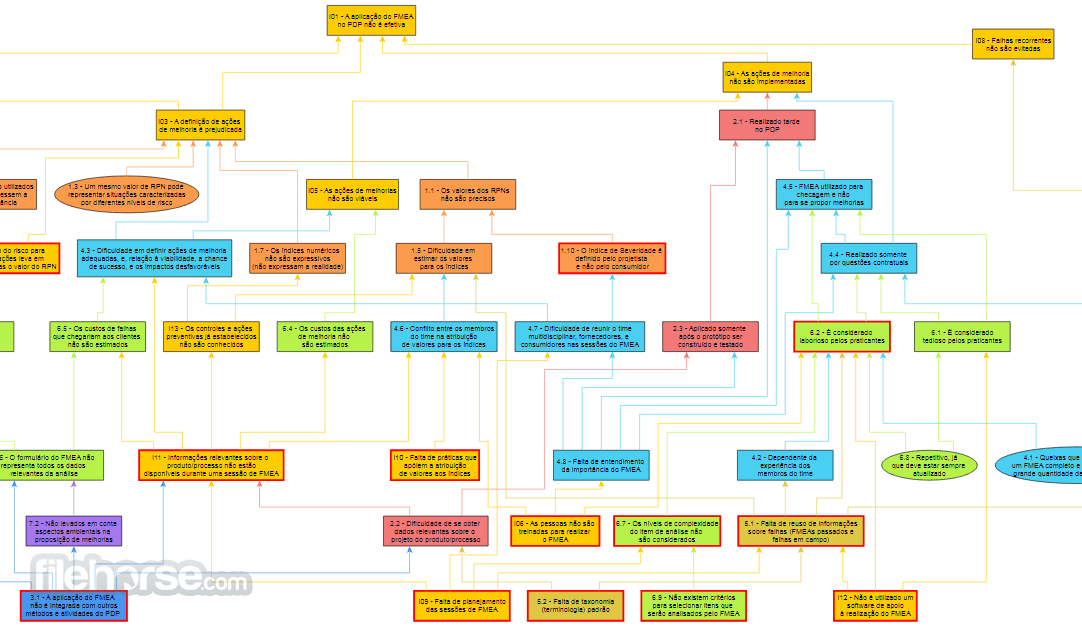
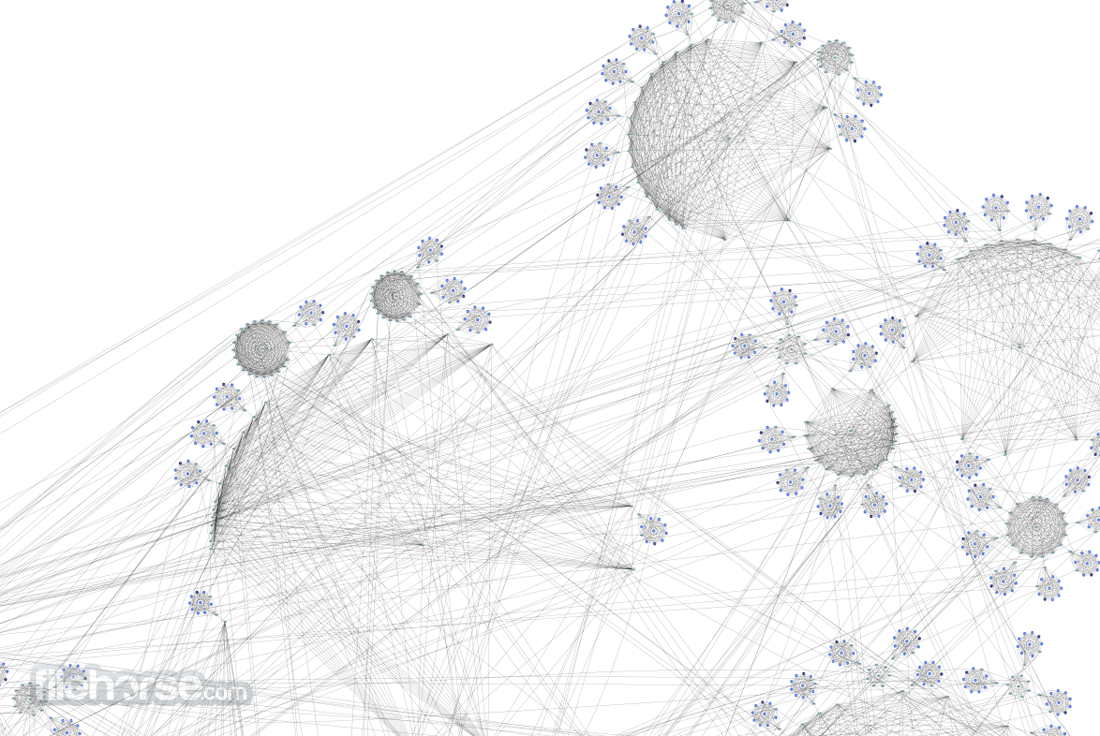
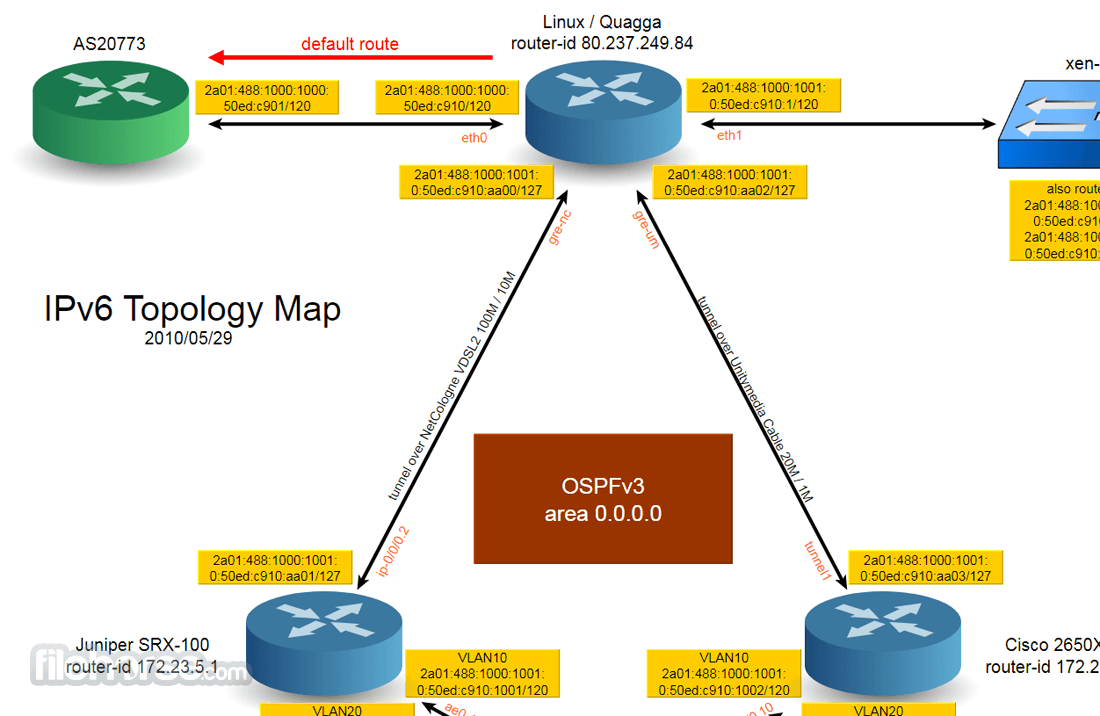
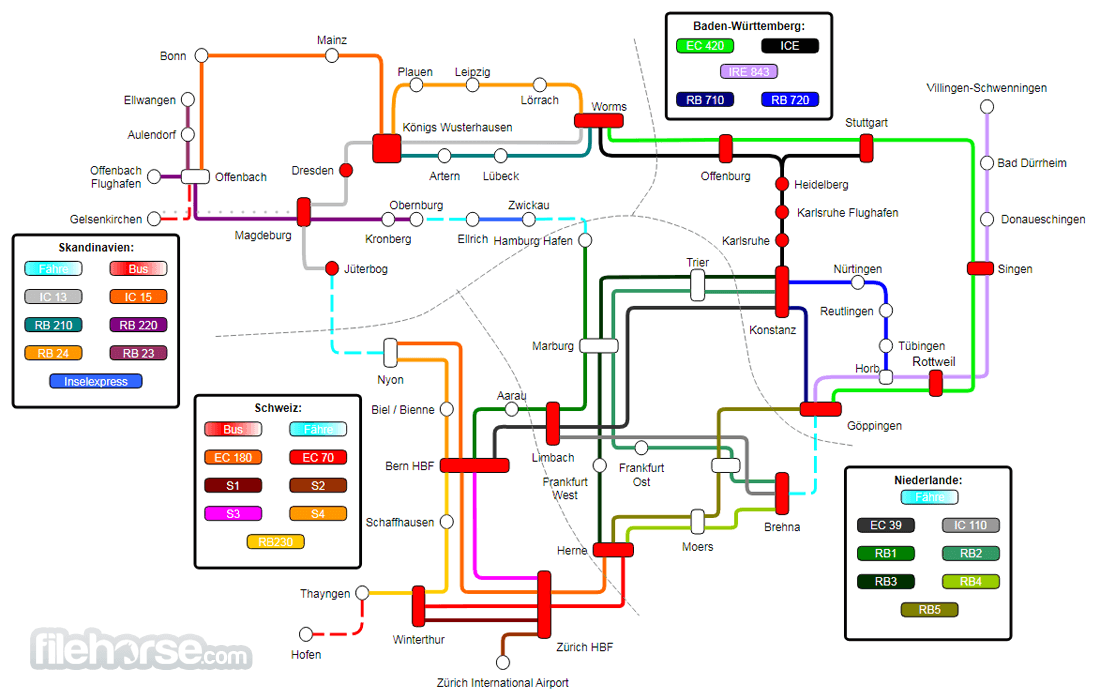
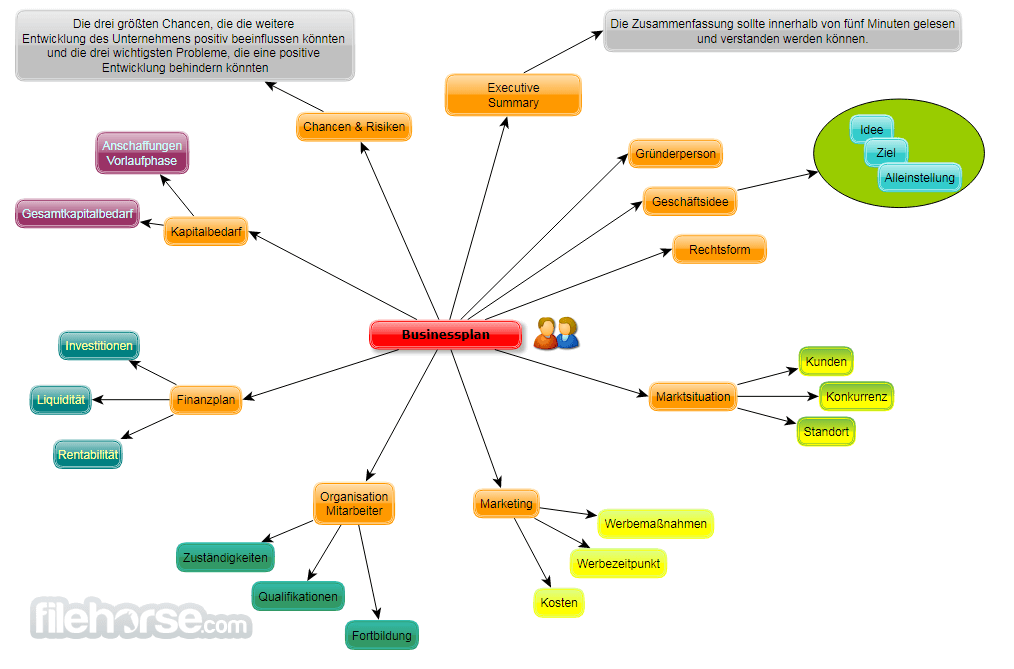
##
更新日誌
3.25.1- Introduced a new Auto Alignment tool that allows snapping nodes to the same X or Y coordinate for cleaner diagram layouts.
- Added a new Compact Disk layout algorithm for tightly packed node arrangements.
- Organic layout enhanced with support for integrated edge labeling and improved handling of directed edges and substructures.
- Circular layout expanded with support for star substructures, improved label handling, and additional edge routing options.
- Radial layout improved with node–type–based optimization and enhanced label handling strategies.
- Balloon layout updated to group nodes of the same type more effectively.
- Tabular layout improved to minimize overall edge length in node arrangements.
- Added support for importing node symbols via the properties mapper.
- Improved compatibility with various GraphML format variants used in commercial yFiles diagramming libraries.
- Added edge template preview when dragging from the palette into the editor area.
- Updated bundled Java Runtime Environment to newer OpenJDK versions for improved performance and compatibility.
- Launch the program and create a new graph
- Use the toolbar to add nodes and edges
- Customize shapes, colors, and labels
- Arrange elements using automatic layout tools
- Save your graph in various formats (PNG, PDF, etc.)
- Export data for external use or printing
FAQs
What is yEd Graph Editor used for?
yEd Graph Editor is a desktop diagramming application developed by yWorks that allows users to create high-quality diagrams such as flowcharts, organizational charts, network diagrams, UML diagrams, and mind maps. It is widely used for visualizing structured data and complex systems.
What makes yEd different from other diagram tools?
One of yEd’s strongest features is its powerful automatic layout algorithms, which can arrange complex diagrams quickly and clearly. Users can import structured data (such as spreadsheets or XML) and automatically generate well-organized visual representations.
Is yEd free to use?
Yes. yEd Graph Editor is available as a free desktop application for Windows, macOS, and Linux. It does not require a subscription for core functionality, making it accessible for students, professionals, and organizations.
Is yEd still relevant in 2026?
Yes. In 2026, yEd remains relevant for users who need a lightweight yet powerful desktop-based diagram tool with advanced layout automation. While cloud-based diagramming tools are popular, yEd continues to appeal to users who prefer offline work and strong data-driven layout capabilities.
System Requirements
- Windows 10 or Windows 11
- Java Runtime Environment (JRE) required
- Minimum 2GB RAM (4GB recommended)
- 200MB of free disk space
- Compatible with 64-bit and 32-bit systems
- Intuitive and user-friendly interface
- Advanced automatic layout algorithms
- Supports multiple export formats
- Free to use with no limitations
- Customizable node and edge properties
- Requires Java for installation
- No real-time collaboration features
- Can be resource-intensive for large graphs
- Limited 3D visualization options
- Lacks built-in cloud storage integration
Download yEd Latest Version Why is this app published on FileHorse? (More info)
- 2026-02-22 yEd Graph Editor 3.25.1 145.61 MB
- 2025-01-30 yEd Graph Editor 3.25 145.71 MB
- 2024-06-25 yEd Graph Editor 3.24 140.91 MB
- 2023-09-13 yEd 3.23.2 136.39 MB
- 2023-03-28 yEd 3.23.1 115.86 MB
- 2023-03-23 yEd 3.23 115.87 MB
- 2022-04-06 yEd 3.22 115.71 MB
- 2021-03-17 yEd 3.21.1 115.52 MB