⚠ 這是歷史版本頁面 — 查看 3D Coat 最新版本 →

- 目前版本2024.30
- 更新日期2024-11-27
- 檔案大小876 MB
- 檔案名稱3DCoat-2024-30.exe
- 作業系統Windows 7 64 / Windows 8 64 / Windows 10 64 / Windows 11
- 支援語系English
- 授權型式商業試用
- 開發商 Pilgway
- 軟體分類Windows 軟體 / 影像設計
##
編輯短評
3D Coat 是一套專業的數位雕刻與紋理貼圖軟體,以體素與多邊形動態細分技術為核心,提供雕刻、拓撲變形、UV 貼圖與材質繪製等完整流程。它的特色在於能快速建立高細節的 3D 模型,同時兼顧雕刻與貼圖需求,對新手和專業人士都相當友善。軟體自推出以來持續更新,近期仍維持活躍的維護節奏,雖然使用者數量不算多,但評價普遍不錯,屬於小眾但口碑穩定的工具。
適合需要進行 3D 模型雕刻與貼圖的創作者,無論是遊戲美術、產品設計或概念藝術,都能在單一軟體中完成從雕刻到貼圖的作業。與 Photoshop 等 2D 影像軟體不同,它專注於 3D 流程,若你已有其他建模工具,可作為輔助或替代方案。需注意的是,目前僅提供英文介面,且為試用版授權,購買前建議先熟悉操作。平台支援 Windows 與 macOS,可依需求選擇。
##
翻譯排程處理中,以下暫以英文原文呈現
軟體介紹
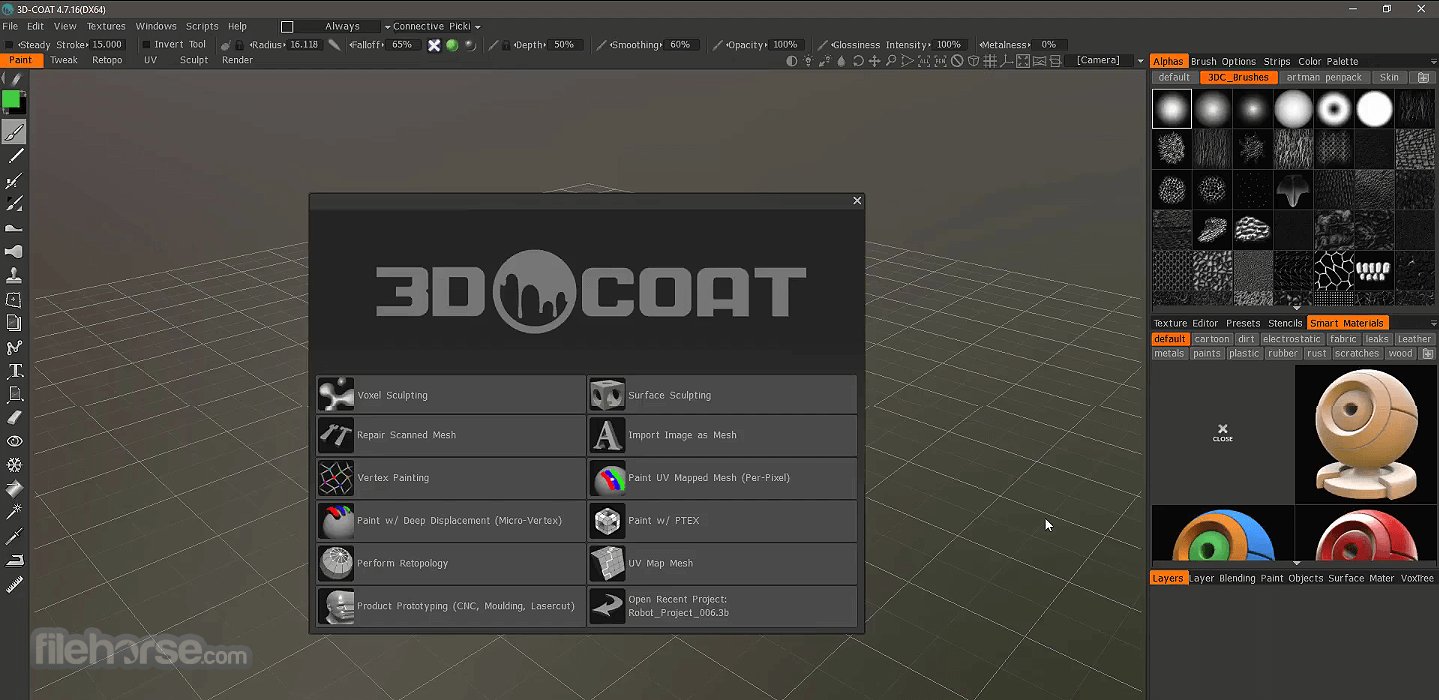
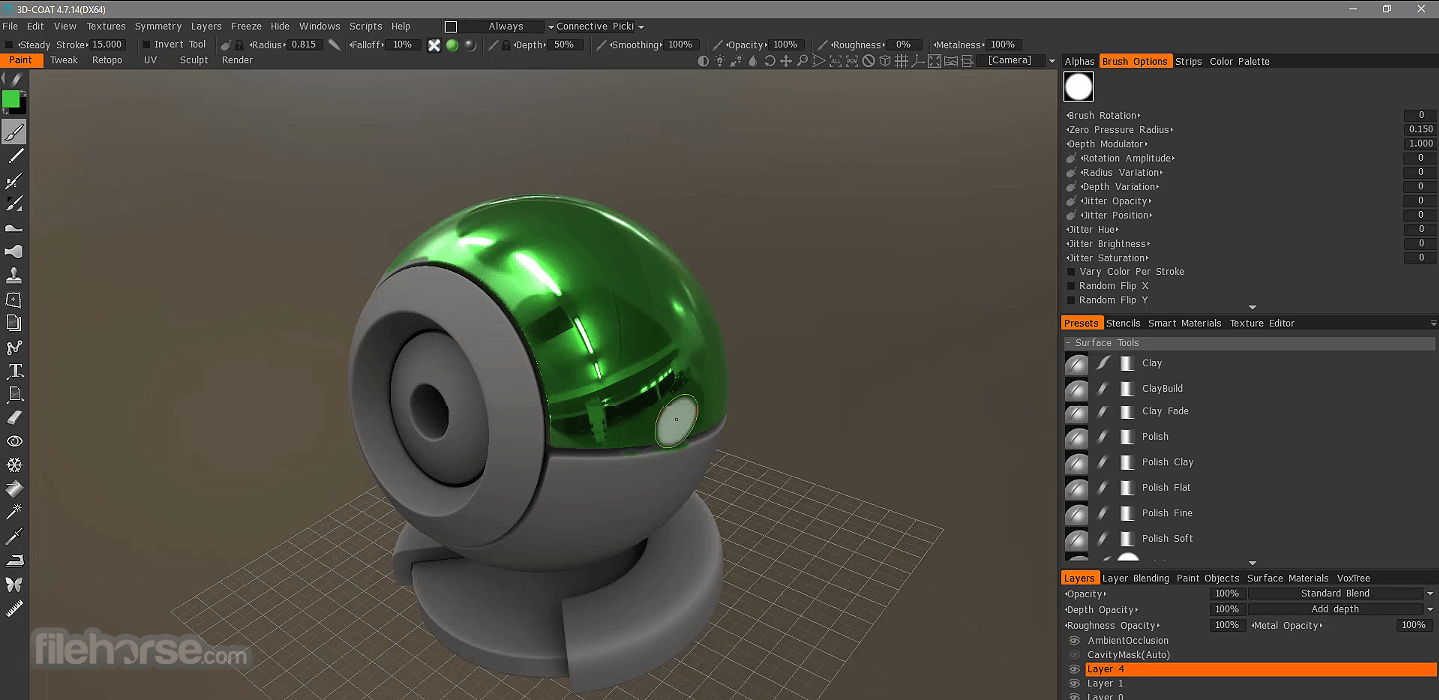
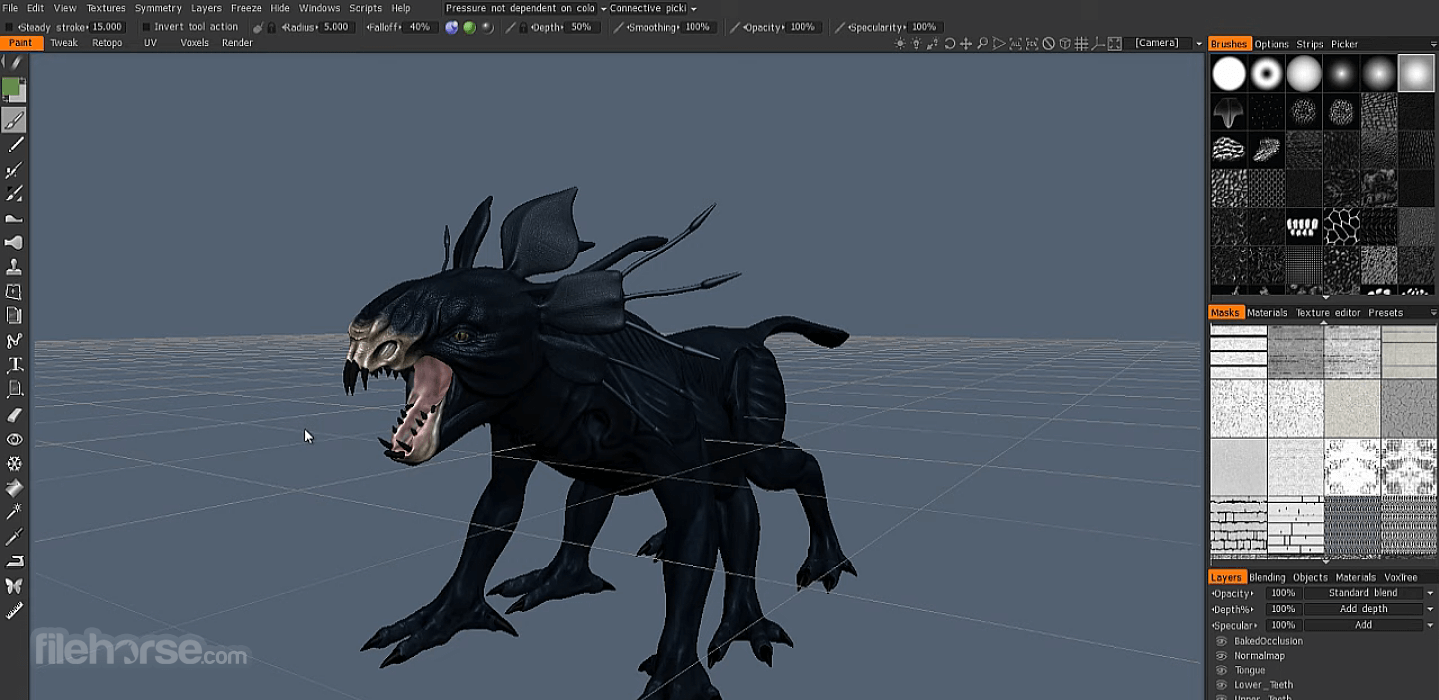
3D Coat is a professional digital sculpting and texturing program designed around advanced manipulation of voxels and polygonal using dynamic patch tessellation technology and polygonal sculpting tools.
With industry-leading tools for sculpting, polygonal topology morphing, creation of UV maps, extensive texturing and much more, both novices and professionals will be able to introduce this powerful tool into their daily workflows and projects of all sizes to quickly create new lifelike and highly-intricate 3D models and environments.
To best serve the needs of all users, 3D Coat (3D-Brush) also has support for advanced importing of 3D models (built from scratch or recreated via photogrammetry or other forms of scans) created in other modeling apps, and immediately transforming them into editing ready voxel objects.
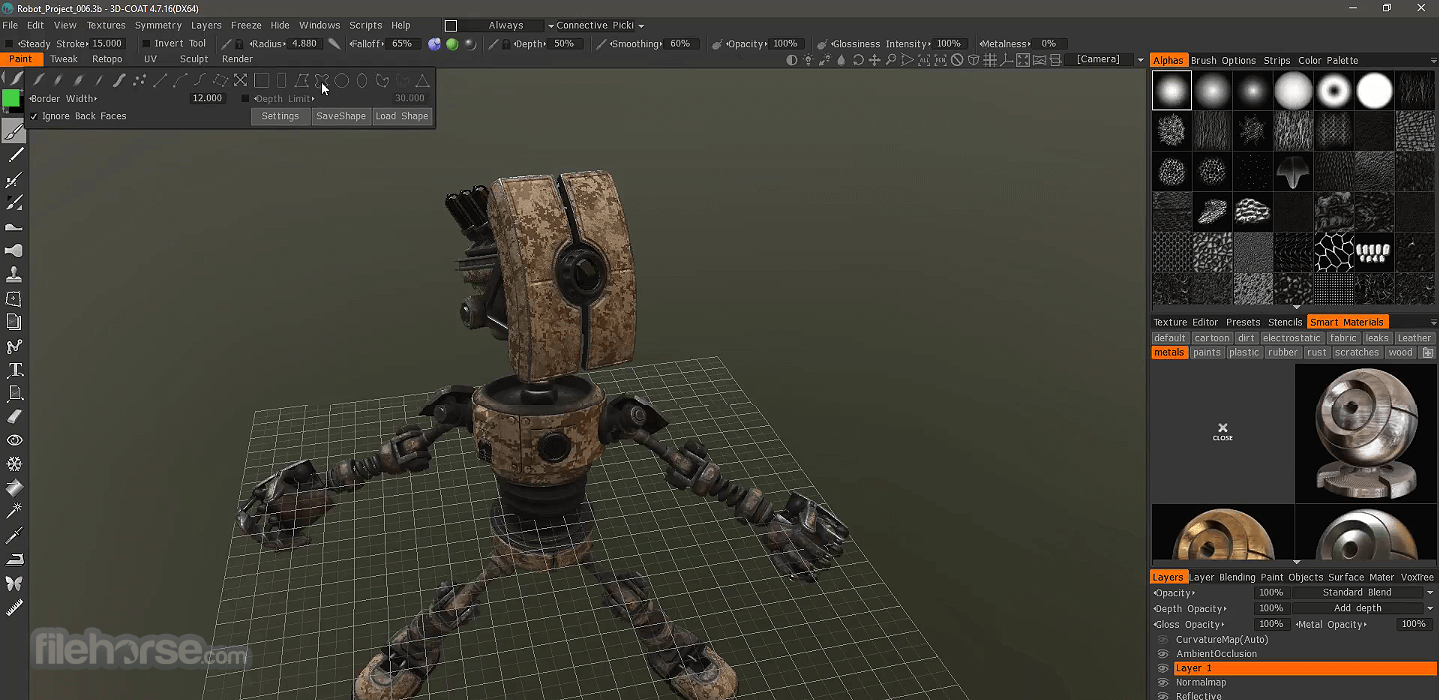
From that point on, designers and sculptors can start adding new layers of high-resolution details, complete UV unwrapping and mapping, texture displacements, bump maps, specular and diffuse color maps.
Instead of painstakingly adding functional polygonal mesh skin over any voxel sculpture, this app does it automatically, giving the chance to sculptors to focus their full attention on creative work and skip unnecessary production steps that are plaguing other similar apps.
3D Coat has full support for multiple layer sculpting, Physically Based Rendering infused directly rendered into its viewpoint, smart materials, texture sizes up to 16K, rich toolset, tight integration with industry-leading digital image editing application Photoshop, advanced voxel and traditional sculpting tools, auto-retopology tools, fast and intuitive UV Mapping and much more.
Purchase of perpetual access is available via four distinct tiers of licenses (Professio9nsk, Amateur, 3DCprinting, and Floating), optional upgrade licenses for owners of previous versions of this app, and of course FREE access to a 30-day TRIAL.
How to Use
Also Available: Download 3D Coat for Mac
Download 3D Coat Latest Version Why is this app published on FileHorse? (More info)
With industry-leading tools for sculpting, polygonal topology morphing, creation of UV maps, extensive texturing and much more, both novices and professionals will be able to introduce this powerful tool into their daily workflows and projects of all sizes to quickly create new lifelike and highly-intricate 3D models and environments.
To best serve the needs of all users, 3D Coat (3D-Brush) also has support for advanced importing of 3D models (built from scratch or recreated via photogrammetry or other forms of scans) created in other modeling apps, and immediately transforming them into editing ready voxel objects.
From that point on, designers and sculptors can start adding new layers of high-resolution details, complete UV unwrapping and mapping, texture displacements, bump maps, specular and diffuse color maps.
Instead of painstakingly adding functional polygonal mesh skin over any voxel sculpture, this app does it automatically, giving the chance to sculptors to focus their full attention on creative work and skip unnecessary production steps that are plaguing other similar apps.
3D Coat has full support for multiple layer sculpting, Physically Based Rendering infused directly rendered into its viewpoint, smart materials, texture sizes up to 16K, rich toolset, tight integration with industry-leading digital image editing application Photoshop, advanced voxel and traditional sculpting tools, auto-retopology tools, fast and intuitive UV Mapping and much more.
Purchase of perpetual access is available via four distinct tiers of licenses (Professio9nsk, Amateur, 3DCprinting, and Floating), optional upgrade licenses for owners of previous versions of this app, and of course FREE access to a 30-day TRIAL.
How to Use
- Launch the software and choose your preferred workspace
- Import a base mesh or create a new sculpt
- Use sculpting tools to shape your 3D model
- Retopologize the mesh for animation or efficiency
- Use UV mapping tools to unwrap your model
- Paint textures directly onto your model in 3D
- Add materials and shaders using smart materials
- Render your model or export to another platform
- Save or export your final project in various formats
- OS: Windows 11 or Windows 10 (64-bit only)
- CPU: Intel i5 or higher
- RAM: 8 GB (16 GB recommended)
- GPU: NVIDIA/AMD with 2 GB VRAM (4+ GB recommended)
- Disk: SSD recommended, 1 GB free for installation
- Display: 1920×1080 minimum resolution
- Powerful voxel sculpting workflow
- Excellent retopology automation tools
- Advanced texture painting features
- Easy-to-use UI for beginners and pros
- Versatile export and file format support
- Limited animation capabilities
- UI can feel cluttered at times
- Requires strong hardware for best use
- Some tools lack polish or consistency
Also Available: Download 3D Coat for Mac
Download 3D Coat Latest Version Why is this app published on FileHorse? (More info)
##
影片介紹
##
畫面截圖
- 2026-07-23 3D Coat 2026-12 1.5 GB
- 2025-11-27 3D Coat 2025-15 950 MB
- 2025-10-20 3D Coat 2025-10 907 MB
- 2025-06-24 3D Coat 2025-09 907 MB
- 2025-06-20 3D Coat 2025-08 907 MB
- 2024-12-02 3D Coat 2024.31 876 MB
- 2024-11-27 3D Coat 2024.30 876 MB
- 2024-10-12 3D Coat 2024.26 871 MB