
- 目前版本26.3
- 更新日期2026-06-18
- 作業系統Windows 10 (64-bit) / Windows 11
- 支援語系English
- 授權型式未分類
- 開發商 Adobe Inc.
- 軟體分類Windows 軟體 / 影片軟體
##
編輯短評
Adobe After Effects 是業界標準的動態圖形與視覺特效軟體,旨在將創意轉化為高品質的動態影像。其最顯著的特色在於能製作電影級的片頭、開場動畫與轉場效果,並可建立律動感十足的動畫標題或片尾名單。該軟體屬於 Adobe Creative Cloud 生態系的一部分,在專業領域中是極具代表性的主流選擇,且維護活躍,評價普遍不錯。
這款工具主要面向動畫師、設計師與合成師,適用於電影、電視及網頁影片的專業創作情境。與同類別中的基礎播放或編碼軟體相比,它更強調創意合成與視覺衝擊力的產出。使用者在下載前需留意其支援語系為英文,且提供短期的免費試用體驗。目前該軟體支援 Windows 與 macOS 平台,方便使用者在不同裝置之間存取素材及模板。
##
軟體介紹
使用 Windows PC 的業界標準 motion graphics and visual effects software Adobe After Effects,您可以將任何創意轉化為動態影像。製作電影級的片頭、開場動畫與轉場效果。
此應用程式為 Adobe Creative Cloud(包含 20 多款 App 與服務)的一部分。前 7 天可免費試用,立即體驗!
讓震撼場景更具衝擊力!動畫師、設計師與合成師使用 After Effects 為電影、電視、影片及網頁創作 motion graphics 與 visual effects。
這款業界標準的動畫與創意合成 App,讓您能為電影、電視、影片及網頁設計並產出專業的 motion graphics 與 visual effects。
Adobe After Effects CC 隸屬於 Creative Cloud,這意味著您可以在 App、電腦與行動裝置之間存取並分享所有創意素材,包括 Motion Graphics templates 與 Adobe Stock 影片。
Features and Highlights
製作片尾名單、旋轉文字與華麗標題
建立動畫標題、片尾名單與 lower thirds。您可以從零開始,或直接使用 App 內建的動畫預設值。從旋轉、滑動到切換 —— 您可以使用此工具以無數種方式讓文字律動。
震撼特效,驚艷視覺效果
將影片與圖像結合,讓 UFO 飛越天空、模糊處理 Logo 或創造爆炸效果 —— 可能性無限。此外,這裡有數百種效果可滿足您的視覺需求,從添加霧氣、更改顏色到製造雪景。
讓影像動起來
透過 keyframes 或 expressions,讓任何元素(從 Logo、圖形到卡通角色)產生動態。或者使用預設值來啟動設計並獲得獨特的效果。
與其他軟體完美協作
本程式可與其他 Adobe apps 無縫接軌。建立 comps 後,透過 Adobe Dynamic Link 立即在 Premiere Pro CC 中查看效果。您也可以匯入來自 Photoshop CC, Illustrator CC, Character Animator CC, Adobe XD CC 及 Animate CC 的作品。使用 Team Projects 與無論身在何處的剪輯師協作。此外,該工具還與 300 多家軟體和硬體合作夥伴整合。
用於 mesh sculpting 的進階 puppet 工具
像是 Advanced 和 Bend pins 等 Mesh sculpting 工具,讓您能精確地扭曲、彎曲、弧形化及縮放您的動畫。
從原生 3D 元素獲取 depth passes
套用 Depth of Field, Fog 3D 及 Depth Matte 等深度效果,使元素看起來更自然 —— 或使用深度數據來模擬 3D 外觀。
極速提升動畫工作流程
全新的 JavaScript expression engine 讓工作速度更快,效能提升最高達 6 倍。透過全新編輯器編寫 expressions,讓建立表達式變得更簡單。
Responsive Design — Time
建立可伸縮或縮短的 motion graphics compositions,同時保留如片頭和片尾等 keyframes 的完整性。將您的設計匯出為 Motion Graphics templates 以獲得更高的剪輯靈活性。
到處捕捉靈感
使用 Adobe Hue CC 和 Adobe Shape CC 等行動 App,隨時隨地捕捉靈感並建立素材。接著將素材導入軟體中,創造豐富的 motion graphics 與特效。
預覽時即可完美調整
現在您可以在不停止播放的情況下,調整 composition 的屬性甚至調整面板大小,讓創作不再中斷。
更精準的 face tracking
使用全新的 Face Tracker 將效果套用到臉部的特定區域。您可以進行色彩校正或模糊處理、追蹤測量,或追蹤點以更改眼睛顏色等細節。
為 2D 角色注入生命
全新的 Adobe Character Animator 讓您在攝影機前模仿動作,即可讓您在 Illustrator 或 Photoshop 中建立的角色同步產生動畫。
透過 CreativeSync 在任何地方存取所有素材
Adobe CreativeSync 讓您的電腦、網頁和行動 App 隨時保持最新狀態並觸手可及。它會自動同步您的 Looks、顏色、圖像、Adobe Stock 素材、設定、metadata 等。
介紹 Adobe Stock - 數百萬張高品質圖像
尋找完美的照片或圖形來啟動您的下一個專案。全新的 Adobe Stock 服務提供 4,000 萬個精選的免版權素材,只需在 AfterEffects CC 中點擊幾次即可使用。
How to Use
請記住 After Effects 是一款複雜的桌面軟體,精通它需要時間與練習。
網路上也有許多教學影片和資源可幫助您深入學習並提升技巧。
FAQ
什麼是 Adobe After Effects,我可以將它用於什麼?
答:Adobe After Effects 是一款用於為影片、動畫和其他多媒體專案創作 motion graphics 和 visual effects 的軟體。您可以利用它製作從簡單動畫到複雜 3D 圖形的所有內容。
PC 版 Adobe After Effects 的系統需求是什麼?
答:最低系統需求為 Windows 11/10/7 (64-bit) 版本 1803, 1809, 1903, 1909, 2004, 20H2 或 21H1;支援 64 位元的 Intel 或 AMD 多核心處理器;8GB RAM 以及至少 6GB 的可用硬碟安裝空間。
我可以在筆記型電腦上使用 Adobe After Effects 嗎?
答:可以,但建議使用配備獨立顯卡和強大處理器的筆記型電腦以獲得更好的效能表現。
我可以將其他 Adobe Creative Cloud 程式的檔案匯入 After Effects 嗎?
答:可以,您可以匯入來自 Adobe Illustrator, Adobe Photoshop 和 Adobe Premiere Pro 等 Adobe Creative Cloud 程式的檔案。
我可以使用 After Effects 為網頁製作動畫嗎?
答:可以,您可以使用 After Effects 製作各種格式的網頁動畫,例如 GIFs, HTML5 和 SVG。
Adobe After Effects 與 Adobe Premiere Pro 有什麼區別?
答:After Effects 主要用於創作 motion graphics 和 visual effects,而 Adobe Premiere Pro 則主要用於影片剪輯。
我可以使用 After Effects 製作 3D 圖形嗎?
答:可以,它擁有 3D 工作區,允許您建立 3D 圖形與動畫。
我可以使用 After Effects 為社群媒體平台製作影片嗎?
答:可以,您可以使用此 App 為 Instagram, Facebook 和 YouTube 等社群平台創作影片。
After Effects 中的 composition 與 layer 有什麼區別?
答:Composition 是一個時間軸,您可以在其中建立並排列多個 layers 來製作影片或動畫。而 Layer 是 composition 內的一個獨立元素,可包含影片素材、圖像、圖形或效果。
在沒有任何影片剪輯或動畫基礎的情況下可以使用 After Effects 嗎?
答:After Effects 是一款複雜的軟體,建議在使用前具備一定的影片剪輯或動畫基礎。不過,即使是初學者,也可以透過大量的線上教學和資源來學習如何使用它。
此應用程式為 Adobe Creative Cloud(包含 20 多款 App 與服務)的一部分。前 7 天可免費試用,立即體驗!
讓震撼場景更具衝擊力!動畫師、設計師與合成師使用 After Effects 為電影、電視、影片及網頁創作 motion graphics 與 visual effects。
這款業界標準的動畫與創意合成 App,讓您能為電影、電視、影片及網頁設計並產出專業的 motion graphics 與 visual effects。
Adobe After Effects CC 隸屬於 Creative Cloud,這意味著您可以在 App、電腦與行動裝置之間存取並分享所有創意素材,包括 Motion Graphics templates 與 Adobe Stock 影片。
Features and Highlights
製作片尾名單、旋轉文字與華麗標題
建立動畫標題、片尾名單與 lower thirds。您可以從零開始,或直接使用 App 內建的動畫預設值。從旋轉、滑動到切換 —— 您可以使用此工具以無數種方式讓文字律動。
震撼特效,驚艷視覺效果
將影片與圖像結合,讓 UFO 飛越天空、模糊處理 Logo 或創造爆炸效果 —— 可能性無限。此外,這裡有數百種效果可滿足您的視覺需求,從添加霧氣、更改顏色到製造雪景。
讓影像動起來
透過 keyframes 或 expressions,讓任何元素(從 Logo、圖形到卡通角色)產生動態。或者使用預設值來啟動設計並獲得獨特的效果。
與其他軟體完美協作
本程式可與其他 Adobe apps 無縫接軌。建立 comps 後,透過 Adobe Dynamic Link 立即在 Premiere Pro CC 中查看效果。您也可以匯入來自 Photoshop CC, Illustrator CC, Character Animator CC, Adobe XD CC 及 Animate CC 的作品。使用 Team Projects 與無論身在何處的剪輯師協作。此外,該工具還與 300 多家軟體和硬體合作夥伴整合。
用於 mesh sculpting 的進階 puppet 工具
像是 Advanced 和 Bend pins 等 Mesh sculpting 工具,讓您能精確地扭曲、彎曲、弧形化及縮放您的動畫。
從原生 3D 元素獲取 depth passes
套用 Depth of Field, Fog 3D 及 Depth Matte 等深度效果,使元素看起來更自然 —— 或使用深度數據來模擬 3D 外觀。
極速提升動畫工作流程
全新的 JavaScript expression engine 讓工作速度更快,效能提升最高達 6 倍。透過全新編輯器編寫 expressions,讓建立表達式變得更簡單。
Responsive Design — Time
建立可伸縮或縮短的 motion graphics compositions,同時保留如片頭和片尾等 keyframes 的完整性。將您的設計匯出為 Motion Graphics templates 以獲得更高的剪輯靈活性。
到處捕捉靈感
使用 Adobe Hue CC 和 Adobe Shape CC 等行動 App,隨時隨地捕捉靈感並建立素材。接著將素材導入軟體中,創造豐富的 motion graphics 與特效。
預覽時即可完美調整
現在您可以在不停止播放的情況下,調整 composition 的屬性甚至調整面板大小,讓創作不再中斷。
更精準的 face tracking
使用全新的 Face Tracker 將效果套用到臉部的特定區域。您可以進行色彩校正或模糊處理、追蹤測量,或追蹤點以更改眼睛顏色等細節。
為 2D 角色注入生命
全新的 Adobe Character Animator 讓您在攝影機前模仿動作,即可讓您在 Illustrator 或 Photoshop 中建立的角色同步產生動畫。
透過 CreativeSync 在任何地方存取所有素材
Adobe CreativeSync 讓您的電腦、網頁和行動 App 隨時保持最新狀態並觸手可及。它會自動同步您的 Looks、顏色、圖像、Adobe Stock 素材、設定、metadata 等。
介紹 Adobe Stock - 數百萬張高品質圖像
尋找完美的照片或圖形來啟動您的下一個專案。全新的 Adobe Stock 服務提供 4,000 萬個精選的免版權素材,只需在 AfterEffects CC 中點擊幾次即可使用。
How to Use
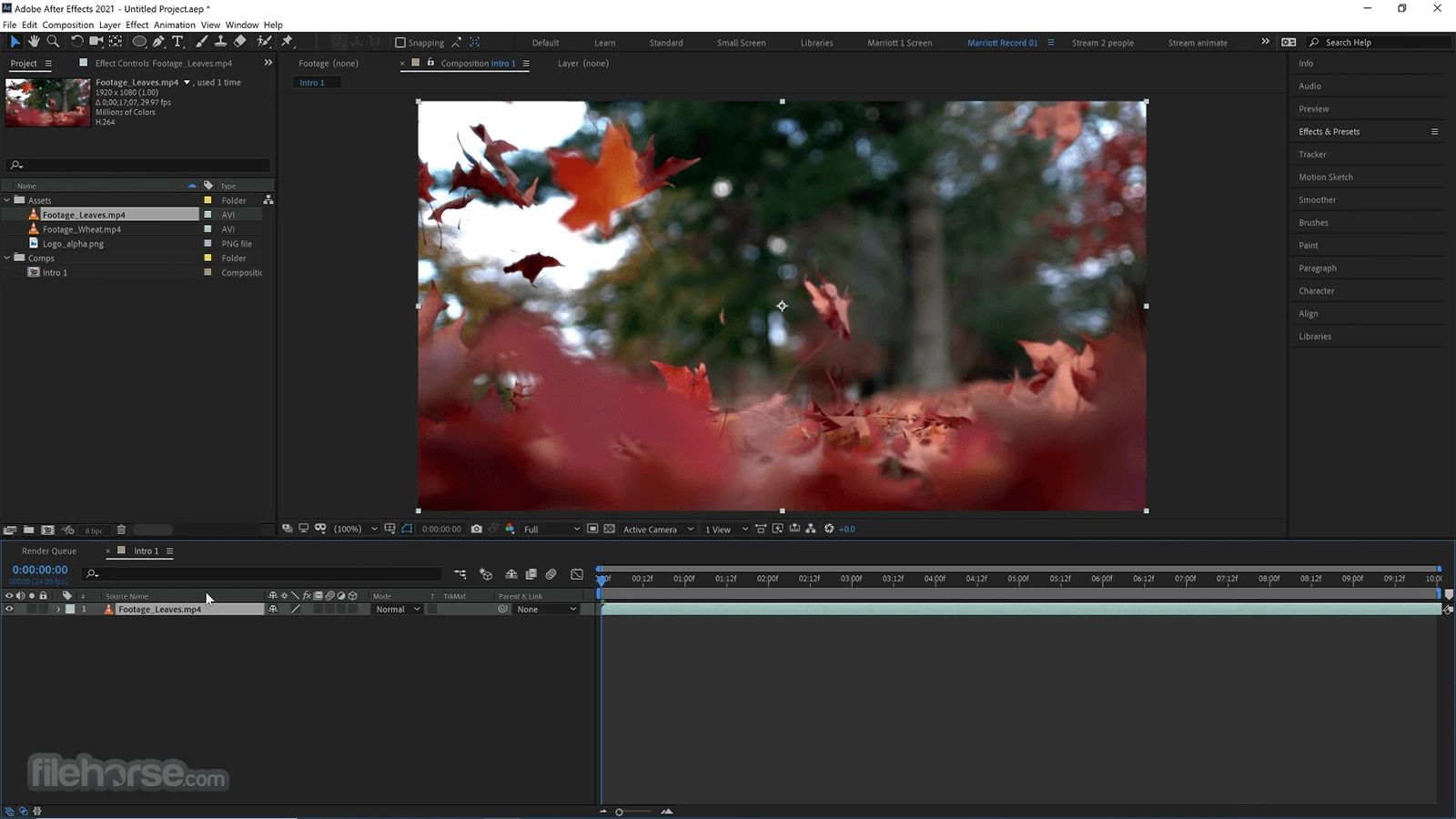
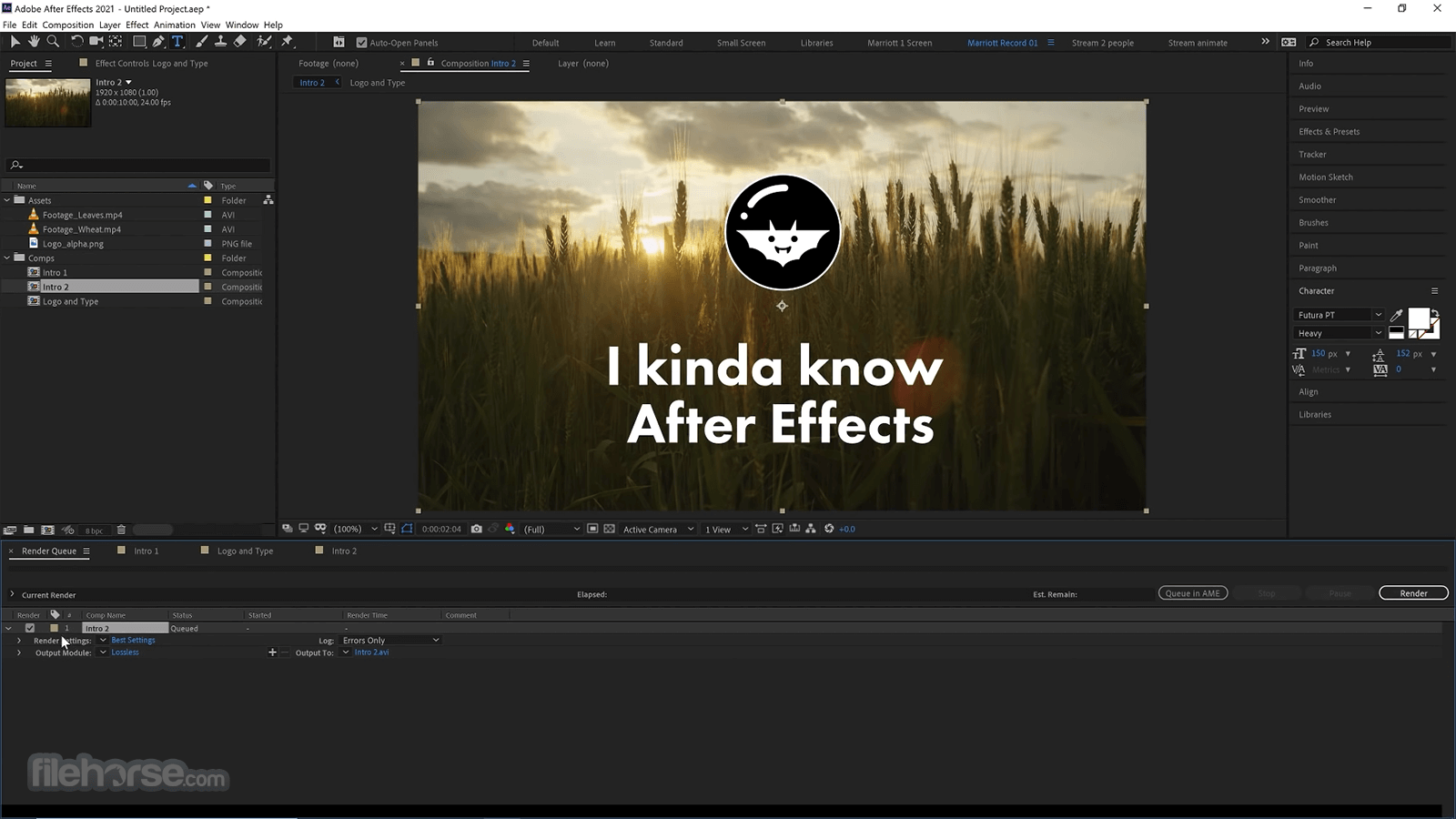
- 建立新合成 (Composition):開啟程式後點擊 "File" > "New" > "New Composition"。根據專案需求設定解析度、幀率和持續時間等 composition 設定。
- 匯入素材:點擊 "File" > "Import" 並選擇您要在 composition 中使用的檔案。
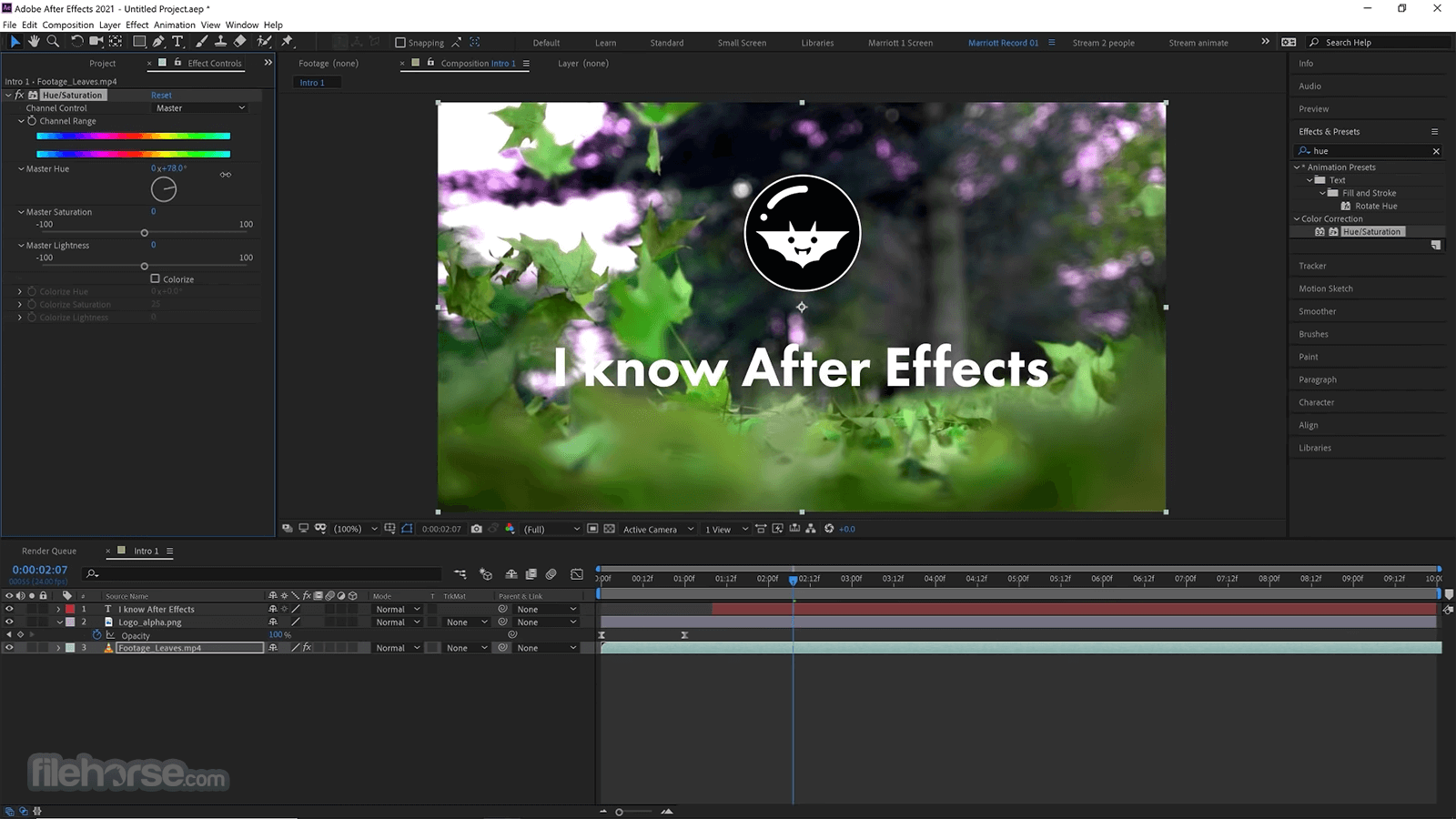
- 製作視覺特效:您可以使用 App 提供的各種工具與效果來創造 visual effects,包括 masks, keying, color correction 及 tracking 工具。您可以從 Effects & Presets 面板存取這些工具。
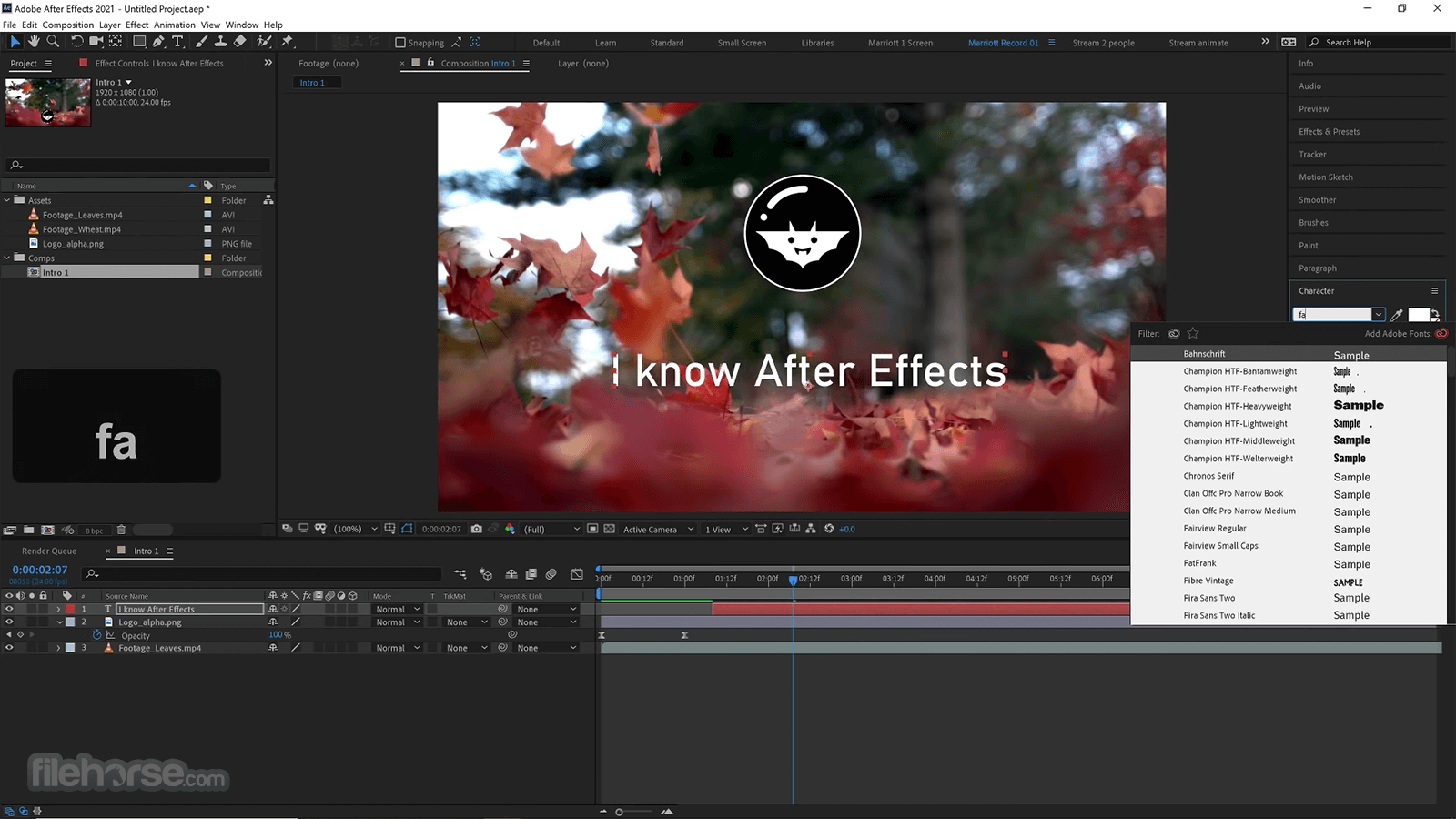
- 新增文字與圖形:若要在 composition 中加入文字或圖形,請從工具欄選擇 "Text" 或 "Shape" 工具進行設計。
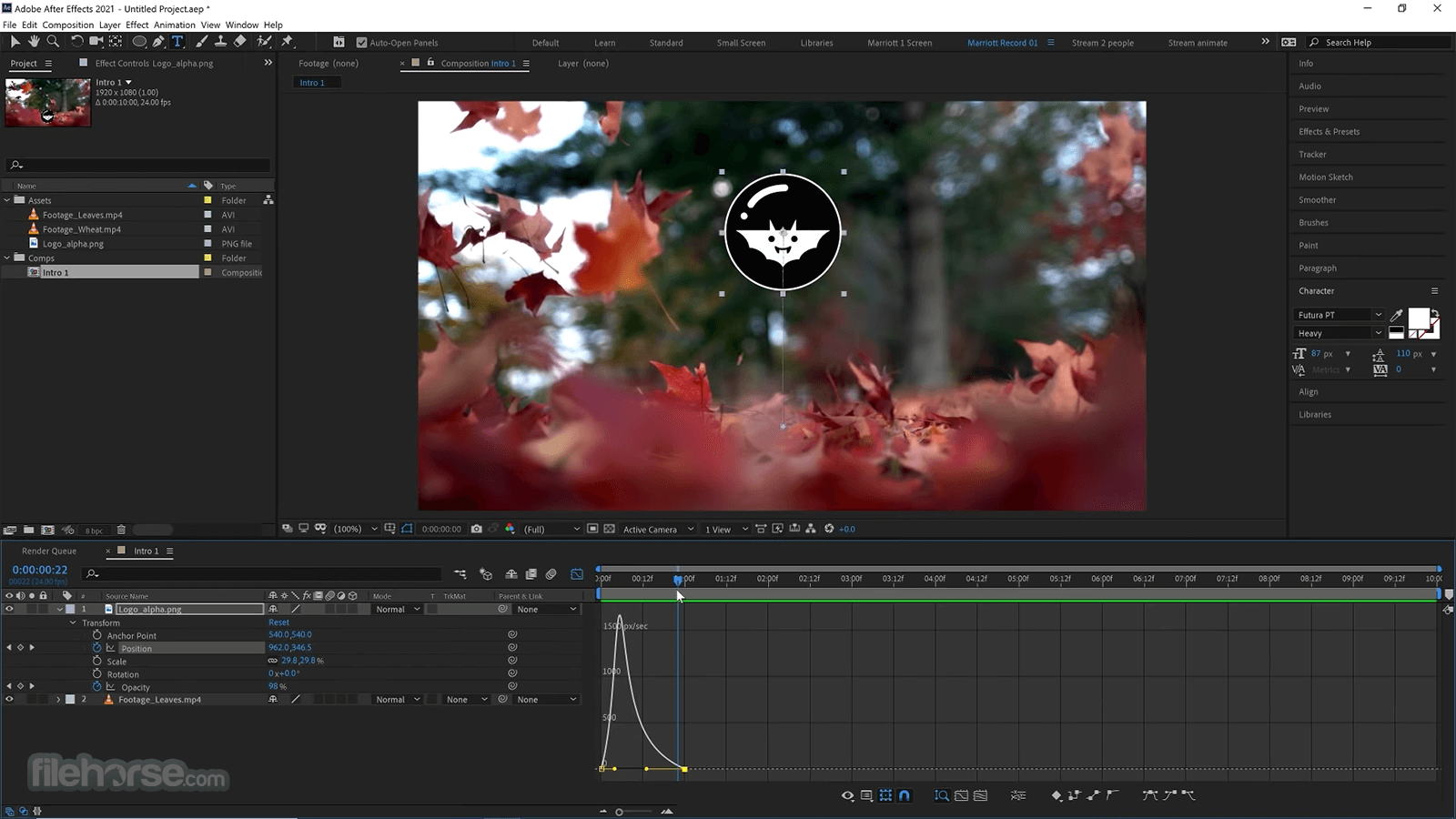
- 套用動畫:要為素材或視覺特效製作動畫,請選擇要動畫化的圖層並開啟 "Effects Controls" 面板。您可以設定 position, scale 和 rotation 等動畫屬性。
- 預覽合成:點擊 "Ram Preview" 按鈕或按下鍵盤上的 "0" 鍵即可預覽您的 composition。
- 匯出合成:滿意後,點擊 "Composition" > "Add to Render Queue" 並根據需求設定輸出選項,最後點擊 "Render" 匯出作品。
請記住 After Effects 是一款複雜的桌面軟體,精通它需要時間與練習。
網路上也有許多教學影片和資源可幫助您深入學習並提升技巧。
FAQ
什麼是 Adobe After Effects,我可以將它用於什麼?
答:Adobe After Effects 是一款用於為影片、動畫和其他多媒體專案創作 motion graphics 和 visual effects 的軟體。您可以利用它製作從簡單動畫到複雜 3D 圖形的所有內容。
PC 版 Adobe After Effects 的系統需求是什麼?
答:最低系統需求為 Windows 11/10/7 (64-bit) 版本 1803, 1809, 1903, 1909, 2004, 20H2 或 21H1;支援 64 位元的 Intel 或 AMD 多核心處理器;8GB RAM 以及至少 6GB 的可用硬碟安裝空間。
我可以在筆記型電腦上使用 Adobe After Effects 嗎?
答:可以,但建議使用配備獨立顯卡和強大處理器的筆記型電腦以獲得更好的效能表現。
我可以將其他 Adobe Creative Cloud 程式的檔案匯入 After Effects 嗎?
答:可以,您可以匯入來自 Adobe Illustrator, Adobe Photoshop 和 Adobe Premiere Pro 等 Adobe Creative Cloud 程式的檔案。
我可以使用 After Effects 為網頁製作動畫嗎?
答:可以,您可以使用 After Effects 製作各種格式的網頁動畫,例如 GIFs, HTML5 和 SVG。
Adobe After Effects 與 Adobe Premiere Pro 有什麼區別?
答:After Effects 主要用於創作 motion graphics 和 visual effects,而 Adobe Premiere Pro 則主要用於影片剪輯。
我可以使用 After Effects 製作 3D 圖形嗎?
答:可以,它擁有 3D 工作區,允許您建立 3D 圖形與動畫。
我可以使用 After Effects 為社群媒體平台製作影片嗎?
答:可以,您可以使用此 App 為 Instagram, Facebook 和 YouTube 等社群平台創作影片。
After Effects 中的 composition 與 layer 有什麼區別?
答:Composition 是一個時間軸,您可以在其中建立並排列多個 layers 來製作影片或動畫。而 Layer 是 composition 內的一個獨立元素,可包含影片素材、圖像、圖形或效果。
在沒有任何影片剪輯或動畫基礎的情況下可以使用 After Effects 嗎?
答:After Effects 是一款複雜的軟體,建議在使用前具備一定的影片剪輯或動畫基礎。不過,即使是初學者,也可以透過大量的線上教學和資源來學習如何使用它。
##
影片介紹
##
畫面截圖
##
更新日誌
26.3- Improved Generative Refill for seamless content-aware fill on video.
- New AI-assisted motion design tools for quicker animation creation.
- Expanded 3D space enhancements with better lighting and shadow support.
- Updated Keyframe Assistant features for smoother and more intuitive animations.
- Enhanced Multi-frame rendering for faster performance on complex compositions.
- Improved Media Replacement workflows for dynamic template editing.
- New Text animation presets with modern kinetic typography options.
- Upgraded GPU acceleration support for faster previews and exports.
- Better Team Projects collaboration with real-time version tracking and conflict resolution.
- Expanded Masking and rotoscoping accuracy with refined edge detection.
- Improved Color grading tools with updated scopes and LUT support.
- Performance optimizations for smoother playback and reduced render times.
DaVinci Resolve: DaVinci Resolve is a powerful video editing and compositing software with a free version available. It includes advanced features for color correction and visual effects, making it a strong competitor to After Effects.
HitFilm: HitFilm is a free video editing and visual effects software with a wide range of tools for compositing, motion tracking, and 3D modeling.
Blender: Blender is a free and open-source 3D modeling and animation software that also includes a robust compositing and motion tracking system. It's an excellent choice for 3D animation and visual effects work.
Cinema 4D: Cinema 4D is a 3D modeling, animation, and rendering software that also has compositing capabilities. It's commonly used for motion graphics and visual effects work.
Houdini: Houdini is a 3D animation and visual effects software known for its procedural workflow. It's a powerful tool for creating complex visual effects.
Minimum System Requirements
- Windows 11/10/7 (64-bit) versions 1803, 1809, 1903, 1909, 2004, 20H2, or 21H1
- An Intel or AMD multicore processor with 64-bit support
- 8GB of RAM (16GB or more recommended)
- At least 6GB of available hard-disk space for installation
- A display with a resolution of 1280x1080 or higher
- A compatible OpenGL system with a GPU with 2GB of VRAM (4GB or more recommended)
- An Internet connection for product activation and access to online services.
Powerful Visual Effects: The prpogram is known for its extensive range of tools and features for creating complex visual effects, including keying, tracking, rotoscoping, and particle systems.
Integration: It seamlessly integrates with other Adobe Creative Cloud applications like Adobe Premiere Pro, Photoshop, and Illustrator, making it easy to move assets between programs.
Customization: The software is highly customizable, allowing users to create custom animations and effects with scripting and expressions.
Wide Range of Plugins: There is a vast community of developers who create third-party plugins for the app, expanding its functionality even further.
Motion Graphics: It's an industry-standard for creating motion graphics and animations, which makes it valuable for video production, advertising, and web content.
Professional Output: It is used extensively in the film and television industry for producing high-quality visual effects and animations.
Regular Updates: Adobe frequently updates the program, adding new features and improving performance.
CONS
Learning Curve: It can be challenging for beginners due to its complex interface and the wide range of features. It takes time to become proficient.
Resource Intensive: Complex projects can be very resource-intensive, requiring a powerful computer with a dedicated graphics card and plenty of RAM.
Subscription Model: Adobe has switched to a subscription-based model, which means you have to pay a recurring fee to use the program, which might be expensive for some users.
Steep Price: Even with a subscription, Adobe Creative Cloud can be expensive, especially if you need access to other Adobe apps.
Lack of 3D Modeling: The tool is not a 3D modeling software, so creating complex 3D objects and animations may require additional software.
Conclusion
Create stunning motion graphics and special effects that are sure to capture the attention of your audience with Adobe After Effects. Whether you need to remove an object from a clip, simulate fire or rain, animate a logo or character, or even design and navigate a 3D space, it offers a versatile toolset to bring your vision to life.
From social media posts to videos, the app empowers you to unleash your creativity and make a lasting impression. Join the millions of content creators who rely on the software to elevate their work to the next level. This is why at FileHorse, we highly recommend Adobe After Effects for all your motion graphics and visual effects needs.
Note: 7 days trial version.
Also Available: Download Adobe After Effects for Mac
Download Adobe After Effects Latest Version Why is this app published on FileHorse? (More info)