- 目前版本5.5.11
- 更新日期2026-03-12
- 檔案大小12.85 MB
- 檔案名稱codecompare.exe
- 作業系統Windows XP / Vista / Windows 7 / Windows 8 / Windows 10
- 支援語系English
- 授權型式免費軟體
- 開發商 Devart
- 軟體分類Windows 軟體 / 開發者工具
##
翻譯排程處理中,以下暫以英文原文呈現
軟體介紹
Devart Code Compare is a free tool designed to compare and merge differing files and folders. The program integrates with all popular source control systems: TFS, SVN, Git, Mercurial, and Perforce.
The tool is shipped both as a standalone file diff tool and a Visual Studio extension. The free edition of the app enables developers to perform most of the tasks related to source comparison.
Code Compare Pro edition of the tool is specially adapted for comparing source code files. It locates changes in the code about its structure.
Code Compare Pro features a 3-way file merge tool that allows resolving version control merge conflicts.
Features and Highlights
Text Comparison and Merging:
Code Review Support:
PROS
Download Code Compare Latest Version Why is this app published on FileHorse? (More info)
The tool is shipped both as a standalone file diff tool and a Visual Studio extension. The free edition of the app enables developers to perform most of the tasks related to source comparison.
Code Compare Pro edition of the tool is specially adapted for comparing source code files. It locates changes in the code about its structure.
Code Compare Pro features a 3-way file merge tool that allows resolving version control merge conflicts.
Features and Highlights
Text Comparison and Merging:
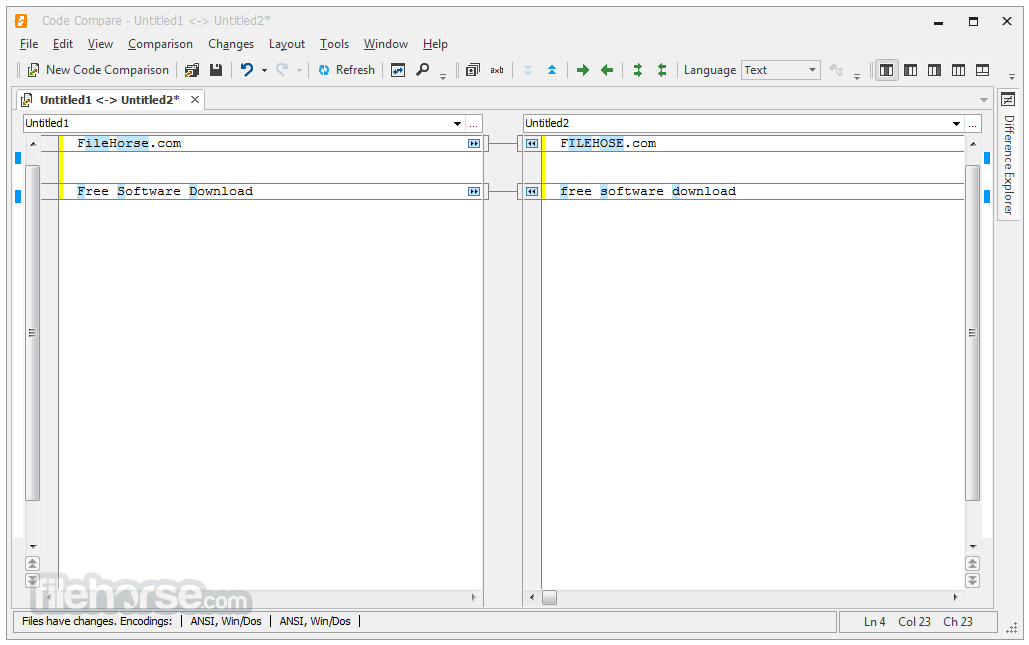
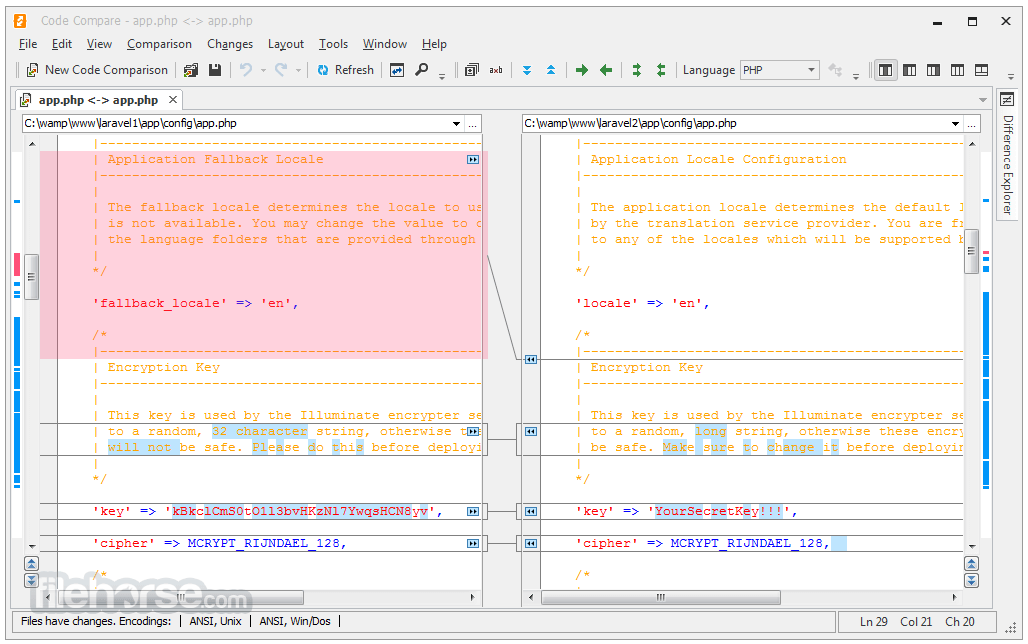
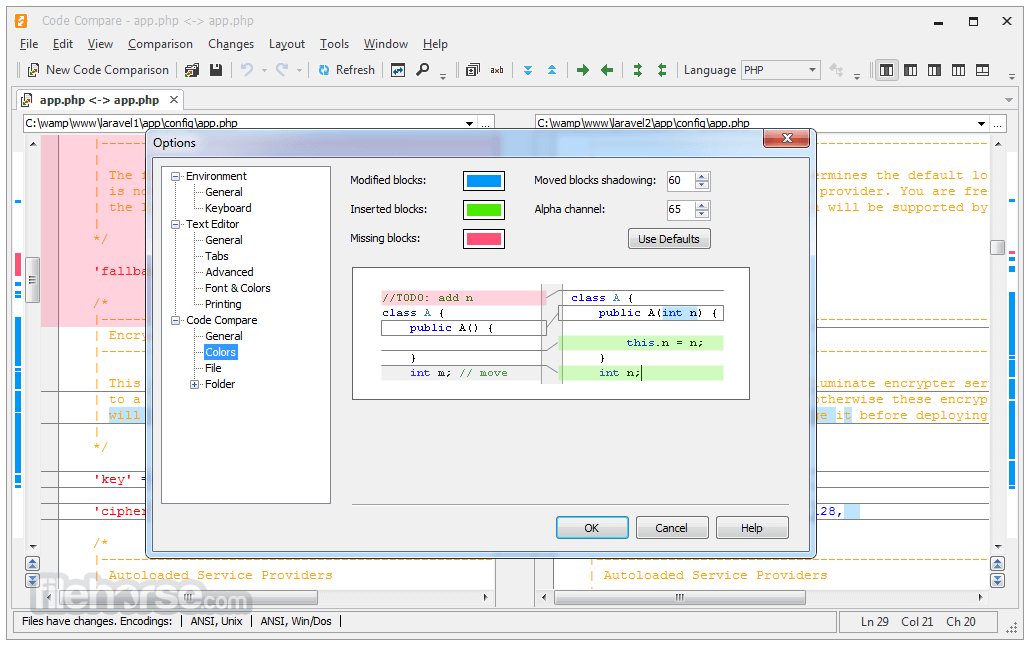
- Colored blocks for inserted, deleted, and modified text
- Detailed highlights of changes within lines
- Collapsing of unchanged regions of text (Pro-feature)
- Point-and-click merging with a mouse
- Editing files on the fly
- Merging shortcuts for advanced users
- Syntax Highlighting for programming languages
- Methods are matched in the compared source code files
- Similar lines of code are matched even after refactoring
- Moved blocks of code are detected if the source code is reordered in files
- The Difference Explorer window displays changes in code structure
- Code outlining allows collapsing and expanding regions of code
- The native Visual Studio extension allows smooth integration
- Visual Studio 2010, 2012, 2013, 2015, and 2017 support
- Choose to use standalone or integrated CodeCompare on the fly
- Atmel Studio 6.0 and 6.1 are supported
Code Review Support:
- Adding code review comments when comparing source file revisions
- Viewing added review comments from a file comparison document
- Highlighting of code regions with review comments
- The feature works in combination with Review Assistant
- Teams benefit more than solo developers
- Three comparison panes with horizontal and vertical layouts
- Integrates with version control systems as the merging tool for conflicting file revisions
- Non-conflicting changes are merged automatically
- Merging conflicts are highlighted
- One-click conflict resolution with a mouse button
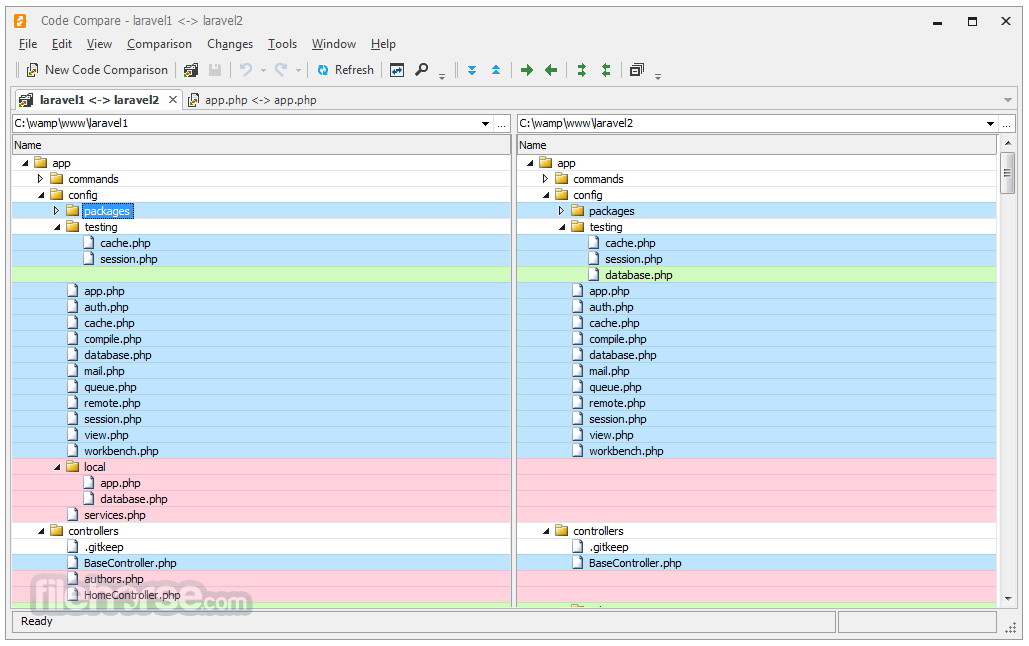
- Color-coding for added, deleted, and modified files
- Filtering options for excluding or including certain file types
- Instant opening of individual file comparison documents
- Display options for better comparison result analysis
- Batch file copying from pane to pane or a selected folder
PROS
- Ease of Use: It provides a user-friendly interface that makes it easy for developers to navigate and utilize its features effectively.
- Integration: It seamlessly integrates with popular version control systems like Git, SVN, Mercurial, and TFS, allowing developers to compare and merge changes directly from within their preferred development environment.
- Syntax Highlighting: The tool offers syntax highlighting for various programming languages, making it easier to read and understand the differences between code files.
- Inline and Side-by-Side Comparison: It allows users to view code differences both inline and side-by-side, enabling them to choose the most suitable format for their preferences and workflow.
- Three-Way Comparison: It supports three-way comparison, which is beneficial when merging changes from multiple branches or contributors, helping to resolve conflicts more efficiently.
- Customization Options: Users can customize various aspects of the comparison process, such as ignoring whitespace, case sensitivity, and line-ending differences, tailoring the tool to their specific needs.
- Merging Capabilities: Devart Code Compare facilitates code merging by providing intuitive tools for accepting or rejecting individual changes, as well as merging entire files.
- Limited Language Support: Although the tool supports several popular programming languages, it may not offer comprehensive support for less common or niche languages.
- Performance Issues with Large Files: Some users have reported performance issues when comparing or merging large files, particularly with complex codebases or intricate changes.
- Platform Compatibility: While the app is available for Windows platforms, it may not be suitable for developers working on macOS or Linux systems, limiting its accessibility for certain users.
- Learning Curve: While the interface is generally user-friendly, mastering all the features and customization options may require some initial learning time for new users.
- Dependency on External Tools: It relies on integration with version control systems, so any issues or limitations with these systems could potentially impact its functionality.
Download Code Compare Latest Version Why is this app published on FileHorse? (More info)
##
畫面截圖