dbForge Studio for SQL Server Professional 2026.1.77
v 2026.1.77
Windows
未分類
7.4/10 (15)
- 目前版本2026.1.77
- 更新日期2026-06-25
- 作業系統Windows 7 / Windows 8 / Windows 10 / Windows 11
- 支援語系English
- 授權型式未分類
- 開發商 Devart
- 軟體分類Windows 軟體 / 開發者工具
##
翻譯排程處理中,以下暫以英文原文呈現
軟體介紹
dbForge Studio for SQL Server is a powerful IDE for SQL Server management, administration, development, data reporting, analysis, and a lot more.
SQL developers and DBAs performing complex database tasks can use the tool to speed up almost any database experience, such as designing databases, writing SQL code, comparing databases, synchronizing schemas and data, generating meaningful test data, and much more.
There is no need to waste time searching for and purchase SSMS plugins across the Internet to get your work done – dbForge Studio SQL Server for Windows PC has it all.
DevOps Automation - NEW
A simple way to release databases faster
Implement database CI/CD and improve performance by automating build and deployment processes using the dbForge Studio for SQL Server
Features and Highlights
Database Development
Database development is a sophisticated process that covers many steps and techniques, not just creating tables and filling them with data.
dbForge Studio for SQL Server provides extensive functionality and a bunch of built-in tools that will automate routines and make developers truly agile in the database development process.
Database Management
Database management tools included in dbForgeStudio for SQL Server (Windows Edition) help DBAs to protect data and resolve problems before they harm your database health.
Database administration is a complex and time-consuming work that requires high skills and experience. That's why Studio for SQL Server provides professional SQL Server administration tools for secure database management.
Pricing
Choose from four editions based on your needs:
Enterprise: Full-featured, ideal for advanced users. Subscription: $479.95
Professional: Offers advanced features for professionals. Subscription: $329.95
Standard: Essential features for standard users. Subscription: $229.95
Express: Free with basic functionality, activated after the trial period expires.
All editions provide compatibility with SQL Server 2022 and earlier, along with essential tools like SQL coding assistance, database design, and administration features tailored to each edition’s scope.
Requirements
Microsoft Windows 7/8/8.1/10/11
Windows Server 2008/2012/2016/2019/2022
.NET Framework 4.7.2 or higher installed.
Note
.NET Framework is pre-installed in Microsoft Windows 7/8/8.1/10/11.
Microsoft SQL Server compatibility
Download dbForge Studio for SQL Server Latest Version Why is this app published on FileHorse? (More info)
SQL developers and DBAs performing complex database tasks can use the tool to speed up almost any database experience, such as designing databases, writing SQL code, comparing databases, synchronizing schemas and data, generating meaningful test data, and much more.
There is no need to waste time searching for and purchase SSMS plugins across the Internet to get your work done – dbForge Studio SQL Server for Windows PC has it all.
DevOps Automation - NEW
A simple way to release databases faster
Implement database CI/CD and improve performance by automating build and deployment processes using the dbForge Studio for SQL Server
Features and Highlights
Database Development
Database development is a sophisticated process that covers many steps and techniques, not just creating tables and filling them with data.
dbForge Studio for SQL Server provides extensive functionality and a bunch of built-in tools that will automate routines and make developers truly agile in the database development process.
- Edit and run queries in a new SQL document
- Build queries in a visual designer
- Run a large script without loading it into memory
- Track changes in a production database
- Create unit tests using tSQLt framework
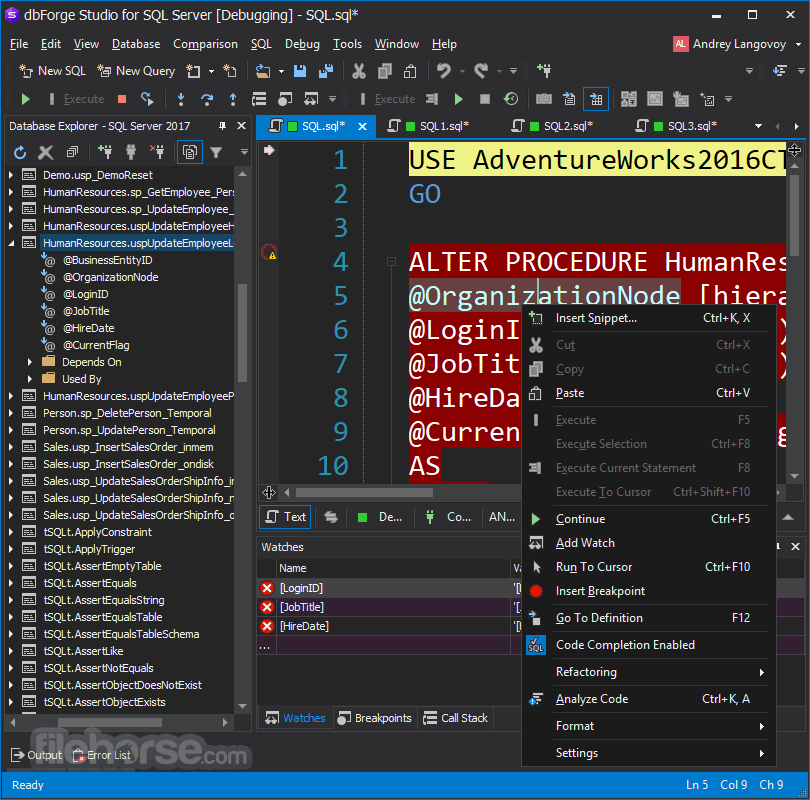
- Debug stored procedures and functions
- Source control database changes
- Create database objects in a visual editor
- Generate database scripts
Database Management
Database management tools included in dbForgeStudio for SQL Server (Windows Edition) help DBAs to protect data and resolve problems before they harm your database health.
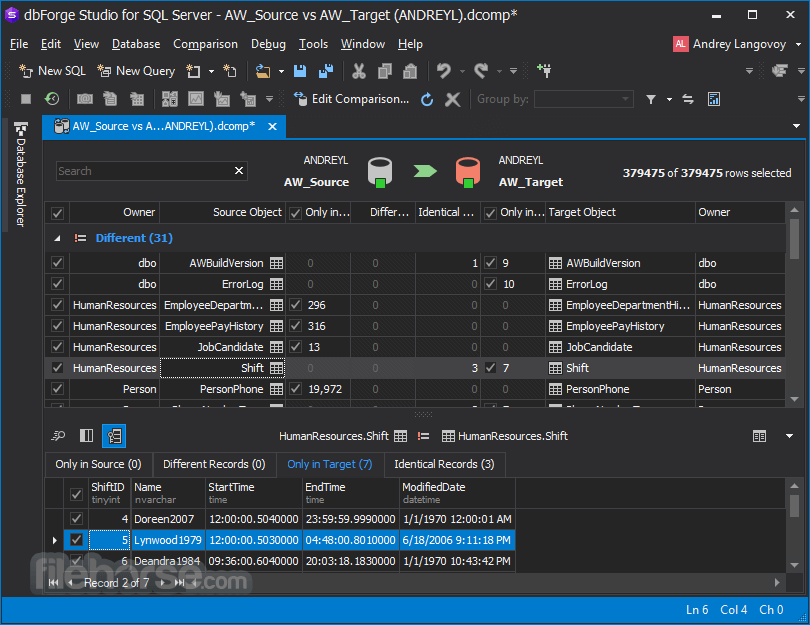
- Compare and synchronize database schemas
- Compare and synchronize data of two databases
- Copy databases
- Generate database documentation in HTML, PDF, or Markdown file format
- Create schema snapshots
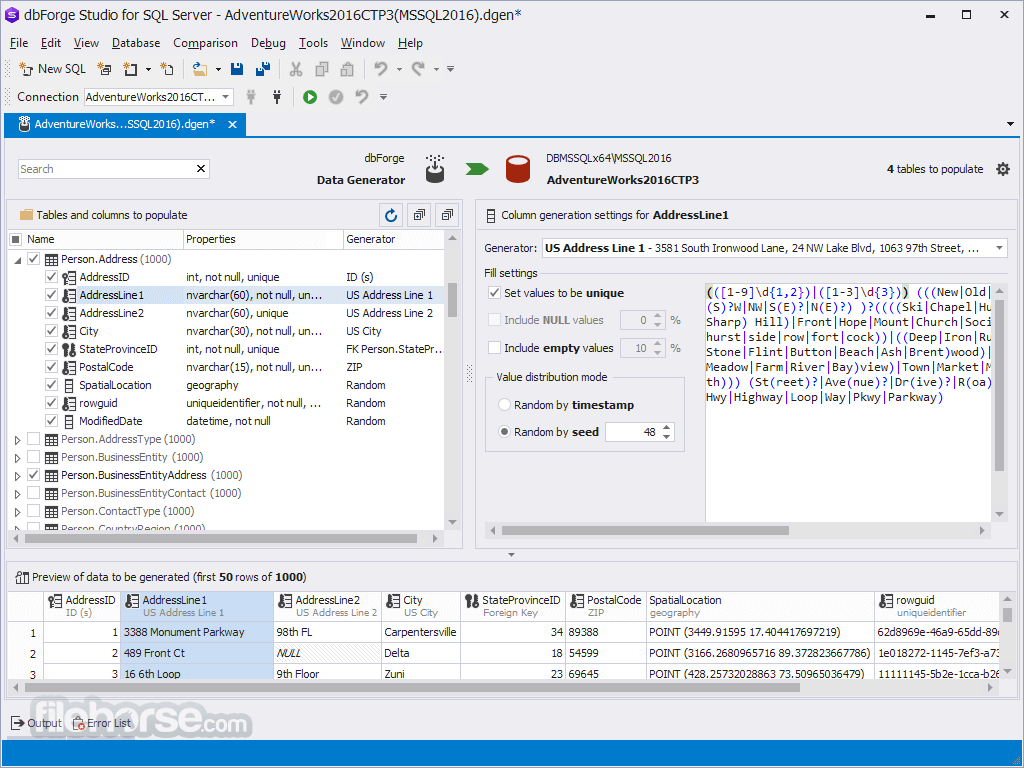
- Generate test data and instantly populate a database
- Export/import table data to a file (CSV, Excel, XML, etc.)
Database administration is a complex and time-consuming work that requires high skills and experience. That's why Studio for SQL Server provides professional SQL Server administration tools for secure database management.
- Automate deployment to a production server
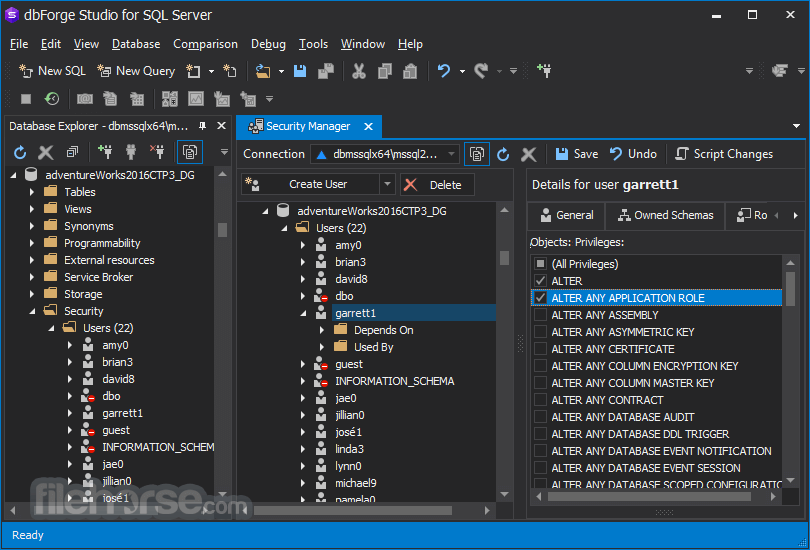
- Set up user accounts and permissions
- Copy, move or upgrade an SQL Server database
- Backup and restore databases
- Monitor SQL Server performance in online mode
- Generate schema and database scripts
- Diagnose server problems using traces
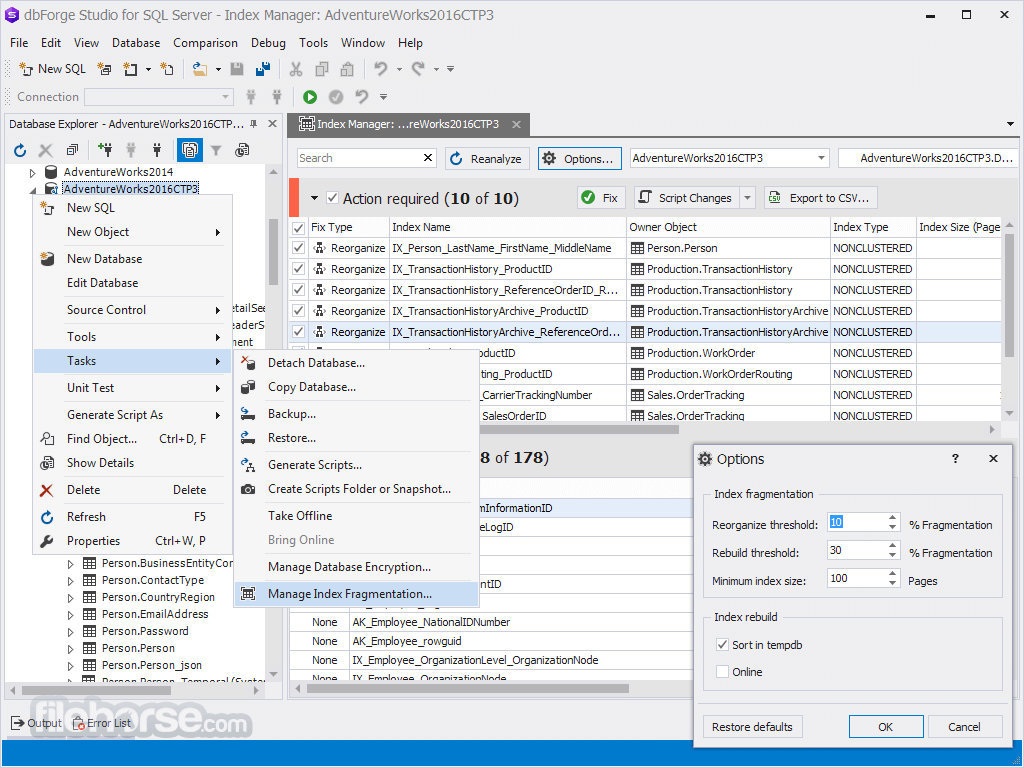
- Find and fix database index fragmentation issues
Pricing
Choose from four editions based on your needs:
Enterprise: Full-featured, ideal for advanced users. Subscription: $479.95
Professional: Offers advanced features for professionals. Subscription: $329.95
Standard: Essential features for standard users. Subscription: $229.95
Express: Free with basic functionality, activated after the trial period expires.
All editions provide compatibility with SQL Server 2022 and earlier, along with essential tools like SQL coding assistance, database design, and administration features tailored to each edition’s scope.
Requirements
Microsoft Windows 7/8/8.1/10/11
Windows Server 2008/2012/2016/2019/2022
.NET Framework 4.7.2 or higher installed.
Note
.NET Framework is pre-installed in Microsoft Windows 7/8/8.1/10/11.
Microsoft SQL Server compatibility
- SQL Server 2022
- SQL Server 2019, 2017, 2016 SP1, 2016, 2014, 2012, LocalDB
- SQL Server 2008, 2008R2 (including Express edition)
- SQL Server 2005 (including Express edition)
- SQL Server 2000 (limited support)
- SQL Server installed on Linux
- SQL Server on Amazon Relational Database Service (Amazon RDS)
- ApsaraDB RDS
- Azure SQL Database (SQL DB)
- Azure Synapse Analytics (formerly known as Azure SQL Data Warehouse (SQL DW))
- Azure SQL Managed Instance (SQL MI)
- Azure Active Directory (Azure AD) multi-factor authentication (MFA)
- Azure Private Link for Azure SQL Database
- Heroku Cloud
- Intuitive and User-Friendly Interface
- Advanced SQL Coding Assistance
- Comprehensive Database Management Tools
- Powerful Data Analysis Features
- Seamless Integration with Source Control
- Limited Cross-Platform Compatibility
- Requires Moderate Hardware Resources
- Licensing Can Be Expensive
- Occasional Performance Lag with Large Databases
- Steeper Learning Curve for Beginners
Download dbForge Studio for SQL Server Latest Version Why is this app published on FileHorse? (More info)
##
影片介紹
##
畫面截圖