⚠ 這是歷史版本頁面 — 查看 EaseUS RecExperts 最新版本 →

- 目前版本1.4.13
- 更新日期2021-04-15
- 檔案大小43.8 MB
- 檔案名稱recexperts.exe
- 作業系統Windows 7 / Windows 8 / Windows 10 / Windows 11
- 支援語系English
- 授權型式試用版
- 開發商 EaseUS
- 軟體分類Windows 軟體 / 影片軟體
##
編輯短評
EaseUS RecExperts 是一款輕量級的螢幕錄影工具,主要解決在 Windows 上捕捉全螢幕、指定區域、網路攝影機與音訊的需求。它內建簡易的影片編輯器與媒體播放器,並導入 AI 技術來降噪、增強畫質與自動化錄製,是少數同時具備錄影與後製功能的選擇。這款軟體自推出以來更新步調較慢,但仍有持續維護,在影片軟體分類中屬於小眾工具,不過使用者評價普遍不錯。
適合需要快速錄製教學影片、遊戲過程或線上會議的使用者,尤其重視輕量與整合編輯功能的人。相較於同分類常見的播放工具如 KMPlayer 或 K-Lite Codec Pack,它更專注於錄製與後製,但需注意它僅提供英文介面,且為試用版,長期使用可能需考慮授權費用。平台方面有 Windows 與 macOS 版本,但此處介紹的是 Windows 版,使用前建議確認是否符合需求。
##
翻譯排程處理中,以下暫以英文原文呈現
軟體介紹
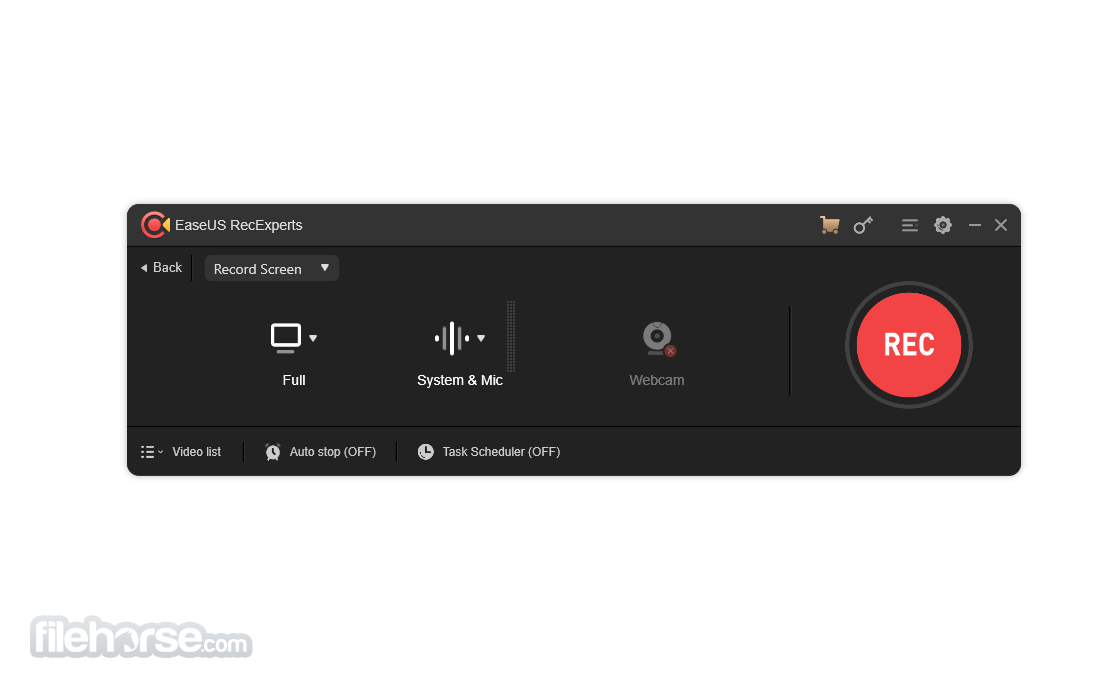
EaseUS RecExperts is an easy and intuitive Windows PC screen recorder app to capture full screen and webcam for any occasion. Full-featured but lightweight free screen recorder to make professional-looking videos on your PC.
You can capture what's happening on your entire screen or just a selected Windows and even create a scheduled recording task to record screen and webcam at a specific time automatically. A handy and effective screen recording tool to export your videos in the best results.
Features and Highlights
Flexible Capture Any Area of Your Screen
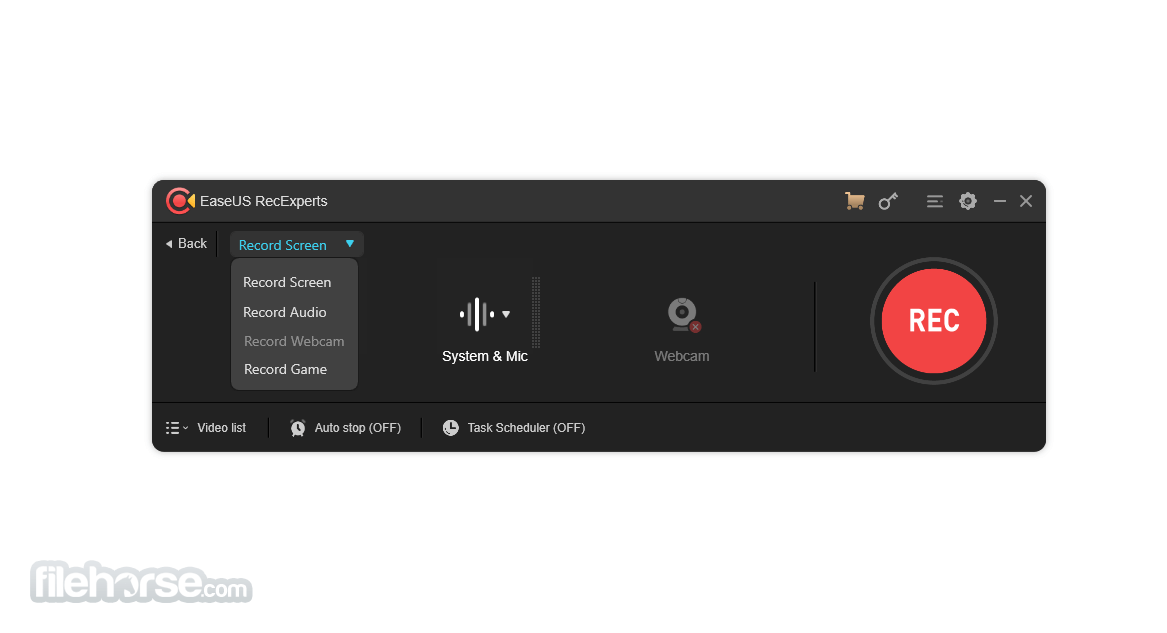
Flexible capture a full screen, a selected area of the screen, or a single window.
Record Video and Audio Simultaneously
You can record the background sounds and a voice with your microphone at the same time.
Record Webcam
Record webcam or as a webcam overlay to increase engagement and help viewers connect with your content.
Game Recording Mode
Record various high-quality and popular 2D/3D games in 4K UHD resolution.
Task Scheduler
EaseUS RecExperts Screen Recorder supports to create of recording tasks automatically. Start Recording at a specific time. What's more, it allows you to schedule multiple tasks simultaneously conveniently.
Advanced Editing
Add texts, lines, arrows, and other real-time editing works. Trim video length, add a watermark and another advanced editing
Save as multiple formats
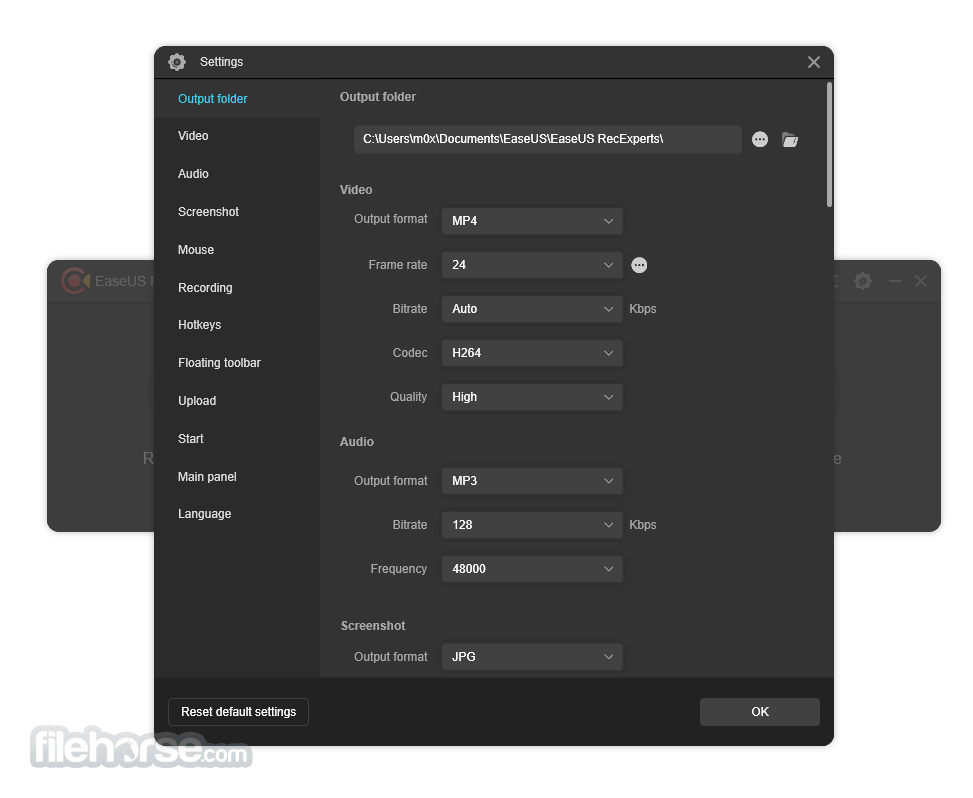
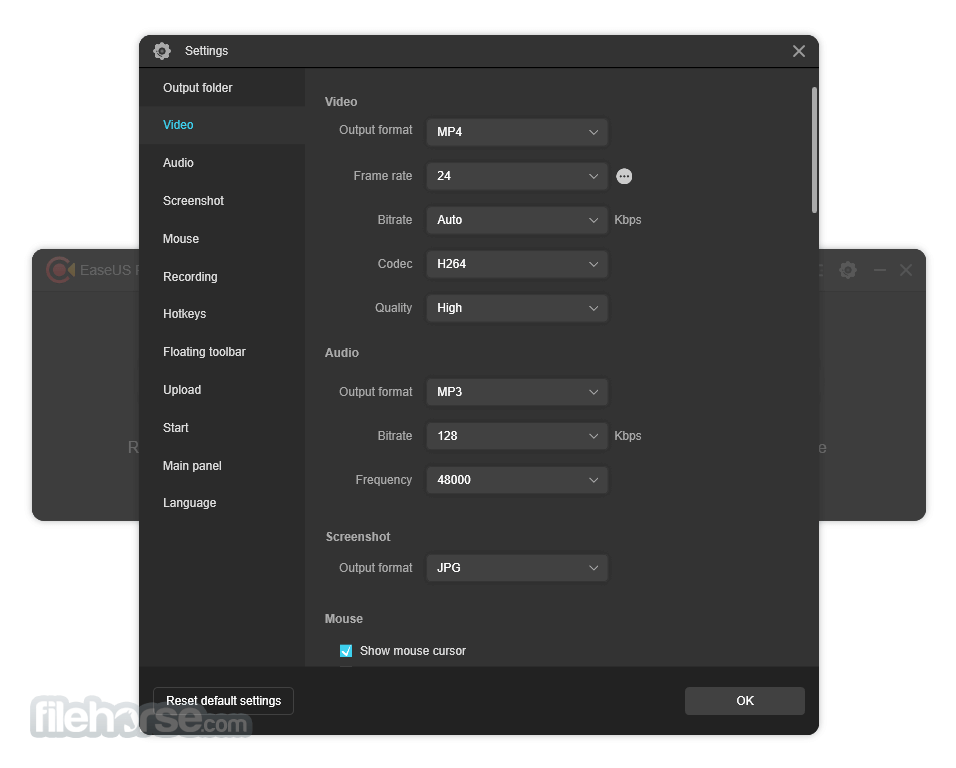
Save the recorded footage for more than 10 formats, like MP4, WMV, AVI, MOV, FLV, ASF, etc.
Share to Youtube
Export your recording to popular video platforms like YouTube directly.
Remove background noise and boost your audio
Eliminate all the annoying ambient noises easily.
Zoom Function
Zoom-in any desired region simply by using default shortcut key F10, enlarging the recording content you want to show specifically.
Locked Windows Recording
Records a specific window or program, regardless of which applications or programs move in front of it.
Spotlight Recording
Emphasize the important parts or detail by using the default shortcut key F4.
- Capture audio, webcam, or any desired area of your PC screen effortlessly.
- Effortlessly record highlights of your 2D/3D gameplay without experiencing lag or time constraints.
- Elevate your user experience with a built-in video editor and media player.
- Benefit from cutting-edge AI technology that removes noise, enhances 4K/8K videos, and automates recording and audio extraction.
You can capture what's happening on your entire screen or just a selected Windows and even create a scheduled recording task to record screen and webcam at a specific time automatically. A handy and effective screen recording tool to export your videos in the best results.
Features and Highlights
Flexible Capture Any Area of Your Screen
Flexible capture a full screen, a selected area of the screen, or a single window.
Record Video and Audio Simultaneously
You can record the background sounds and a voice with your microphone at the same time.
Record Webcam
Record webcam or as a webcam overlay to increase engagement and help viewers connect with your content.
Game Recording Mode
Record various high-quality and popular 2D/3D games in 4K UHD resolution.
Task Scheduler
EaseUS RecExperts Screen Recorder supports to create of recording tasks automatically. Start Recording at a specific time. What's more, it allows you to schedule multiple tasks simultaneously conveniently.
Advanced Editing
Add texts, lines, arrows, and other real-time editing works. Trim video length, add a watermark and another advanced editing
Save as multiple formats
Save the recorded footage for more than 10 formats, like MP4, WMV, AVI, MOV, FLV, ASF, etc.
Share to Youtube
Export your recording to popular video platforms like YouTube directly.
Remove background noise and boost your audio
Eliminate all the annoying ambient noises easily.
Zoom Function
Zoom-in any desired region simply by using default shortcut key F10, enlarging the recording content you want to show specifically.
Locked Windows Recording
Records a specific window or program, regardless of which applications or programs move in front of it.
Spotlight Recording
Emphasize the important parts or detail by using the default shortcut key F4.
##
影片介紹
##
畫面截圖
- 2026-04-29 EaseUS RecExperts 5.2.4 2.7 MB
- 2021-04-15 EaseUS RecExperts 1.4.13 43.8 MB
- 2020-12-08 EaseUS RecExperts 1.4.6 31.38 MB