⚠ 這是歷史版本頁面 — 查看 FPS Monitor Build 最新版本 →

- 目前版本5203
- 更新日期2020-03-16
- 檔案大小11.1 MB
- 檔案名稱fpsmon-5203.exe
- 作業系統Windows 7 / Windows 7 64 / Windows 8 / Windows 8 64 / Windows 10 / Windows 10 64
- 支援語系English
- 授權型式試用版
- 開發商 Eduard Kozadaev
- 軟體分類Windows 軟體 / 系統優化
##
編輯短評
FPS Monitor 是一款在遊戲中顯示硬體狀態的監控工具,讓你不必跳出遊戲或外接第二螢幕,就能即時掌握 FPS 與各項硬體參數。它最大的辨識度在於,除了基本的幀數計數,還能同時呈現多種效能數據,是這類工具中較早做到整合顯示的選擇。目前仍持續維護,更新頻率不算密集,評價人數不多但普遍不錯,在同類軟體中屬於中等偏上的小眾工具。
這套軟體適合想深入了解遊戲時硬體負載情況的玩家,尤其是喜歡微調畫質設定、觀察效能瓶頸的使用者。與系統優化類的替代軟體相比,它專注於遊戲內的即時監控,而非系統清理或管理,定位明顯不同。要注意的是,它提供的是試用版,功能可能有所限制,且僅支援英文介面,使用前需確認是否能接受這些條件。
##
翻譯排程處理中,以下暫以英文原文呈現
軟體介紹
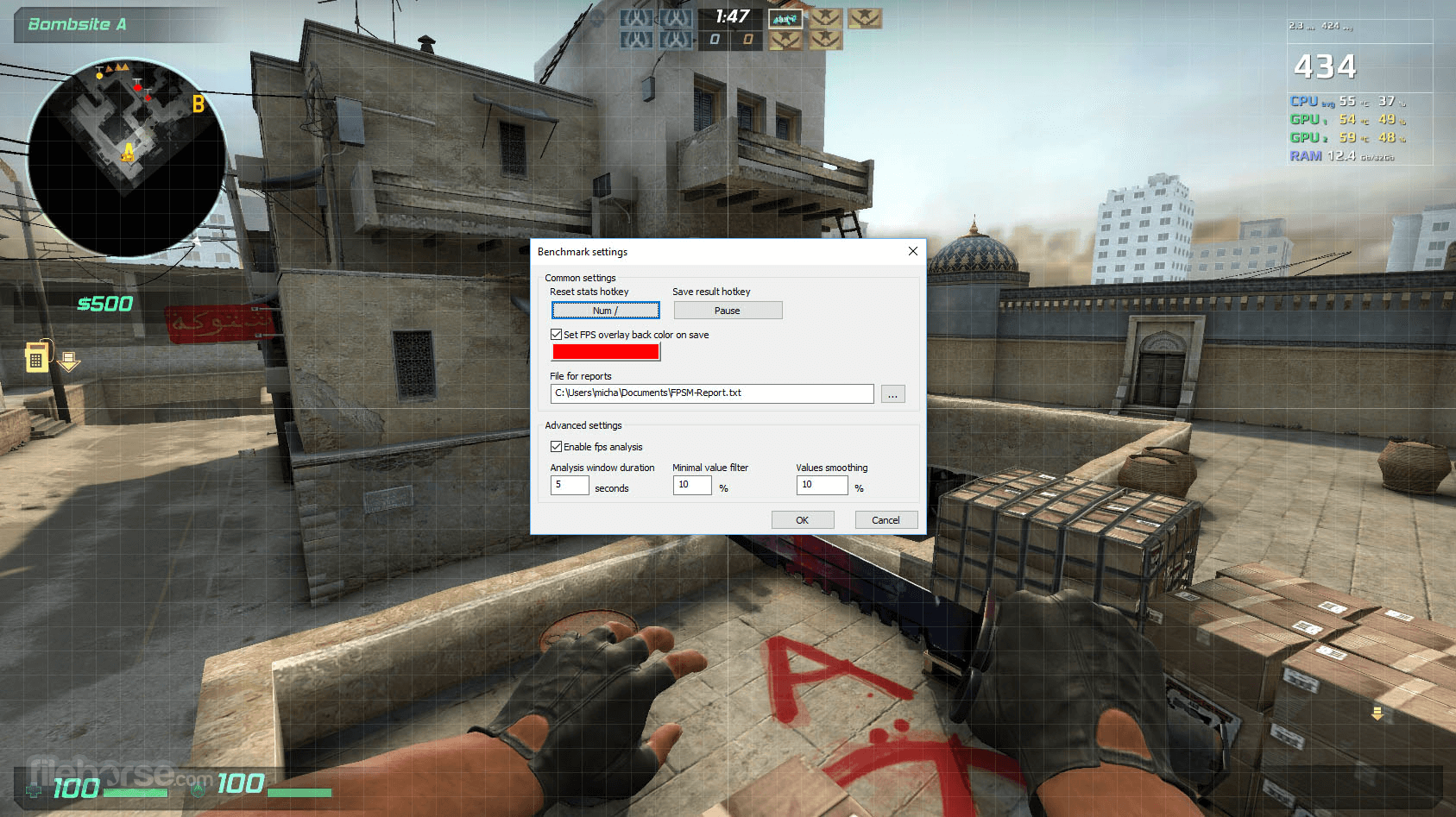
FPS Monitor (FPS Counter app) tracks your PC's hardware state and displays this information as an overlay in-game. You no longer need to switch to a desktop or attach a second display to control your hardware status. FPS Monitor Software will show all valuable information in-game.
FPS Monitor is the very first special utility that not only shows an FPS counter similar to good old Fraps™ but can also display a lot of other parameters. This gives a clear overview of how your hardware is performing whilst gaming.
The app examines almost all hardware that affects your perception of a game and, as a result, your enjoyment of a game. The program will show where loads are too high in your game - CPU or GPU. Or maybe the bottleneck is in your hard disk? Or even a network connection?
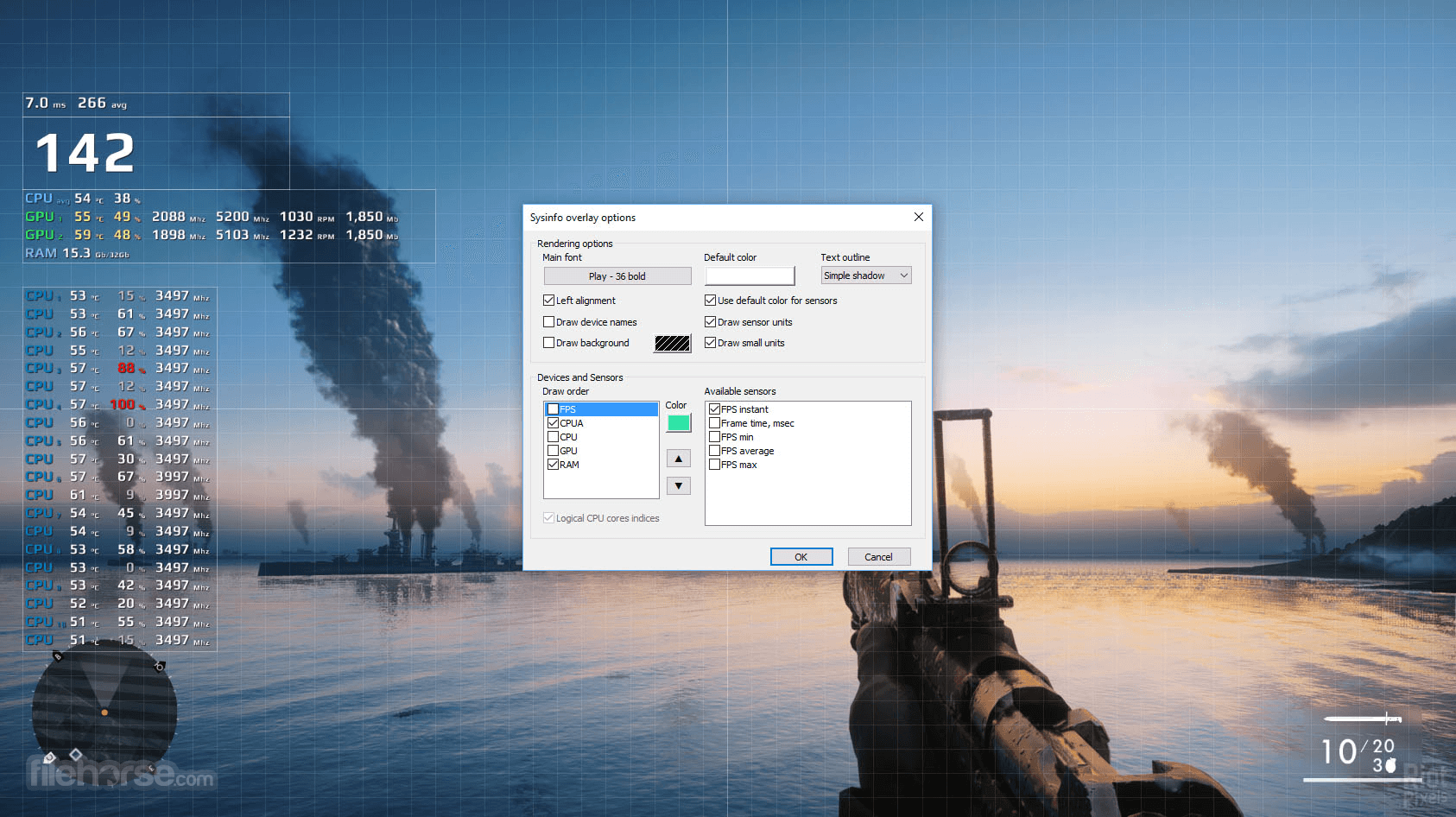
You can configure the font, size, style, colors, and other rendering options for each sensor value. Of course, you can turn any sensor on or off. In other words, you're able to create your own overlay that will not interfere with your gameplay. If you prefer not to put all data in a single location, just add another overlay and enable the sensors that you really need.
Showing system information in real-time as a game overlay is just a basic part of FPS Monitor for Windows PC. Additionally, it can collect hardware usage statistics (for a defined time period) and write them to a file for further analysis.
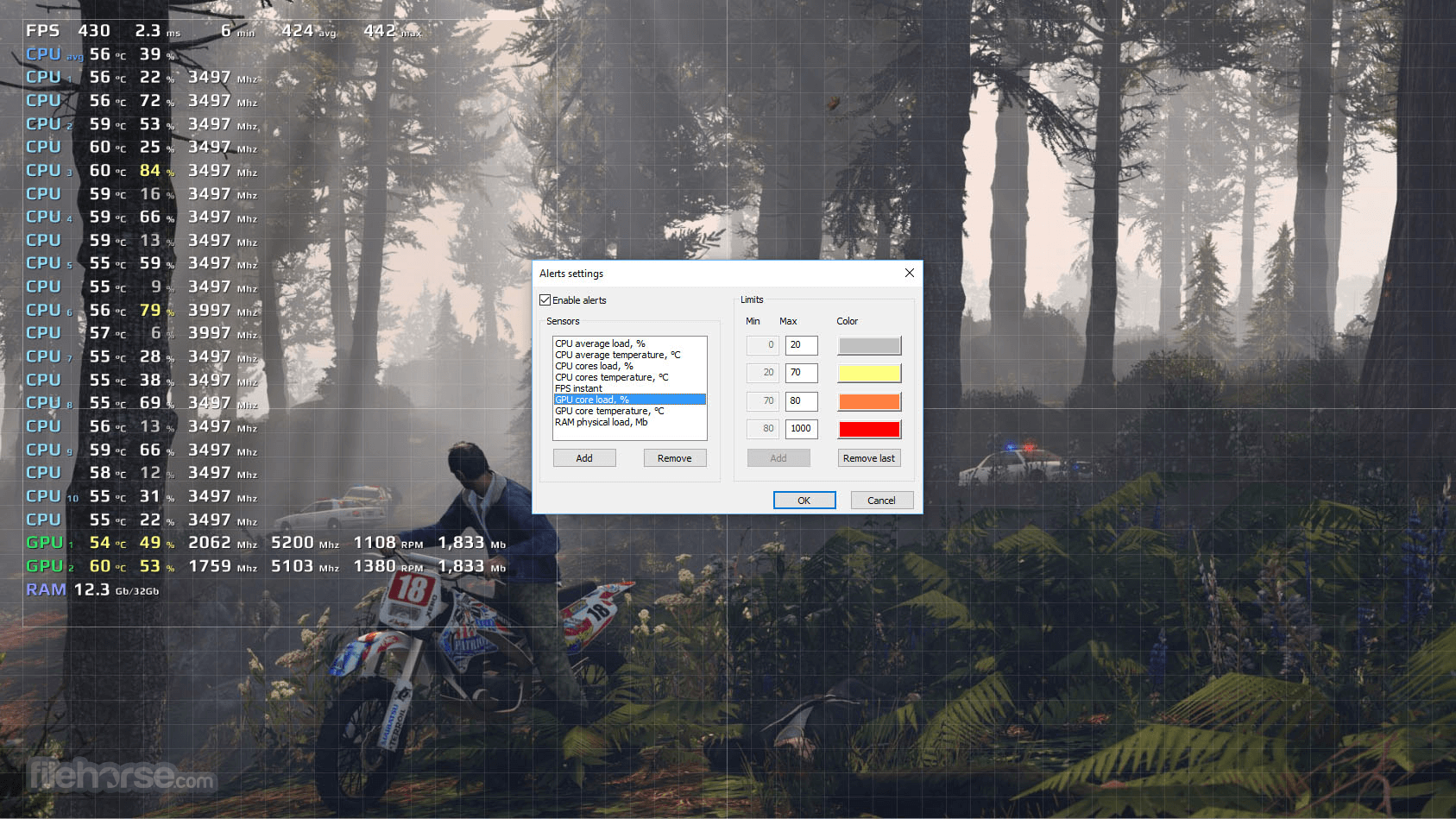
Overclockers will like this special feature of FPS Monitor - Hardware Alerts! The software will warn you in the overlay when your hardware is running in a dangerous state or close to critical.
Limitations in the demo/free version
What is FPS Monitor used for?
FPS Monitor is a performance monitoring tool that displays real-time system statistics as an in-game overlay. It shows FPS, CPU, and GPU usage, temperatures, RAM usage, and other hardware metrics while gaming.
Does FPS Monitor work with all games?
FPS Monitor works with most games that support overlays, but compatibility can vary depending on the game engine and anti-cheat systems. Some games may restrict overlays for security reasons.
Is FPS Monitor free?
No. FPS Monitor is a paid application, though it may offer a trial version. Full functionality requires purchasing a license.
Is FPS Monitor still relevant in 2026?
Yes. In 2026, FPS Monitor remains useful for gamers and PC enthusiasts who want detailed real-time performance data and customizable overlays during gameplay.
Pricing
Affordable Price – Get all features for just $9.95.
Get a License – Unlock full access and remove demo restrictions.
Support Development – Your purchase helps us improve and expand the tool.
Enhanced Tracking – Gain insights and analyze system data more effectively.
PROS
Download FPS Monitor Latest Version Why is this app published on FileHorse? (More info)
FPS Monitor is the very first special utility that not only shows an FPS counter similar to good old Fraps™ but can also display a lot of other parameters. This gives a clear overview of how your hardware is performing whilst gaming.
The app examines almost all hardware that affects your perception of a game and, as a result, your enjoyment of a game. The program will show where loads are too high in your game - CPU or GPU. Or maybe the bottleneck is in your hard disk? Or even a network connection?
You can configure the font, size, style, colors, and other rendering options for each sensor value. Of course, you can turn any sensor on or off. In other words, you're able to create your own overlay that will not interfere with your gameplay. If you prefer not to put all data in a single location, just add another overlay and enable the sensors that you really need.
Showing system information in real-time as a game overlay is just a basic part of FPS Monitor for Windows PC. Additionally, it can collect hardware usage statistics (for a defined time period) and write them to a file for further analysis.
Overclockers will like this special feature of FPS Monitor - Hardware Alerts! The software will warn you in the overlay when your hardware is running in a dangerous state or close to critical.
Limitations in the demo/free version
- "Demo" overlay is displayed on the screen
- Scene management is disabled
- Overlays and extension settings are not saved
- Nag screen
What is FPS Monitor used for?
FPS Monitor is a performance monitoring tool that displays real-time system statistics as an in-game overlay. It shows FPS, CPU, and GPU usage, temperatures, RAM usage, and other hardware metrics while gaming.
Does FPS Monitor work with all games?
FPS Monitor works with most games that support overlays, but compatibility can vary depending on the game engine and anti-cheat systems. Some games may restrict overlays for security reasons.
Is FPS Monitor free?
No. FPS Monitor is a paid application, though it may offer a trial version. Full functionality requires purchasing a license.
Is FPS Monitor still relevant in 2026?
Yes. In 2026, FPS Monitor remains useful for gamers and PC enthusiasts who want detailed real-time performance data and customizable overlays during gameplay.
Pricing
Affordable Price – Get all features for just $9.95.
Get a License – Unlock full access and remove demo restrictions.
Support Development – Your purchase helps us improve and expand the tool.
Enhanced Tracking – Gain insights and analyze system data more effectively.
PROS
- Comprehensive hardware monitoring
- Customizable in-game overlays
- Real-time performance alerts
- Supports various APIs and widgets
- No configuration needed post-install
- Demo version limitations
- Requires administrative rights
- Potential conflicts with other overlays
- Not free; requires a license purchase
- Limited support for older OS versions
Download FPS Monitor Latest Version Why is this app published on FileHorse? (More info)
##
畫面截圖
- 2026-03-20 FPS Monitor Build 5472 12.9 MB
- 2021-10-19 FPS Monitor Build 5400 12.6 MB
- 2021-01-18 FPS Monitor Build 5280 11.2 MB
- 2020-03-16 FPS Monitor Build 5203 11.1 MB