
Greenshot 1.1.6.2779
v 1.1.6.2779- 目前版本1.1.6.2779
- 更新日期2013-10-31
- 檔案大小1.24MB
- 檔案名稱Greenshot-INSTALLER-1.1.6.2779.exe
- 作業系統Windows 8 / Windows 10 / Windows 11
- 支援語系English
- 授權型式開源軟體
- 開發商 Greenshot Team
- 軟體分類Windows 軟體 / 影像設計
軟體介紹
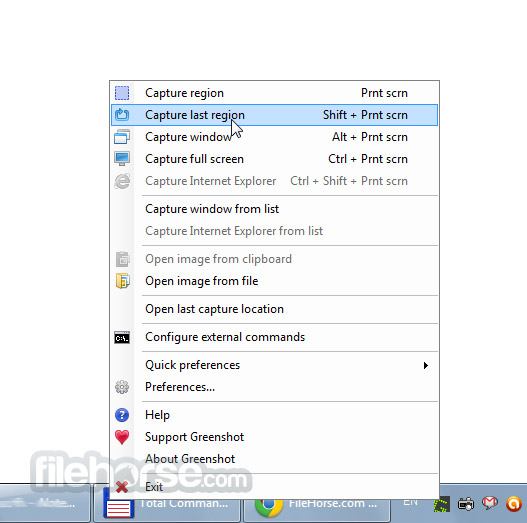
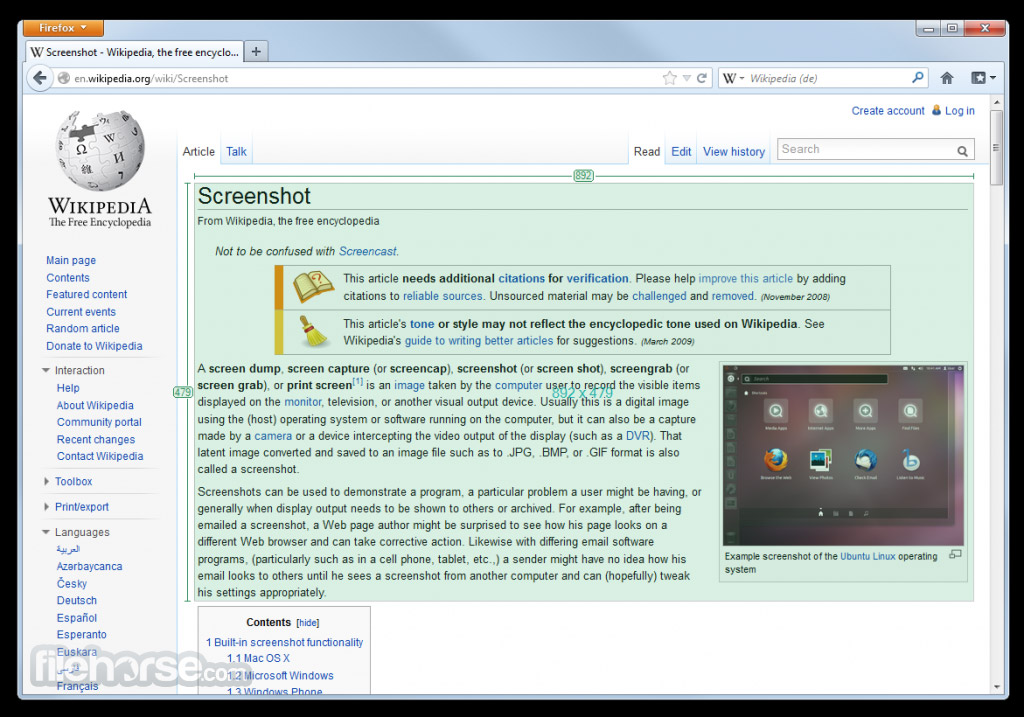
- Greenshot可以快速的截取部分或是全螢幕畫面。
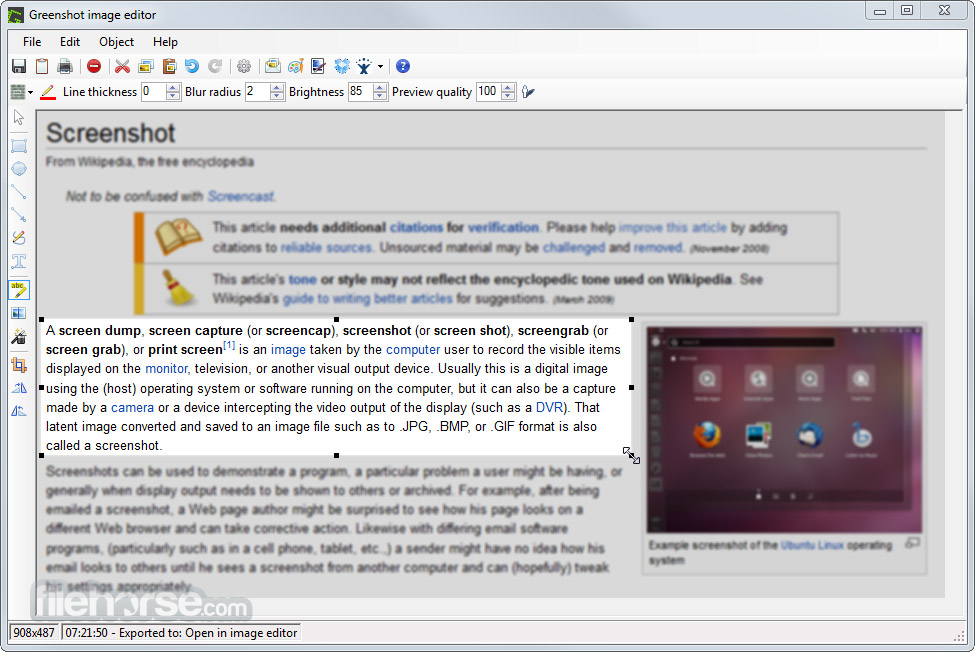
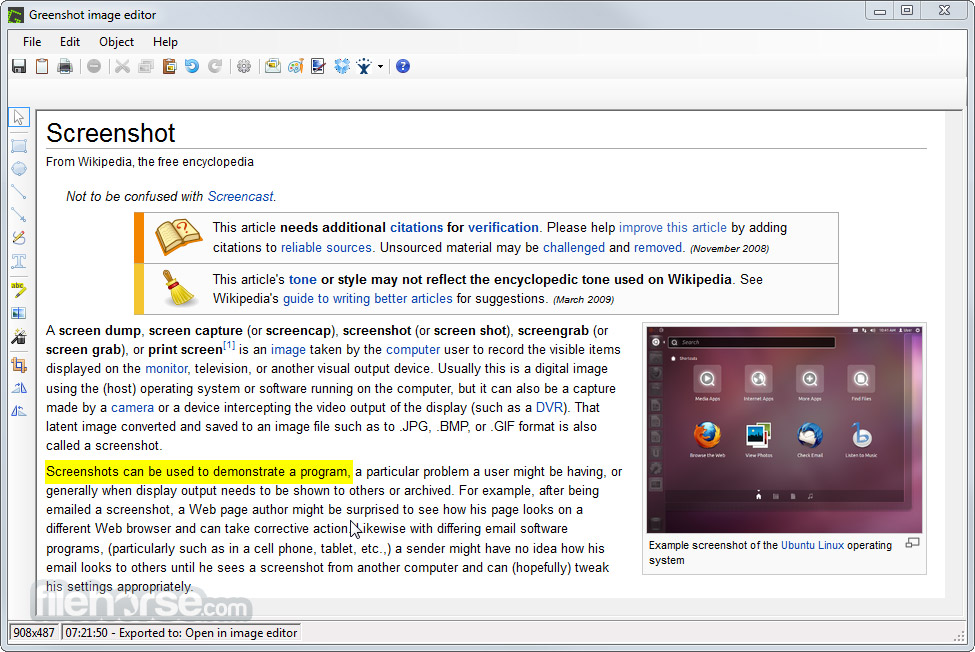
- 簡單編輯功能,輕鬆到截取圖上做註解、繪圖及剪裁。
- 將所截的圖存成檔案,用電子郵件傳遞。
- 介面乾淨,操作容易。
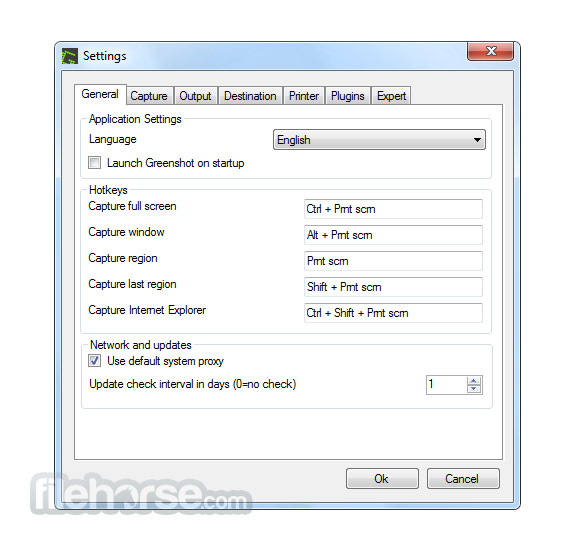
畫面截圖
更新日誌
1.1.6.2779 # Bugs resolved
* Changed the settings GUI to clearly show that the interactive Window capture mode doesn't use the windows capture mode settings.
* export to Microsoft Word always goes to the last active Word instance.
* Greenshot looses configuration settings. (At least we hope this is resolved)
* export to Microsoft Excel isn't stored in file, which results in a "red cross" when opening on a different or MUCH later on the same computer.
* EntryPointNotFoundException when using higlight area or blur
* Exception in the editor when using multiple destination, among which the editor, and a picker (e.g. Word) is shown.
* Not reported: Canceling Imgur authorization or upload caused an NullPointerReference
# Features:
* Added EXIF orientation support when copying images from the clipboard
* Feature #596: Added commandline option "/inidirectory " to specify the location of the greenshot.ini, this can e.g. be used for multi-profiles...
* Removed reading the greenshot.ini if it was changed manually outside of Greenshot while it is running, this should increase stability. People should now exit Greenshot before modifying this file manually.
# Improvements:
* Printouts are now rotated counter-clockwise instead of clockwise, for most people this should be preferable
- 2026-03-21 Greenshot 1.3.315 3.8 MB
- 2017-09-14 Greenshot 1.2.10.6 1.70MB
- 2017-01-30 Greenshot 1.2.9.129 1.70MB
- 2017-01-02 Greenshot 1.2.9.112 1.68MB
- 2016-12-20 Greenshot 1.2.9.104 1.68MB
- 2016-11-06 Greenshot 1.2.8.14 1.31MB
- 2015-11-12 Greenshot 1.2.8.12 1.31MB
- 2015-10-26 Greenshot 1.2.7.2 1.31MB