
Greenshot 1.2.9.129
v 1.2.9.129- 目前版本1.2.9.129
- 更新日期2017-01-30
- 檔案大小1.70MB
- 檔案名稱Greenshot-INSTALLER-1.2.9.129-RELEASE.exe
- 作業系統Windows 8 / Windows 10 / Windows 11
- 支援語系English
- 授權型式開源軟體
- 開發商 Greenshot Team
- 軟體分類Windows 軟體 / 影像設計
軟體介紹
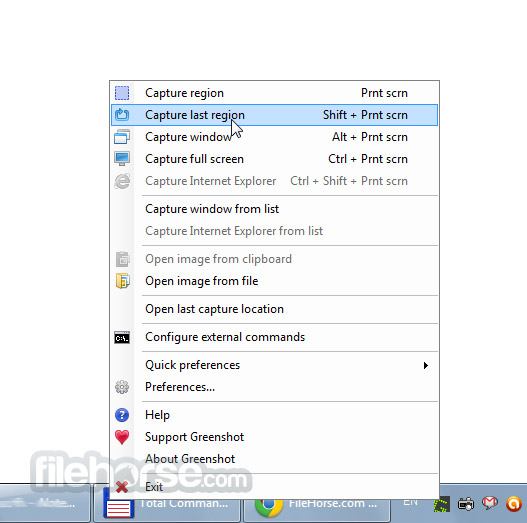
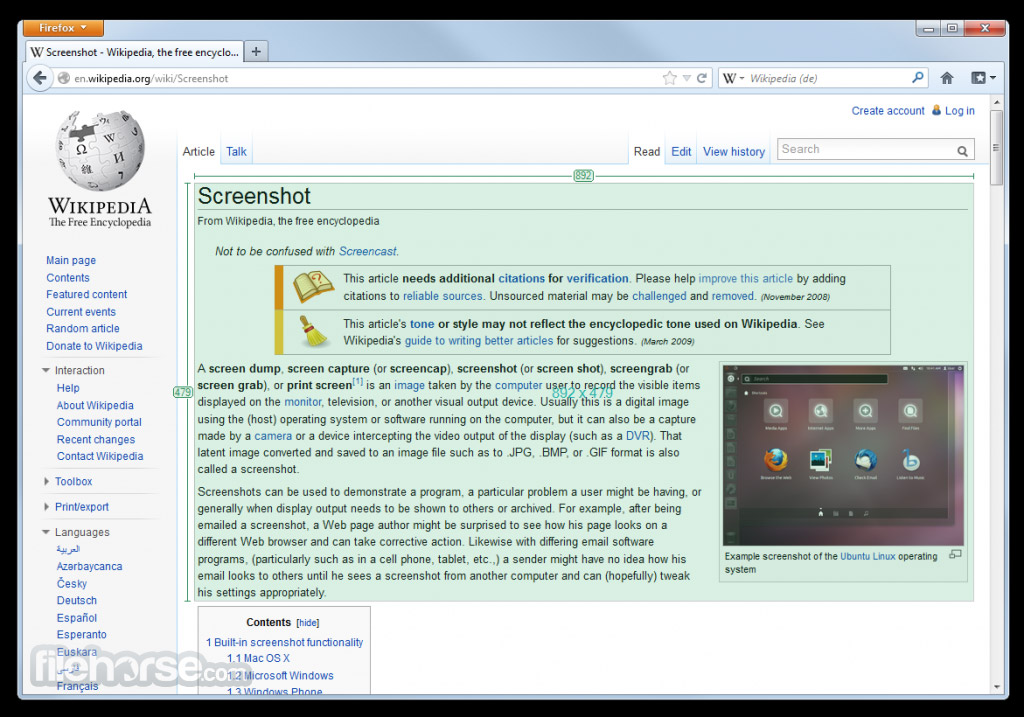
- Greenshot可以快速的截取部分或是全螢幕畫面。
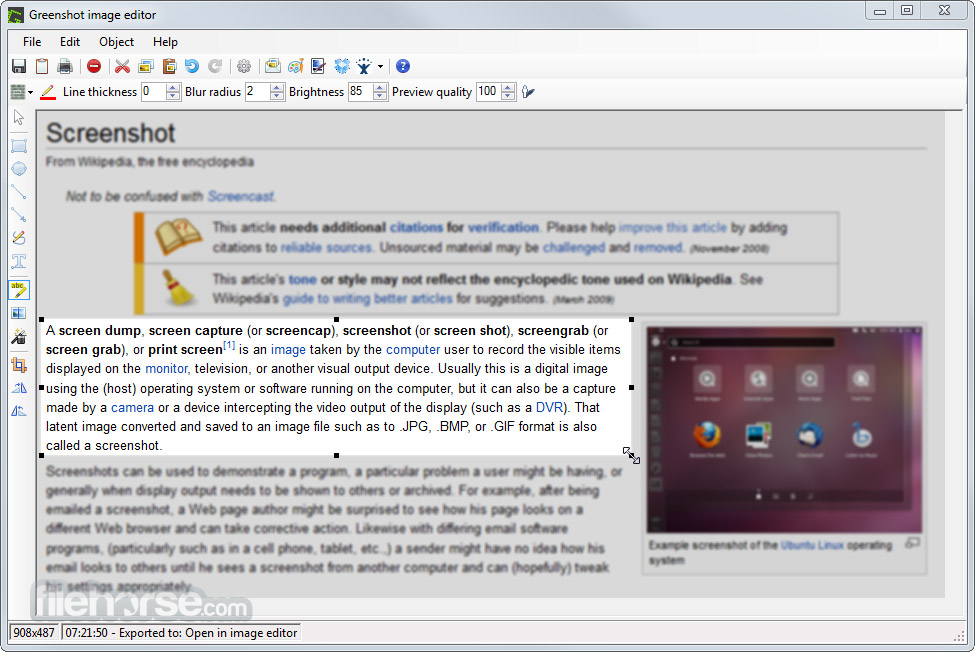
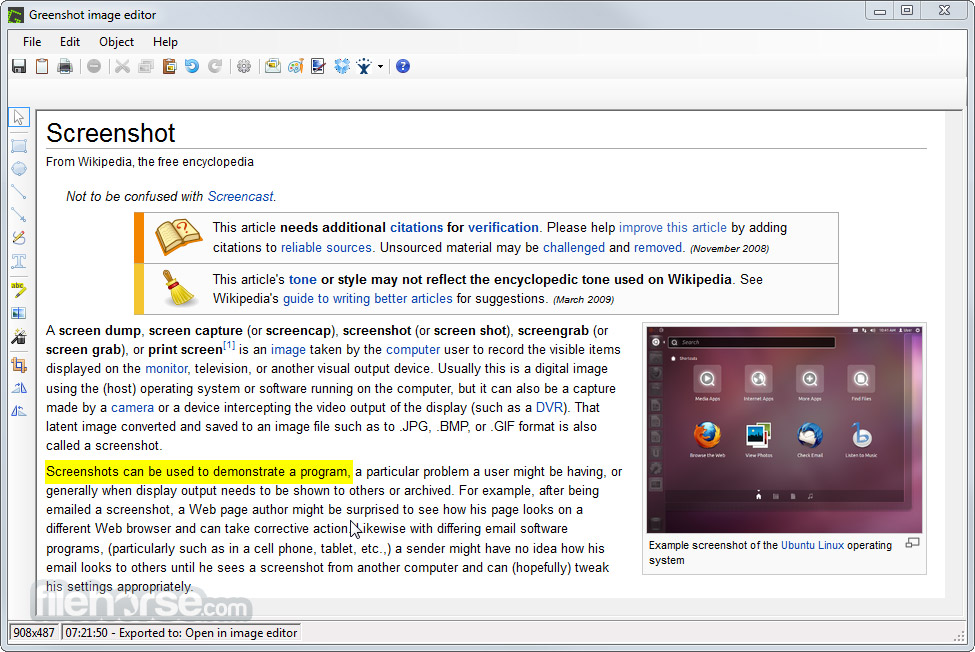
- 簡單編輯功能,輕鬆到截取圖上做註解、繪圖及剪裁。
- 將所截的圖存成檔案,用電子郵件傳遞。
- 介面乾淨,操作容易。
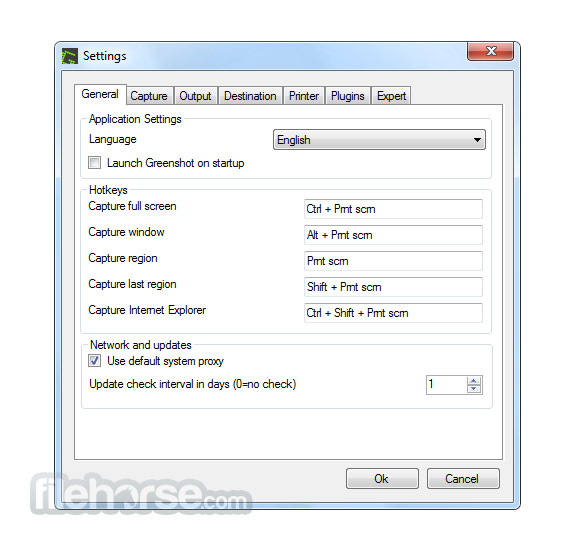
畫面截圖
更新日誌
1.2.9.129 # Bug Fixes:
- Scroll-lock button not usable as hotkey.
- Cannot export to external command Paint.NET if .greenshot format is used.
- Canvas resize (Ctrl + / Ctrl -) only works via numpad keys.
- Shadow effects not rendering correctly on Windows 10.
- ‘Save as’ doesn’t remember last saved directory (after restart).
- Window border is not captured on Windows 10.
- InvalidOperationException when selecting a color.
- Speechbubble can’t be used after copy/paste.
- Window border is not captured on Windows 10.
- Capture last region doesn’t work.
- Double-click on textbox causes NullReferenceException.
- Drag and Drop image file on editor doesn’t work.
- Storage location reset to default if not available during start.
- Error while trying to upload screen shot to Jira.
- MemberAccessException when opening the color dialog.
- Crash on editing (dragged line).
- Greenshot Editor Canvas Changed to White Screen.
- NullReferenceException when moving text.
- Jira Plugin: Crash when uploading to Jira
- Flickr plugin generates wrong image link.
- Send to OneNote does not work.
- MemberAccessException during un-DropShadow of Ellipse.
- When reusing the editor, it is not brought to the front (fix).
- Opening last capture in explorer should select/jump to the file (fix).
# Changes:
- Added Taqbaylit as a new language.
- 2026-03-21 Greenshot 1.3.315 3.8 MB
- 2017-09-14 Greenshot 1.2.10.6 1.70MB
- 2017-01-30 Greenshot 1.2.9.129 1.70MB
- 2017-01-02 Greenshot 1.2.9.112 1.68MB
- 2016-12-20 Greenshot 1.2.9.104 1.68MB
- 2016-11-06 Greenshot 1.2.8.14 1.31MB
- 2015-11-12 Greenshot 1.2.8.12 1.31MB
- 2015-10-26 Greenshot 1.2.7.2 1.31MB