- 目前版本4.5.9
- 更新日期2026-05-20
- 檔案大小29.8 MB
- 檔案名稱AudioHijack.zip
- 作業系統macOS 11.0 Big Sur or later
- 支援語系English
- 授權型式試用版
- 開發商 Rogue Amoeba Software, Inc.
- 軟體分類Mac 軟體 / 音訊軟體
##
翻譯排程處理中,以下暫以英文原文呈現
軟體介紹
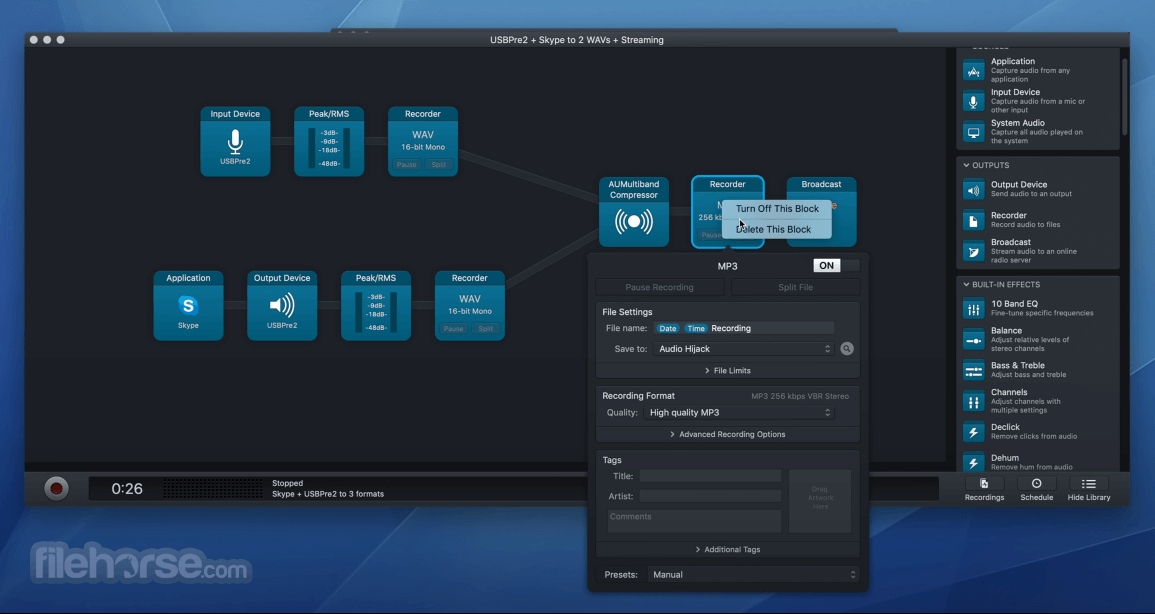
Audio Hijack for Mac drastically changes the way you use audio on your computer, giving you the freedom to listen to audio when you want and how you want.
Record and enhance any audio with Audio Hijack - it's the cornerstone of your digital audio experience.
Record any application's audio, including VoIP calls from Skype, web streams from Safari, and much more.
Save audio from hardware devices like microphones and mixers as well. You can even record all the audio heard on your Mac at once! If you can hear it, the app can record it.
Great Uses for Audio Hijack for macOS:
Capture From Applications
Just select an application and hit Record. Now you're saving its audio!
Capture From Physical Devices
Record from microphones, mixers, or other audio input devices.
Even Capture All System Audio
The System Audio source helps you record all the audio heard on your macOS.
Grab Web Streams
There's an incredible array of streaming audio on the web, and the app will help you save it for offline listening.
Easy VoIP Recording
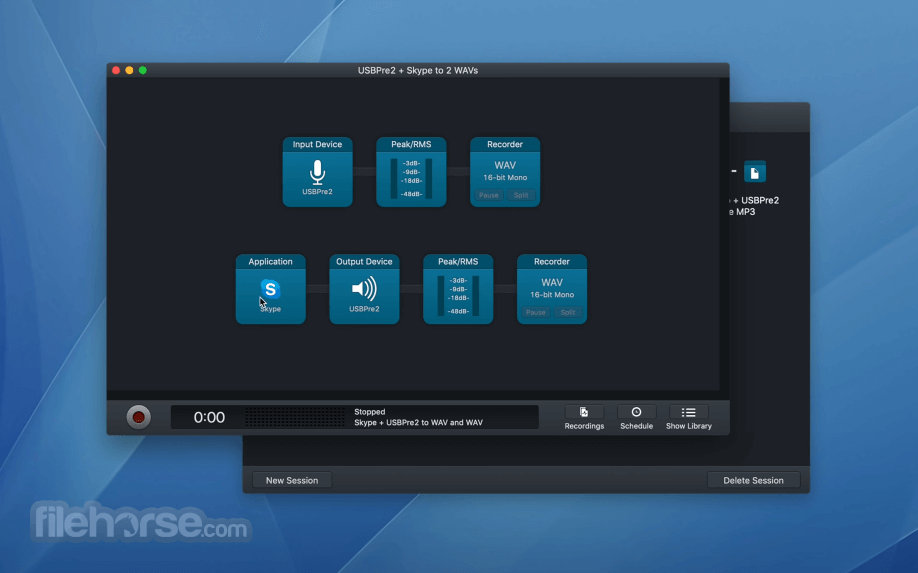
Easily capture conversations from Skype, FaceTime, Google Talk, or any other VoIP service.
Powerful Podcast Recording
Customizable source and recording options give podcasters never-before-seen power and control.
Pump Up the Volume
Stuck with small laptop speakers? Use Volume Overdrive to crank things up so you can hear your audio.
Adjust and Re-route Audio
Couple Audio Hijack with utility Loopback to capture audio from one app, adjust it, then send it to another app.
So Much More…
With AudioHijack, you can capture and record any audio on your Mac. We can't wait to hear how you use it!
How to Use
Soundflower – An older open-source virtual audio driver, now largely replaced by modern alternatives like BlackHole.
BlackHole – A modern alternative to Soundflower for routing audio between applications via a custom system driver.
Loopback by Rogue Amoeba – A premium virtual audio routing tool with a graphical interface and advanced routing matrix.
VB-Cable (via virtualization setups) – Basic audio routing solution, more common on Windows systems.
System Requirements
Download Audio Hijack for Mac Latest Version Why is this app published on FileHorse? (More info)
Record and enhance any audio with Audio Hijack - it's the cornerstone of your digital audio experience.
Record any application's audio, including VoIP calls from Skype, web streams from Safari, and much more.
Save audio from hardware devices like microphones and mixers as well. You can even record all the audio heard on your Mac at once! If you can hear it, the app can record it.
Great Uses for Audio Hijack for macOS:
Capture From Applications
Just select an application and hit Record. Now you're saving its audio!
Capture From Physical Devices
Record from microphones, mixers, or other audio input devices.
Even Capture All System Audio
The System Audio source helps you record all the audio heard on your macOS.
Grab Web Streams
There's an incredible array of streaming audio on the web, and the app will help you save it for offline listening.
Easy VoIP Recording
Easily capture conversations from Skype, FaceTime, Google Talk, or any other VoIP service.
Powerful Podcast Recording
Customizable source and recording options give podcasters never-before-seen power and control.
Pump Up the Volume
Stuck with small laptop speakers? Use Volume Overdrive to crank things up so you can hear your audio.
Adjust and Re-route Audio
Couple Audio Hijack with utility Loopback to capture audio from one app, adjust it, then send it to another app.
So Much More…
With AudioHijack, you can capture and record any audio on your Mac. We can't wait to hear how you use it!
How to Use
- Open Audio Hijack after installation
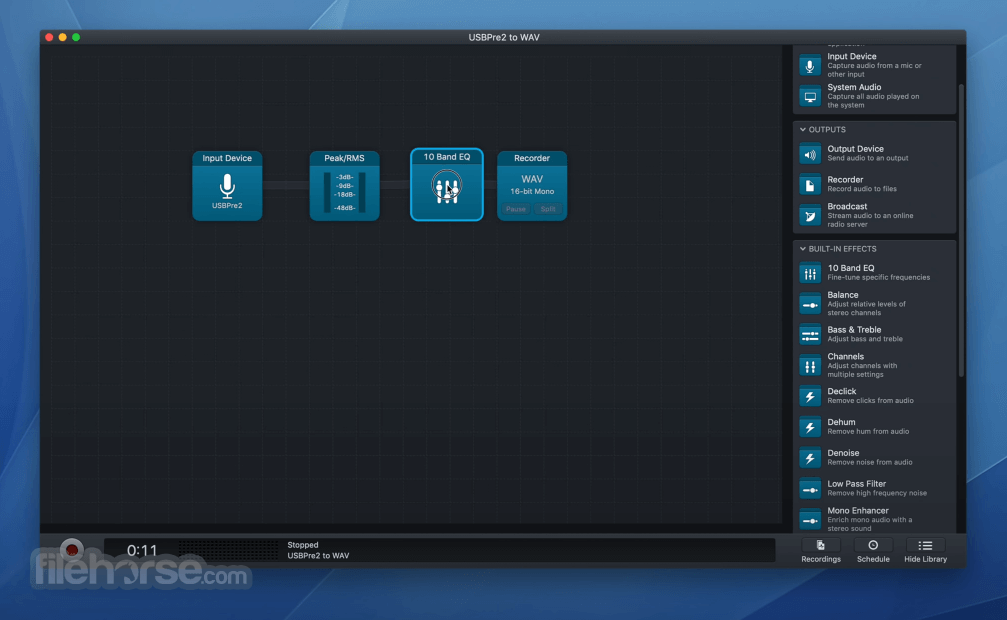
- Click "New Session" to create a new workflow
- Choose a session template (e.g., Application Audio)
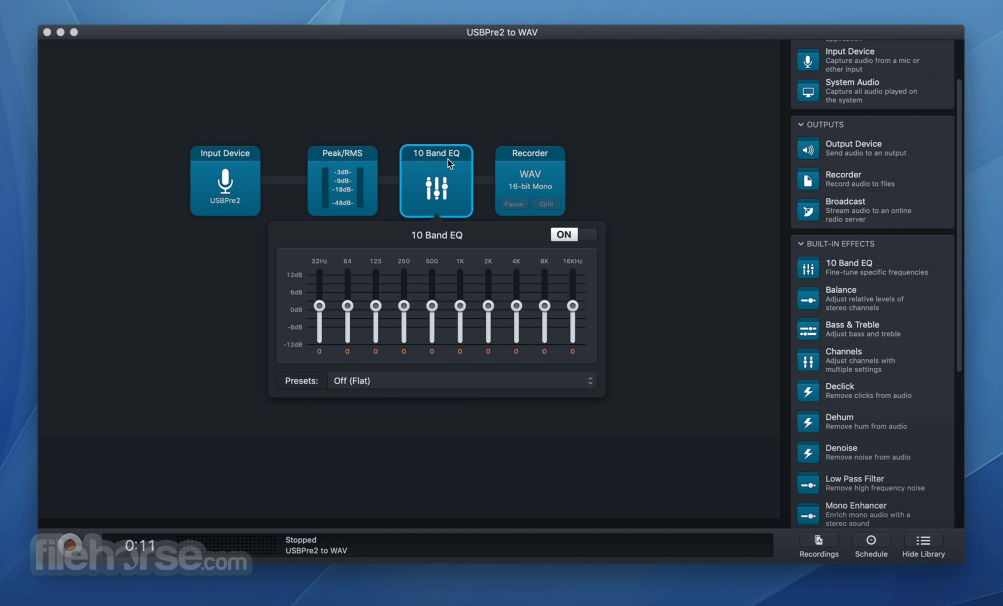
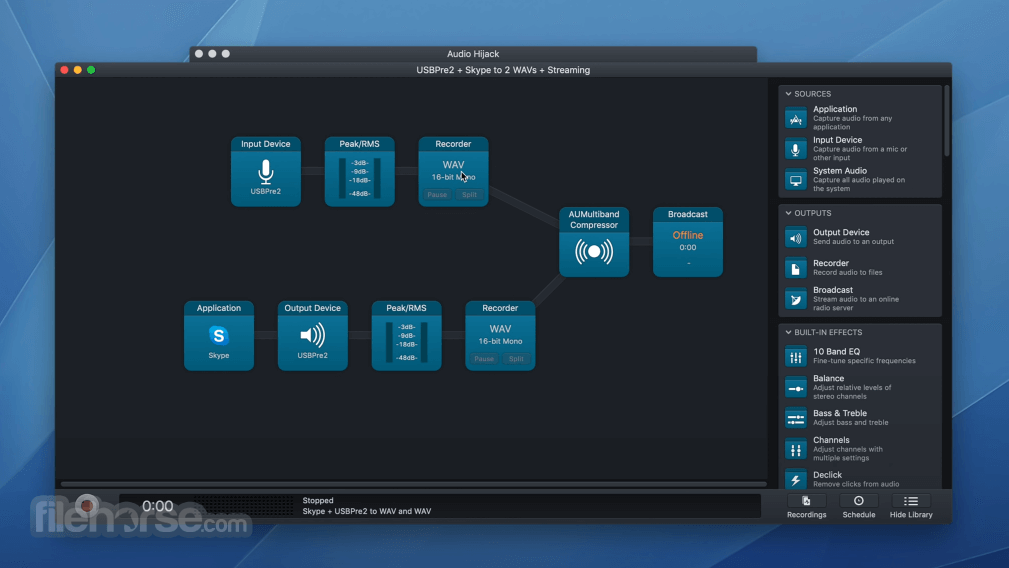
- Drag audio blocks like Input, Output, and Recorder
- Select the app or input source for recording
- Configure output format and destination
- Click the Record button to start capturing
- Monitor audio levels in real-time
- Click Stop to end the session
- Access saved recordings in the output folder
Soundflower – An older open-source virtual audio driver, now largely replaced by modern alternatives like BlackHole.
BlackHole – A modern alternative to Soundflower for routing audio between applications via a custom system driver.
Loopback by Rogue Amoeba – A premium virtual audio routing tool with a graphical interface and advanced routing matrix.
VB-Cable (via virtualization setups) – Basic audio routing solution, more common on Windows systems.
System Requirements
- macOS 10.15 (Catalina) or later
- Apple Silicon and Intel Macs supported
- 100 MB of available disk space
- Microphone or audio input device (for some uses)
- Internet connection for license activation
- High-quality audio recording
- Flexible session templates
- Real-time audio monitoring
- Supports multiple formats
- Intuitive drag-and-drop interface
- No Windows version available
- Steeper learning curve for beginners
- Limited editing capabilities
- Relatively expensive for casual users
- Occasional compatibility issues after macOS updates
Download Audio Hijack for Mac Latest Version Why is this app published on FileHorse? (More info)
##
畫面截圖