- 目前版本16.0.3.0320
- 更新日期2025-04-02
- 作業系統Mac OS X 10.10 or later
- 支援語系English
- 授權型式未分類
- 開發商 Google
- 軟體分類Mac 軟體 / 開發者工具
##
翻譯排程處理中,以下暫以英文原文呈現
軟體介紹
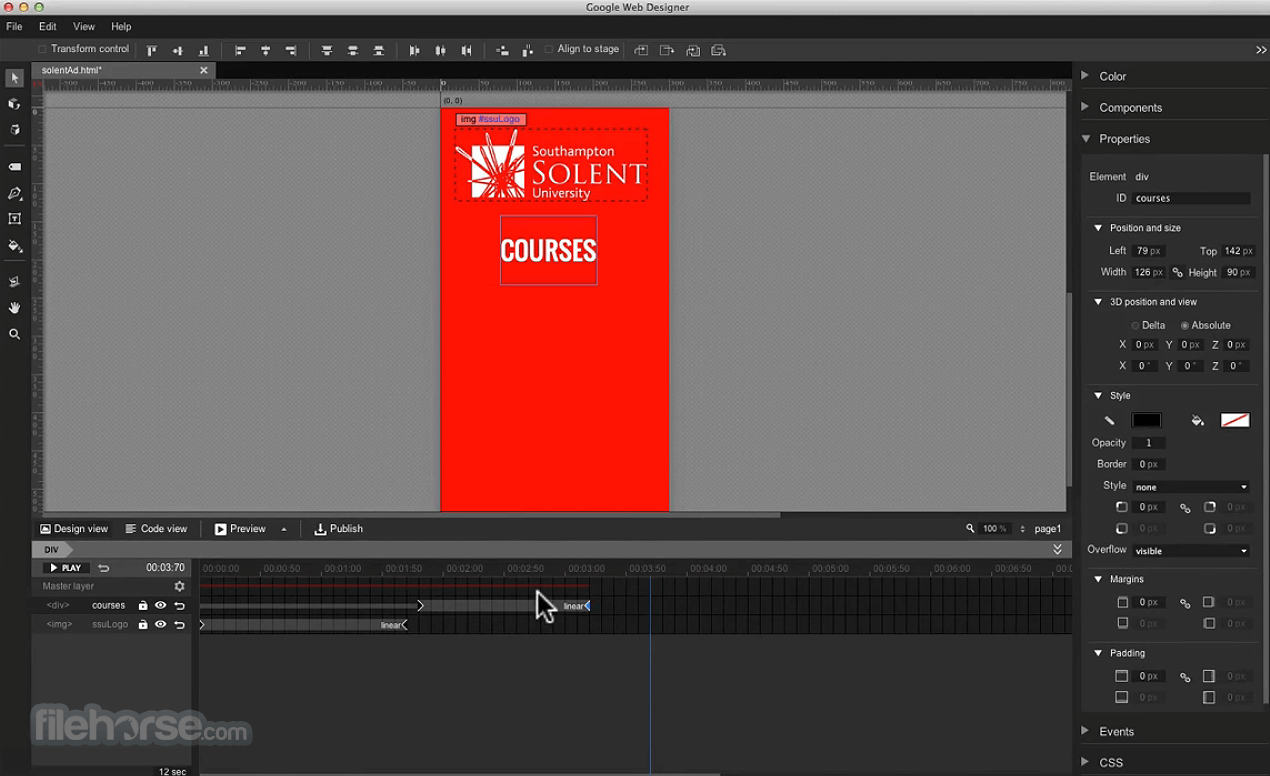
Google Web Designer for Mac gives you the power to create beautiful, engaging HTML5 content. Use animation and interactive elements to bring your creative vision to life, and enjoy seamless integration with other Google products, like Google Drive, DoubleClick Studio, and AdWords.
Google Web Designer is a free software for macOS, Windows and Linux from Google for creating interactive HTML5 ads and other HTML5 content!
One idea. Any screen
It doesn’t matter how brilliant your work is if people can’t see it. Now everything you create is accessible on any screen – desktop, tablet or mobile – without compatibility issues.
Focus on design
Let us handle the HTML5 and CSS3 so you’re free to focus on what you love to do: creating gorgeous visual experiences. A full design suite lets you easily bring any vision to life.
Amplify with code
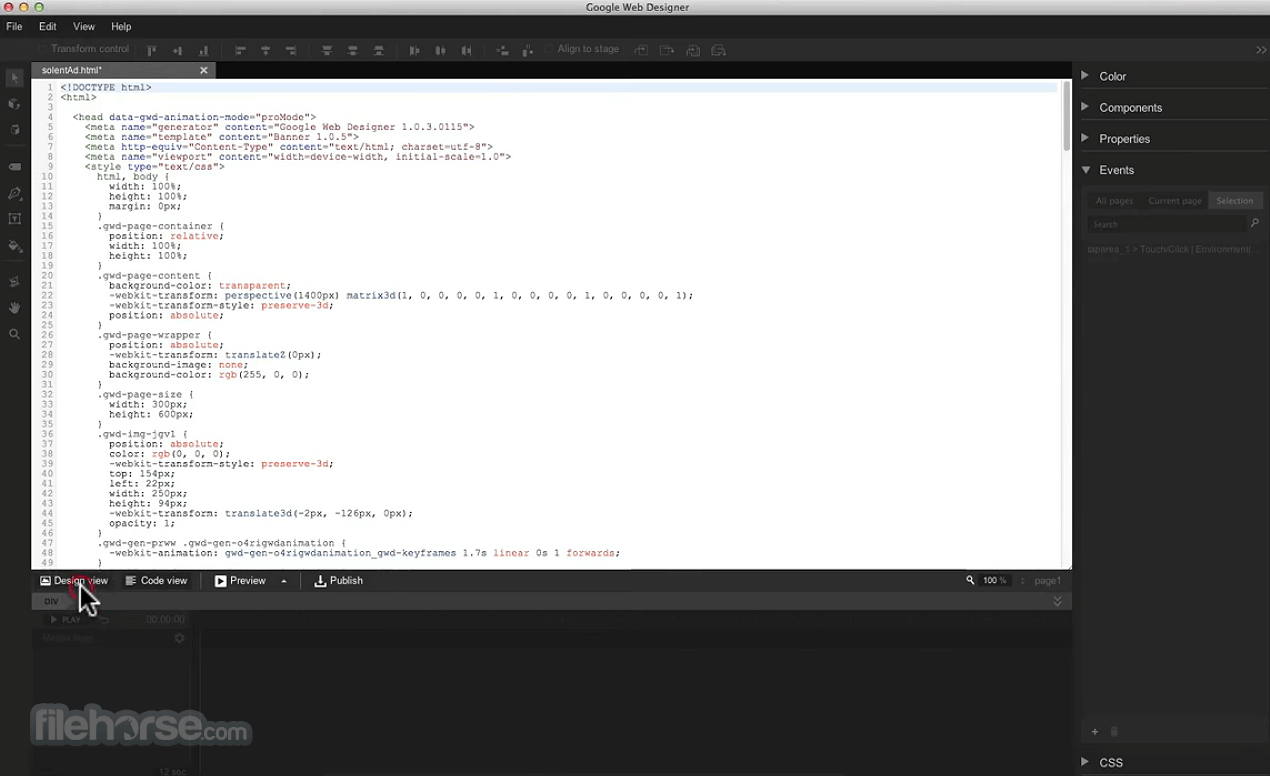
If you’re feeling more hands-on, all the code behind your designs is hand-editable, so you’re never locked out of your own work. Your ideas are now amplified by code – not restricted by it.
How to Use
Install the app by dragging it to Applications folder
Launch the software from your Applications folder
Choose a template or start a new blank project
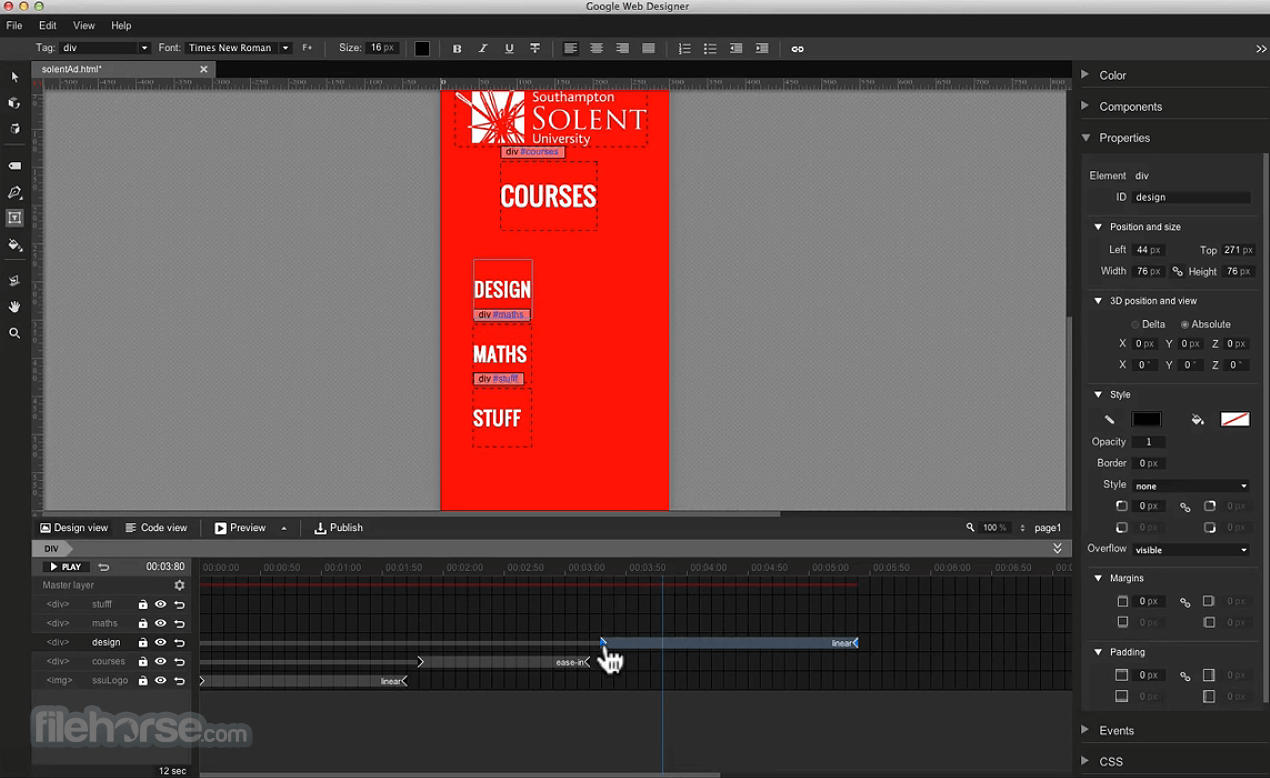
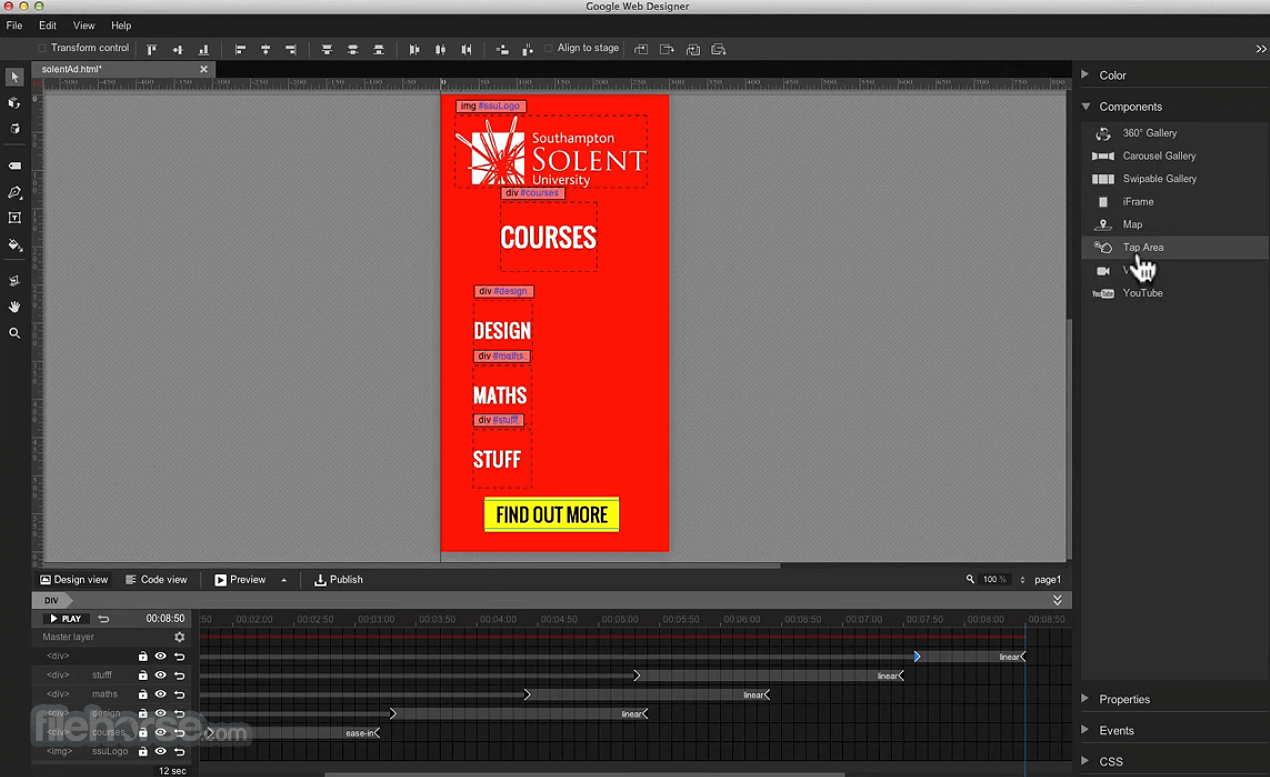
Use the timeline to animate elements
Add text, images, and custom HTML/CSS
Preview your design in different screen sizes
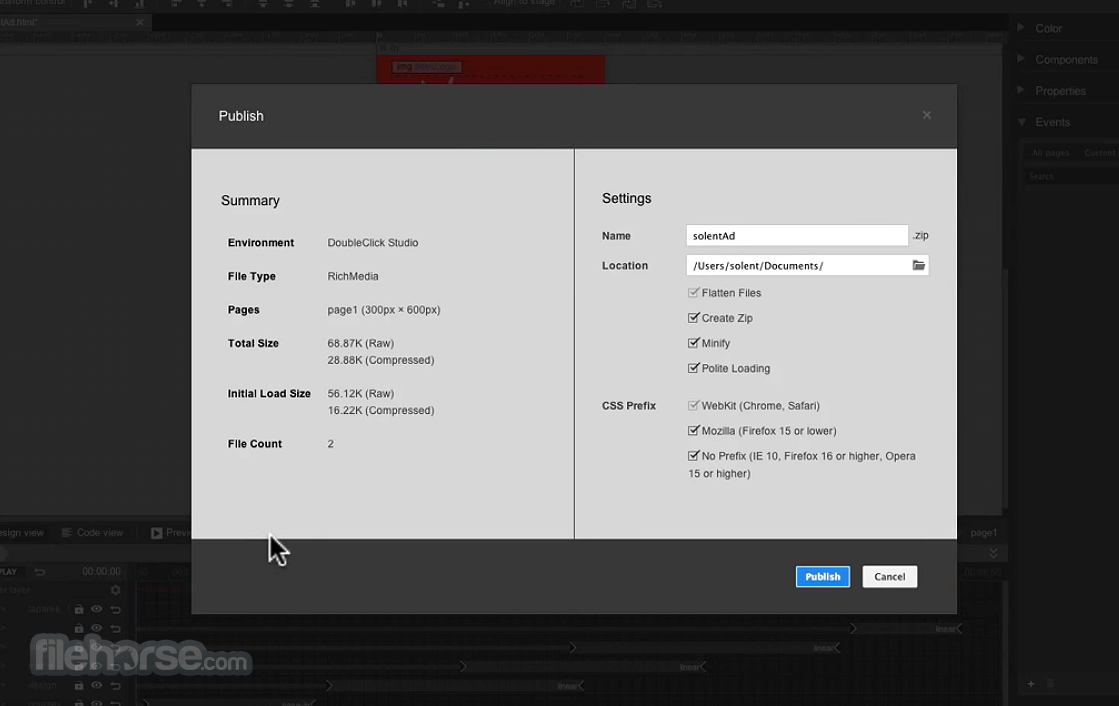
Export or publish your ad or web design project
System Requirements
Also Available: Download Google Web Designer for Windows
Download Google Web Designer for Mac Latest Version Why is this app published on FileHorse? (More info)
Google Web Designer is a free software for macOS, Windows and Linux from Google for creating interactive HTML5 ads and other HTML5 content!
One idea. Any screen
It doesn’t matter how brilliant your work is if people can’t see it. Now everything you create is accessible on any screen – desktop, tablet or mobile – without compatibility issues.
Focus on design
Let us handle the HTML5 and CSS3 so you’re free to focus on what you love to do: creating gorgeous visual experiences. A full design suite lets you easily bring any vision to life.
Amplify with code
If you’re feeling more hands-on, all the code behind your designs is hand-editable, so you’re never locked out of your own work. Your ideas are now amplified by code – not restricted by it.
How to Use
Install the app by dragging it to Applications folder
Launch the software from your Applications folder
Choose a template or start a new blank project
Use the timeline to animate elements
Add text, images, and custom HTML/CSS
Preview your design in different screen sizes
Export or publish your ad or web design project
System Requirements
- macOS 10.14 (Mojave) or later
- Intel or Apple Silicon (Rosetta for M1/M2)
- 4 GB RAM minimum (8 GB recommended)
- 2 GB available disk space
- Screen resolution of 1280x1024 or higher
- Free to use with no subscription
- Easy animation timeline editor
- Interactive HTML5 content support
- Cross-platform with Mac and Windows
- Integrated preview and publish options
- Limited design templates available
- Can lag with complex animations
- Lacks advanced graphic tools
- No built-in asset library
- Requires internet for some features
Also Available: Download Google Web Designer for Windows
Download Google Web Designer for Mac Latest Version Why is this app published on FileHorse? (More info)
##
影片介紹
##
畫面截圖