⚠ 這是歷史版本頁面 — 查看 KeePassXC 最新版本 →

- 目前版本2.7.10
- 更新日期2025-03-04
- 檔案大小31.3 MB
- 檔案名稱KeePassXC-2.7.10.dmg
- 作業系統macOS 10.12 Sierra or later
- 支援語系English
- 授權型式開源軟體
- 開發商 KeePassXC Team
- 軟體分類Mac 軟體 / 瀏覽器與外掛
##
編輯短評
KeePassXC 是一款開源的密碼管理工具,主要幫你把各種網站與應用程式的帳號密碼安全地儲存在單一資料庫中,並能自動填入登入欄位,省去記憶與輸入的麻煩。它的資料庫全程以 AES 256 位元加密,且完全離線運作、不需連網,這點在雲端密碼管理器當道的時代格外有辨識度。此軟體長期由社群持續維護,更新頻率穩定,在同類工具中屬於務實且受信賴的選擇,雖然在站上分類的評分人數不多,但評價相當正面。
如果你重視隱私、不想把密碼託付給雲端服務,或習慣自行掌控加密檔案,KeePassXC 會很適合你。它採用與 KeePass 相容的資料庫格式,方便從其他 KeePass 分支遷移;相較於 Chrome 或 Firefox 內建的密碼同步,它提供更獨立的加密保護,但代價是需手動管理資料庫檔案與同步方式。目前官方僅提供英文介面,macOS 版本可正常運作,但若你需要中文介面,可能得留意社群翻譯或替代方案。授權為開源軟體,可免費使用,適合偏好自由軟體生態的使用者。
##
翻譯排程處理中,以下暫以英文原文呈現
軟體介紹
KeePassXC for Mac can store your passwords safely and auto-type them into your everyday websites and applications. You shouldn't waste your time trying to remember and type your passwords.
The thing computers can do best is storing information! Download KeePass Cross-Platform Community Edition now!
Encrypted
The complete database is always encrypted with the industry-standard AES (alias Rijndael) encryption algorithm using a 256-bit key. KeePassXC for macOS uses a database format that is compatible with KeePass Password Safe. Your wallet works offline and requires no Internet connection.
Cross-Platform
KeePassXC for Desktop is a community fork of KeePassX, the cross-platform port of KeePass for macOS. Every feature works cross-platform and was thoroughly tested on multiple systems to provide users with the same look and feel on every supported operating system. This includes the beloved Auto-Type feature.
Features and Highlights
LastPass: User-friendly password manager with autofill capabilities.
1Password: Secure password storage with additional features like Travel Mode.
Dashlane: Password manager with dark web monitoring and bulk password changer.
NordPass: Password manager with biometric login support.
RoboForm: Password manager with form-filling capabilities.
PROS
Download KeePassXC for Mac Latest Version Why is this app published on FileHorse? (More info)
The thing computers can do best is storing information! Download KeePass Cross-Platform Community Edition now!
Encrypted
The complete database is always encrypted with the industry-standard AES (alias Rijndael) encryption algorithm using a 256-bit key. KeePassXC for macOS uses a database format that is compatible with KeePass Password Safe. Your wallet works offline and requires no Internet connection.
Cross-Platform
KeePassXC for Desktop is a community fork of KeePassX, the cross-platform port of KeePass for macOS. Every feature works cross-platform and was thoroughly tested on multiple systems to provide users with the same look and feel on every supported operating system. This includes the beloved Auto-Type feature.
Features and Highlights
- Secure storage of passwords and other private data with AES, Twofish, or ChaCha20 encryption
- Cross-platform runs on Linux, Windows, and macOS without modifications
- File format compatibility with KeePass2, KeePassX, MacPass, KeeWeb, and many others (KDBX 3.1 and 4.0)
- SSH Agent integration
- Auto-Type on all supported platforms for automatically filling in login forms
- Key file and YubiKey challenge-response support for additional security
- TOTP generation (including Steam Guard)
- CSV import from other password managers (e.g., LastPass)
- Command-line interface
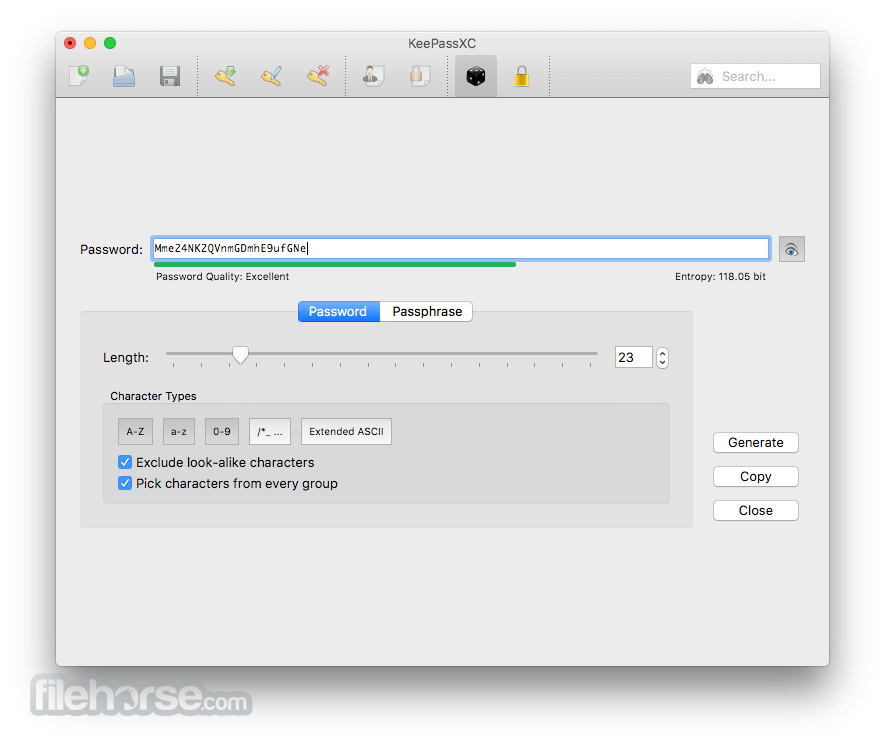
- Stand-alone password and passphrase generator
- Password strength meter
- Custom icons for database entries and download of website favicons
- Database merge functionality
- Automatic reload when the database was changed externally
- Browser integration with KeePassXC-Browser for Google Chrome, Chromium, Vivaldi, and Mozilla Firefox.
- (Legacy) KeePassHTTP support for use with KeePassHTTP-Connector available for Mozilla Firefox and Google Chrome, and passafari for Safari.
LastPass: User-friendly password manager with autofill capabilities.
1Password: Secure password storage with additional features like Travel Mode.
Dashlane: Password manager with dark web monitoring and bulk password changer.
NordPass: Password manager with biometric login support.
RoboForm: Password manager with form-filling capabilities.
PROS
- Open-source and free to use
- Strong encryption for security
- Works offline, no cloud required
- Cross-platform compatibility
- Supports custom keyfiles and 2FA
- No built-in cloud sync
- Lacks native browser autofill
- UI can be complex for beginners
- Manual database backups required
- No mobile app version available
Download KeePassXC for Mac Latest Version Why is this app published on FileHorse? (More info)
##
畫面截圖
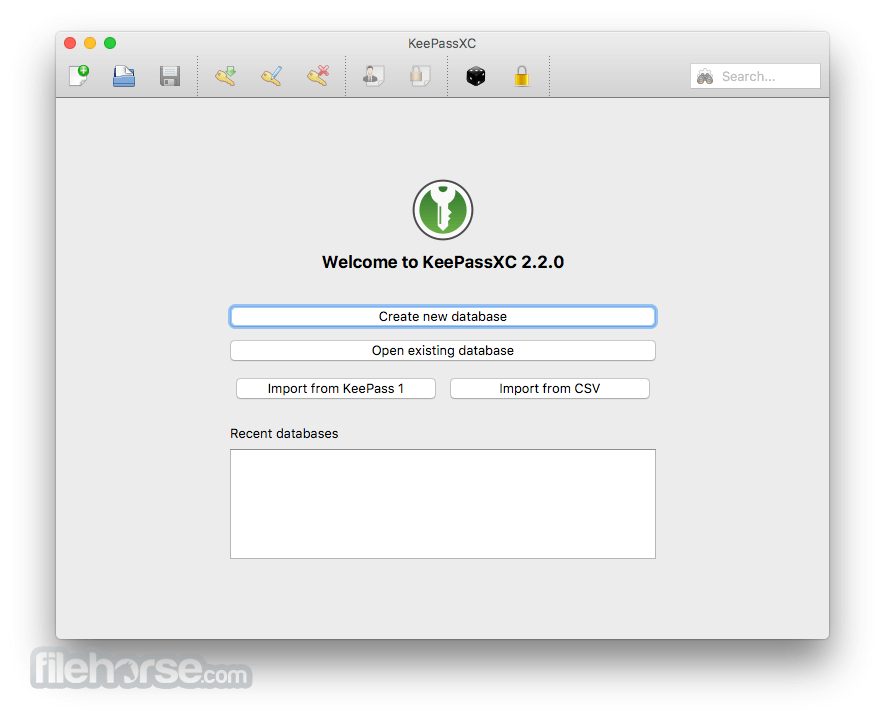
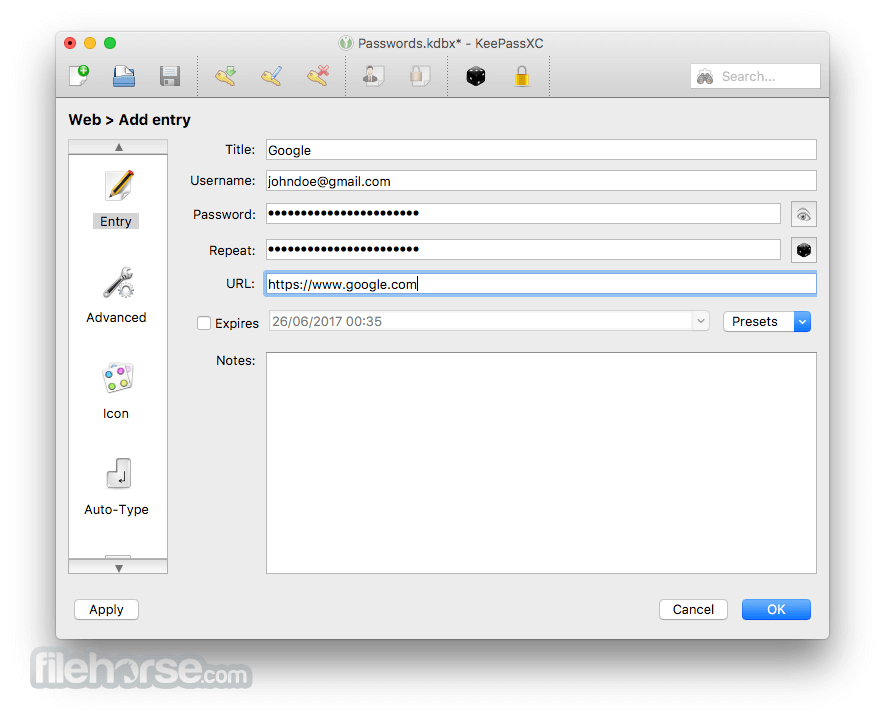
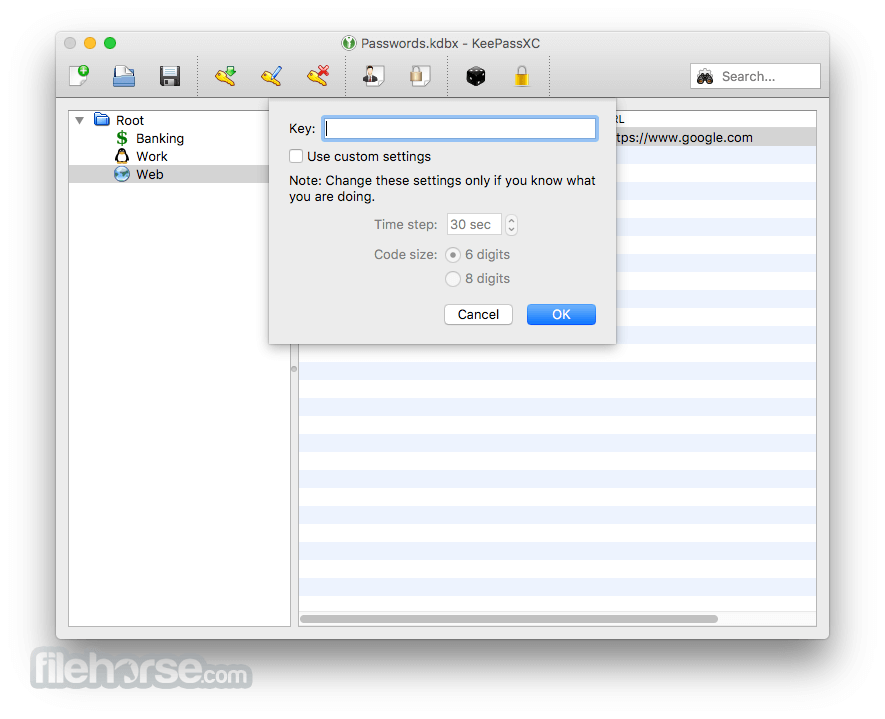
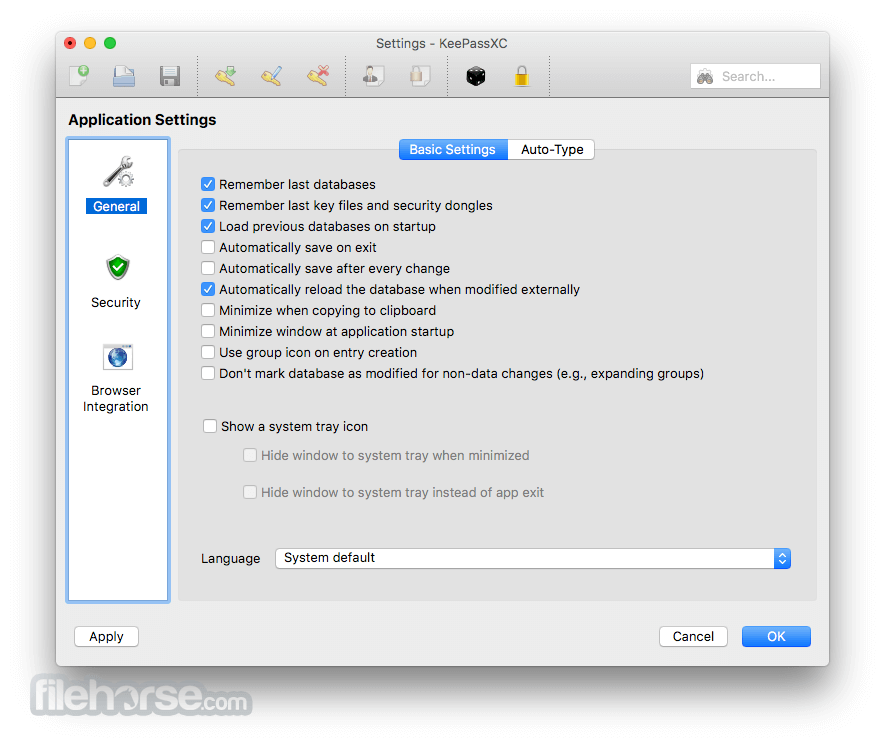
- 2026-03-10 KeePassXC 2.7.12 32.8 MB
- 2025-11-24 KeePassXC 2.7.11 32.6 MB
- 2025-03-04 KeePassXC 2.7.10 31.3 MB
- 2024-06-20 KeePassXC 2.7.9 30.7 MB
- 2024-05-07 KeePassXC 2.7.8 30.7 MB
- 2024-03-11 KeePassXC 2.7.7 30.6 MB
- 2023-08-16 KeePassXC 2.7.6 35.4 MB
- 2023-05-15 KeePassXC 2.7.5 35.9 MB