- 目前版本9.8.56
- 更新日期2026-06-29
- 檔案大小45 MB
- 檔案名稱vuex64-9.8.56.dmg
- 作業系統Mac OS X 10.7 or later
- 支援語系English
- 授權型式試用版
- 開發商 Hamrick Software
- 軟體分類Mac 軟體 / 影像設計
##
翻譯排程處理中,以下暫以英文原文呈現
軟體介紹
VueScan for Mac is a scanning program that works with most high-quality flatbed and film scanners to produce scans that have color fidelity and color balance.
It's very easy to use, and also has advanced features for restoring faded colors, batch scanning and other features used by professional photographers.
Is your scanner no longer supported by your operating system? Or are you looking for more functionality from your scanner than it came with? Download VueScan.
It replaces the software that came with your scanner - so you get better scans and a longer life for your hardware.
VueScan for macOS changes nothing on your system, installs nothing in your operating system and all other scanner software will continue to function.
You can purchase the app at any time and instantly get a serial number that disables image watermarking.
Features and Highlights
Compatible with over 3000 scanners
The tool is compatible with over 3000 different scanners on Windows, macOS and Linux. The best way to see if your scanner works is to download the app (it only takes 60 seconds) You can also check this list of supported scanners.
Why buy new when you can upgrade instantly and for less?
The app saves your scanner, saves you money and offers powerful new features you can’t find anywhere else - not even from the manufacturer. Use this app to keep your scanner from obsolescence (and from the landfill).
VueScan Mobile for iOS and Android
If you have an iPad, iPhone or Android phone or tablet, you can use Vue Scan Mobile Free for scanning. This is a completely free program that works with the built-in camera and most networked HP, Canon, Epson, Brother and Samsung scanners.
Outputs scans in a variety of formats
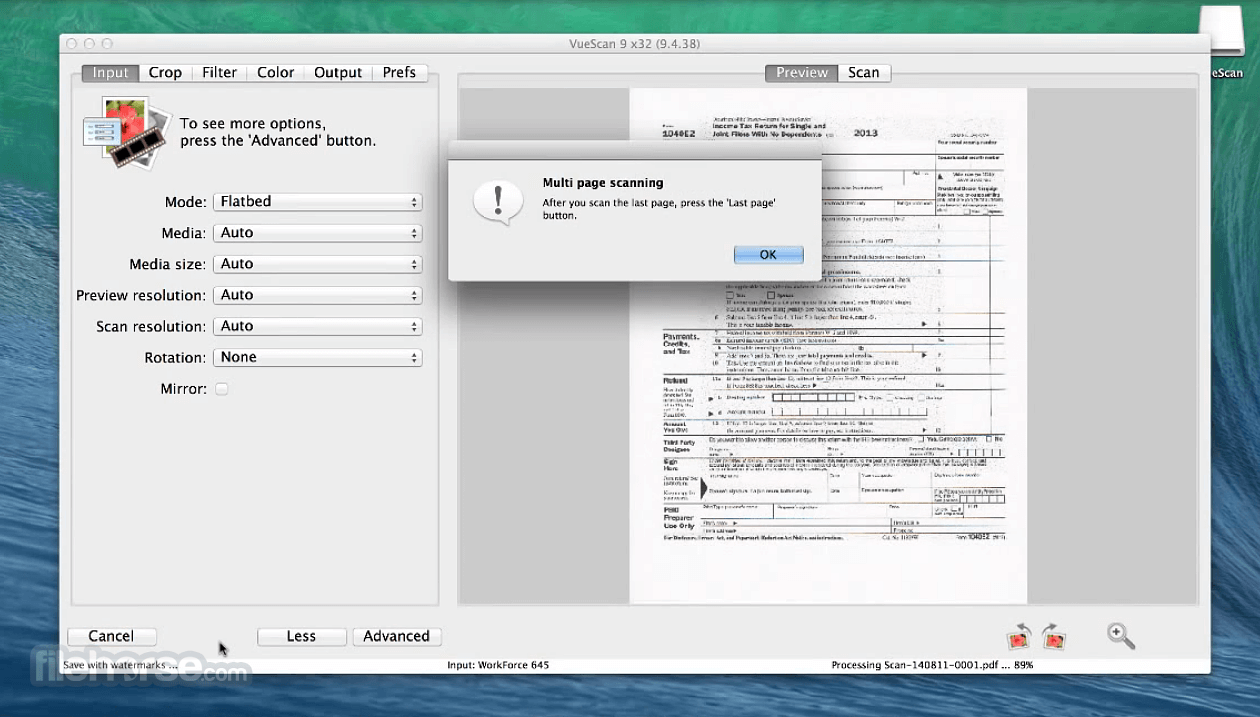
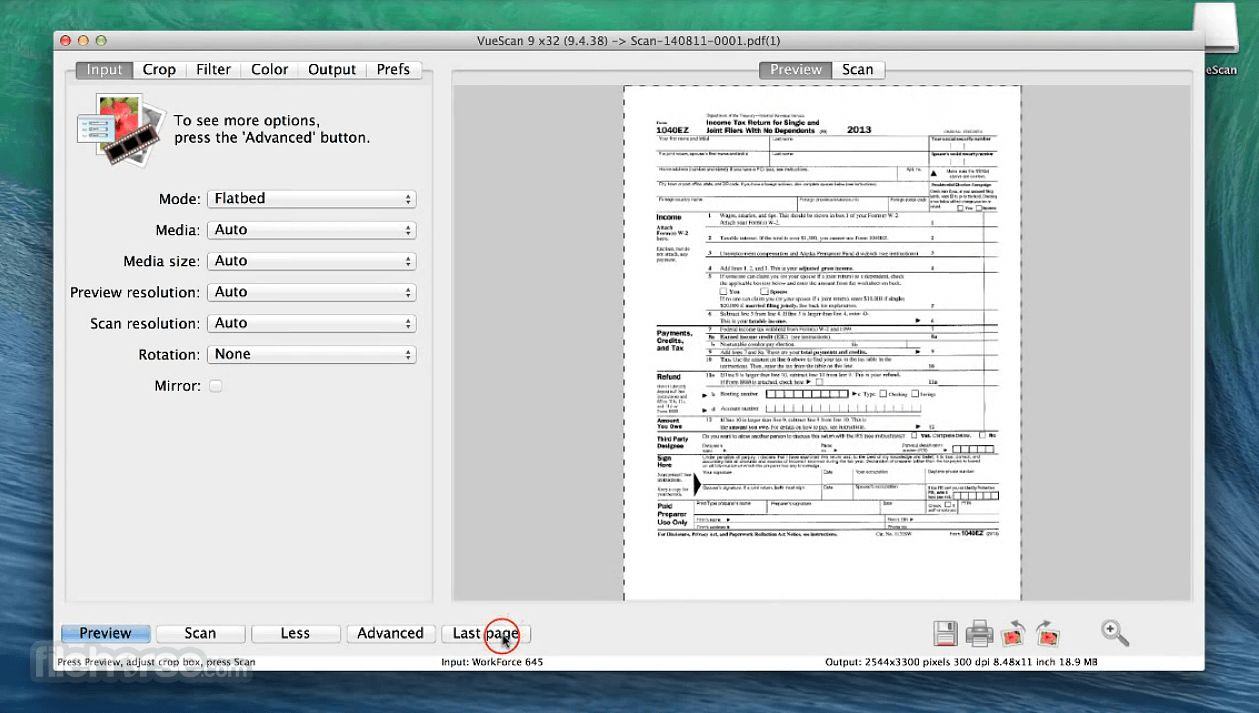
The app can output scanned documents, photos, and film in PDF, JPEG and TIFF formats. It can also recognize text using OCR and create multi-page pdfs using both flatbed scanners and scanners with automatic document feeders
Great for beginner and pro users
We built the tool so that two completely different types of users can use it. Beginners only need to run the app and press the 'Scan' button. Pro users can change to either the 'Standard' or 'Professional' options to unlock powerful features to have complete control over their scans.
Flexible licensing
You can use Vue Scan on up to four different computers that you personally use, with any combination of operating systems, with any number of scanners, both x32 and x64, with a single license. Standard Edition has free upgrades for a year, Professional Edition has unlimited free upgrades.
How to Use
Launch VueScan and connect your scanner
Choose the scan mode: Basic, Standard, or Professional
Select your scanner and desired scan settings
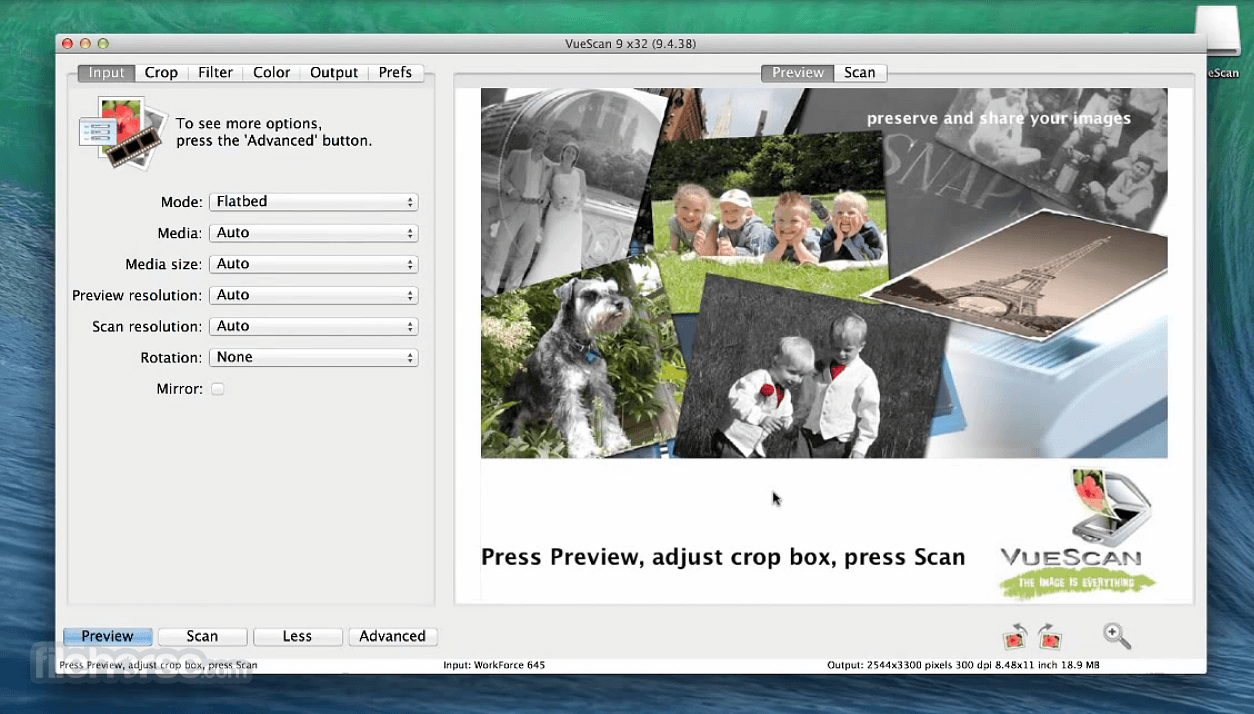
Preview the image and adjust cropping if needed
Click “Scan” to save the final image
Export scanned images in desired format (PDF, JPEG, TIFF)
Use OCR feature for searchable PDF creation
System Requirements
Also Available: Download VueScan for Windows
Download VueScan for Mac Latest Version Why is this app published on FileHorse? (More info)
It's very easy to use, and also has advanced features for restoring faded colors, batch scanning and other features used by professional photographers.
Is your scanner no longer supported by your operating system? Or are you looking for more functionality from your scanner than it came with? Download VueScan.
It replaces the software that came with your scanner - so you get better scans and a longer life for your hardware.
VueScan for macOS changes nothing on your system, installs nothing in your operating system and all other scanner software will continue to function.
You can purchase the app at any time and instantly get a serial number that disables image watermarking.
Features and Highlights
Compatible with over 3000 scanners
The tool is compatible with over 3000 different scanners on Windows, macOS and Linux. The best way to see if your scanner works is to download the app (it only takes 60 seconds) You can also check this list of supported scanners.
Why buy new when you can upgrade instantly and for less?
The app saves your scanner, saves you money and offers powerful new features you can’t find anywhere else - not even from the manufacturer. Use this app to keep your scanner from obsolescence (and from the landfill).
VueScan Mobile for iOS and Android
If you have an iPad, iPhone or Android phone or tablet, you can use Vue Scan Mobile Free for scanning. This is a completely free program that works with the built-in camera and most networked HP, Canon, Epson, Brother and Samsung scanners.
Outputs scans in a variety of formats
The app can output scanned documents, photos, and film in PDF, JPEG and TIFF formats. It can also recognize text using OCR and create multi-page pdfs using both flatbed scanners and scanners with automatic document feeders
Great for beginner and pro users
We built the tool so that two completely different types of users can use it. Beginners only need to run the app and press the 'Scan' button. Pro users can change to either the 'Standard' or 'Professional' options to unlock powerful features to have complete control over their scans.
Flexible licensing
You can use Vue Scan on up to four different computers that you personally use, with any combination of operating systems, with any number of scanners, both x32 and x64, with a single license. Standard Edition has free upgrades for a year, Professional Edition has unlimited free upgrades.
How to Use
Launch VueScan and connect your scanner
Choose the scan mode: Basic, Standard, or Professional
Select your scanner and desired scan settings
Preview the image and adjust cropping if needed
Click “Scan” to save the final image
Export scanned images in desired format (PDF, JPEG, TIFF)
Use OCR feature for searchable PDF creation
System Requirements
- macOS 10.12 (Sierra) or later
- Intel or Apple Silicon (M1/M2) processor
- At least 100 MB of free disk space
- Internet connection for downloading and updates
- Compatible with most flatbed and film scanners
- Supports over 6000 scanners
- Offers advanced scan settings
- Regular updates and device support
- Saves images in multiple formats
- Built-in OCR for searchable PDFs
- No free version with full features
- Limited editing tools post-scan
- Occasional compatibility issues
Also Available: Download VueScan for Windows
Download VueScan for Mac Latest Version Why is this app published on FileHorse? (More info)
##
畫面截圖