⚠ 這是歷史版本頁面 — 查看 pdfFactory 最新版本 →

- 目前版本9.23
- 更新日期2026-02-21
- 檔案大小28.2 MB
- 檔案名稱pdf923std.exe
- 作業系統Windows 7 / Windows 8 / Windows 10 / Windows 11
- 支援語系English
- 授權型式試用版
- 開發商 Fineprint Software
- 軟體分類Windows 軟體 / 辦公商務
##
編輯短評
pdfFactory 是一套專為 Windows 設計的 PDF 產生工具,主打從任何應用程式一鍵建立 PDF,省去開啟其他軟體轉檔的步驟。它也能把多份文件合併成單一 PDF,並提供縮圖預覽、旋轉頁面與加密功能,讓輸出前能先確認結果。這套軟體由 Fineprint Software 持續維護,更新相當頻繁,在同類工具中評價普遍不錯,雖然不是最熱門的選擇,但有一定數量的使用者肯定。
如果你經常需要把文件快速轉成 PDF,或想將多個來源的檔案合併成一份,pdfFactory 會是輕量又直覺的選項。它特別適合不想安裝完整版 Acrobat 的使用者,列印時可直接輸出成 PDF,不必重複列印。與 Microsoft Office 內建的匯出功能相比,pdfFactory 更專注在 PDF 產生與合併,操作更簡潔。不過它僅提供英文介面,且為試用版,長期使用需購買授權,Windows 平台限定,使用前需留意。
##
翻譯排程處理中,以下暫以英文原文呈現
軟體介紹
pdfFactory is a Windows program for creating PDF files. It allows you to instantly create PDFs with a few clicks. Users can also combine multiple documents into one PDF.
The software features the ability to preview your conversion and allows you to encrypt the PDF files as well. Only pdfFactory allows printing to paper or PDF without printing twice. Acrobat is not needed for printing.
Features and Highlights
Operating System: Windows 11, 10, 8, 7 (32-bit and 64-bit)
Disk Space: At least 10 MB free
RAM: Minimum 512 MB
CPU: 1 GHz processor or higher
Internet connection (for updates and registration)
PROS
Download pdfFactory Latest Version Why is this app published on FileHorse? (More info)
The software features the ability to preview your conversion and allows you to encrypt the PDF files as well. Only pdfFactory allows printing to paper or PDF without printing twice. Acrobat is not needed for printing.
Features and Highlights
- Instant PDFs from any software: One-click PDF creation.
- Combine multiple documents into one PDF: Even from multiple sources.
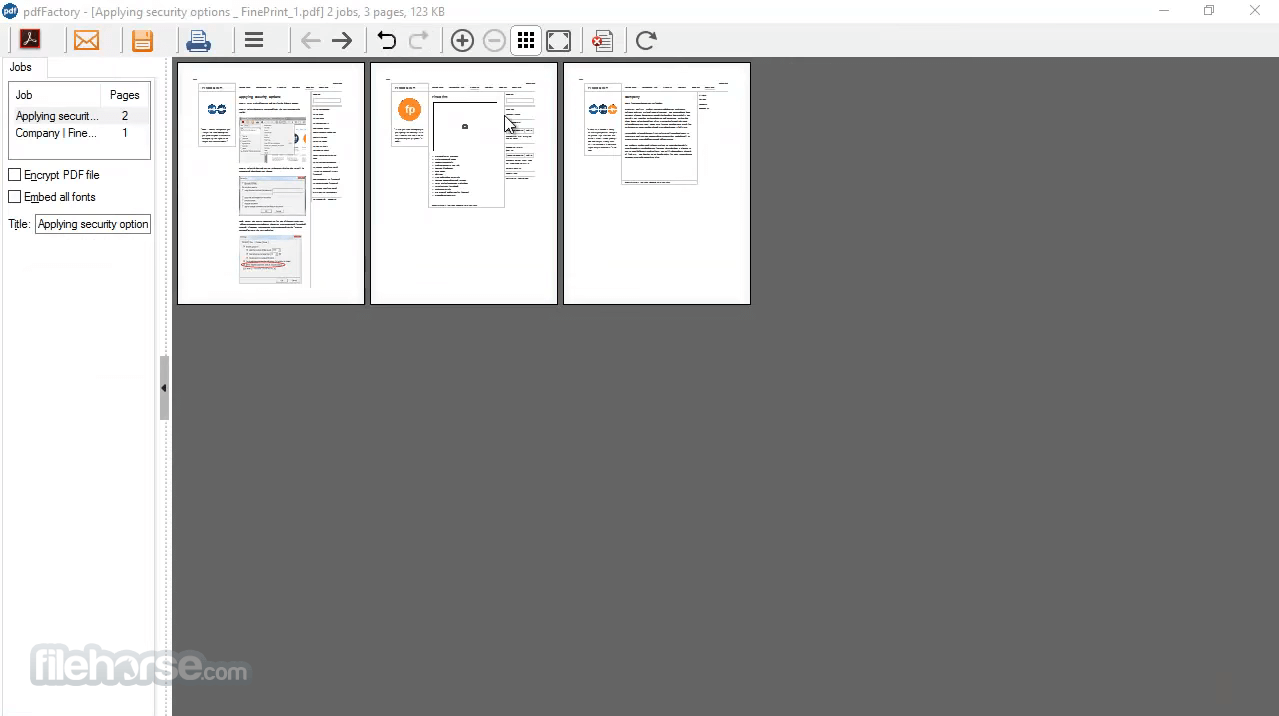
- Rearrange pages using thumbnail view
- Rotate pages
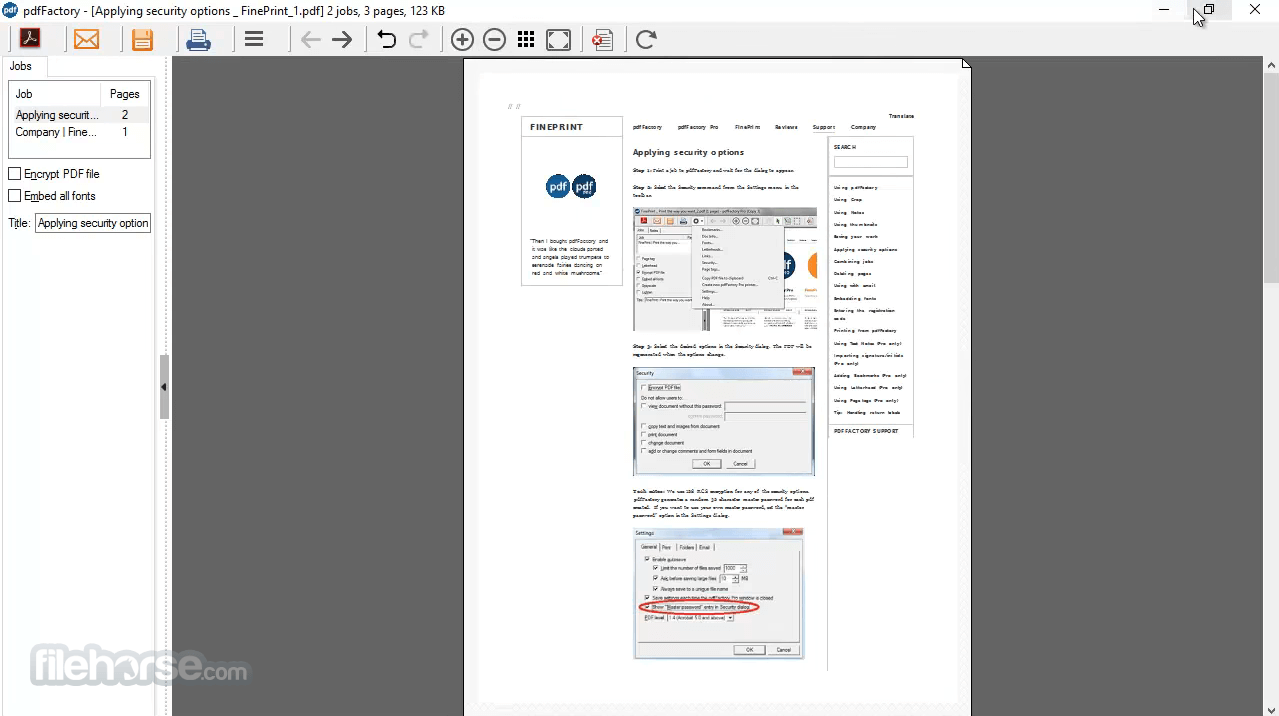
- Instant preview: Without having to save and open in Acrobat.
- Security: Encrypt and control access to PDF files:
- Font embedding: All original fonts are displayed, even if the reader does not have them.
- Page insertion and deletion: Delete unwanted content before the PDF is created.
- Send via email: eMail PDFs with one click. Copy PDF to clipboard for pasting into an existing email.
- Drag & Drop: Easy integration with Evernote, Gmail, and other cloud-based facilities.
- Adobe Acrobat Pro
- PDFelement
- Foxit PDF Editor
- Smallpdf
- UPDF
- Flip PDF Plus Pro
- Soda PDF
- HiPDF
- Install the software on your Windows PC
- Open the document you want to print to PDF
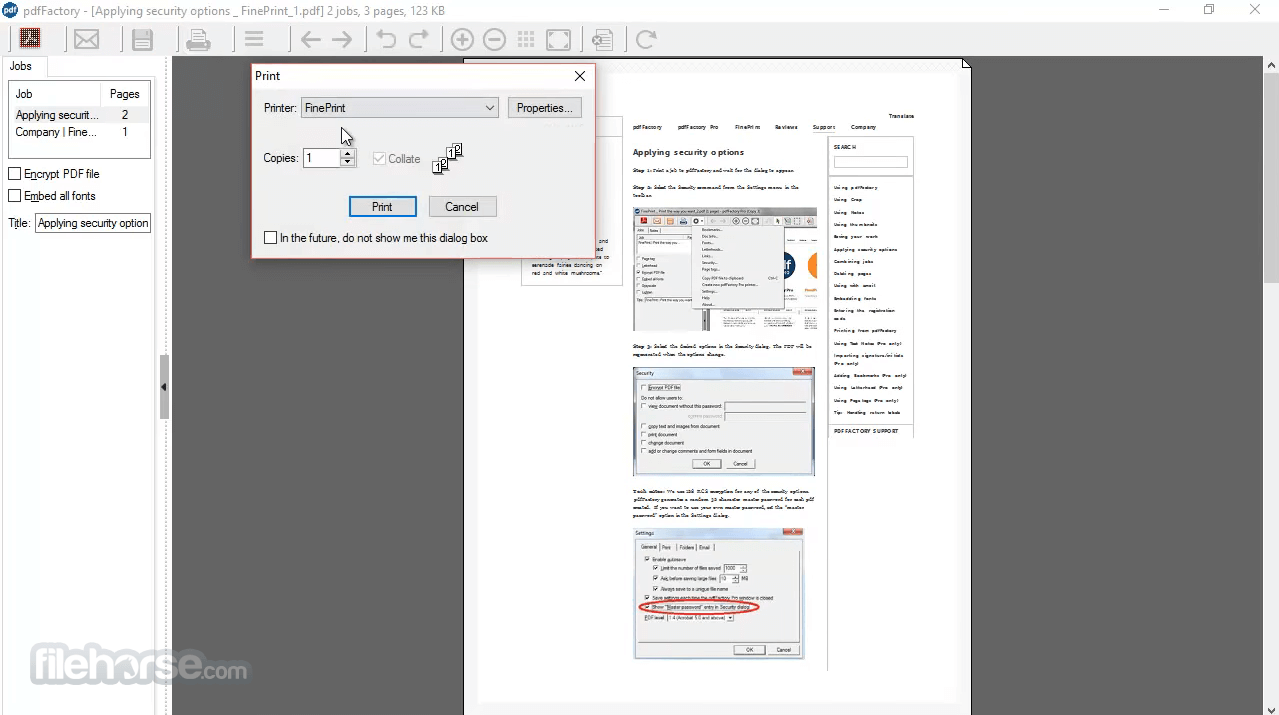
- Select "pdfFactory" as your printer from the print menu
- Click "Print" to open the pdfFactory preview window
- Adjust settings and add annotations if needed
- Click "Save" or "Send" to finalize your PDF
- Save the file to your desired location
Operating System: Windows 11, 10, 8, 7 (32-bit and 64-bit)
Disk Space: At least 10 MB free
RAM: Minimum 512 MB
CPU: 1 GHz processor or higher
Internet connection (for updates and registration)
PROS
- Easy to use interface
- Fast PDF creation
- Built-in preview and editing
- Supports PDF encryption
- No need for Adobe Acrobat
- Limited free version features
- No Mac version available
- Basic editing tools only
- No cloud integration
- Interface looks outdated
Download pdfFactory Latest Version Why is this app published on FileHorse? (More info)
##
影片介紹
##
畫面截圖
- 2026-07-11 pdfFactory 9.31 28.3 MB
- 2026-07-03 pdfFactory 9.30 28.3 MB
- 2026-04-04 pdfFactory 9.25 28.2 MB
- 2026-03-07 pdfFactory 9.24 28.2 MB
- 2026-02-21 pdfFactory 9.23 28.2 MB
- 2026-01-10 pdfFactory 9.20 28.2 MB
- 2025-09-26 pdfFactory 9.17 28.2 MB
- 2025-08-29 pdfFactory 9.16 28.2 MB