⚠ 這是歷史版本頁面 — 查看 Pencil2D Animation 0.7.2 (32-bit) 最新版本 →

Pencil2D Animation 0.6.6 (32-bit)
v 0.6.6 (32-bit)
Windows
開源軟體
8.52/10 (33)
- 目前版本0.6.6 (32-bit)
- 更新日期2021-02-17
- 檔案大小51.5 MB
- 檔案名稱pencil2d-win32-0.6.6.zip
- 作業系統Windows 7 / Windows 8 / Windows 10
- 支援語系English
- 授權型式開源軟體
- 開發商 Pencil2D Team
- 軟體分類Windows 軟體 / 影像設計
##
編輯短評
Pencil2D Animation 是一款以 Qt 框架打造的開源 2D 動畫軟體,主打輕量與易上手,讓使用者能透過傳統手繪技法製作卡通動畫,同時也支援點陣圖與向量圖的繪製管理。它問世已超過十年,至今仍持續維護更新,在同類工具中算是相當穩定的熱門選擇;整個程式壓縮後不到 50MB,安裝門檻極低,對硬體需求也不高,是入門逐格動畫的務實選項。
這套軟體特別適合動畫初學者、美術相關科系學生,或是只想快速產出短篇手繪動畫的創作者。與 Photoshop 這類全能型影像軟體相比,Pencil2D 功能更聚焦在動畫製作流程,操作邏輯也更單純,但相對地進階特效與合成能力就較為陽春。需要注意的是,它僅提供英文介面,且目前收錄的是 32 位元版本;不過作為開源軟體,它完全免費,授權彈性大,想嘗試傳統動畫工作流程的人不妨直接下載試試。
##
翻譯排程處理中,以下暫以英文原文呈現
軟體介紹
Pencil2D Animation 32bit is a lightweight but incredibly effective cross-platform 2D animation program built in an open-source environment under the Qt framework. After more than a decade on the market, this app managed to emerge as one of the most capable drawing software solutions for animating cartoons using not only traditional techniques but also utilizing new tools for managing bitmap and vector drawings.
This and many more features are packed in an archive of less than 50MB in size, enabling everyone to easily install this popular static and animated drawing tool on their desktop or laptop PC.
The history of Pencil 2D Animation development is long and turbulent. The app was originally unveiled as “Pencil” in 2006 but was abandoned by its developers in 2009 and became supported by the open-source community in 2013 when it was renamed to its current name. Since that moment, the app has very quickly advanced to its current stage, incorporating numerous advancements in the 2D drawing and animation world, with numerous changes to the UI, bug fixes, and stability fixes, transforming the app into a competent and reliable animation tool.
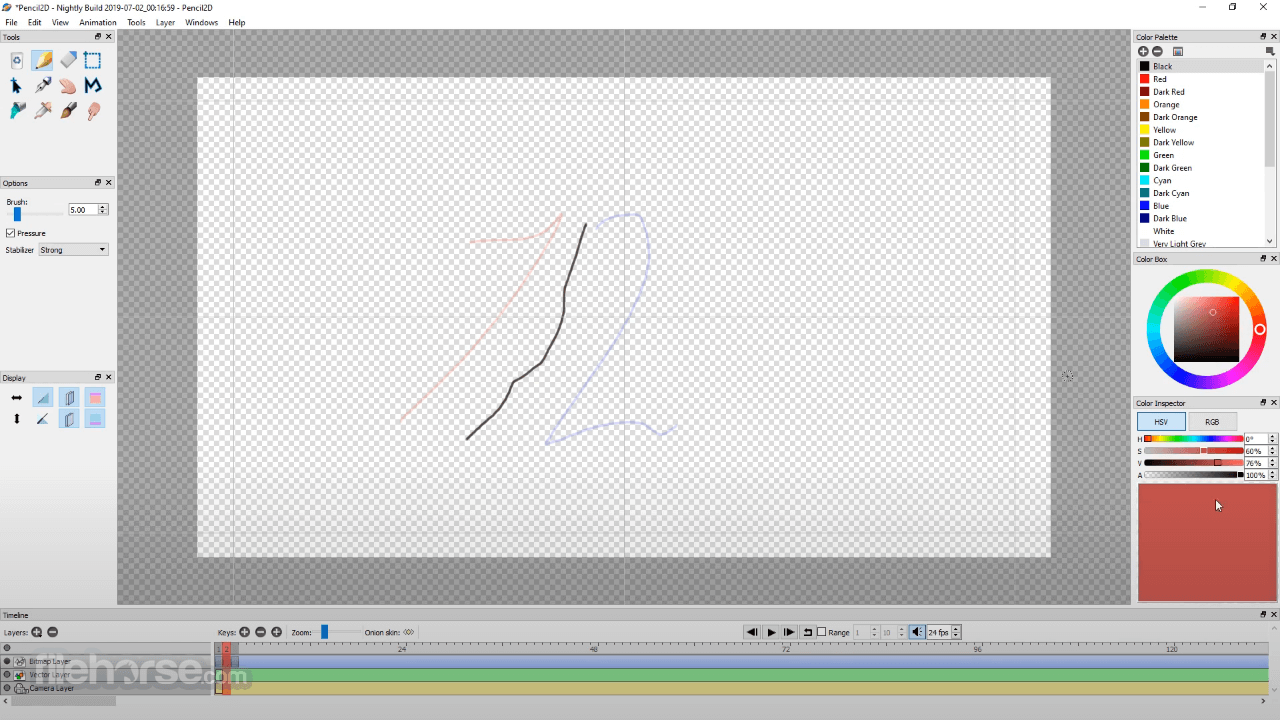
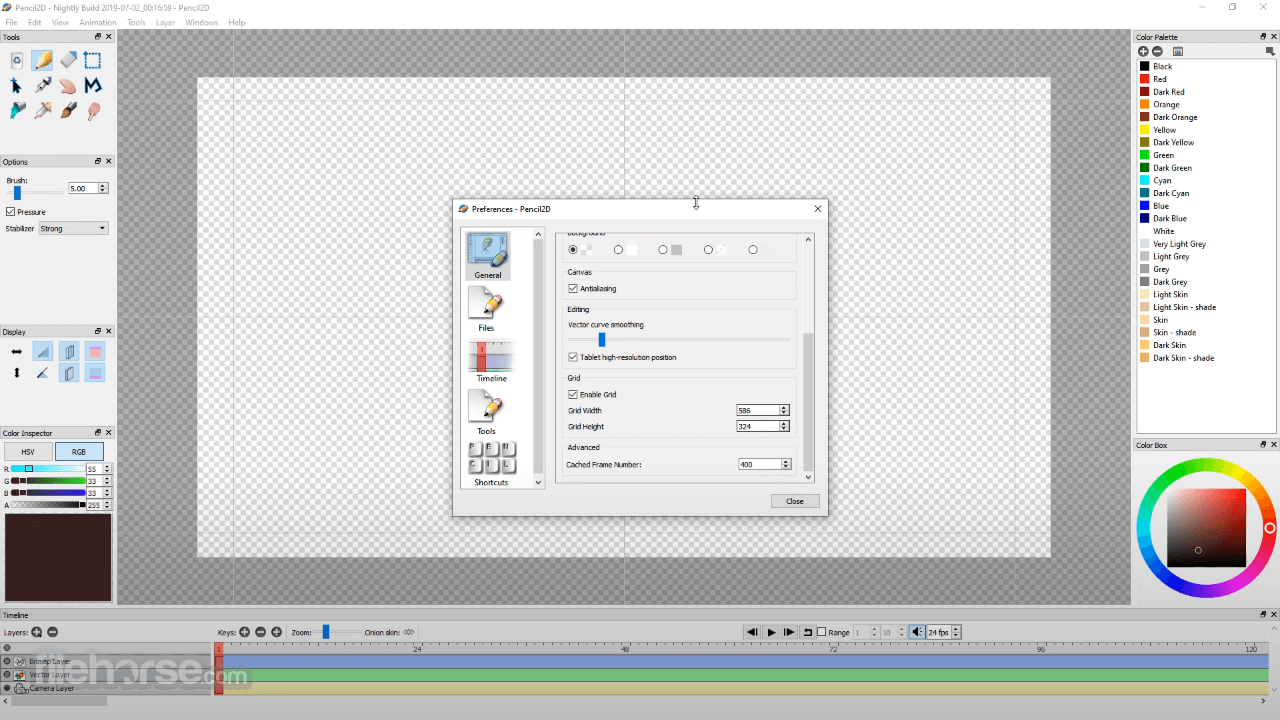
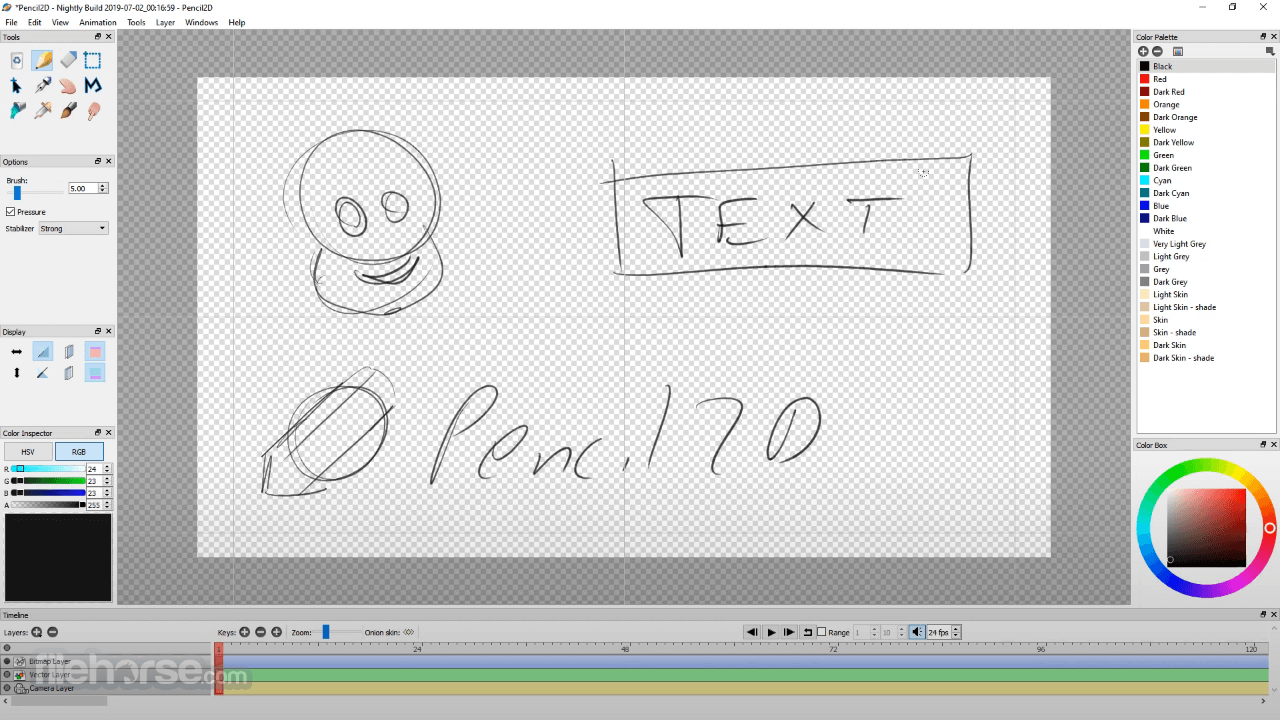
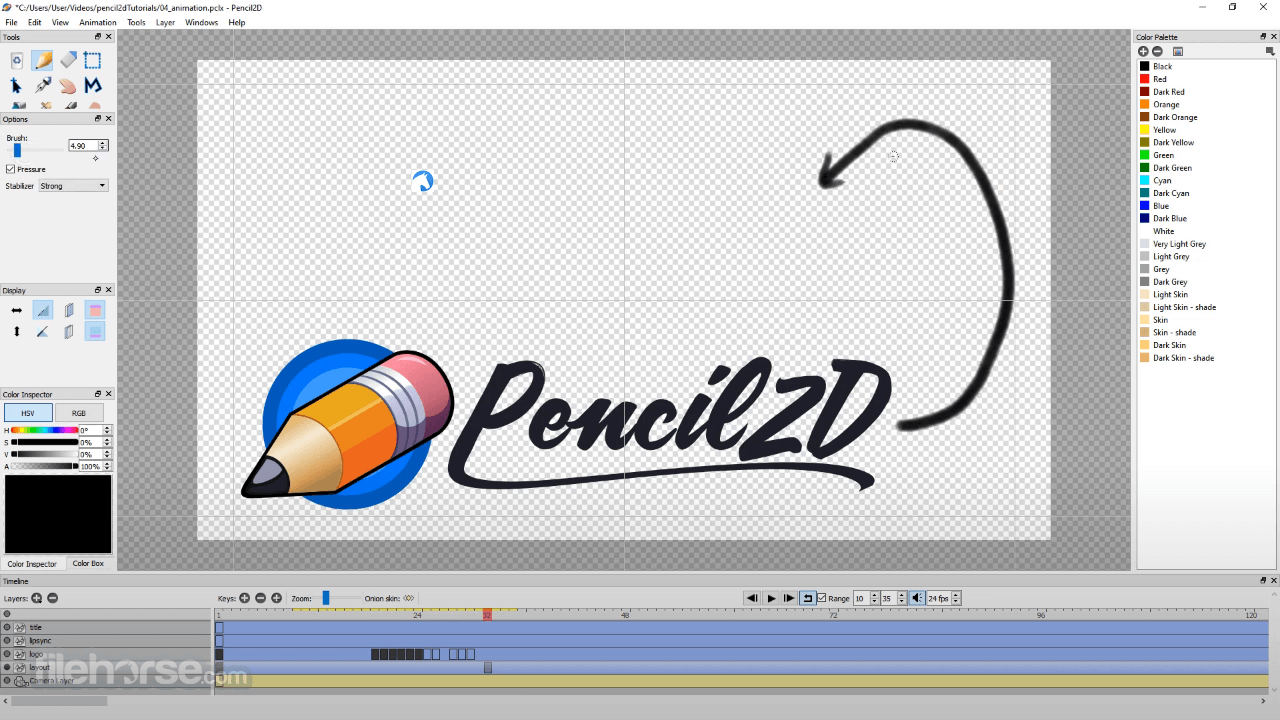
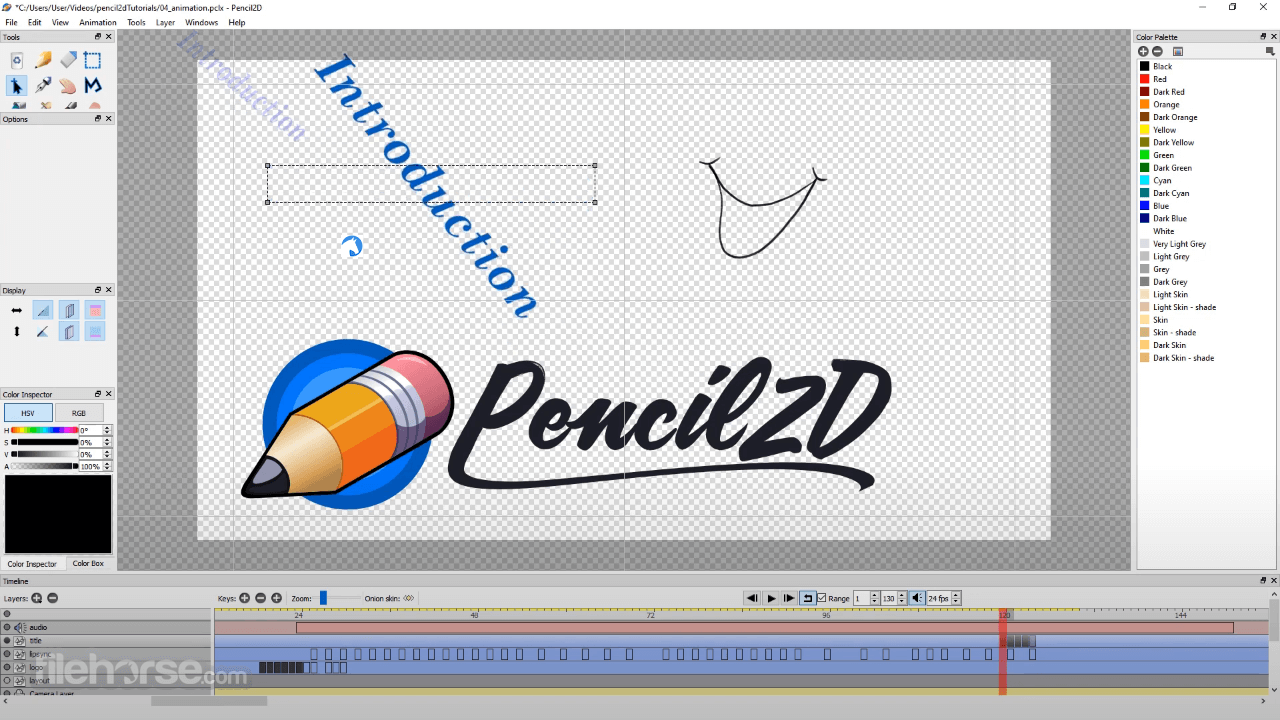
Pencil2D Animation features a minimal but tightly packed design that allows users to very quickly reach all the tools needed for tight management of both drawing layers and animation frames. The layout is additionally enhanced with the presence of advanced tools, such as the ability to load the video behind the canvas to more easily animate your 2D art. This makes the app perfect for all types of work, from training and experimentation to finalizing school projects, designing web art, and professional projects.
Testing and experimentation are helped with the presence of bitmap layers, with a seamless tool for switching to vector art that is used for final animation.
Finished single stills or animations can be exported to a wide variety of supported formats, including XML, SVG, GIF, AVI, MOV, and WMV for animation and BMP and PNG for still images.
What`s New
Download Pencil2D Animation (32-bit) Latest Version Why is this app published on FileHorse? (More info)
This and many more features are packed in an archive of less than 50MB in size, enabling everyone to easily install this popular static and animated drawing tool on their desktop or laptop PC.
The history of Pencil 2D Animation development is long and turbulent. The app was originally unveiled as “Pencil” in 2006 but was abandoned by its developers in 2009 and became supported by the open-source community in 2013 when it was renamed to its current name. Since that moment, the app has very quickly advanced to its current stage, incorporating numerous advancements in the 2D drawing and animation world, with numerous changes to the UI, bug fixes, and stability fixes, transforming the app into a competent and reliable animation tool.
Pencil2D Animation features a minimal but tightly packed design that allows users to very quickly reach all the tools needed for tight management of both drawing layers and animation frames. The layout is additionally enhanced with the presence of advanced tools, such as the ability to load the video behind the canvas to more easily animate your 2D art. This makes the app perfect for all types of work, from training and experimentation to finalizing school projects, designing web art, and professional projects.
Testing and experimentation are helped with the presence of bitmap layers, with a seamless tool for switching to vector art that is used for final animation.
Finished single stills or animations can be exported to a wide variety of supported formats, including XML, SVG, GIF, AVI, MOV, and WMV for animation and BMP and PNG for still images.
What`s New
- Implemented Crash Recovery System: If the app crashes, upon reopening, a dialog will prompt you to recover any work from the previous session (Note: unsaved work won't be recovered).
- Timecode Display: Now includes SMPTE Timecode, absolute frame counter, and a hybrid seconds:frames display.
- Automatic Project Opening: Pencil2D now starts with the last project you worked on.
- Improved Navigation: Pan and Zoom functionalities are now smoother, with Zoom centered around the mouse cursor.
- Translated Tooltips: Tooltips are displayed in the selected interface language if translations are available.
- Frame Cache Size Management Refactor: Frame cache size can now be adjusted based on image data size, up to 16GB of RAM, rather than just frame count.
- Enhanced Reset & Lock Windows features.
- Dark Mode Support: Dark mode support for the timeline has been improved, although it depends on platform support. Dark theme support for Windows is still in progress.
- Eyedropper now samples color from within the pixel boundary instead of just the center.
- The color preview thumbnail is now visible over all background colors.
- Color preview is now premultiplied, reflecting the sampled pixel's color on the active layer with opacity changes.
- Separate Translation and Rotation Options: Implemented options to reset translation (pan) and rotation (tilt) actions separately. Note: Zoom factor (%) can already be restored to default via the scaling presets in the view menu since v0.6.5.
- Improved Cross-Hair Cursor Icon.
- Lightweight, cross-platform 2D animation software.
- Open-source, Qt framework, supports bitmap and vector drawings.
- Minimal design, easy access to tools for drawing and animation.
- Wide range of export formats, including XML, GIF, AVI, and PNG.
- Lack of official support and updates.
- Turbulent development history.
- Dark mode support varies by platform.
- Eyedropper functionality is limited to the pixel boundary.
- May lack some advanced features found in premium software.
Download Pencil2D Animation (32-bit) Latest Version Why is this app published on FileHorse? (More info)
##
畫面截圖
- 2026-03-13 Pencil2D Animation 0.7.2 (32-bit) 51.1 MB
- 2026-03-07 Pencil2D Animation 0.7.1 (32-bit) 51.1 MB
- 2024-07-15 Pencil2D Animation 0.7.0 (32-bit) 50.9 MB
- 2021-02-17 Pencil2D Animation 0.6.6 (32-bit) 51.5 MB
- 2020-08-01 Pencil2D Animation 0.6.5 (32-bit) 50.2 MB
- 2019-06-03 Pencil2D Animation 0.6.4 (32-bit) 48.1 MB