⚠ 這是歷史版本頁面 — 查看 Shift 最新版本 →

- 目前版本9.4.2
- 更新日期2024-12-03
- 檔案大小111 MB
- 檔案名稱shift-v9.4.2.1165-stable-x64.exe
- 作業系統Windows 7 64 / Windows 8 64 / Windows 10 64 / Windows 11
- 支援語系English
- 授權型式試用版
- 開發商 Redbrick Technologies, Inc.
- 軟體分類Windows 軟體 / 社群通訊
##
編輯短評
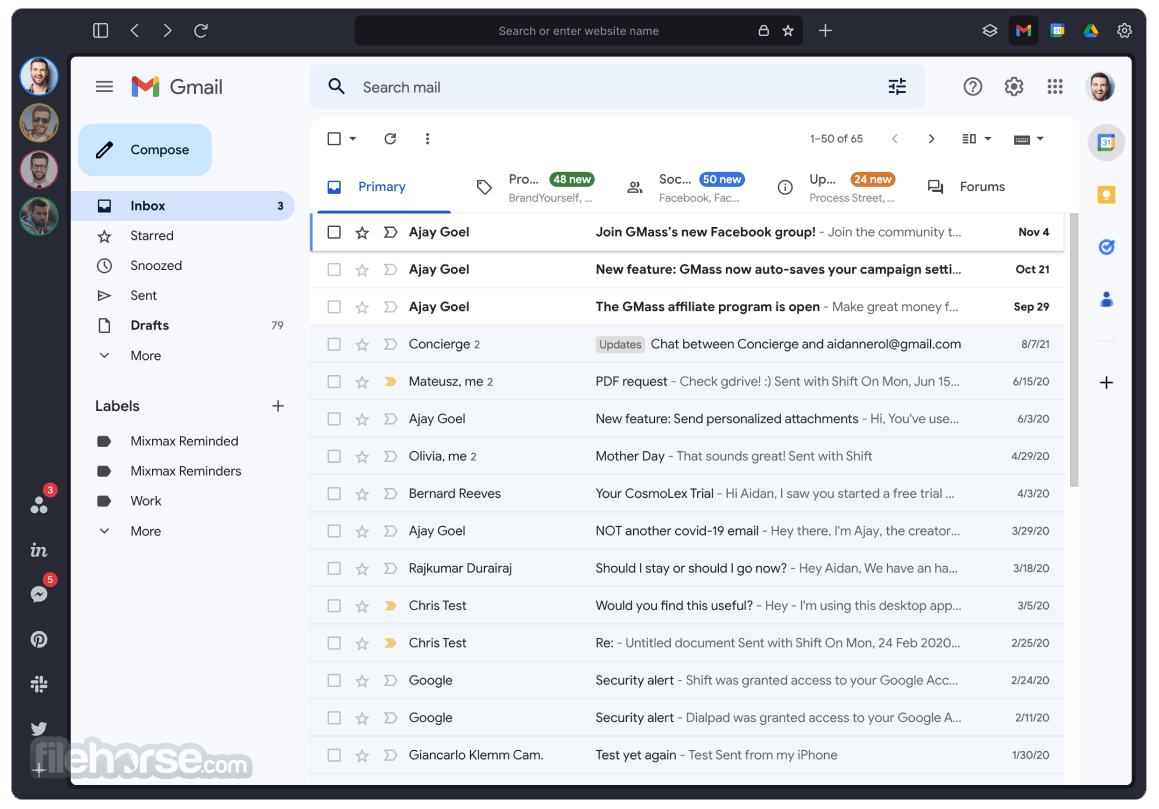
Shift 是一款把多個郵件、行事曆與雲端硬碟帳號整合在單一介面的 Windows 工具,主要解決頻繁切換 Gmail、Outlook 或 Office 365 帳號的麻煩。它的最大特色是將 Mail、Calendar 與 Drive 集中管理,讓使用者不必開多個分頁或視窗就能處理所有通訊事務。這套軟體由 Redbrick Technologies 開發,目前仍持續維護,但更新頻率不算高;在社群通訊分類中屬於中段班的選擇,評價人數不多,整體口碑中等。
這款軟體適合每天需要同時管理多個郵件帳號的商務人士、自由工作者,或是經常在郵件與行事曆之間切換的辦公室使用者。與同分類的即時通訊軟體相比,Shift 更偏向生產力工具,而非聊天用途;它的取捨在於整合便利性換來的是較重的資源占用,且僅提供英文介面,對不熟悉英文的使用者門檻較高。授權為試用版,若要長期使用需考慮付費,平台方面提供 Windows 與 macOS 版本,但 Windows 版為主要支援對象。
##
翻譯排程處理中,以下暫以英文原文呈現
軟體介紹
Shift into higher gear with the email client that makes navigating between Mail, Calendar, and Drive accounts fast, easy, and beautiful.
Tired of Switching between Gmail Accounts? Get Shift Email Client for Windows PC Now!
Features and Highlights
Gmail, Outlook & Office 365, like a boss
Get all done across multiple accounts, and email clients, with one beautiful application. Hello, productivity!
Easy access, unlimited accounts
You spend a lot of your day checking email, Calendar, and Drive accounts. Stop wasting time navigating between them (and wondering what you're missing!) and get more work done.
De-Clutter your Desktop
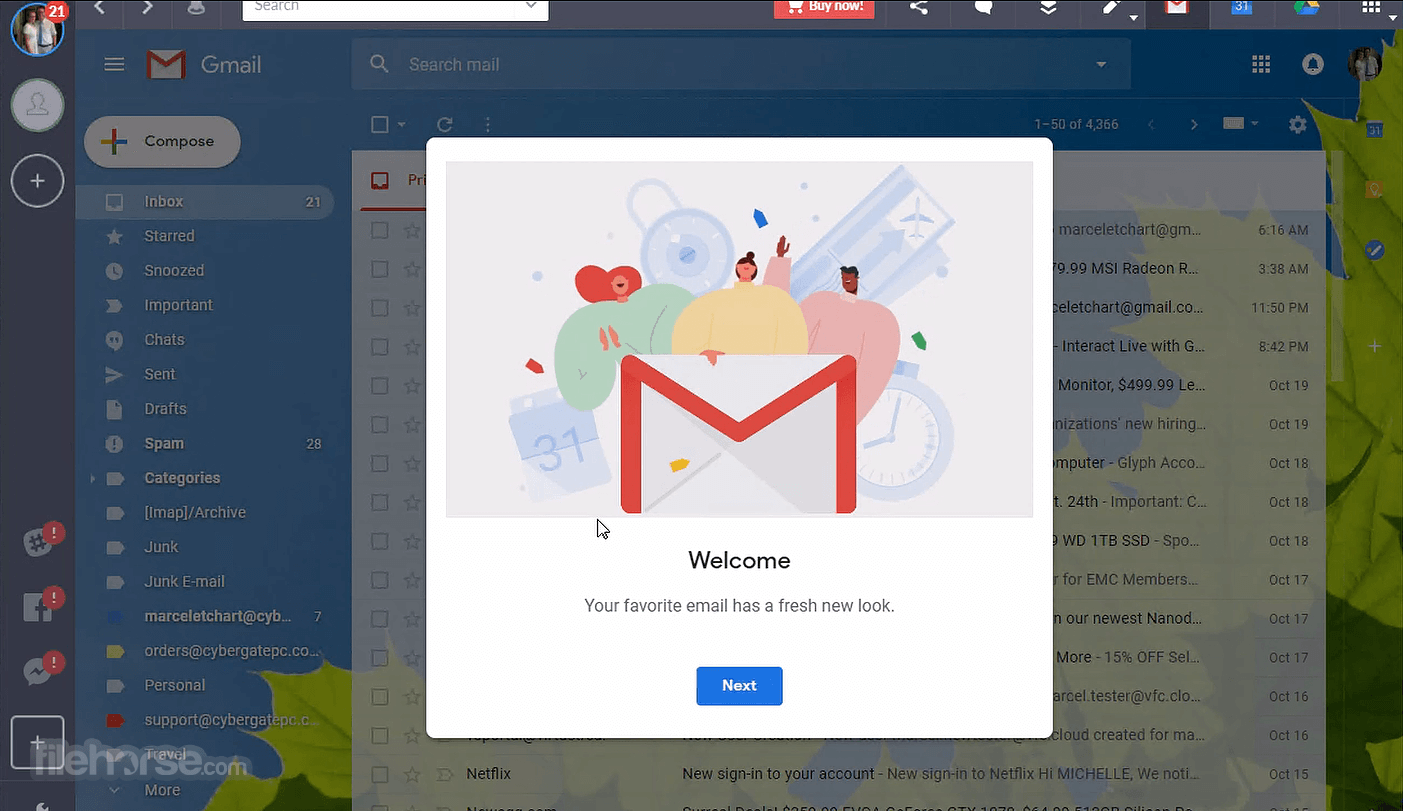
It’s like keeping your room clean. Shift Mail is a handsome solution to your multiple browser, tab, incognito, and logging-in logging-out nightmare. Access Gmail, Calendar, and Drive, for all of your accounts, without the mess.
Stay Up-to-Date
With native desktop notifications, you can see exactly what’s going on in your inbox, in real-time. Customize notification settings to get all of the reminders you need, and none you don’t.
All. The. Platforms
The app works beautifully on Windows, Mac, and Linux - independent of a web browser, and grouped by account.
6 Signs you could get more done:
Basic (Free):
Also Available: Download Shift for Mac
Download Shift Latest Version Why is this app published on FileHorse? (More info)
Tired of Switching between Gmail Accounts? Get Shift Email Client for Windows PC Now!
Features and Highlights
Gmail, Outlook & Office 365, like a boss
Get all done across multiple accounts, and email clients, with one beautiful application. Hello, productivity!
Easy access, unlimited accounts
You spend a lot of your day checking email, Calendar, and Drive accounts. Stop wasting time navigating between them (and wondering what you're missing!) and get more work done.
De-Clutter your Desktop
It’s like keeping your room clean. Shift Mail is a handsome solution to your multiple browser, tab, incognito, and logging-in logging-out nightmare. Access Gmail, Calendar, and Drive, for all of your accounts, without the mess.
Stay Up-to-Date
With native desktop notifications, you can see exactly what’s going on in your inbox, in real-time. Customize notification settings to get all of the reminders you need, and none you don’t.
All. The. Platforms
The app works beautifully on Windows, Mac, and Linux - independent of a web browser, and grouped by account.
6 Signs you could get more done:
- You have multiple email accounts, and they all give you mild anxiety.
- You check each account approximately 36 times per hour.
- Your multiple calendar situation looks like a rainbow just threw up.
- Your digital filing system makes sense (to your eyes only).
- Your post-it note consumption is at an all-time high, despite the advent of the Internet.
- You've been accused of tab over-usage by colleagues, friends, and even relatives.
Basic (Free):
- Supports up to 2 email accounts and 1 app account.
- Works on both Windows and Mac.
- Includes desktop notifications and auto “Sent with Shift” footer.
- Limited features—no muting, integrations, extensions, or search.
- Unlimited email and app accounts.
- Cross-platform and desktop notifications supported.
- Removes “Sent with Shift” tag.
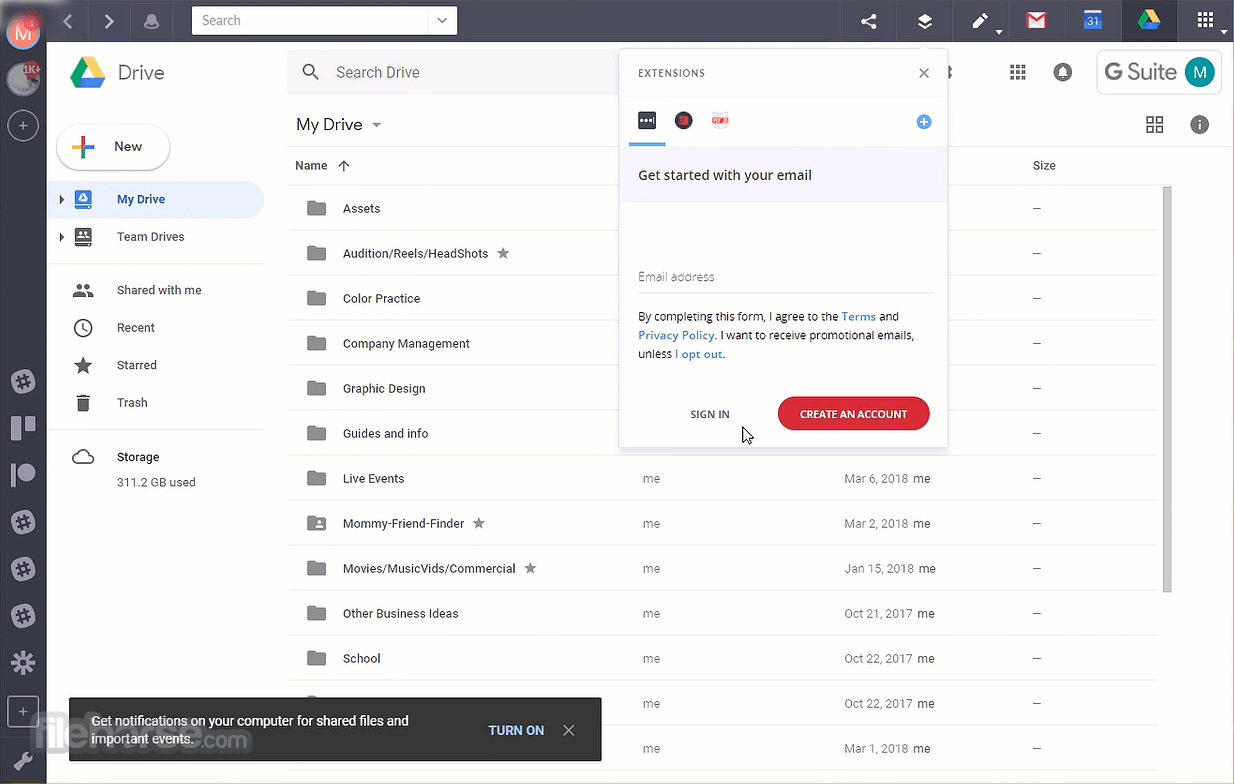
- Adds muting, Google services, Chrome extensions, and advanced search.
- No team billing or management tools.
- Everything in Advanced plus team features.
- Includes consolidated billing and team management dashboard.
- Ideal for businesses with multiple users.
- Install the application on your PC
- Launch Shift and create or log in to your account
- Add your email accounts (Gmail, Outlook, etc.)
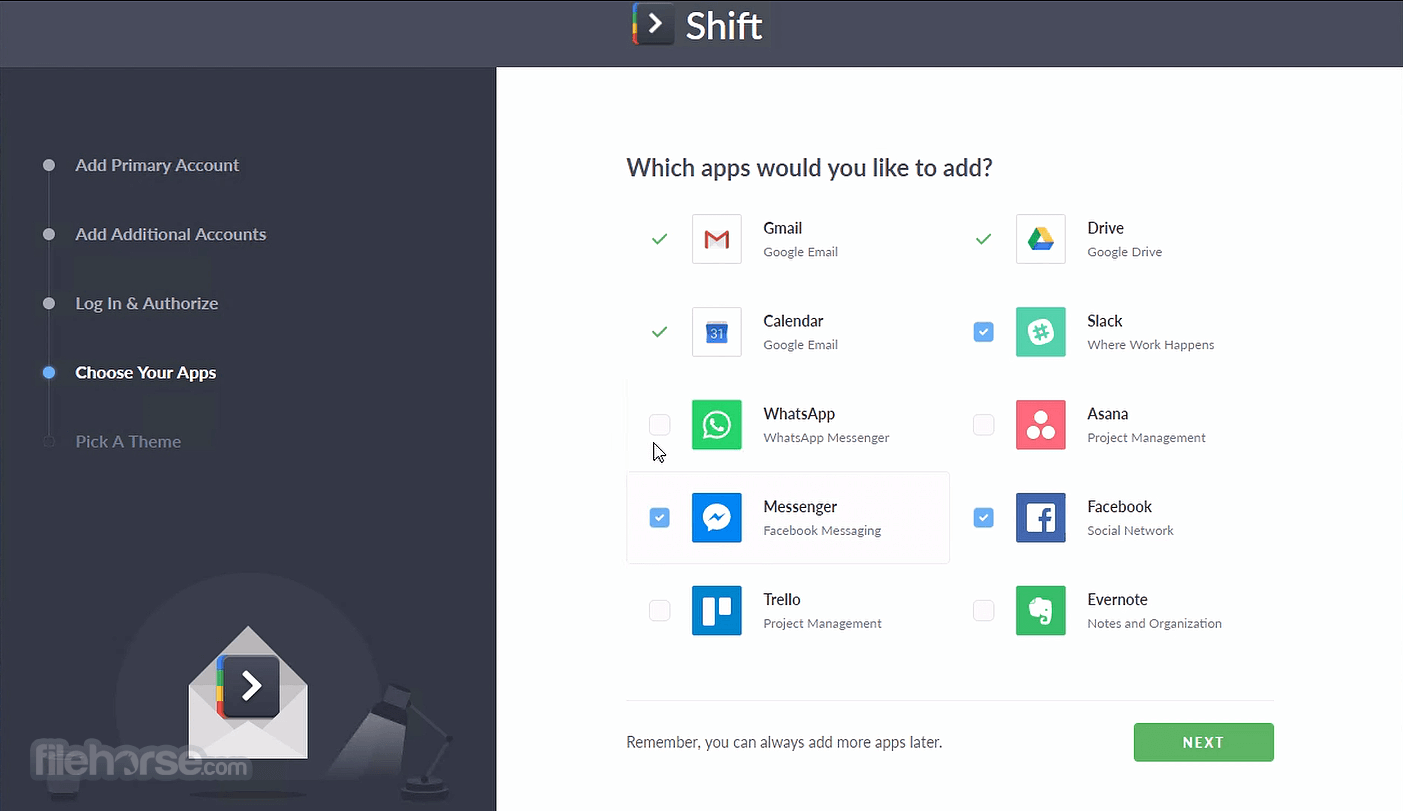
- Integrate apps like Slack, Trello, or Asana
- Organize workspaces and tabs for efficiency
- Use unified search to find messages or files
- Customize notifications and settings
- Access Shift from system tray for quick use
- Keep everything in one place across platforms
- OS: Windows 10 or Windows 11
- Processor: Intel Core i3 or better
- RAM: 4 GB minimum (8 GB recommended)
- Storage: 200 MB of available disk space
- Internet: Stable broadband connection
- Display: 1280 x 720 resolution or higher
- Combines emails and apps in one place
- Clean and intuitive user interface
- Supports multiple accounts and logins
- Built-in unified search across platforms
- Great productivity tool for remote teams
- High memory usage on lower-end PCs
- Some features locked behind paywall
- Occasional syncing issues with apps
- Limited customization for free users
Also Available: Download Shift for Mac
Download Shift Latest Version Why is this app published on FileHorse? (More info)
##
畫面截圖
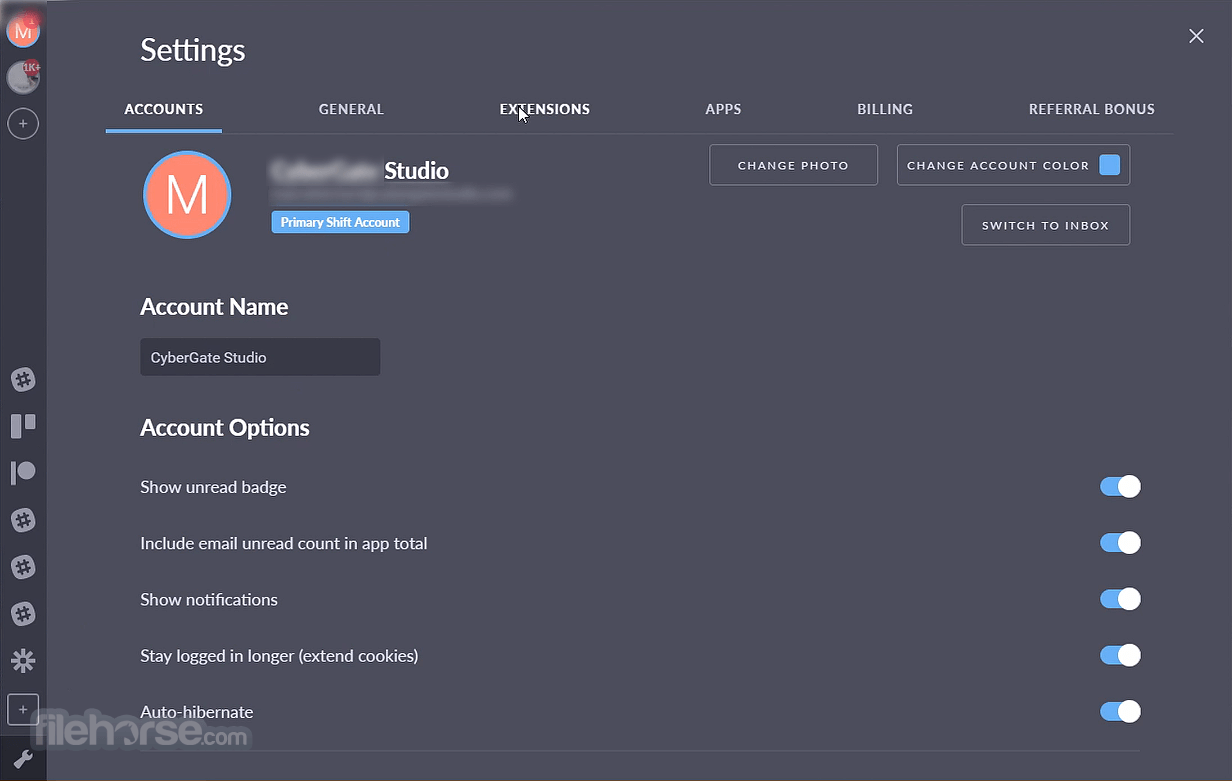
- 2026-08-07 Shift 9.5.10 114.72 MB
- 2025-04-24 Shift 9.5.8 113.96 MB
- 2024-12-21 Shift 9.4.3 110.96 MB
- 2024-12-03 Shift 9.4.2 111 MB
- 2024-11-01 Shift 9.4.1 111 MB
- 2024-07-19 Shift 9.3.3 96.19 MB
- 2024-06-12 Shift 9.3.2 96.23 MB
- 2024-05-22 Shift 9.3.0 96.19 MB