⚠ 這是歷史版本頁面 — 查看 WYSIWYG Web Builder 最新版本 →

- 目前版本18.4.2
- 更新日期2023-11-01
- 檔案大小15.2 MB
- 檔案名稱webbuilder18.zip
- 作業系統Windows 8 / Windows 10 / Windows 11
- 支援語系English
- 授權型式商業試用
- 開發商 Pablo Software Solutions
- 軟體分類Windows 軟體 / 開發者工具
##
編輯短評
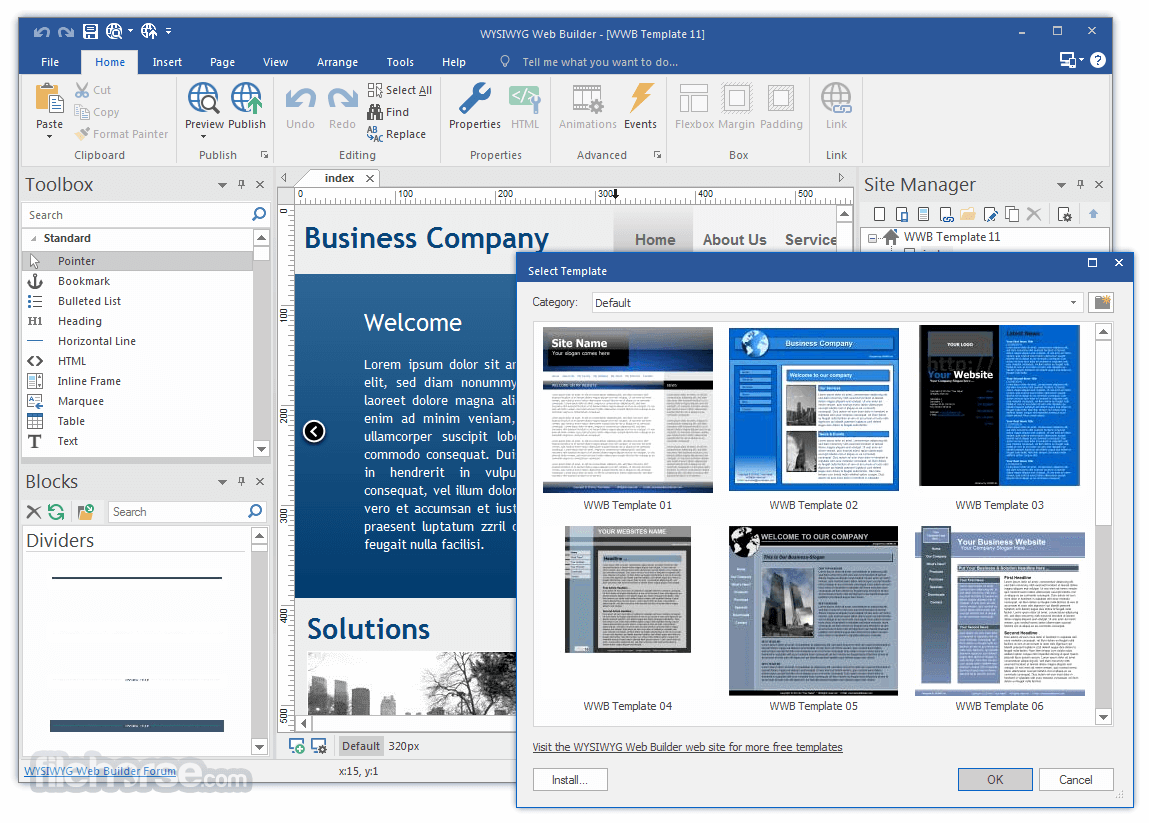
WYSIWYG Web Builder 是一款所見即所得的網頁製作工具,核心訴求是讓使用者完全不需要撰寫 HTML,透過滑鼠點選與拖曳元件,就能像排版文件一樣建構網頁,最終畫面即為成品樣貌。它內建表單建立、自訂 HTML 區塊,並支援 ActiveX、Java、Flash、Windows Media Player 等外掛嵌入,也提供直接發佈到本機磁碟或 FTP 伺服器的功能。這套軟體由 Pablo Software Solutions 長期維護,近一年內仍有更新,屬於持續進化的工具;在開發者工具分類中,其評價中等偏上,但評分人數不算多,屬於有固定使用者群但非主流大眾的選擇。
這套軟體最適合完全不懂程式碼、又想自行打理公司形象頁或個人作品集的使用者,尤其當你只需要靜態內容、表單收集或影音嵌入,不想碰模板系統或內容管理平台時,它能快速上手。與同分類的 BlueStacks、Turbo C++ 等熱門工具相比,它專注於網頁視覺編輯,而非模擬器或程式編譯,取捨在於彈性較低,進階使用者會受制於其生成程式碼的框架。需要注意的是,它僅提供英文介面,且為試用版授權,若需長期使用或商業用途,得評估付費版本;平台僅限 Windows,Mac 或 Linux 使用者則需另尋替代方案。
##
翻譯排程處理中,以下暫以英文原文呈現
軟體介紹
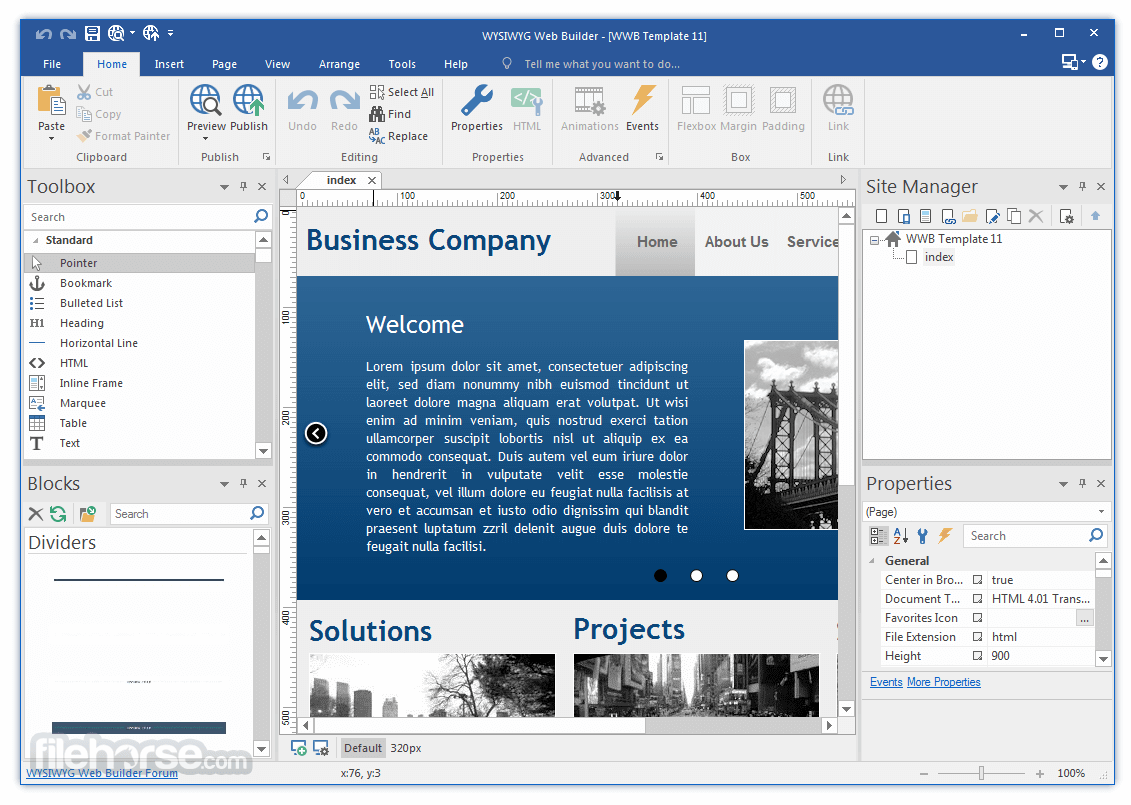
WYSIWYG Web Builder AI is a (What-You-See-Is-What-You-Get) program used to create amazing web pages. WYSIWYG means that the finished page will display exactly the way it was designed.
The program generates HTML tags while you point and click on desired functions, you can create a Web page without learning HTML. Desktop publishing for the web, build web sites as easy as Drag & Drop!
Feature list No HTML knowledge needed. Easy forms creation Add custom HTML ActiveX, JAVA, Flash, Windows Media player, QuickTime, and other plug-in support.
Publish to a local drive or an FTP server using the build-in FTP manager. Rotating Ad Banners Several navigation tools: Go menu, Menubar, and Navigation bars Shape component.
Download WYSIWYG Web Builder AI for Windows PC and start creating your own website!
Features and Highlights
The program generates HTML tags while you point and click on desired functions, you can create a Web page without learning HTML. Desktop publishing for the web, build web sites as easy as Drag & Drop!
Feature list No HTML knowledge needed. Easy forms creation Add custom HTML ActiveX, JAVA, Flash, Windows Media player, QuickTime, and other plug-in support.
Publish to a local drive or an FTP server using the build-in FTP manager. Rotating Ad Banners Several navigation tools: Go menu, Menubar, and Navigation bars Shape component.
Download WYSIWYG Web Builder AI for Windows PC and start creating your own website!
Features and Highlights
- Visually design your website (What-You-See-Is-What-You-Get).
- No HTML knowledge required! Just drag & drop objects to the page!
- Outputs standard HTML4, HTML5, XHTML, CSS3, PHP.
- Responsive Web Design
- HTML5 Audio/Video, YouTube, Flash Video, and more!
- Slideshows, photo galleries, rollover images, rollover text.
- Navigation bars, Menu bar, and many other navigation options.
- "One Click Publishing" No FTP program needed. No special hosting required, use with any Hosting Service!
- Easily create forms using the built-in Form Wizard plus Form validation tools and built-in CAPTCHA.
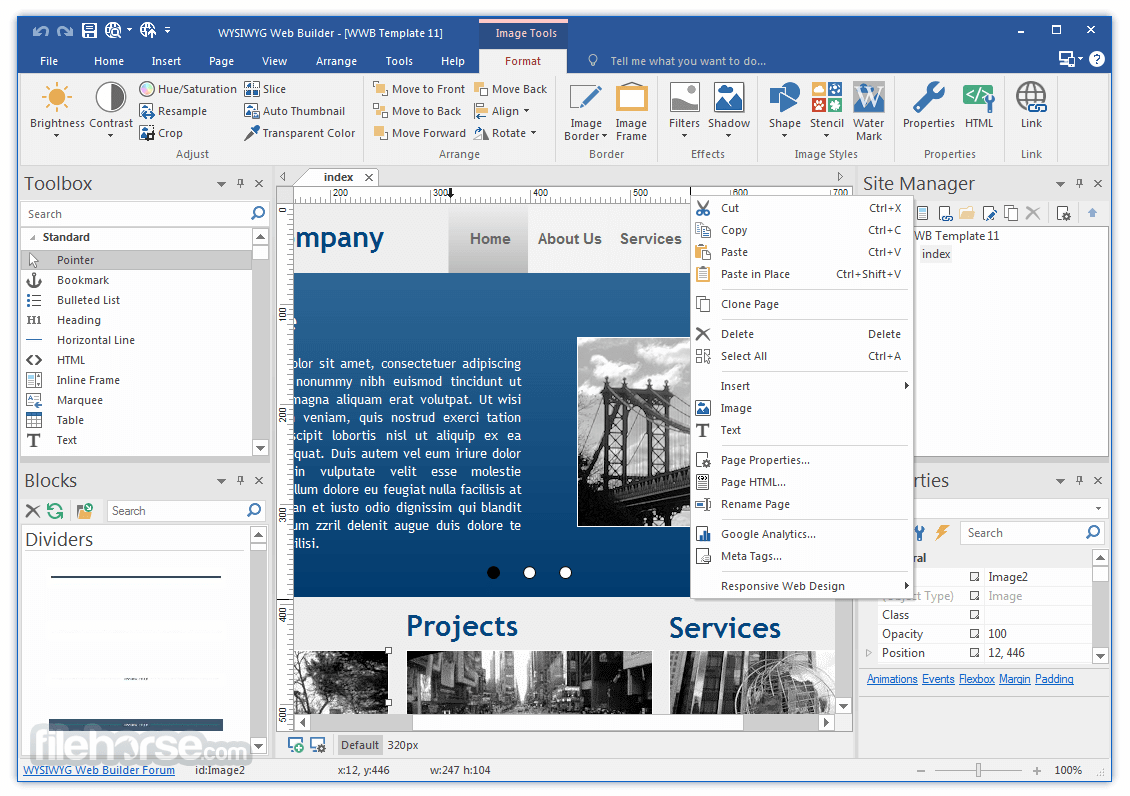
- Advanced graphics tools like shapes, textart, rotation, shadows, and many other image effects.
- Fully integrated jQuery UI (Accordion, Tabs, etc), animations, effects, and built-in ThemeRoller theme editor.
- Google compatible sitemap generator / PayPal eCommerce Tools
- Many navigation tools available: Navigation bars, tab menus, drop down menus, sitetree, slidemenus.
- Built-in Slide Shows, Photo Galleries, Rollover images, Banners, etc.
- Support for YouTube, Flash Video, Windows Media Player, and many other video formats.
- Unique extension (add-on) system with already more than 250 extensions available!
- HTML5 document type (optimized HTML5 output).
- HTML5 audio/video and YouTube HTML5 support.
- HTML5 forms: native form validation, new input types and options, web storage.
- HTML5 and support in shapes and other drawing tools.
- CSS3 @font-face. Use non-web safe fonts in all modern browsers.
- CSS3 opacity, border radius, box-shadow.
- CSS3 gradients. Add cool gradient effects using native CSS3 (no images).
- CSS3 navigation menu. Create awesome menus without using JavaScript or images.
- CSS3 animations and transitions. Including support for 2D and 3D transforms!
- Login Tools/Page Password Protection
- Built-in Content Management System with many plug-ins (guestbook, faq, downloads, photo album, etc)
- Add custom HTML code with the HTML tools
- JavaScript Events: Show/hide objects (with animation), timers, move objects, change styles, etc
- Layers: Sticky layer, Docking layer, Floating layer, Modal layer, Anchored layer, Stretchable layer and more
- jQuery Theme Manager, create your own themes for the built-in jQuery UI widgets
- Style Manager (global styling, H1, H2, H3, etc)
- Master Frames and Master Objects: reuse common element in your website
##
畫面截圖
- 2026-07-24 WYSIWYG Web Builder 21.1.2 28.9 MB
- 2026-01-30 WYSIWYG Web Builder 20.4.2 28 MB
- 2024-11-22 WYSIWYG Web Builder 19.4.4 17.4 MB
- 2023-11-01 WYSIWYG Web Builder 18.4.2 15.2 MB
- 2022-10-07 WYSIWYG Web Builder 17.4.2 14 MB
- 2021-09-03 WYSIWYG Web Builder 16.4.3 14.2 MB
- 2020-08-14 WYSIWYG Web Builder 15.4.5 13.8 MB
- 2019-05-31 WYSIWYG Web Builder 14.4 10.1 MB