⚠ 這是歷史版本頁面 — 查看 Zoner Photo Studio X 最新版本 →

Zoner Photo Studio X 19.1904.2.147
v 19.1904.2.147
Windows
商業試用
7.2/10 (30)
- 目前版本19.1904.2.147
- 更新日期2019-05-11
- 檔案大小94 MB
- 檔案名稱zpsx_en.exe
- 作業系統Windows 10 (32-bit) / Windows 10 (64-bit) / Windows 11
- 支援語系English
- 授權型式商業試用
- 開發商 Zoner, Inc.
- 軟體分類Windows 軟體 / 影像設計
##
編輯短評
Zoner Photo Studio X 是一套把照片從下載、整理、編輯到分享流程整合在一起的管理工具,主打一站式處理數位照片。它的辨識度在於同時涵蓋瀏覽、編修與輸出,對不想在好幾套軟體間切換的人來說相當方便。這套軟體自 2017 年起持續有版本紀錄,近期更新不算頻繁,屬於長期維護但步調穩健的產品;在影像設計分類中,它的評價樣本不多,排名落在中段,算是小眾但評價尚可的選擇。
它適合需要大量整理照片、偶爾做快速編修與輸出的使用者,尤其是想用一套工具搞定整個流程、不追求 Photoshop 那種深度修圖的人。與 Adobe Photoshop 相比,它的功能深度較淺,但整合性與上手門檻相對親切;與 Google Earth 這類工具則沒有直接競爭關係。要注意的是,它提供的是 30 天試用版,僅支援英文介面,且只限 Windows 平台,使用前需確認自己的系統環境與語系需求是否合適。
##
翻譯排程處理中,以下暫以英文原文呈現
軟體介紹
Zoner Photo Studio X will help you with your photos. Everything from downloading them onto your computer to editing and sharing them, all in one place.
Join millions of users around the world and get the best tool for your digital photos!
Zoner Photo Studio X will help you on the way, while also saving you lots of time spent on processing your digital photos.
Download, organize, and edit your photos and share them via photo products. Try Zoner Photo Studio X free for 30 days with no obligations!
Features and Highlights
Quick Edits
Automatic one-click enhancement and quick color adjustments for even hundreds of photos at once. Thanks to the photo studio, your photo editing work will always go fast.
Breathtaking Enhancements
Why not improve your photos before sharing them? All it takes is a few clicks to turn a boring photo into a great memory that you can show off to your friends and family.
Advanced Editing
Thanks to layers support in the Editor, even the most advanced editing jobs are open for you. How about giving your landscape a more interesting sky, or adding copies of animals in the shot? It’s all a matter of moments with the app.
Show off to the World
The Zonerama unlimited online gallery, direct sharing on social networks, photo products created right inside the program—how you show off your photos is up to you!
Copy Photos Fast from Camera to Computer
This program recognizes the photos in your camera for you and automatically sorts them into folders. If you tell it to, it will also rename them, tag them, and even back them up. It’s like your very own photo butler.
Get Your Photos Organized
Organizing a photo collection means much more than just folders. The tool offers a wide range of tools for getting your collection organized, no matter whether you have dozens, hundreds, or thousands of photos.
Photo Enhancement in Just a Few Clicks
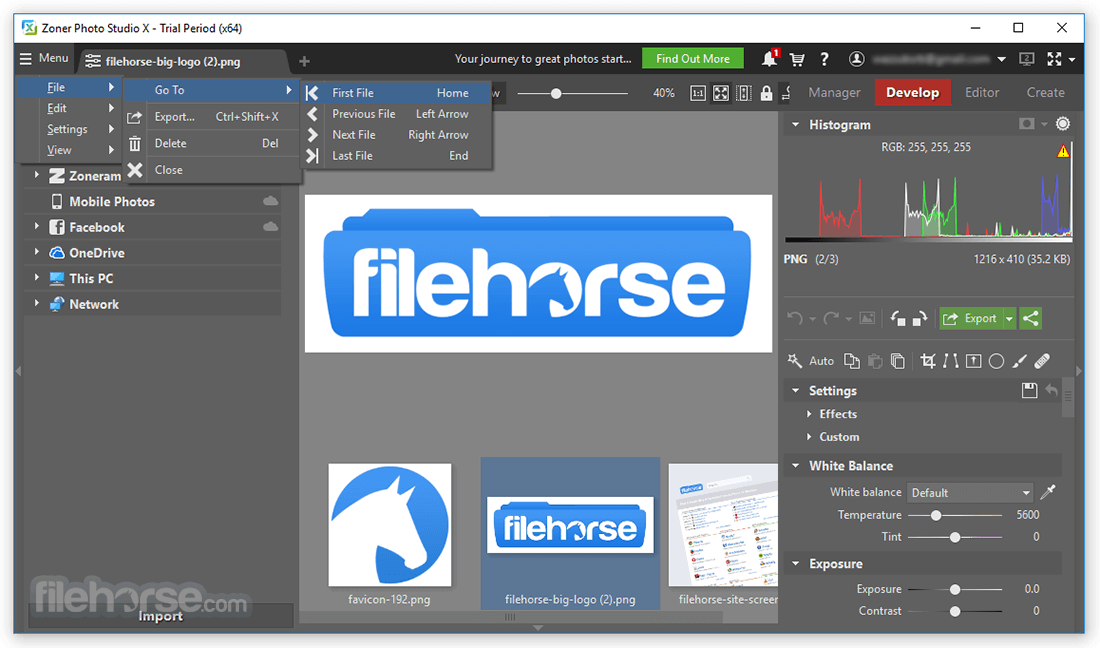
Add colors to your photos, brighten them, or give them a magical atmosphere. Thanks to the Automatic edits in the Develop module it will be easy as pie. Plus, the edits will never degrade your original photo! And when you’d like to play a bit more, you can turn to the Editor, with layer support and every tool you might need.
Show off Your Photos
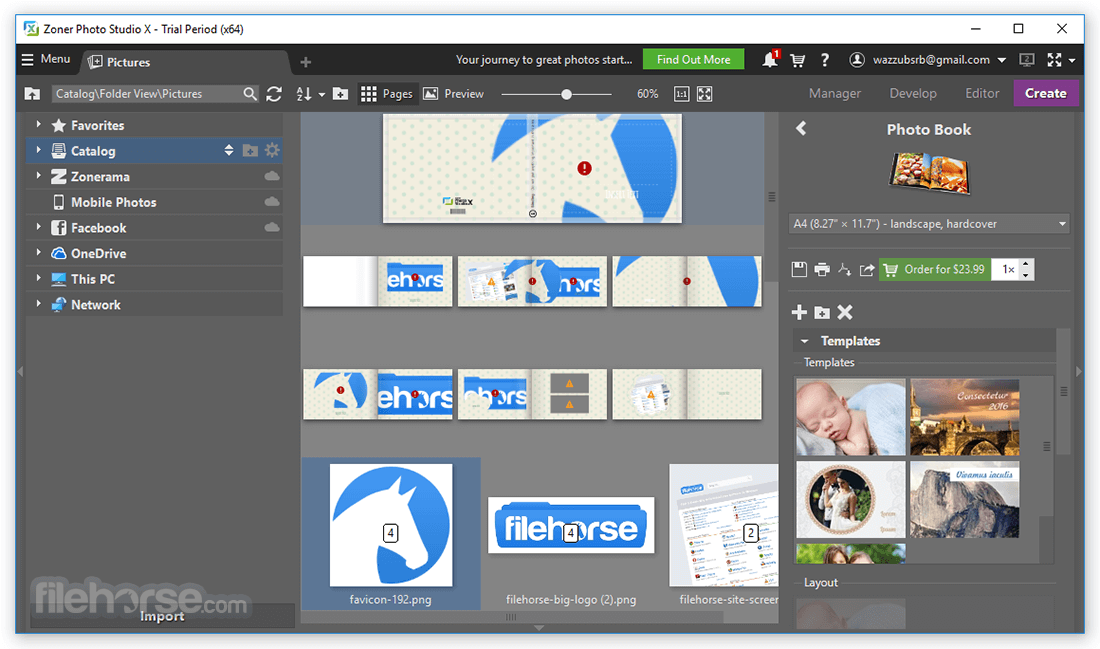
Photo editing is just the beginning. The app offers a number of ways to share photos with your family, friends, and the whole world online. And if you like creating calendars, photo books, or canvas prints, you’re in luck—Zoner PhotoStudio lets you compose them and then order their professional printing and delivery in just a few clicks.
How to Use
Download Zoner Photo Studio X Latest Version Why is this app published on FileHorse? (More info)
Join millions of users around the world and get the best tool for your digital photos!
Zoner Photo Studio X will help you on the way, while also saving you lots of time spent on processing your digital photos.
Download, organize, and edit your photos and share them via photo products. Try Zoner Photo Studio X free for 30 days with no obligations!
Features and Highlights
Quick Edits
Automatic one-click enhancement and quick color adjustments for even hundreds of photos at once. Thanks to the photo studio, your photo editing work will always go fast.
Breathtaking Enhancements
Why not improve your photos before sharing them? All it takes is a few clicks to turn a boring photo into a great memory that you can show off to your friends and family.
Advanced Editing
Thanks to layers support in the Editor, even the most advanced editing jobs are open for you. How about giving your landscape a more interesting sky, or adding copies of animals in the shot? It’s all a matter of moments with the app.
Show off to the World
The Zonerama unlimited online gallery, direct sharing on social networks, photo products created right inside the program—how you show off your photos is up to you!
Copy Photos Fast from Camera to Computer
This program recognizes the photos in your camera for you and automatically sorts them into folders. If you tell it to, it will also rename them, tag them, and even back them up. It’s like your very own photo butler.
Get Your Photos Organized
Organizing a photo collection means much more than just folders. The tool offers a wide range of tools for getting your collection organized, no matter whether you have dozens, hundreds, or thousands of photos.
Photo Enhancement in Just a Few Clicks
Add colors to your photos, brighten them, or give them a magical atmosphere. Thanks to the Automatic edits in the Develop module it will be easy as pie. Plus, the edits will never degrade your original photo! And when you’d like to play a bit more, you can turn to the Editor, with layer support and every tool you might need.
Show off Your Photos
Photo editing is just the beginning. The app offers a number of ways to share photos with your family, friends, and the whole world online. And if you like creating calendars, photo books, or canvas prints, you’re in luck—Zoner PhotoStudio lets you compose them and then order their professional printing and delivery in just a few clicks.
How to Use
- Install the software following the setup instructions
- Launch the application after installation
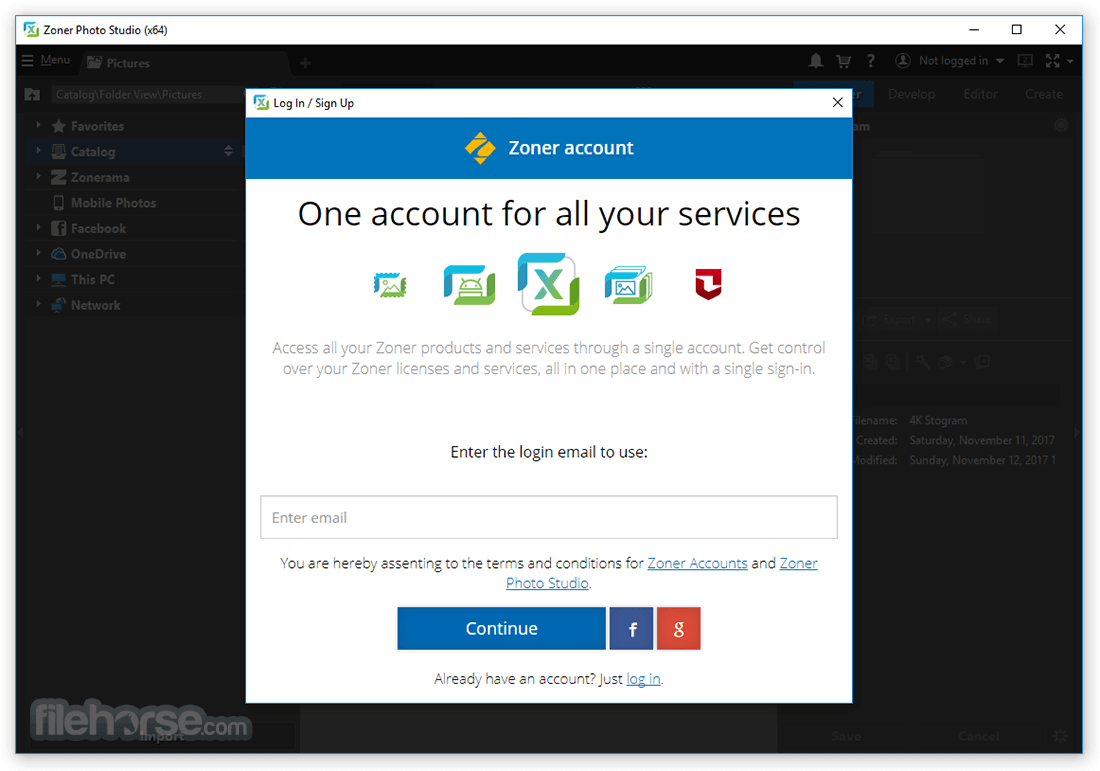
- Log in or create a Zoner account
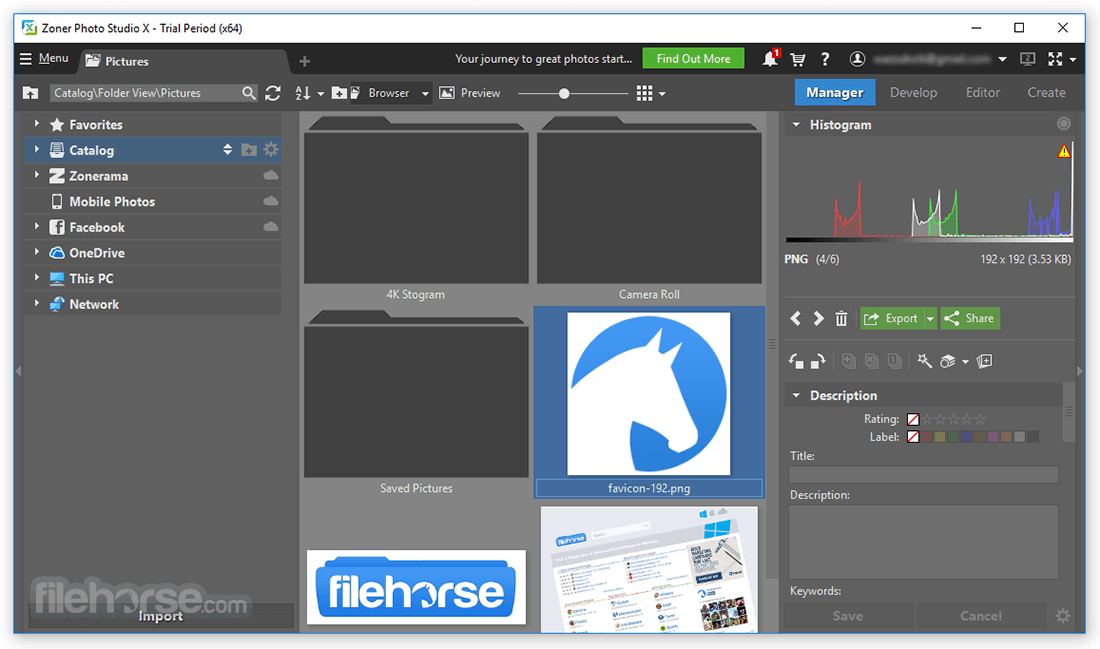
- Import photos using the Manager module
- Use the Develop module to edit RAW files
- Apply filters and effects in the Editor module
- Organize photos with tags, ratings, and folders
- Create photo books, calendars, and more in the Create module
- Export or share your edited photos in various formats
- OS: Windows 10 or Windows 11 (64-bit only)
- Processor: Intel or AMD with SSE2 support
- RAM: 4 GB minimum (8 GB or more recommended)
- Disk Space: 400 MB for installation
- Graphics: DirectX 12 compatible GPU
- Display: 1280×800 resolution or higher
- Internet connection required for activation and updates
- Advanced RAW photo editing tools
- Non-destructive editing workflow
- Integrated photo organizer and manager
- Regular updates and feature improvements
- Affordable subscription pricing model
- Can be slow on older hardware
- Interface may overwhelm beginners
- Limited mobile app integration
- Fewer presets compared to competitors
Download Zoner Photo Studio X Latest Version Why is this app published on FileHorse? (More info)
##
影片介紹
##
畫面截圖
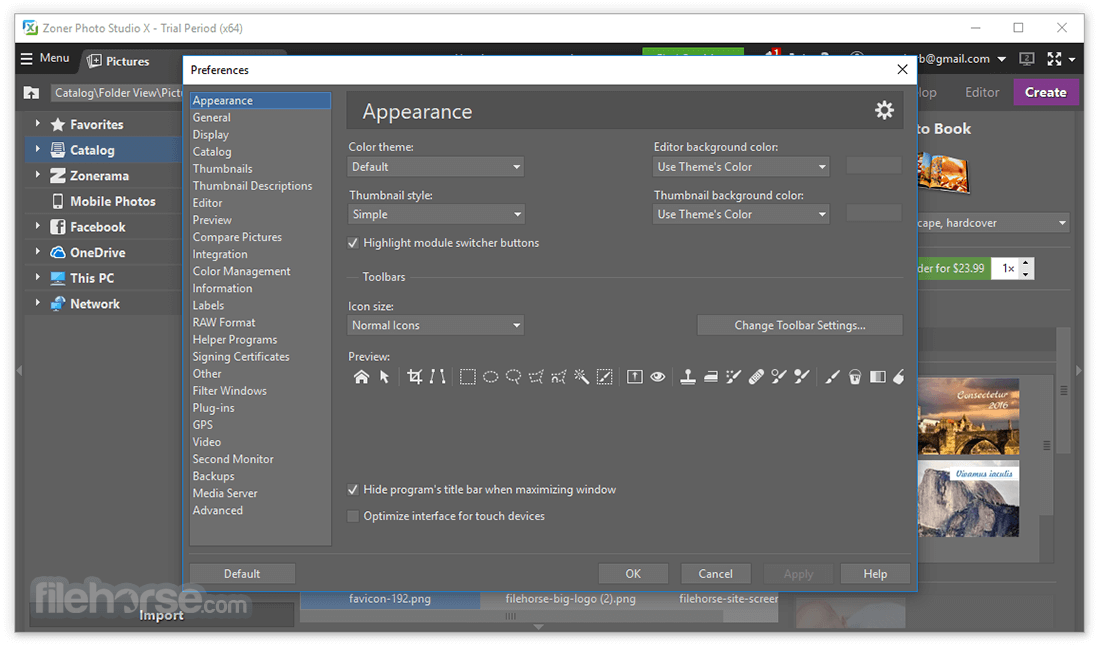
- 2026-08-05 Zoner Photo Studio X 19.2606.2.702 307.2 KB
- 2019-05-27 Zoner Photo Studio X 19.1904.2.150 93.77 MB
- 2019-05-11 Zoner Photo Studio X 19.1904.2.147 94 MB
- 2019-04-26 Zoner Photo Studio X 19.1904.2.145 94 MB
- 2019-04-13 Zoner Photo Studio X 19.1904.2.143 92.65 MB
- 2019-04-12 Zoner Photo Studio X 19.1904.2.142 92.6 MB
- 2019-04-09 Zoner Photo Studio X 19.1904.2.141 92.19 MB
- 2019-04-03 Zoner Photo Studio X 19.1904.2.140 92.18 MB