
- 目前版本2.00
- 更新日期2012-10-10
- 檔案大小13.66MB
- 檔案名稱Fences2_setup.exe
- 作業系統Windows 10 / Windows 11
- 支援語系English
- 授權型式商業試用
- 開發商 Stardock
- 軟體分類Windows 軟體 / 桌面強化
軟體介紹
- 可在桌面上設置無限多的收納視窗
- 快速點選右鍵即可隱藏/顯示圖示
- 客製化視窗顏色
- 不佔用系統資源
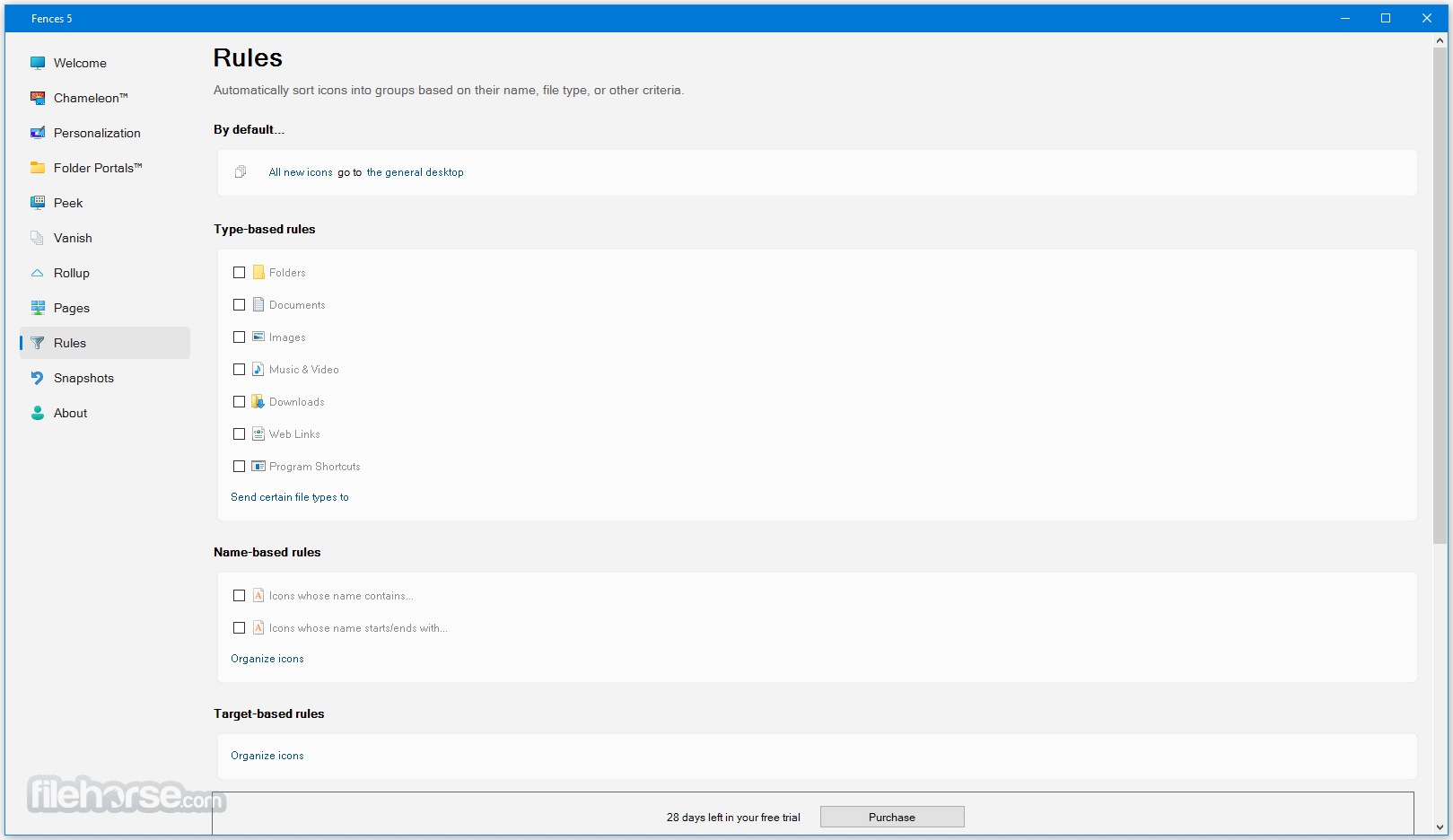
- 自動組織圖示(檔案類型/檔案名稱)
影片介紹
畫面截圖
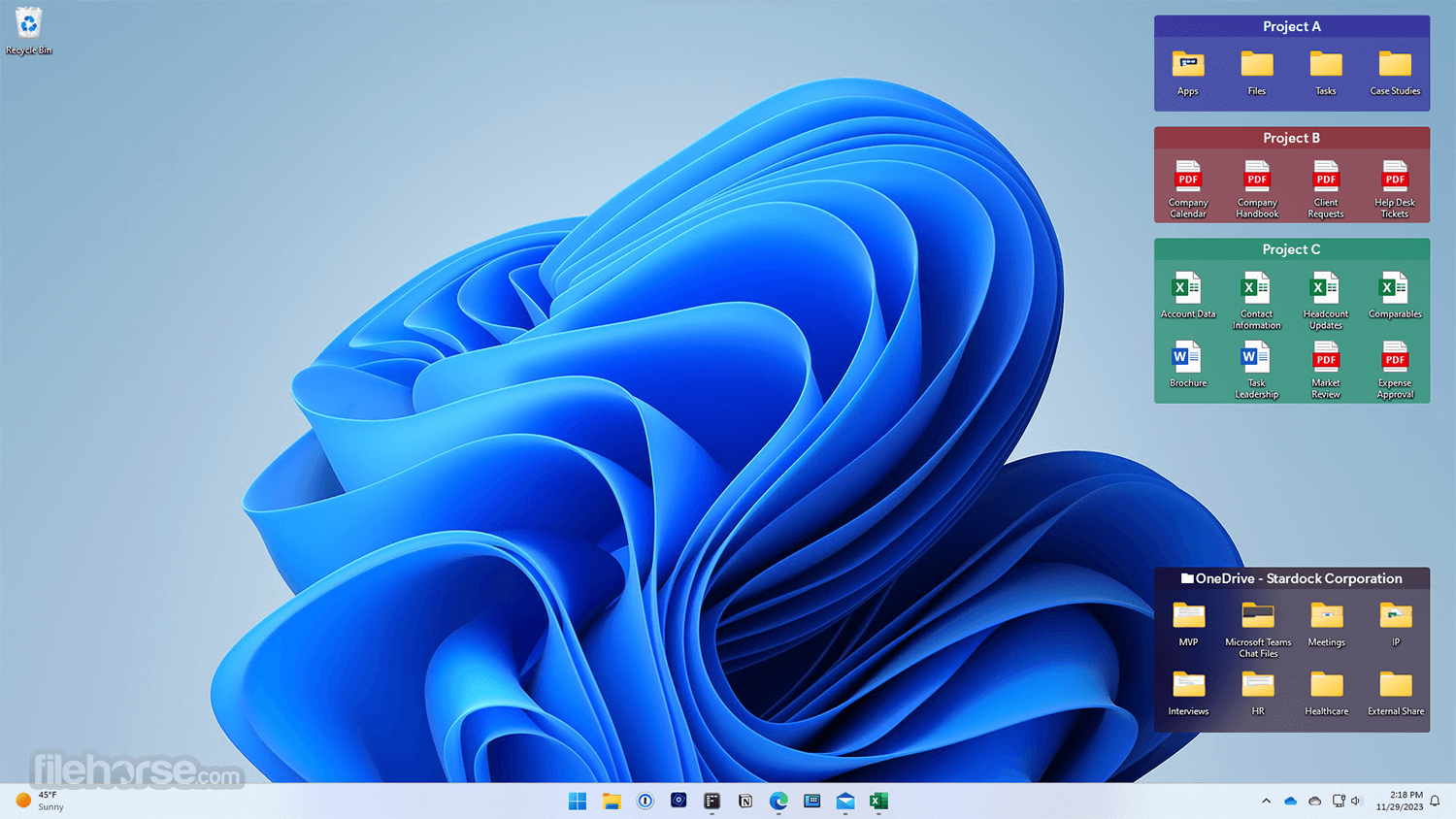
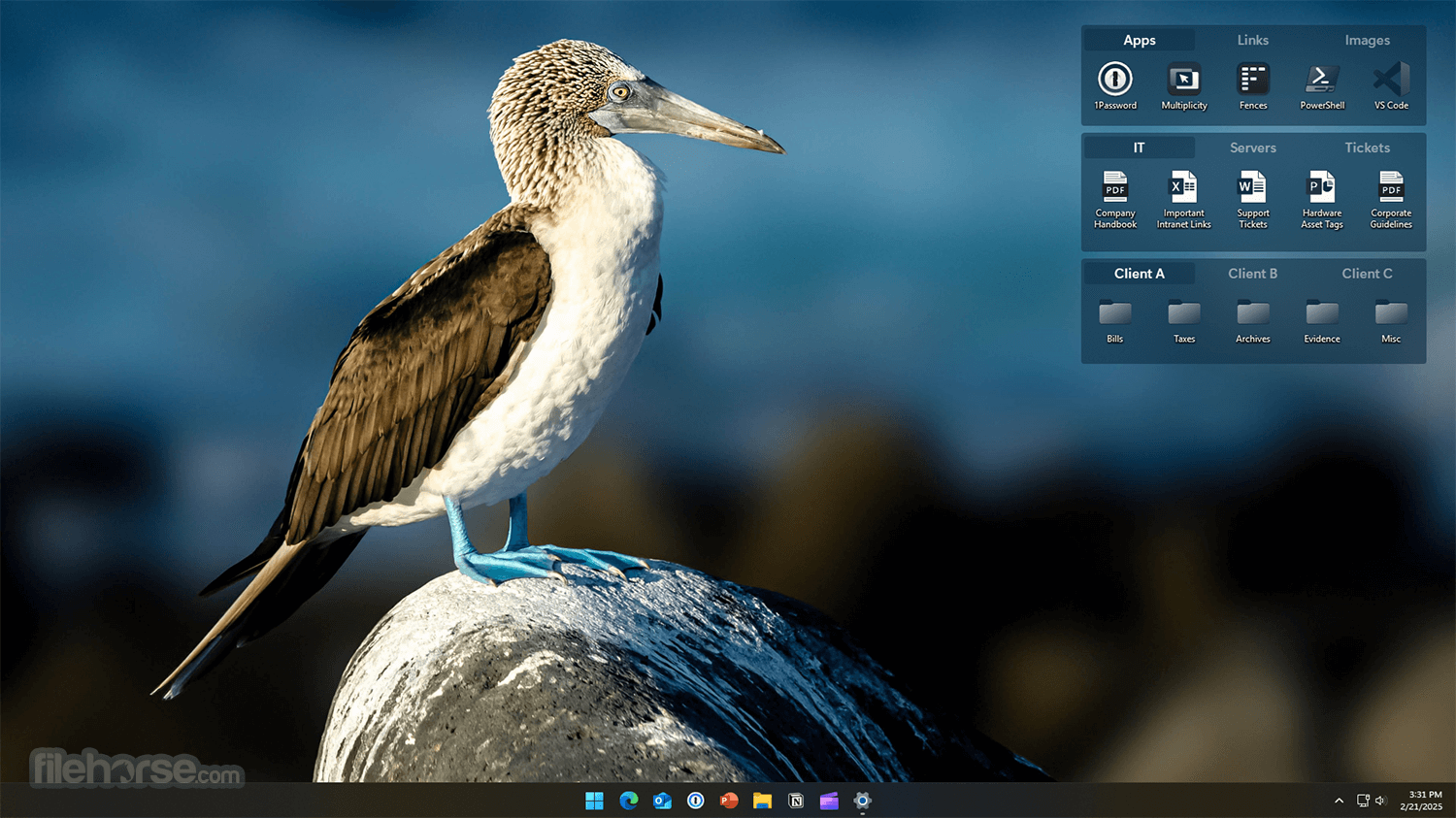
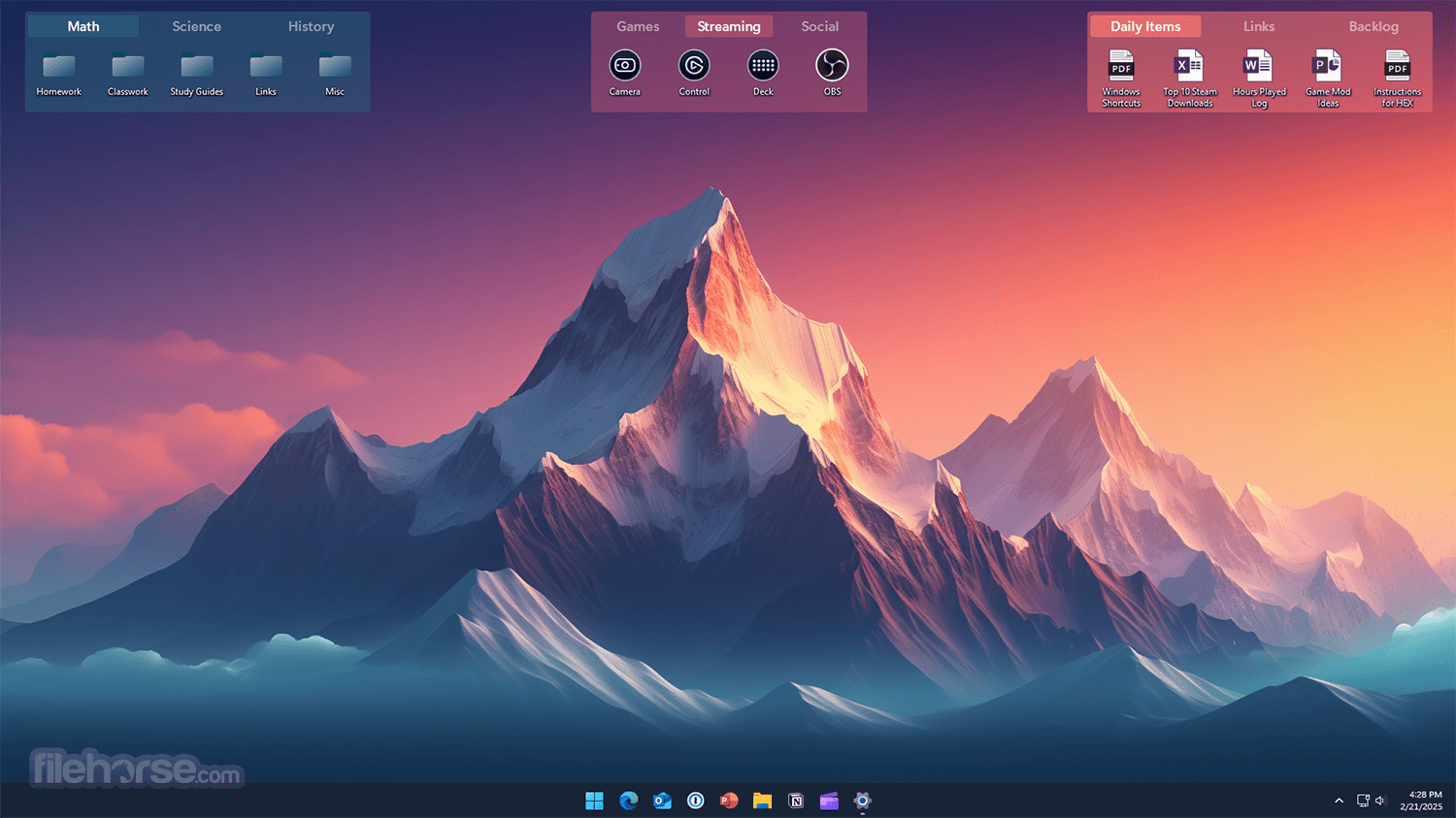
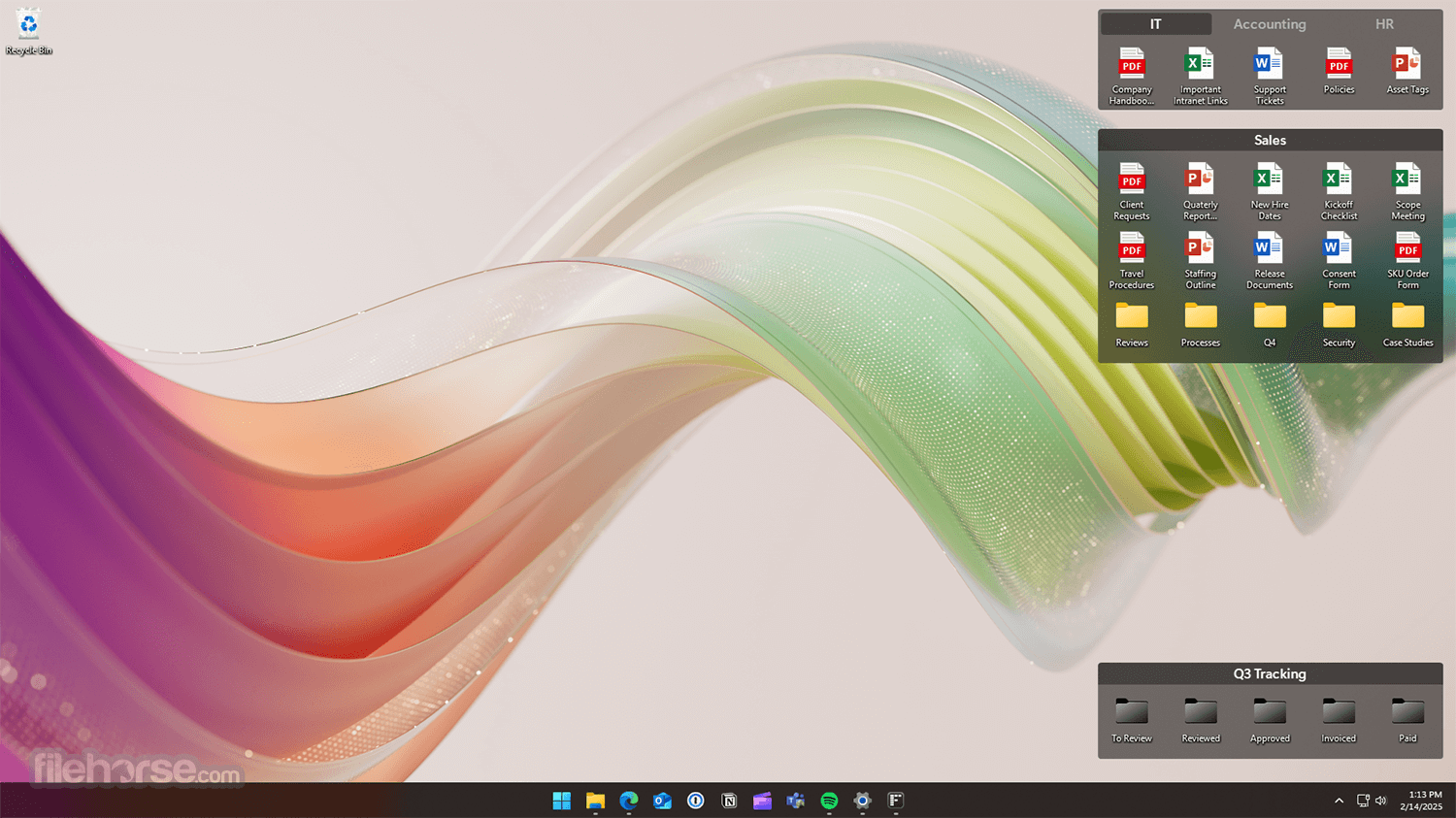
更新日誌
2.00 # NEW
* Make Your Desktop a Portal to Your Files
- Expose folders containing documents or pictures onto your desktop in fenced areas making them easy to access.
* Multiple Desktop Pages
- You can now have multiple pages of fences on your desktop. To flip a page, just take your mouse cursor to the edge of your screen and click and drag a new page of fences onto your desktop.
# FEATURES
* Rope off Your Desktop
- Create shaded areas call fences on your desktop in which you can place and organize icons.
* Keep Your Desktop Clean
- Double-click blank space on your desktop and all of your icons will fade out. Double-click again and they will return.
* Automatically Arrange Your Desktop
- Define rules for where your icons are placed and how they are arranged. When a new icon gets added, from an installer for instance, it will be automatically added to your preferred fence.
- 2026-05-30 Fences 6.4.6.1 22.97 MB
- 2025-12-10 Fences 6.2.0.1 22.82 MB
- 2025-09-19 Fences 6.0.2.6 22.67 MB
- 2025-05-31 Fences 6.0.0.2 22.65 MB
- 2025-03-12 Fences 5.8.9.3 21.76 MB
- 2024-11-20 Fences 5.8.6.8 18.33 MB
- 2024-09-26 Fences 5.8.4.7 18.36 MB
- 2024-07-30 Fences 5.8.0.3 16.63 MB