- 目前版本15.15
- 更新日期2026-06-19
- 檔案大小9.1 MB
- 檔案名稱photopadmaci.zip
- 作業系統Mac OS X 10.5 or later
- 支援語系English
- 授權型式試用版
- 開發商 NCH Software
- 軟體分類Mac 軟體 / 影像設計
##
翻譯排程處理中,以下暫以英文原文呈現
軟體介紹
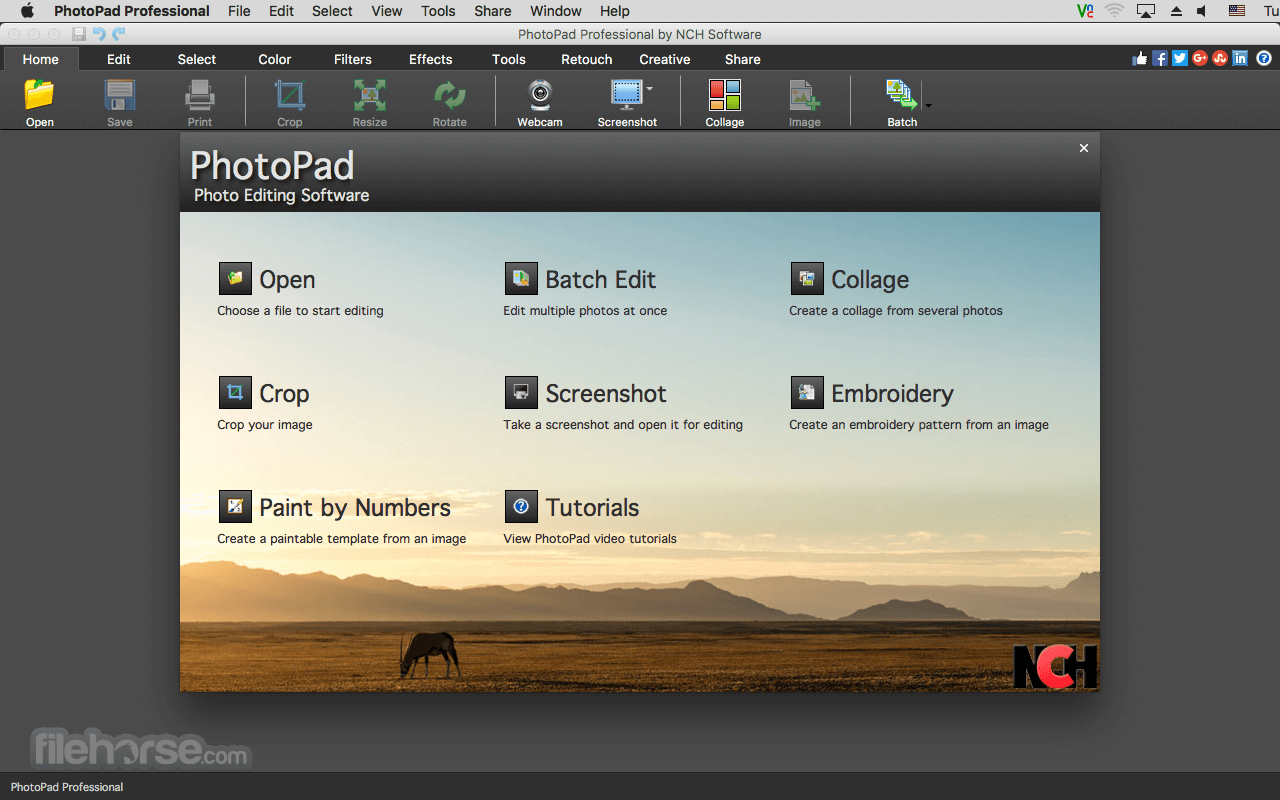
PhotoPad Photo and Image Editor for Mac is a free picture editing software for macOS. Easily edit digital photos and other pictures! Supports all popular image formats!
Crop, rotate, resize and flip photos fast and easy. PhotoPad for macOS is designed to be ready to open and edit your photos quickly. Download PhotoPad Image Editor for Mac today!
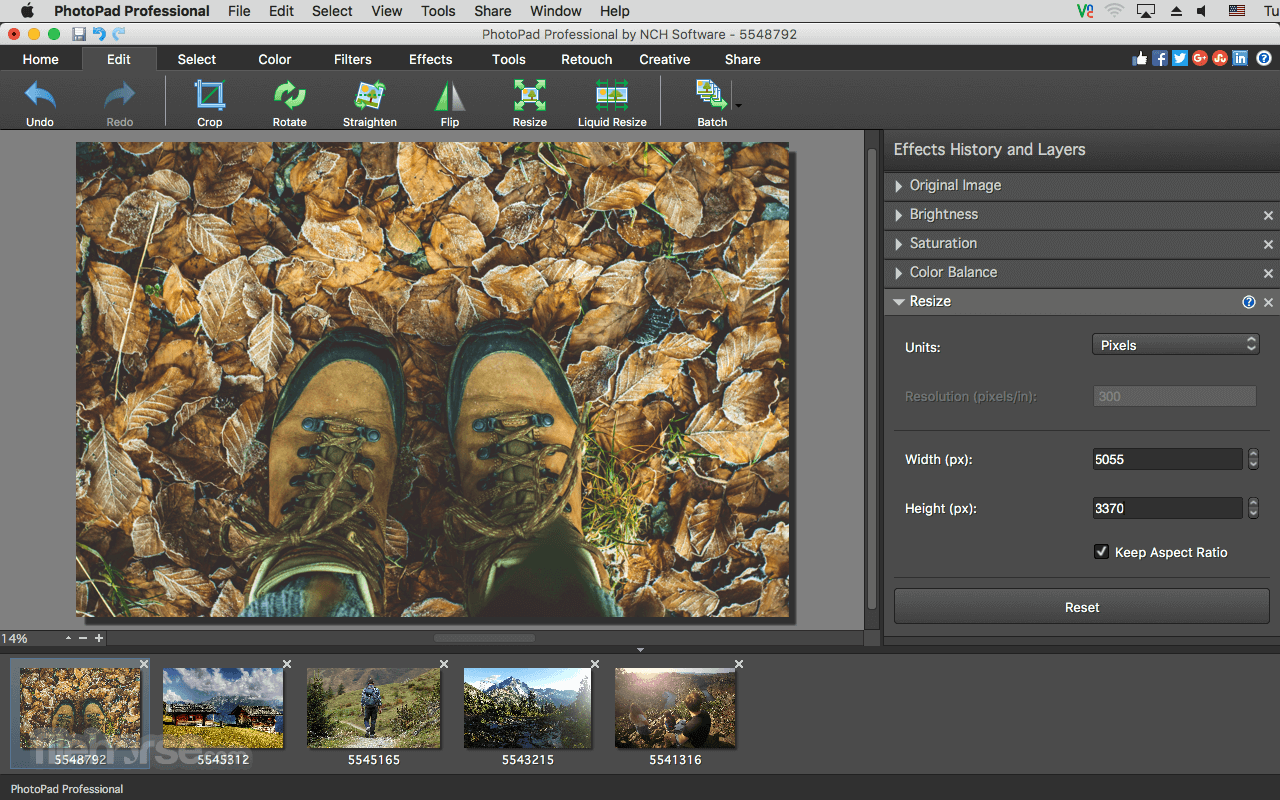
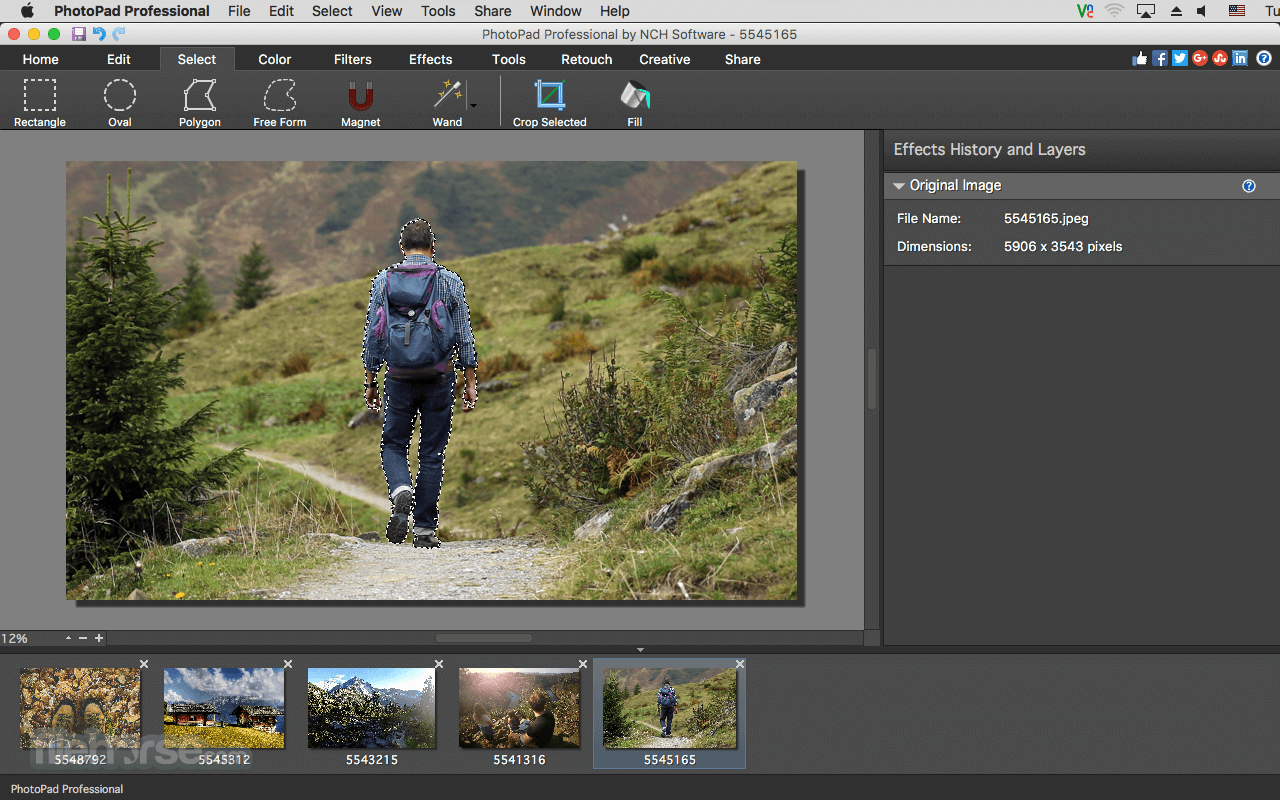
Use the crop tool to make a rectangular photo square or to focus on one portion of your photograph. It's also easy to resize your photo for the web or for print using the resize tool.
A free version of Photo Pad photo editing program is available for non-commercial use only.
Features and Highlights
Launch the app and open an image file
Use the toolbar to crop, rotate, or resize
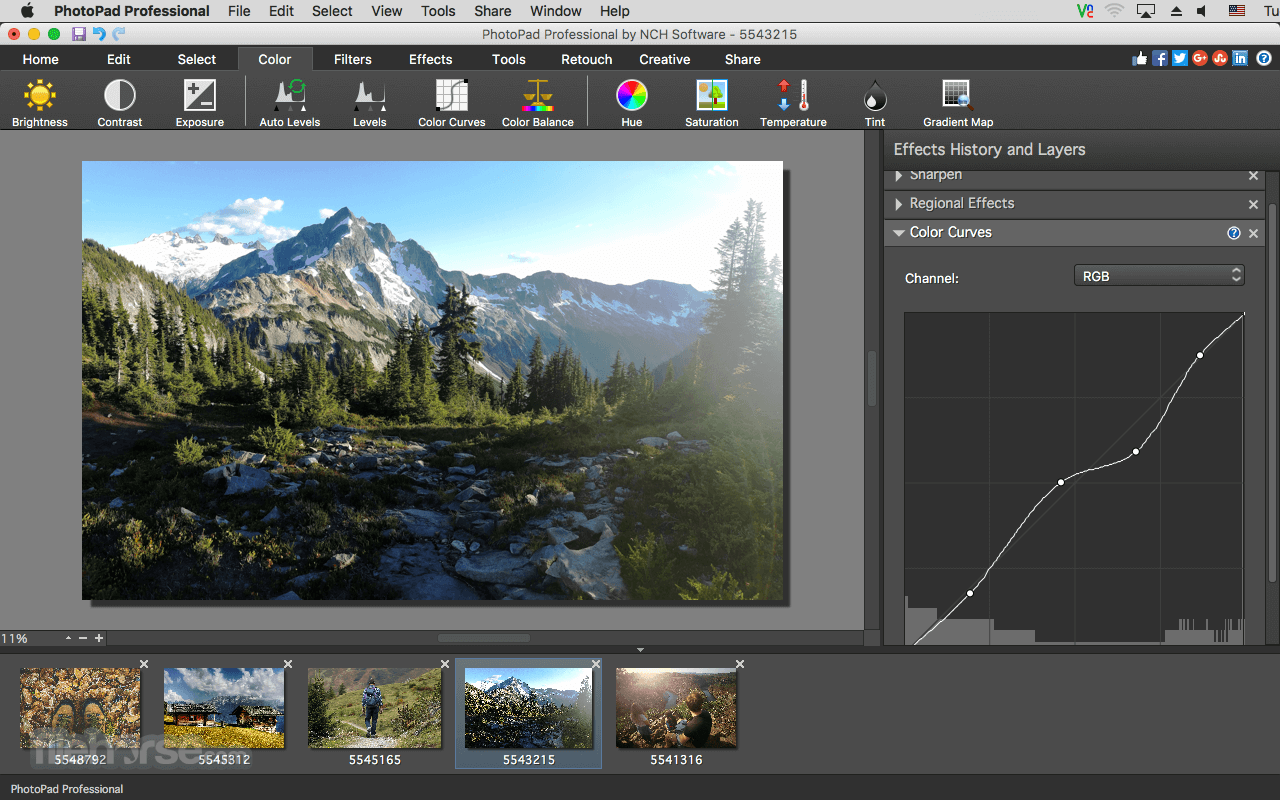
Apply filters, effects, or color adjustments
Use drawing tools to add text or shapes
Save the edited image to your preferred format
Export or share directly from the app
System Requirements
Also Available: Download PhotoPad Image Editor for Windows
Download PhotoPad Photo and Image Editor for Mac Latest Version Why is this app published on FileHorse? (More info)
Crop, rotate, resize and flip photos fast and easy. PhotoPad for macOS is designed to be ready to open and edit your photos quickly. Download PhotoPad Image Editor for Mac today!
Use the crop tool to make a rectangular photo square or to focus on one portion of your photograph. It's also easy to resize your photo for the web or for print using the resize tool.
A free version of Photo Pad photo editing program is available for non-commercial use only.
Features and Highlights
- Crop, rotate, resize and flip pictures
- Touch up photos to remove red-eye and blemishes
- Apply photo effects, including oil paint, cartoon, vignette, sepia and many more
- Improve photo quality and focus with blur, sharpening and noise reduction tools
- Adjust the color balance, exposure, levels, brightness, contrast and more
- Create collages and photo mosaics with your photographs
- Use preset filters to easily enhance your photos
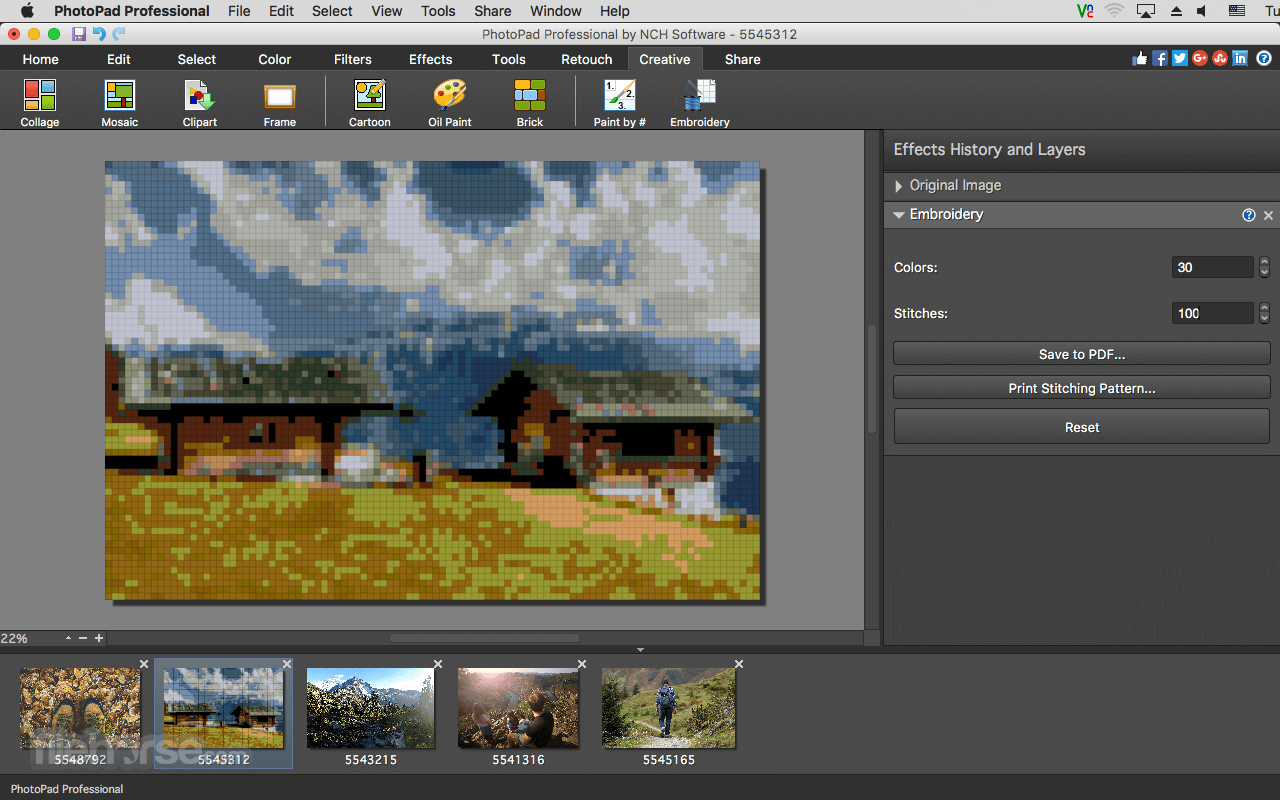
- Convert your photo to cross stitch patterns, paint by numbers or add an oil painting effect
- Photo stitching to make your own panorama images
- Merge multiple exposures to create stunning HDR photographs
- Load jpg, gif, png, and other popular image formats
- Add text and captions to photos
- Insert clipart from the included clipart library
- Add frames and borders around your photographs
- Change the aspect ratio of an image without distorting key features using the liquid resize effect
- Easily undo, re-order and edit existing effects on the layers list using non-destructive editing
- Upload edited pictures directly to Facebook or Flickr
Launch the app and open an image file
Use the toolbar to crop, rotate, or resize
Apply filters, effects, or color adjustments
Use drawing tools to add text or shapes
Save the edited image to your preferred format
Export or share directly from the app
System Requirements
- macOS 10.5 or later
- Intel or Apple Silicon (M1/M2) processor
- At least 2 GB RAM
- 100 MB free disk space
- Internet connection for updates and features
- Easy to use interface
- Supports many file formats
- Fast basic editing operations
- Batch editing feature available
- Low system resource usage
- Limited advanced editing tools
- Free version is feature-limited
- Occasional pop-ups for upgrades
- No support for PSD layer editing
Also Available: Download PhotoPad Image Editor for Windows
Download PhotoPad Photo and Image Editor for Mac Latest Version Why is this app published on FileHorse? (More info)
##
畫面截圖