⚠ 這是歷史版本頁面 — 查看 PerformanceTest 11.1 Build 最新版本 →

- 目前版本9.0
- 更新日期2020-03-04
- 檔案大小51.32 MB
- 檔案名稱petst9.exe
- 作業系統Windows 7 / Windows 8 / Windows 10 / Windows 11
- 支援語系English
- 授權型式商業試用
- 開發商 PassMark Software
- 軟體分類Windows 軟體 / 系統優化
##
編輯短評
PerformanceTest 是一套專門用來測量電腦效能的工具,透過多種速度測試項目,客觀評估 CPU、記憶體、磁碟與顯示卡等硬體表現,並能與其他電腦的結果相互比較。它最大的辨識度在於提供清楚的圖表呈現,以及整合的「PassMark Rating」總評分,讓你不必花時間解讀繁雜數據就能快速掌握系統效能。這套軟體由 PassMark Software 長期維護,更新步調不算頻繁,屬於小眾但穩定的測試工具,使用者評價普遍不錯,只是參與評分的人數不多。
如果你需要採購新電腦、升級硬體後想驗證效能,或是想比較不同機型的實際表現,PerformanceTest 會是實用的輔助工具。它內建基準結果資料庫,方便直接對照其他系統,省去自行蒐集數據的麻煩。與同分類的熱門替代軟體如 Rufus 或 Glary Utilities 相比,那些工具著重於系統安裝或優化,並非效能測試,因此 PerformanceTest 的定位更為專門。要注意的是,它提供的是試用版,且僅支援英文介面,使用前需確認你的 Windows 環境能接受這些限制。
##
翻譯排程處理中,以下暫以英文原文呈現
軟體介紹
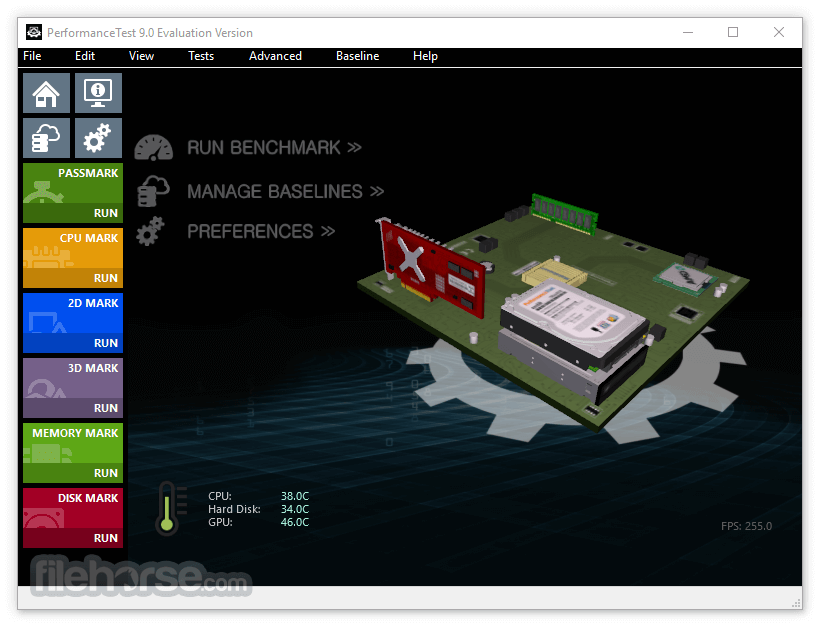
PassMark PerformanceTest allows you to objectively benchmark a PC using a variety of different speed tests and compare the results to other computers.
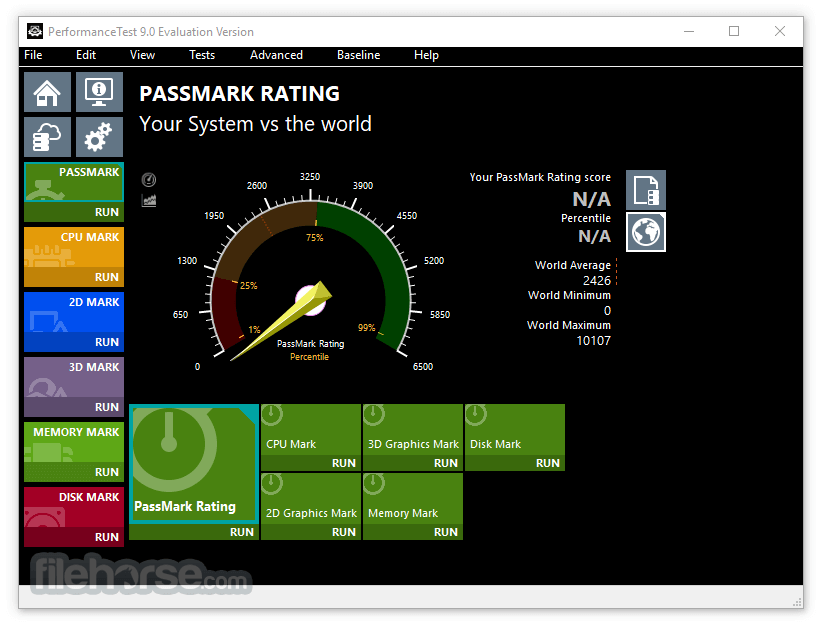
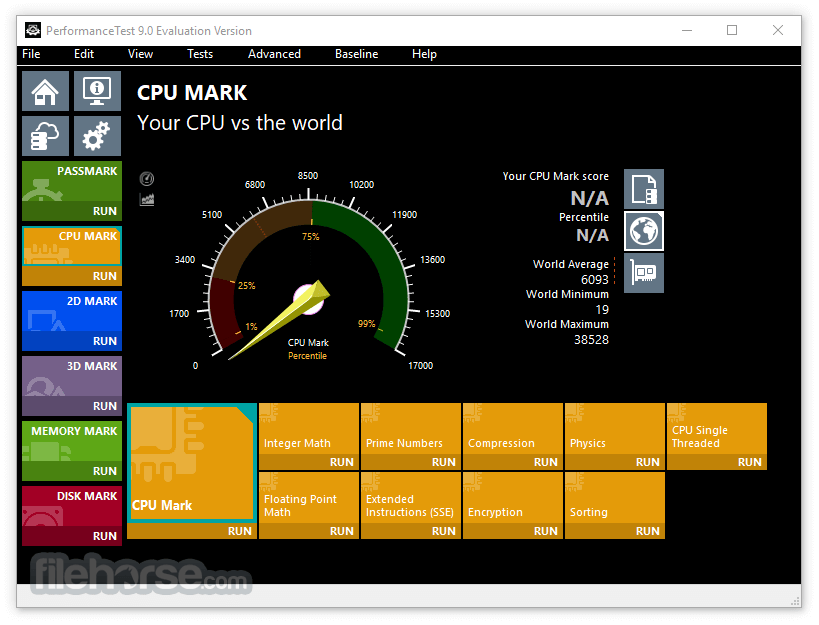
Fast, easy to use, PC speed testing and benchmarking. In addition to the standard tests, there are 5 summary results plus the overall "PassMark Rating" result. The benchmark results are presented as easy to read charts so that you don't need to spend hours studying the number to know the result.
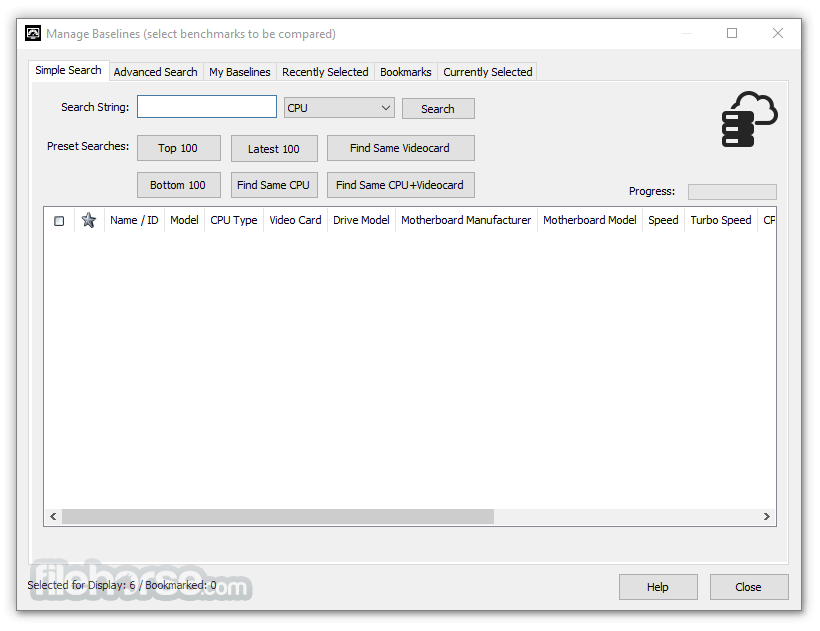
A major advantage is support for built-in baseline results which allows you to compare computer systems (a baseline is a standard set of results from another computer).
These baseline results can be used to determine how fast your computer is in comparison with other computer systems. PerformanceTest comes with six baseline results as well as the ability to search and download thousands more from the online database of user submission. Download PerformanceTest for Windows PC Now!
The eight advanced testing windows allow experienced users to create their own test scenarios and conduct an in-depth analysis of their hardware's behavior.
Each advanced testing window allows the user to select from a number of parameters and when appropriate graph the results, export the results and measure the CPU load. By adjusting the input parameters is it possible to measure the optional performance under a variety of different scenarios.
Advanced Disk Testing
Test the speed of your disk using different file sizes, block sizes, and caching options. Test with multiple threads and measure IOPS.
Advanced CD / DVD Testing
Test the speed of your CD or DVD drive using different test durations, block sizes, and caching options.
Advanced 3D Testing
Test the speed of your 3D video card by selecting from options such as fogging, lighting, alpha blending, wire frame, texturing, resolution, color depth, object rotation, and object displacement. Separate tests for DirectX 9,10,11 & 12. With support for 4K resolution.
Advanced Networking Test
Measure the network speed between any two computers using TCP/IP. The network speed test can be conducted across a company LAN or across the Internet to determine the point to point throughput. Adjust parameters such as the hostname, IP address, port number, and block size. Works with dialup modems, ADSL, cable, and LANs.
Advanced Memory Test
Measure the read and write speed of your RAM. Parameters include data size (8 bits to 64 bits) and a selection of two test modes. Linear sequential access across various block sizes or non-sequential access with a varying step size. This allows both the effect of RAM caching and the optimizations in the memory controller to be investigated.
Advanced Visualized Physics Test
View a visual representation of what the standard CPU Physics test is doing. You can also tweak the simulation parameters to get different effects.
Advanced GPU compute Test
Test your Videocard's compute performance with a series of tests. Both DirectCompute and OpenCL.
Advanced configurable tests:
OS: Windows 11, 10, 8, or 7 (32-bit or 64-bit)
CPU: Intel or AMD processor
RAM: Minimum 1 GB (2 GB+ recommended)
Disk Space: At least 100 MB of free space
GPU: DirectX 9 or later compatible graphics
PROS
Download PerformanceTest Latest Version Why is this app published on FileHorse? (More info)
Fast, easy to use, PC speed testing and benchmarking. In addition to the standard tests, there are 5 summary results plus the overall "PassMark Rating" result. The benchmark results are presented as easy to read charts so that you don't need to spend hours studying the number to know the result.
A major advantage is support for built-in baseline results which allows you to compare computer systems (a baseline is a standard set of results from another computer).
These baseline results can be used to determine how fast your computer is in comparison with other computer systems. PerformanceTest comes with six baseline results as well as the ability to search and download thousands more from the online database of user submission. Download PerformanceTest for Windows PC Now!
The eight advanced testing windows allow experienced users to create their own test scenarios and conduct an in-depth analysis of their hardware's behavior.
Each advanced testing window allows the user to select from a number of parameters and when appropriate graph the results, export the results and measure the CPU load. By adjusting the input parameters is it possible to measure the optional performance under a variety of different scenarios.
Advanced Disk Testing
Test the speed of your disk using different file sizes, block sizes, and caching options. Test with multiple threads and measure IOPS.
Advanced CD / DVD Testing
Test the speed of your CD or DVD drive using different test durations, block sizes, and caching options.
Advanced 3D Testing
Test the speed of your 3D video card by selecting from options such as fogging, lighting, alpha blending, wire frame, texturing, resolution, color depth, object rotation, and object displacement. Separate tests for DirectX 9,10,11 & 12. With support for 4K resolution.
Advanced Networking Test
Measure the network speed between any two computers using TCP/IP. The network speed test can be conducted across a company LAN or across the Internet to determine the point to point throughput. Adjust parameters such as the hostname, IP address, port number, and block size. Works with dialup modems, ADSL, cable, and LANs.
Advanced Memory Test
Measure the read and write speed of your RAM. Parameters include data size (8 bits to 64 bits) and a selection of two test modes. Linear sequential access across various block sizes or non-sequential access with a varying step size. This allows both the effect of RAM caching and the optimizations in the memory controller to be investigated.
Advanced Visualized Physics Test
View a visual representation of what the standard CPU Physics test is doing. You can also tweak the simulation parameters to get different effects.
Advanced GPU compute Test
Test your Videocard's compute performance with a series of tests. Both DirectCompute and OpenCL.
Advanced configurable tests:
- Advanced Disk
- Advanced CD / DVD
- Advanced 3D graphics
- Advanced Networking (for Ethernet, Internet, and Wireless)
- Advanced Memory
- Advanced Visualized Physics
- Advanced DirectCompute
- Install the software following the setup wizard instructions
- Launch the application after installation completes
- Select the test type (CPU, GPU, Disk, Memory, etc.)
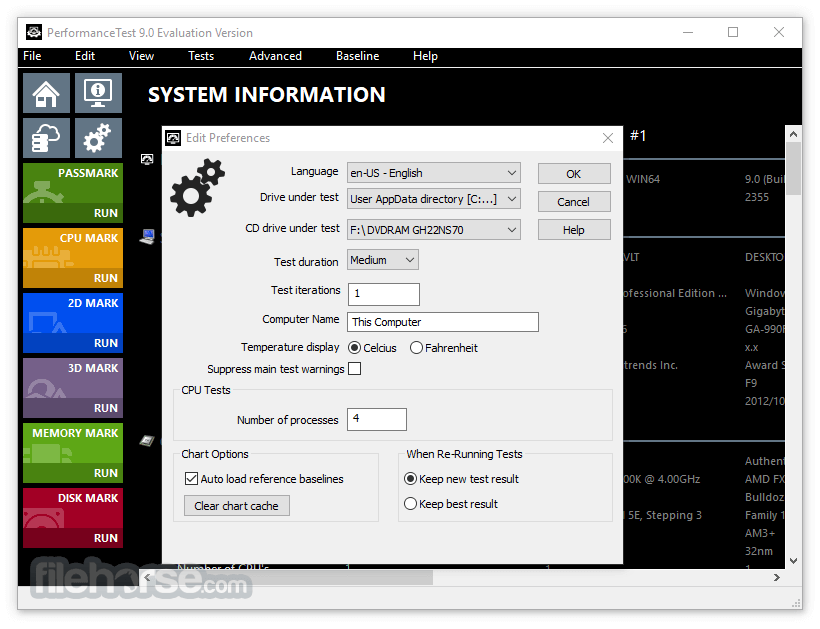
- Click “Run Benchmark” to begin testing your system
- Wait for the tests to complete (takes a few minutes)
- Review your score and compare with baseline systems
- Export results or submit to PassMark online database
- Use the advanced tests for detailed component analysis
- Close the application after saving your results
OS: Windows 11, 10, 8, or 7 (32-bit or 64-bit)
CPU: Intel or AMD processor
RAM: Minimum 1 GB (2 GB+ recommended)
Disk Space: At least 100 MB of free space
GPU: DirectX 9 or later compatible graphics
PROS
- Easy to use and quick to install
- Detailed component benchmark options
- Real-time system performance graphing
- Online score comparison with other PCs
- Supports advanced testing for experts
- Interface feels a bit outdated
- No built-in hardware monitoring tools
- Free trial is limited in features
- Scores may vary between test runs
- Not ideal for novice PC users
Download PerformanceTest Latest Version Why is this app published on FileHorse? (More info)
##
畫面截圖
- 2026-06-25 PerformanceTest 11.1 Build 1013 82.3 MB
- 2020-03-04 PerformanceTest 9.0 51.32 MB